Loading model
About
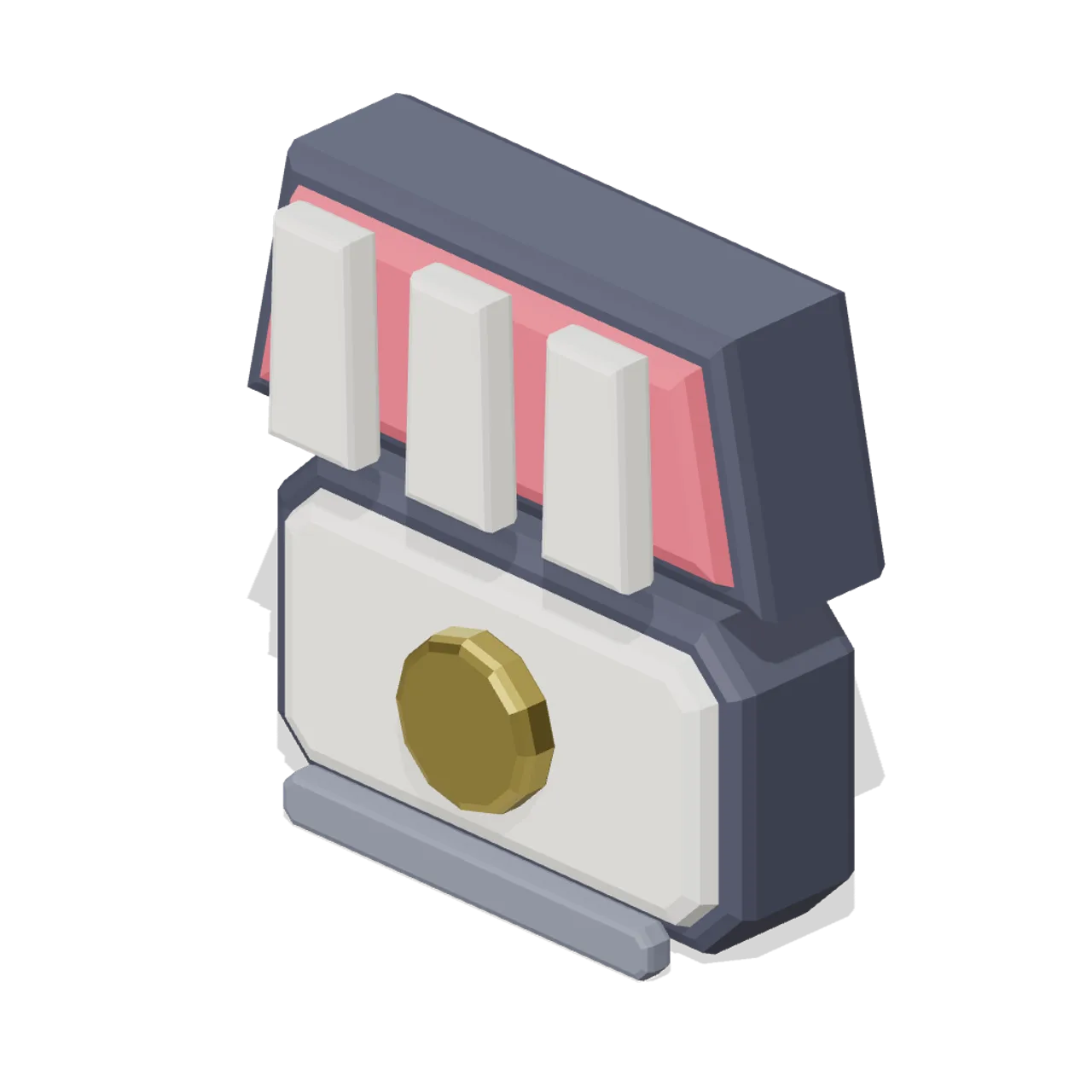
Shop front with a striped awning over a counter carrying a coin, for vendors, traders and store entries.
Scale contract: the icon fills a 1.0 m cube, centred on the origin in X and Z, resting at y=0 with the visual mass around y=0.5, and the glyph face pointing +Z. Scale it to taste; a HUD normally wants it far smaller than a metre.
Static geometry with chamfered edges and flat-shaded faces. No skinned rig, animation, collision or navigation data.
Use with an AI agent
Copy this prompt into your AI chat, then describe what you want to build with the asset.
Use the “Shop marker icon (3D Game UI Icons)” asset in my project.

Model: https://cdn.3dassets.dev/assets/19043/v1/model.glb
Asset page: https://3dassets.dev/assets/game-ui-icon-library-shop-marker-476651be
Description: Shop front with a striped awning over a counter carrying a coin, for vendors, traders and store entries.

- Dimensions (X × Y × Z): 0.969 × 0.94 × 0.383 metres
- Triangles: 636
- Animations: none
- Licence: CC0 1.0 Universal (https://creativecommons.org/publicdomain/zero/1.0/)
- Loading: Three.js GLTFLoader; no additional decoders required.
Also available as JSON, Markdown, or via the MCP server.
Import manually
Choose your framework, then copy the code into your project to load the asset.
import { GLTFLoader } from 'three/addons/loaders/GLTFLoader.js'

const loader = new GLTFLoader()
loader.load('https://cdn.3dassets.dev/assets/19043/v1/model.glb', (gltf) => {
  scene.add(gltf.scene)
})
Common questions
How do I use Shop marker icon (3D Game UI Icons) with my AI development tools?
How do I get started?
Which game engines and tools can I use Shop marker icon (3D Game UI Icons) with?
How do I import this model into Unity, Godot, Unreal or Blender?
Can I use Shop marker icon (3D Game UI Icons) in a commercial game, and do I need to credit anyone?
Can I load it from the CDN instead of downloading it?
Do I need Draco, Meshopt or KTX2 to load it?
Shop marker icon (3D Game UI Icons)
Shop front with a striped awning over a counter carrying a coin, for vendors, traders and store entries.
More in 3D Icons & UI
 Animated
Heart pickup (Pickups and Collectibles)
Puffed 0.36 m heart in glowing red with two pale shine chips on the upper lobe and a small gold ring at the cleft. The standard one-unit health restore.

Map pin icon (3D Game UI Icons)
Teardrop map pin with the point down and a recessed round eye, the standard location marker.

Laboratory Safety Sign Set (University Lecture Hall and Campus)
A 1.3 m rail of four laboratory safety signs: a warning triangle, a prohibition disc, a mandatory disc and a green emergency route square, on brushed mounting rails.
 Animated
Invincibility star (Pickups and Collectibles)
Five-point gold star 0.42 m across, puffed to a 0.115 m ridge, with a violet cabochon at each face centre and a glowing bead on every point.
Ammo box icon (3D Game UI Icons)
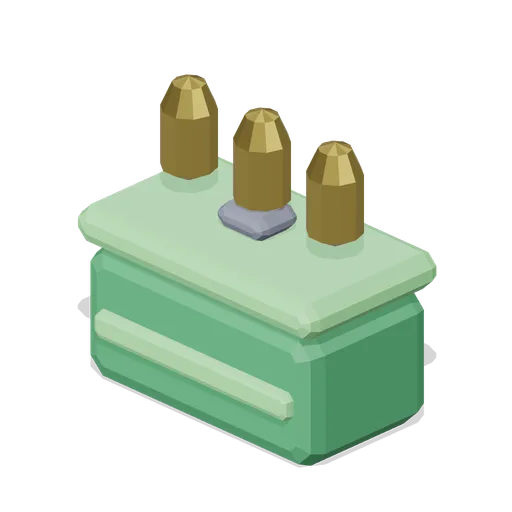
Metal ammunition case with a latch, a strap band and three loose rounds standing on the lid, for ammunition pickups.

Fuel can icon (3D Game UI Icons)
Pressed jerry can with a cross braced face, a screw spout and a top carry handle, for fuel and generator resources.

Cog icon (3D Game UI Icons)
Eight tooth spur gear with a recessed hub bore, for settings, options and machinery menus.

Round cut gem icon, rare tier (3D Game UI Icons)
Round brilliant cut gem in the rare rarity colourway. Geometry is identical to the base gem; only the palette carries the tier.
 Animated
Health cross pickup (Pickups and Collectibles)
Bone-white medical cross standing 0.11 m proud of a red disc inside a gold bezel, 0.39 m across. The full-heal pickup, readable from any angle.
Inventory slot frame (3D Game UI Icons)
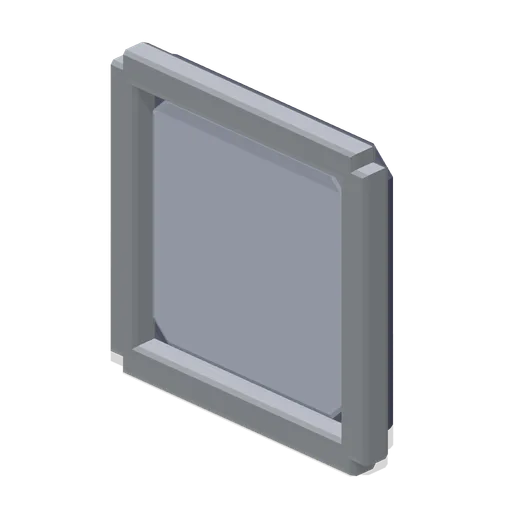
Upright 1.2 m inventory slot: a recessed back panel inside a bevelled metal bezel, sized so a 1.0 m icon sits centred in the well. Tiles edge to edge on a 1.2 m pitch to build a bag grid.

Cloth bolt icon (3D Game UI Icons)
Bolt of fabric rolled on a core with a tied band, a smaller roll resting on top and a length of cloth hanging down the front, for textile resources.

Bread loaf icon (3D Game UI Icons)
Round topped loaf on a pale crumb base with three diagonal slashes across the crust, for food and hunger.
Similar assets
 Animated
Shutter counter shop front, 4 m (Blacksmith Forge and Armoury)
Timber framed shop front 4 m wide with a 2.4 m opening over a stone counter sill: the boarded shutter is hinged along the sill and drops forward onto two iron stays to become the selling counter, which is how a medieval shop front works.

Butcher's shop, deli counter and prep room (Butcher's Shop and Deli Counter)
A working butcher's shop laid out as one place: an L shaped serve over counter run of chilled and deli modules turned by its corner unit, the wells trayed with cuts, sausage, bacon, pies and cheese and priced on spikes, hanging rails and chalkboards above, the till and the...
Front counter module 600 (Fast Food Counter and Drive-Thru)
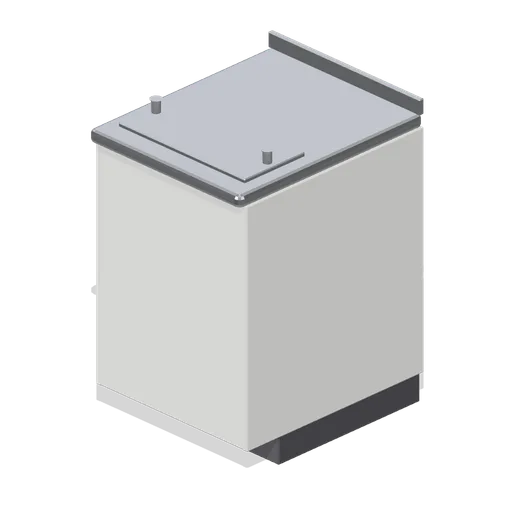
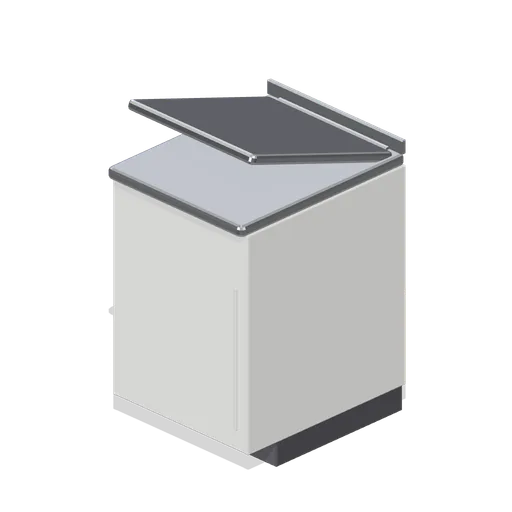
A 600 mm front counter module on the 900 mm counter grid: laminate customer fascia with an accent reveal, recessed kick, stainless bullnose top with a rear upstand, crew-side wire shelf and a bag rail on the top.

Dry cleaners shop front, cleaning plant and alterations workroom (Dry Cleaners and Alterations Shop)
A working high street dry cleaners laid out as one place. A five module counter run crosses the shop front with its two pay points, ticket racks and drop off bays, a run of garment conveyor rail stands behind it hung with covered work, the tariff board is up on the partition...
 Animated
Front counter flap module (Fast Food Counter and Drive-Thru)
A 600 mm counter module with a lift-up worktop flap and a half-height swing gate below it, so crew can cross the counter line.
Shop shelving bay with bin fronts (Hardware Store and DIY Warehouse)
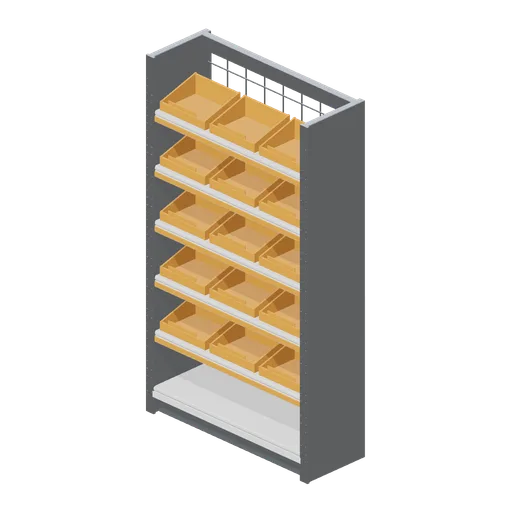
The 2.4 m shop bay with three open fronted sloping picking bins on every shelf and a mesh back, the loose fixings and fittings face of a hardware aisle.
 Animated
Refrigerated serving counter module (Butcher's Shop and Deli Counter)
A 1.2 m refrigerated serve over counter: a stainless carcass on a recessed plinth with a burgundy fascia and a brass reveal, a chilled display well, raked front glass under a flat canopy, a brass customer rail and a sliding glass access leaf on the server side.
 Animated
Serving counter module, timber fascia (Butcher's Shop and Deli Counter)
The serving counter with its fascia and reveal in beech instead of burgundy, for a farm shop or a delicatessen fit out. Ports, deck height and glass line are identical to the painted module.

Ramen Shop Front Bay (Izakaya Alley and Ramen Shop)
A 4 m counter ramen shopfront: an open 3.4 m trading bay between rendered piers, a tiled stall board, a deep timber head beam, a cream fascia carrying three abstract painted marks and a three panel indigo noren hanging in the opening. Tiles into a street run.
 Animated
Shop awning on folding arms (Animated Mechanisms Kit)
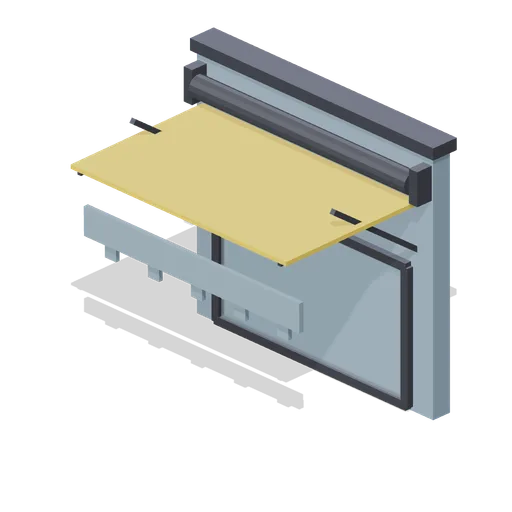
A 3.1 m amber shop awning at 16 degrees on two folding arms and a roller bar, with a scalloped valance, over a glazed shop front with an iron surround.

Gift Shop Counter (Public Aquarium and Marine Centre)
A gift shop corner: a 2 m till counter with a clad front and a timber top, backed by a four shelf display wall carrying blocks of bright stock and a lit header.

Open stall unit with counter and canopy (Indoor Market Hall and Traders)
The pitch a trader hires by the day: four steel posts and a head frame carrying a striped canvas canopy with a scalloped valance, over a boarded timber counter with a raked display back, a price rail and a blank valance board.