Loading model
About
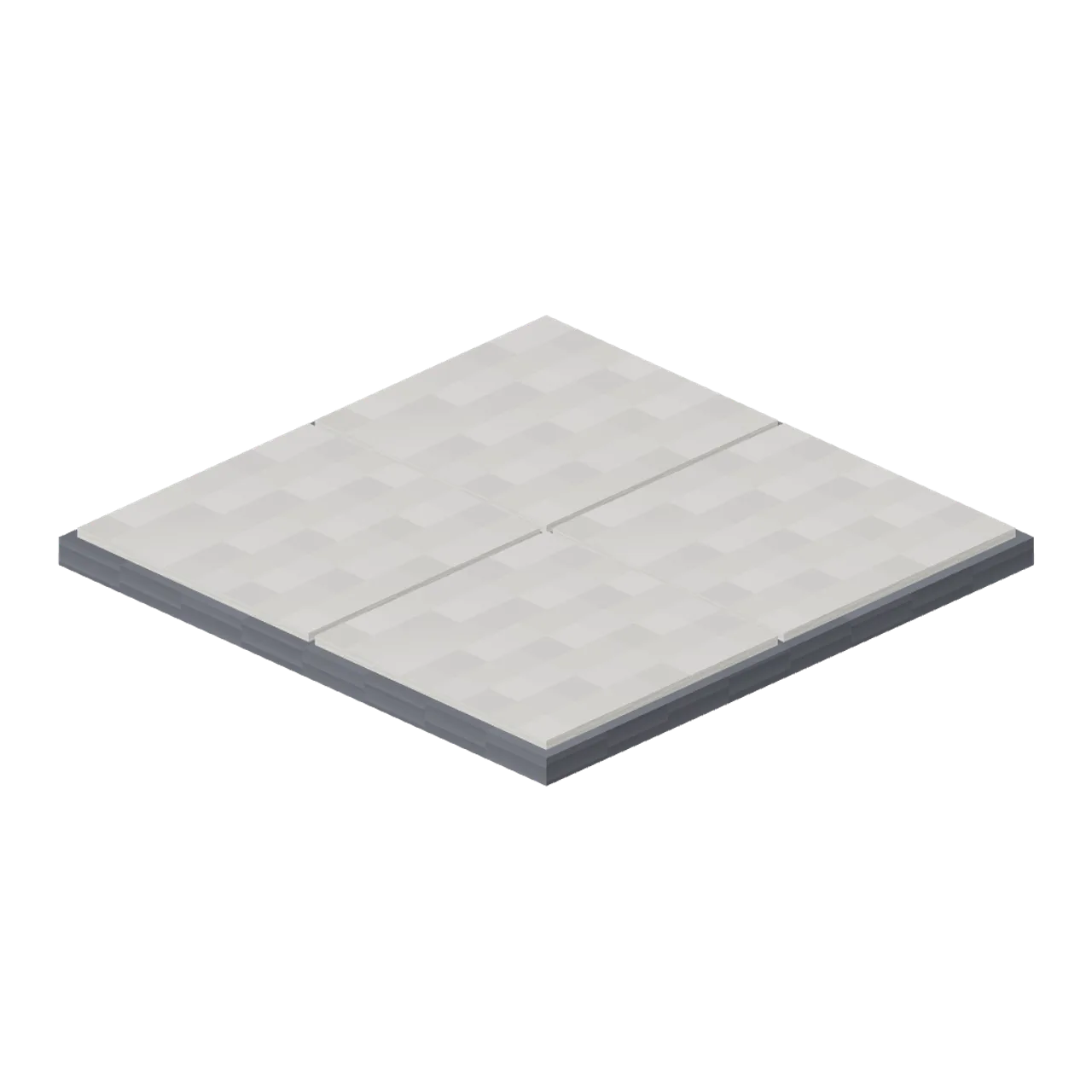
Square 4 m pavement tile: four large paving slabs on a charcoal kerb block, standing 0.12 m proud of the road. Dimensions 4.00 by 0.24 by 4.00 m (X by Y by Z). Metre units, +Y up, +Z front, origin on the footprint at ground level. Connectors: north (street-4m) at (0.00, 0.00, -2.00) facing (0, 0, -1); south (street-4m) at (0.00, 0.00, 2.00) facing (0, 0, 1); west (street-4m) at (-2.00, 0.00, 0.00) facing (-1, 0, 0); east (street-4m) at (2.00, 0.00, 0.00) facing (1, 0, 0). The kerb is the block’s own side face, so tiles butt without overlapping. Slab joints are modelled, not textured. Pixel Modern palette: warm white render, light oak, charcoal, slate blue, sage, coral, a mustard glow and a screen cyan, every one of them a 32 px nearest-filtered pixel map. Static geometry; no rig, animation, collision or navigation data.
Use with an AI agent
Copy this prompt into your AI chat, then describe what you want to build with the asset.
Use the “Pavement Tile (Pixel Modern City Street)” asset in my project.

Model: https://cdn.3dassets.dev/assets/28988/v1/model.glb
Asset page: https://3dassets.dev/assets/pixel-modern-city-street-pavement-tile-3919c1cc
Description: Square 4 m pavement tile: four large paving slabs on a charcoal kerb block, standing 0.12 m proud of the road.

- Dimensions (X × Y × Z): 4 × 0.24 × 4 metres
- Triangles: 60
- Animations: none
- Licence: CC0 1.0 Universal (https://creativecommons.org/publicdomain/zero/1.0/)
- Loading: Three.js GLTFLoader; no additional decoders required.
Also available as JSON, Markdown, or via the MCP server.
Import manually
Choose your framework, then copy the code into your project to load the asset.
import { GLTFLoader } from 'three/addons/loaders/GLTFLoader.js'

const loader = new GLTFLoader()
loader.load('https://cdn.3dassets.dev/assets/28988/v1/model.glb', (gltf) => {
  scene.add(gltf.scene)
})
Common questions
How do I use Pavement Tile (Pixel Modern City Street) with my AI development tools?
How do I get started?
Which game engines and tools can I use Pavement Tile (Pixel Modern City Street) with?
How do I import this model into Unity, Godot, Unreal or Blender?
Can I use Pavement Tile (Pixel Modern City Street) in a commercial game, and do I need to credit anyone?
Can I load it from the CDN instead of downloading it?
Do I need Draco, Meshopt or KTX2 to load it?
Pavement Tile (Pixel Modern City Street)
Square 4 m pavement tile: four large paving slabs on a charcoal kerb block, standing 0.12 m proud of the road.
More in Roads & Infrastructure
 Animated
Entry barrier with a lifting arm (Car Park and Road Vehicle Fleet)
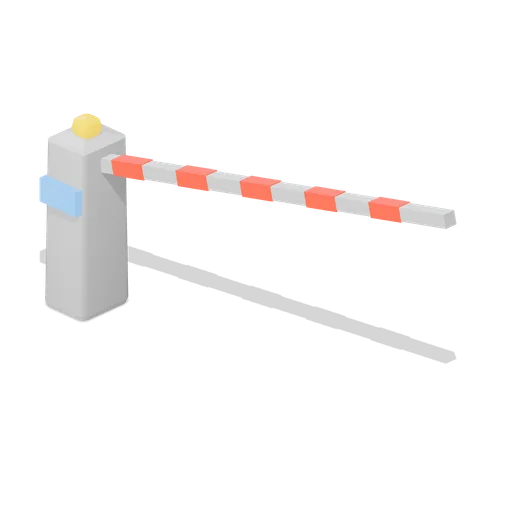
A car park entry barrier: a pedestal cabinet with a card reader screen and a warning beacon, and a 3 m boom that lifts clear of the lane. Car park access control equipment.

Dock edge railing panel 4 m (Steampunk Airship Dock and Workshop)
A 4 m guard rail panel with a kick plate and bolted foot plates, for open deck edges.
Warehouse Floor Slab (Distillery and Bonded Warehouse)
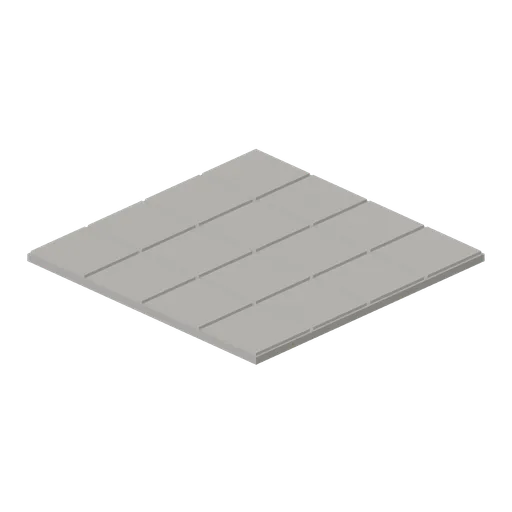
Four metre floor tile 0.14 m thick: a concrete bed with sixteen laid stone flags on it and open joints between them. Tiles edge to edge on a four metre grid with the yard module, so a warehouse or stillhouse floor has no seams.
 Animated
Slewing jib crane (Steampunk Airship Dock and Workshop)
A 4.8 m column crane with a slewing jib, a 3.5 m reach and a hook block on the chain fall.
 Animated
Dock gantry with travelling hoist (Steampunk Airship Dock and Workshop)
A 6.4 m portal gantry with a runway beam, a travelling trolley and a chain hung hook block.
Yard Grit Module (Distillery and Bonded Warehouse)
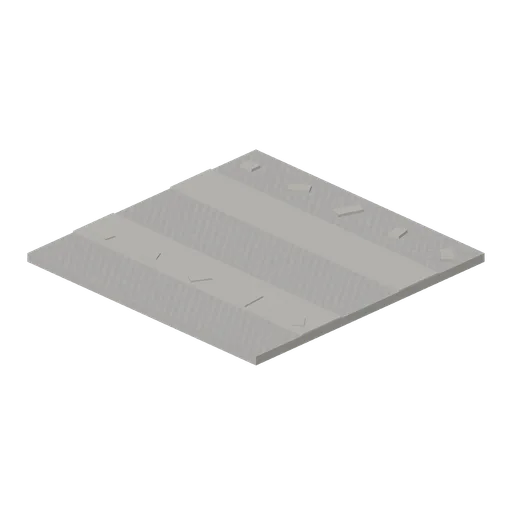
Four metre yard tile 0.16 m thick: a rolled grit surface with two wheel ruts across it and loose stones scattered over it. Tiles edge to edge on the same grid as the warehouse floor slab, so a whole site lays with no gaps.

Railed catwalk module 4 m (Steampunk Airship Dock and Workshop)
A 4 m grated catwalk module 1.2 m wide, with handrails and kick plates on both sides.
 Animated
Airship mooring mast (Steampunk Airship Dock and Workshop)
An 8.6 m riveted lattice mooring mast with a weathercocking head, a mooring cup and a ladder.

Riveted dock deck plate 4 m (Steampunk Airship Dock and Workshop)
A 4 m riveted steel deck plate on iron joists, the modular floor of the airship dock.
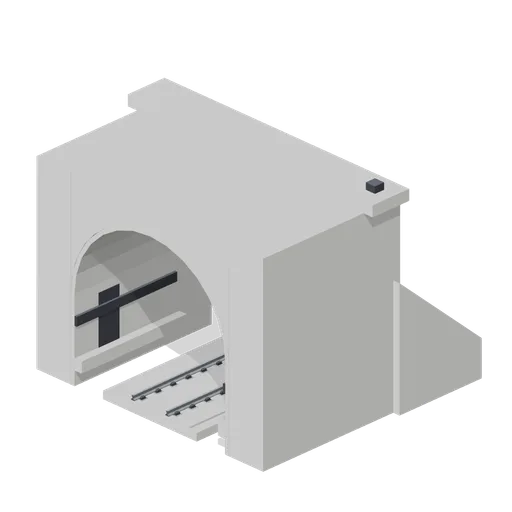
Tunnel portal with slab track (Modern Rail and Metro Network)
A 6 m concrete tunnel portal with a horseshoe bore, cornice, splayed wing walls and slab track through it.

Railed catwalk corner module (Steampunk Airship Dock and Workshop)
A right angle catwalk corner turning from the -Z port to the +X port, railed on the outside.

Steel stair flight 2 m rise (Steampunk Airship Dock and Workshop)
A steel stair flight rising 2.0 m over a 2.4 m run, with chequer treads and handrails.
Similar assets

Apartment Block Floor Tile (Cyberpunk Apartment and Neon Block)
A 1.2 m square screed floor tile, 56 mm thick, with a rubber expansion joint let into two edges. Ports on all four edge midpoints tile a cell, a corridor or a whole landing in either direction.

Cyberpunk Apartment Block: Four Cell Cutaway (Cyberpunk Apartment and Neon Block)
Four rented cells of a subdivided block on their own 1.2 m floor tiles, 21.6 by 13.2 m, built as an OPEN TOPPED cutaway: full wall runs stand between the cells and around them, but nothing is roofed except one bay of the service corridor, so a visitor walks the plot and looks...
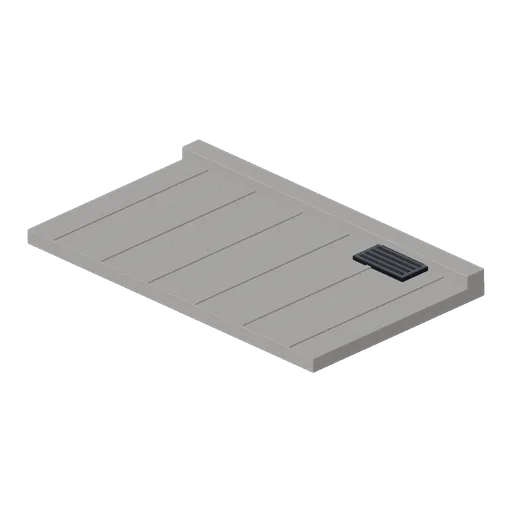
Kerb And Pavement Slab 4 m (Battle Royale Town and Airfield)
Free 3D game asset for a battle royale town: a 4 m concrete pavement slab with a kerb upstand, scored joints and a gully grate, with a connector port at each end.

Market Floor Tile (Street Food Market and Food Trucks)
A 4 x 4 m paved market floor tile: a 100 mm concrete slab with a charcoal joint cross and an inset joint round the edge, so a run of tiles reads as paving rather than as one flat sheet. Four edge ports; tiles butt into a yard of any size.

Apartment Block Floor Tile, Drain Grate (Cyberpunk Apartment and Neon Block)
The same 1.2 m floor tile with a 780 mm steel drain grate set into it on nine bars in a recessed frame, for the wet cell, the laundry and the yard. Same four ports as the plain tile.
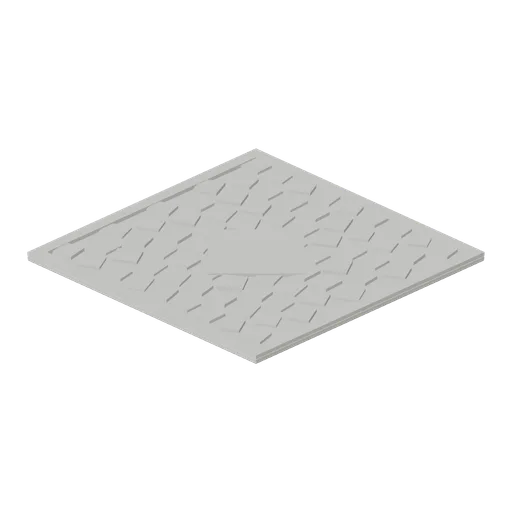
Plaza Paving Tile (Medieval MMO Starter Realm)
Eight metre market square paving tile with a raised kerb on every side and a turned centre stone the town cross or well stands on. Low poly medieval fantasy MMO and RPG game asset.
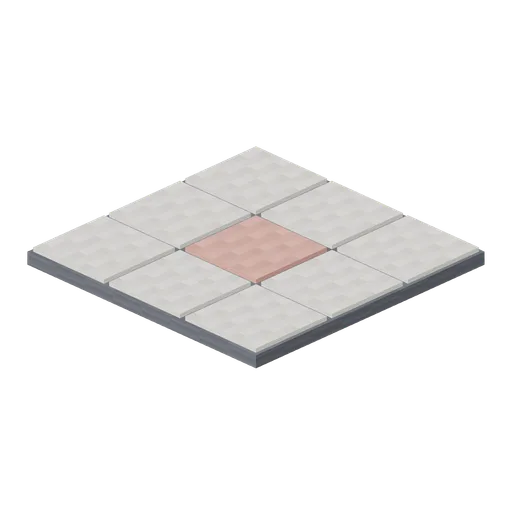
Plaza Paving Tile (Pixel Modern City Street)
Plaza paving tile: a three by three grid of slabs with one coral accent slab, for squares, forecourts and pedestrian streets.

Apartment Block Wall Module, Tiled (Cyberpunk Apartment and Neon Block)
The same 1.2 by 2.7 m module tiled in small squares with a grout relief on both faces, for wet cells, the laundry and the shared wash room. Same ports as the plain module.
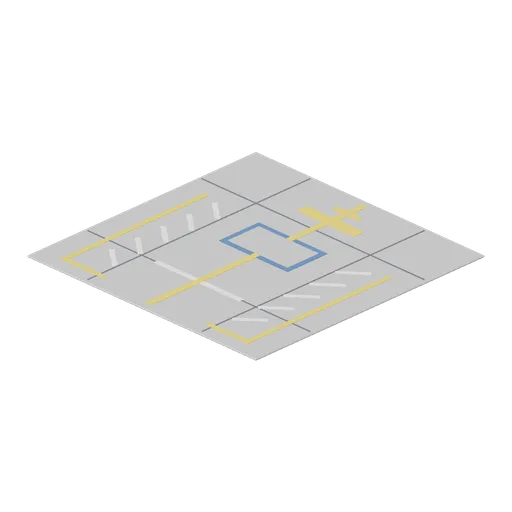
Stand Marking Tile (Airport Terminal and Ground Operations)
Eight metre aircraft stand paving tile: a scored concrete slab painted with a lead-in line, a stop bar and turn bar, hatched equipment restraint areas either side, safety lines and an outlined equipment parking box.
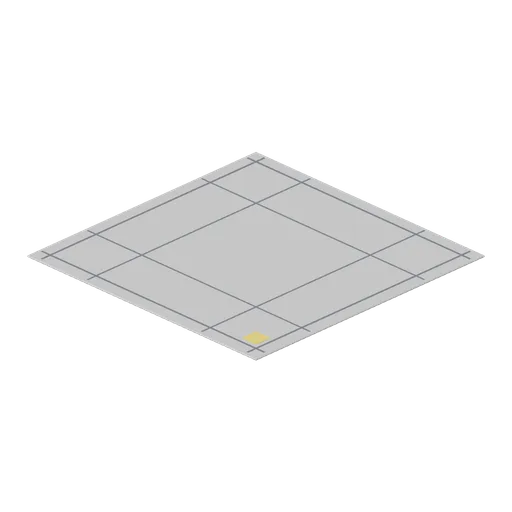
Apron Paving Tile (Airport Terminal and Ground Operations)
Eight metre plain apron paving tile: the same scored slab with bay joints and a single corner reference patch and no route markings, for filling the open apron between marked stands and taxiways.

Forecourt paving tile (Petrol Station and Forecourt Shop)
A 3 m square of forecourt tarmac with the painted markings on it: two walkway lines, a run of hatching and a drainage channel. The paint stands proud of the wearing course rather than sharing its plane, so a field of tiles never flickers.

Swage block on a stand, 0.92 m (Blacksmith Forge and Armoury)
Cast swage block 0.6 m square pierced with round, square and hexagonal holes and notched all round its edges with half round and vee swages, standing on end in an oak cradle so either face can be worked.