Loading model
About
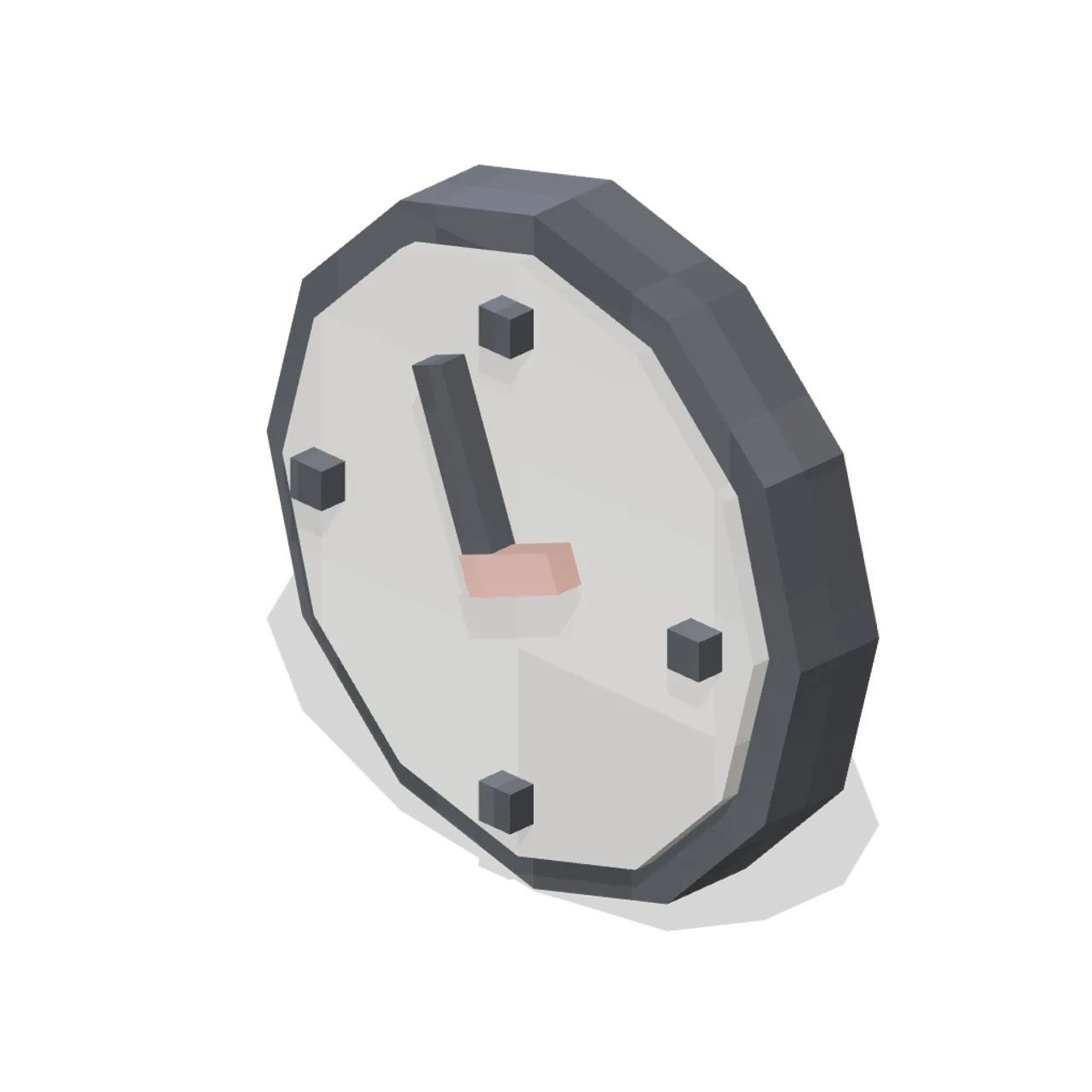
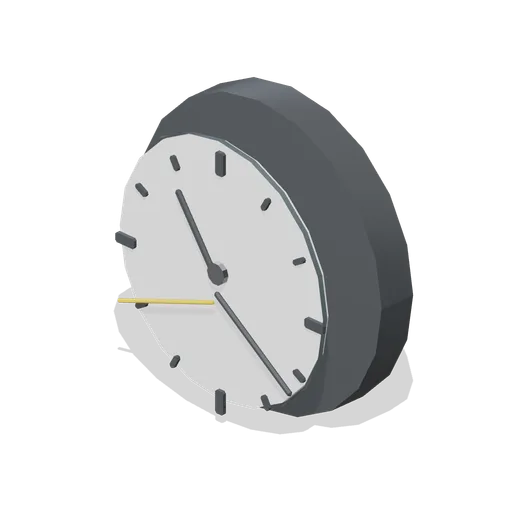
Round office wall clock, 340 mm across, with a white face, charcoal hour marks and turning hands. Dimensions 0.34 × 0.34 × 0.08 m (X × Y × Z). Footprint-centred origin resting at y = 0. Metres, +Y up, +Z front. Named pivot nodes: hands at 0.00, 0.17, 0.05. Rigid node-transform clips: spin. No skinning. The case, face and hour marks are static; only the hands turn. Mount the back face flat against a wall bay; the origin sits at the bottom of the case. Pixel Modern palette of warm white, light oak, charcoal, slate blue, sage, coral, mustard and screen cyan, every surface carrying a 32 px nearest-filtered map. Original design; invented signage, no real brands. No collision or navigation data.
Use with an AI agent
Copy this prompt into your AI chat, then describe what you want to build with the asset.
Use the “Wall Clock (Pixel Modern Office)” asset in my project.

Model: https://cdn.3dassets.dev/assets/27929/v1/model.glb
Asset page: https://3dassets.dev/assets/pixel-modern-office-wall-clock-3f563fbb
Description: Round office wall clock, 340 mm across, with a white face, charcoal hour marks and turning hands.

- Dimensions (X × Y × Z): 0.34 × 0.34 × 0.084 metres
- Triangles: 168
- Animations: spin
- Licence: CC0 1.0 Universal (https://creativecommons.org/publicdomain/zero/1.0/)
- Loading: Three.js GLTFLoader; no additional decoders required.
Also available as JSON, Markdown, or via the MCP server.
Import manually
Choose your framework, then copy the code into your project to load the asset.
import { GLTFLoader } from 'three/addons/loaders/GLTFLoader.js'
import { AnimationMixer } from 'three'

let mixer

const loader = new GLTFLoader()
loader.load('https://cdn.3dassets.dev/assets/27929/v1/model.glb', (gltf) => {
  scene.add(gltf.scene)
  mixer = new AnimationMixer(gltf.scene)
  mixer.clipAction(gltf.animations[0]).play()
})

// Call from your render loop; deltaSeconds is time since the previous frame.
function updateAssetAnimation(deltaSeconds) {
  mixer?.update(deltaSeconds)
}
Common questions
How do I use Wall Clock (Pixel Modern Office) with my AI development tools?
How do I get started?
Which game engines and tools can I use Wall Clock (Pixel Modern Office) with?
How do I import this model into Unity, Godot, Unreal or Blender?
Can I use Wall Clock (Pixel Modern Office) in a commercial game, and do I need to credit anyone?
Can I load it from the CDN instead of downloading it?
Do I need Draco, Meshopt or KTX2 to load it?
Wall Clock (Pixel Modern Office)
Round office wall clock, 340 mm across, with a white face, charcoal hour marks and turning hands.
More in Props & Furniture
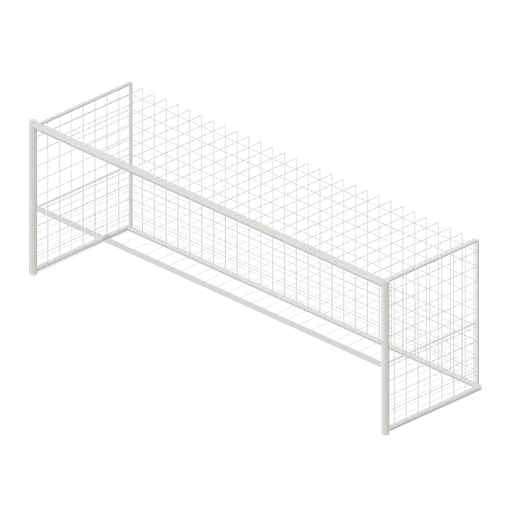
Full size open net soccer goal (Football Soccer Stadium and Club Grounds)
Goal with 7.32 m clear width, 2.44 m clear height, 2 m deep open cord net and tubular frame.
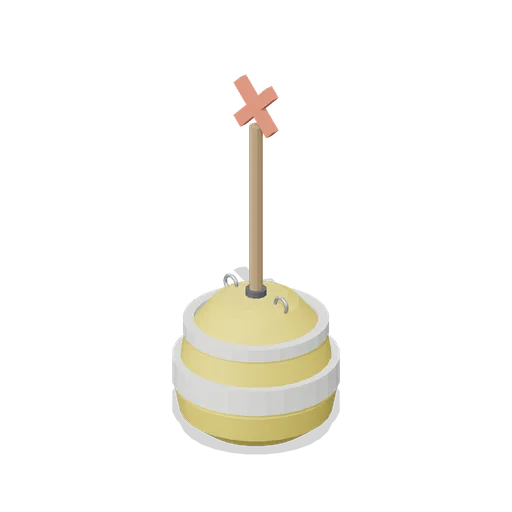
Swim Zone Buoy Orange (Beach Surf and Paddle Kit)
Sun yellow variant of the swim zone marker buoy with a coral cross topmark.
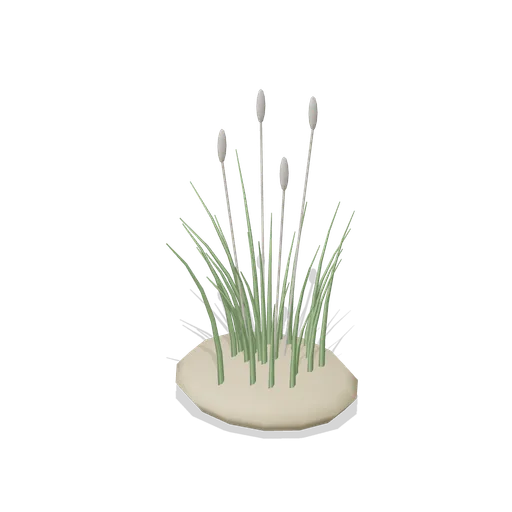
Dune Grass Tuft (Beach Surf and Paddle Kit)
Marram dune grass tuft: 26 tapered curling blades and four seed heads rising from a low sand mound.
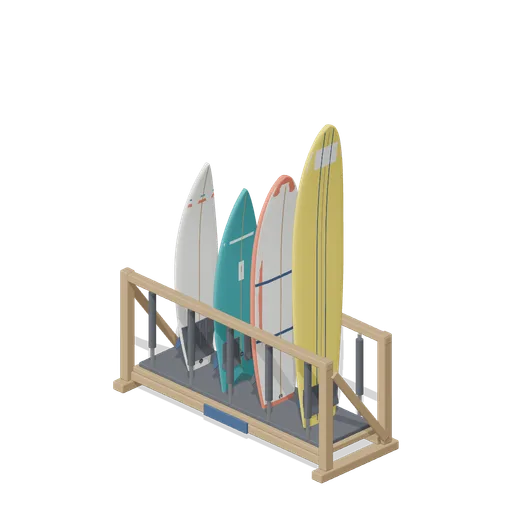
Stocked Surfboard Rack (Beach Surf and Paddle Kit)
The freestanding surfboard rack stocked for hire: shortboard, fish, soft top learner and longboard standing tail down in the four slots.
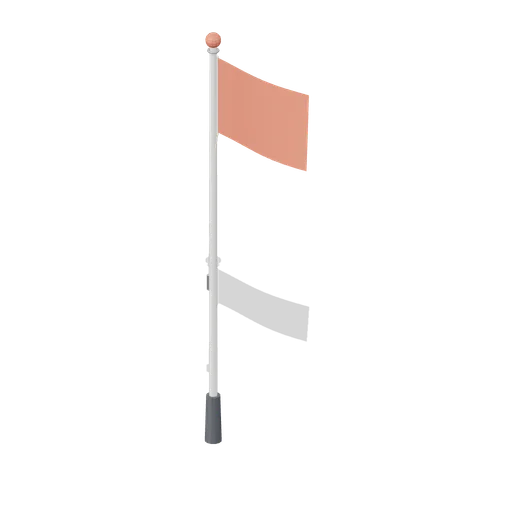
Warning Flag Pole (Beach Surf and Paddle Kit)
3.1 m warning flag pole: the patrol pole with a solid coral no swimming flag and coral finial.
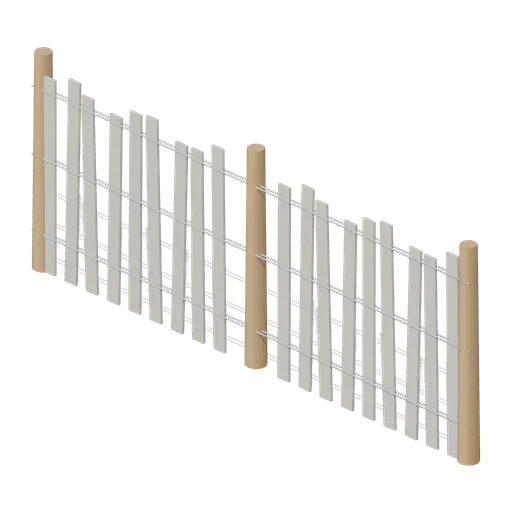
Dune Fence Run (Beach Surf and Paddle Kit)
2.6 m dune wind fence: three round timber posts, twin twisted wire lines at three heights and weathered grey slats set at slightly uneven heights.
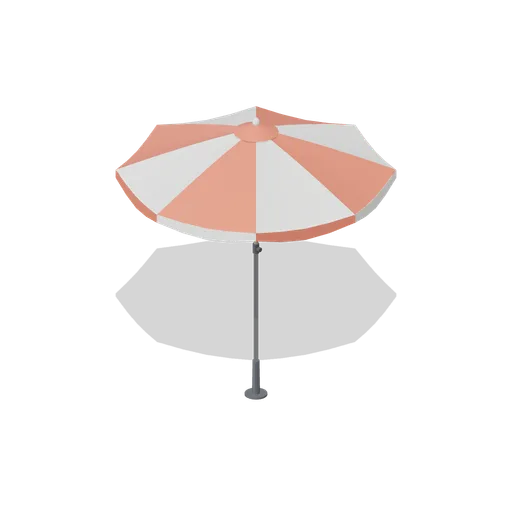
Beach Umbrella (Beach Surf and Paddle Kit)
2.4 m beach umbrella: sand anchor with base plate, steel lower pole with tilt collar and knob, timber upper pole, runner and stretchers, eight steel ribs under alternating coral and foam panels with a scalloped valance, vent cap and finial.
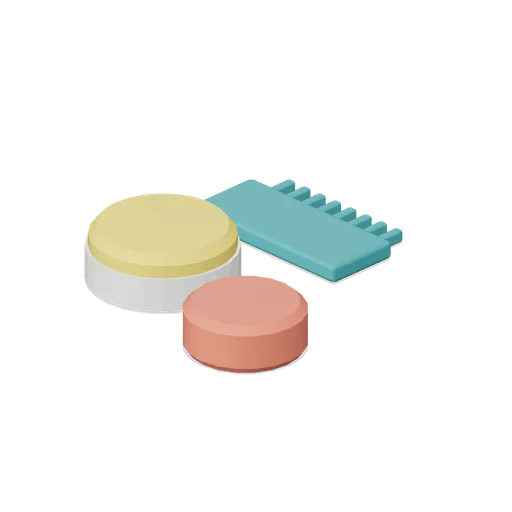
Surf Wax Kit (Beach Surf and Paddle Kit)
Surf wax kit lying on the sand: sun yellow wax puck in a paper wrapper, a coral base coat bar and a toothed teal wax comb.
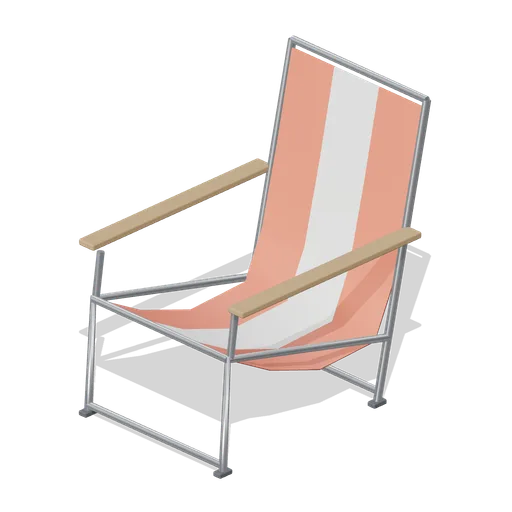
Folding Beach Chair (Beach Surf and Paddle Kit)
Low folding beach chair: steel tube frame with feet, timber armrests and a striped coral and foam sling seat that sags into the back.
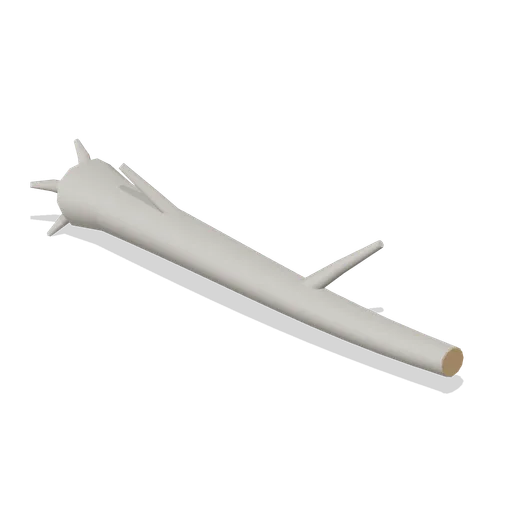
Driftwood Log (Beach Surf and Paddle Kit)
2.8 m weathered driftwood log: twisted tapering trunk, two branch stubs, a splayed root end and one sawn end showing the grain.
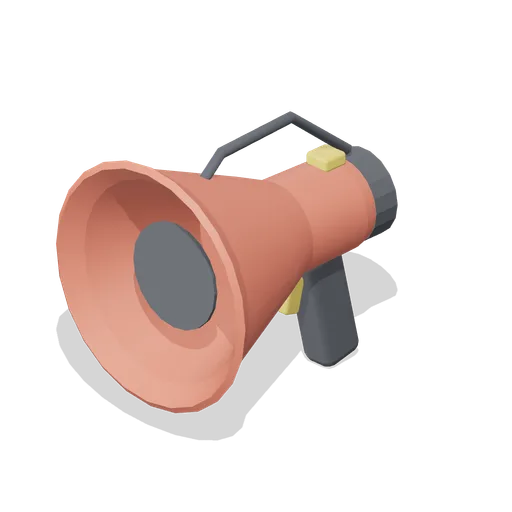
Lifeguard Megaphone (Beach Surf and Paddle Kit)
Handheld lifeguard megaphone resting on its grip: coral flared bell with grille, battery housing, pistol grip and trigger, siren switch and carry strap.
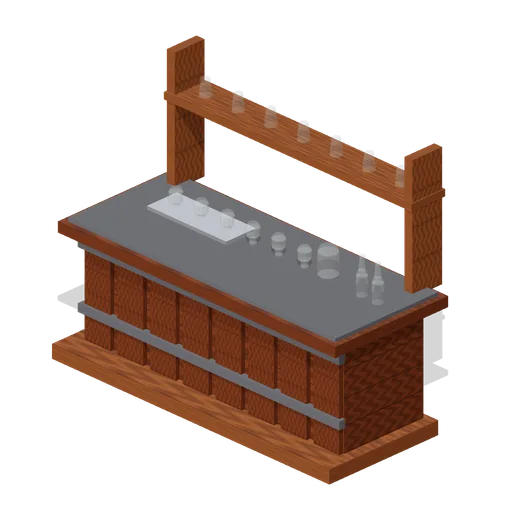
Visitor Tasting Counter (Distillery and Bonded Warehouse)
Visitor tasting counter 2.8 x 1.1 m and 1.8 m to the back shelf: a cask staved oak front with iron bands, a plank top, six nosing glasses on a tray, a water jug, two unlabelled bottles and seven more glasses upended on the shelf behind. Nothing carries a label.
Similar assets
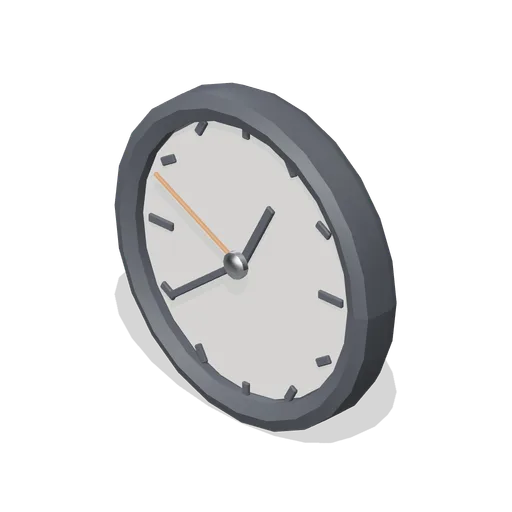
Office wall clock (Downtown Office Interiors)
A 0.32 m office wall clock: a chamfered rim, a dished dial with twelve marks and hour, minute and accent second hands on a boss.
 Animated
Wall Clock (Printing Press and Newspaper Office)
Free 3D model of a works wall clock: a 0.43 m oak cased dial with a plain face, tick marks and two hands that turn, as a game asset.
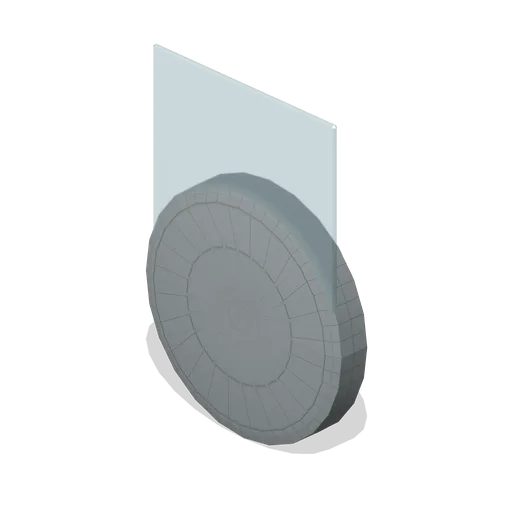
School Wall Clock (Japanese School and City Street)
Round 340 mm school wall clock with a rendered case, a glazed face, hour marks and hands, hung at 2.45 m with its back at z=0.
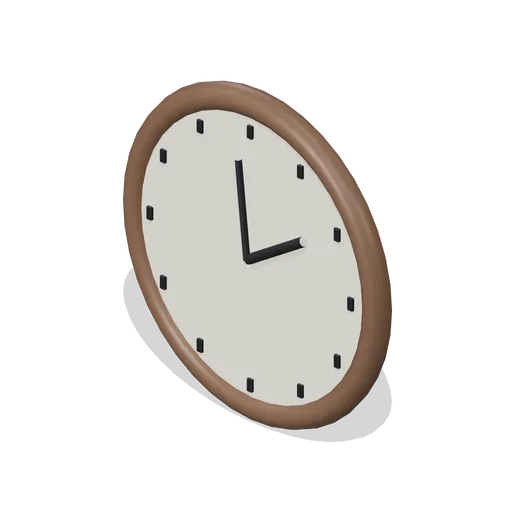
Round wall clock (Haunted House and Ghost Hunting Kit)
Solid pale clock face has twelve raised hour marks and two fixed hands inside a timber rim.
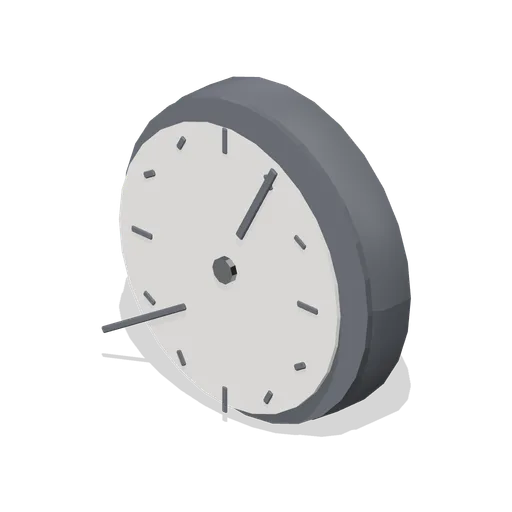
Wall clock (Police Station and Detective Office)
A 300 mm plastic-cased wall clock with a glazed dial, twelve markers, hour and minute hands and a rear hanging boss. Hang it on a wall; the model itself is built from y=0 up.

Gym Wall Clock (Gym and Fitness Studio)
A 340 mm wall clock with a deep steel bezel, a plain dial, hour marks and a red sweep second hand. It is modelled resting on y=0 for the contact sheet and hangs from the back of its bezel on a wall.

Workshop wall clock (Car Repair Garage and MOT Workshop)
Plain round wall clock: a charcoal case with a cream dial, twelve tick marks, three hands and a domed glass, 0.34 m across.

Hall Wall Clock (Village Hall and Community Events)
A 340 mm brass rimmed hall clock: a domed case, a white dial with twelve batons and hour and minute hands stopped at a quarter past ten. The hands are geometry and do not turn. Modelled with its base on y=0, so the scene lifts it up the wall.
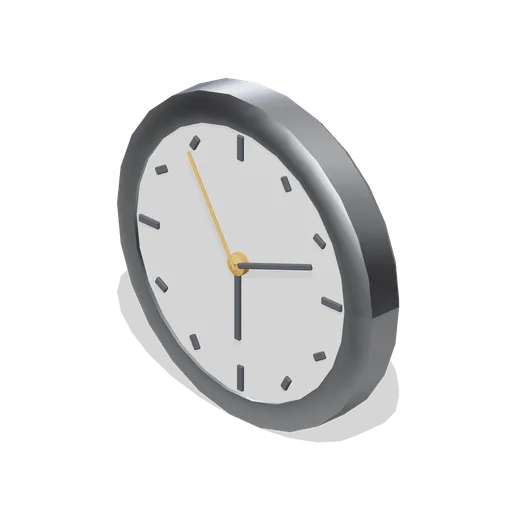
Wall clock (Office Lobby and Building Facilities)
A 0.36 m diameter wall clock: a chamfered aluminium bezel, a blank dial with twelve tick markers, hour, minute and accent second hands and a centre boss.
 Animated
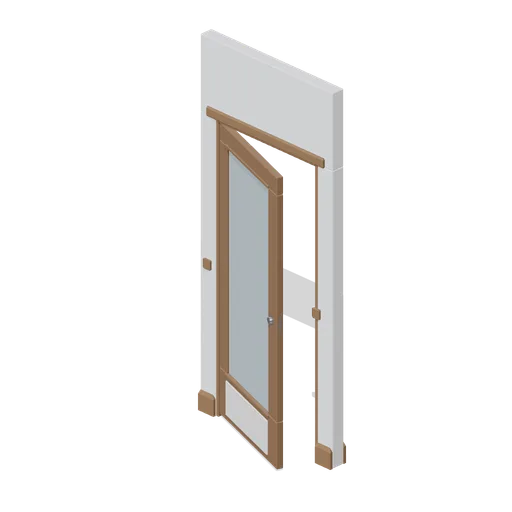
Private office door wall module (Police Station and Detective Office)
A 1.2 m wall module for the private office: a timber rail-and-stile door with a reeded glass panel and a painted panel below it, moulded architraves proud of both faces, a bead framed pane and a chrome lever, all on one named hinge node.
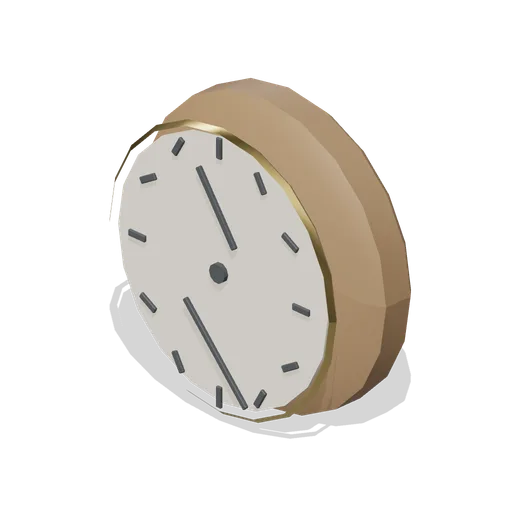
Pub wall clock (Bar, Pub and Brewery Taproom)
A 380 mm pub wall clock: a turned timber case with a brass bezel, a blank dial with twelve hour marks and two hands on a centre boss.
Wall clock (Laundromat and Cleaning Services)
A 340 mm wall clock: a chamfered bezel ring with a stepped rebate, a blank dial with pressed hour and minute marks, three hands on a centre boss and a rebated lens ring.