Loading model
About
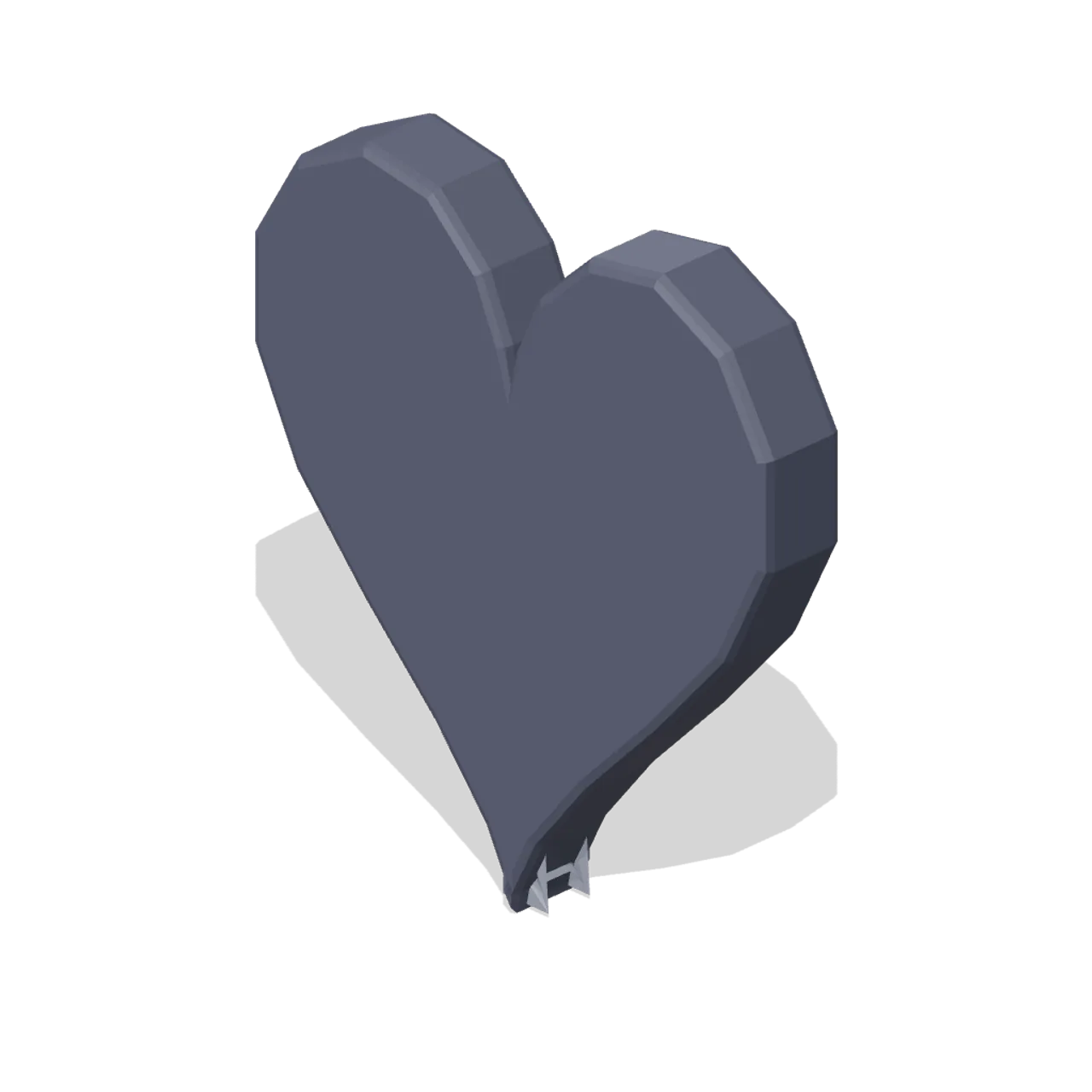
Empty heart shell: the same silhouette with the whole face recessed into a dark well, for spent health.
Scale contract: the icon fills a 1.0 m cube, centred on the origin in X and Z, resting at y=0 with the visual mass around y=0.5, and the glyph face pointing +Z. Scale it to taste; a HUD normally wants it far smaller than a metre.
Static geometry with chamfered edges and flat-shaded faces. No skinned rig, animation, collision or navigation data.
Use with an AI agent
Copy this prompt into your AI chat, then describe what you want to build with the asset.
Use the “Heart icon, empty shell (3D Game UI Icons)” asset in my project.

Model: https://cdn.3dassets.dev/assets/18983/v1/model.glb
Asset page: https://3dassets.dev/assets/game-ui-icon-library-heart-empty-82eacbe0
Description: Empty heart shell: the same silhouette with the whole face recessed into a dark well, for spent health.

- Dimensions (X × Y × Z): 0.865 × 0.94 × 0.129 metres
- Triangles: 616
- Animations: none
- Licence: CC0 1.0 Universal (https://creativecommons.org/publicdomain/zero/1.0/)
- Loading: Three.js GLTFLoader; no additional decoders required.
Also available as JSON, Markdown, or via the MCP server.
Import manually
Choose your framework, then copy the code into your project to load the asset.
import { GLTFLoader } from 'three/addons/loaders/GLTFLoader.js'

const loader = new GLTFLoader()
loader.load('https://cdn.3dassets.dev/assets/18983/v1/model.glb', (gltf) => {
  scene.add(gltf.scene)
})
Common questions
How do I use this model with my AI development tools?
How do I get started?
Which game engines and tools can I use this model with?
How do I import this model into Unity, Godot, Unreal or Blender?
Can I use this model in a commercial game, and do I need to credit anyone?
Can I load it from the CDN instead of downloading it?
Do I need Draco, Meshopt or KTX2 to load it?
Heart icon, empty shell (3D Game UI Icons)
Empty heart shell: the same silhouette with the whole face recessed into a dark well, for spent health.
More in 3D Icons & UI
 Animated
Heart pickup (Pickups and Collectibles)
Puffed 0.36 m heart in glowing red with two pale shine chips on the upper lobe and a small gold ring at the cleft. The standard one-unit health restore.
Map pin icon (3D Game UI Icons)
Teardrop map pin with the point down and a recessed round eye, the standard location marker.

Laboratory Safety Sign Set (University Lecture Hall and Campus)
A 1.3 m rail of four laboratory safety signs: a warning triangle, a prohibition disc, a mandatory disc and a green emergency route square, on brushed mounting rails.
 Animated
Invincibility star (Pickups and Collectibles)
Five-point gold star 0.42 m across, puffed to a 0.115 m ridge, with a violet cabochon at each face centre and a glowing bead on every point.
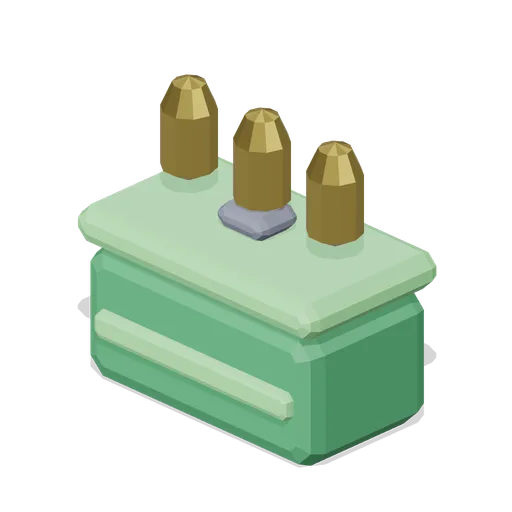
Ammo box icon (3D Game UI Icons)
Metal ammunition case with a latch, a strap band and three loose rounds standing on the lid, for ammunition pickups.
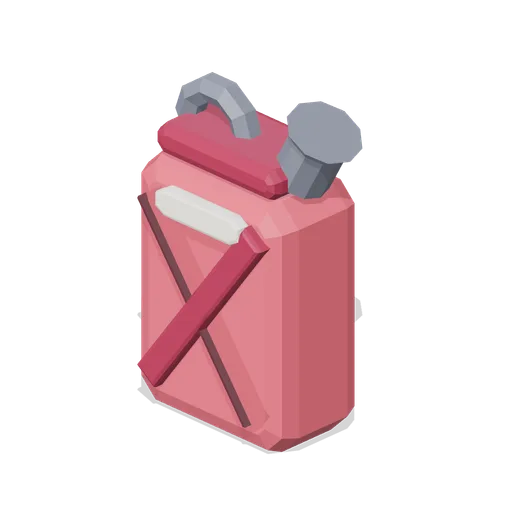
Fuel can icon (3D Game UI Icons)
Pressed jerry can with a cross braced face, a screw spout and a top carry handle, for fuel and generator resources.
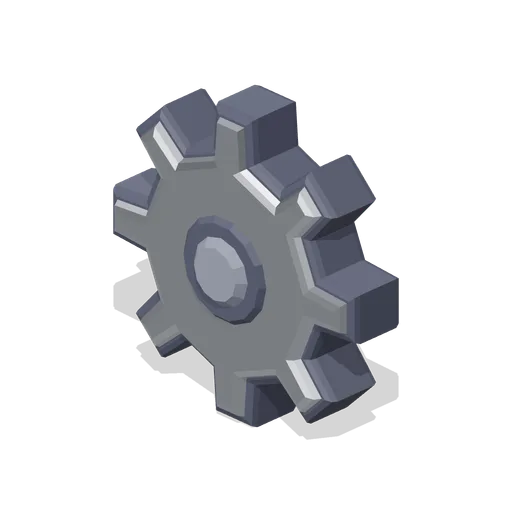
Cog icon (3D Game UI Icons)
Eight tooth spur gear with a recessed hub bore, for settings, options and machinery menus.

Round cut gem icon, rare tier (3D Game UI Icons)
Round brilliant cut gem in the rare rarity colourway. Geometry is identical to the base gem; only the palette carries the tier.
 Animated
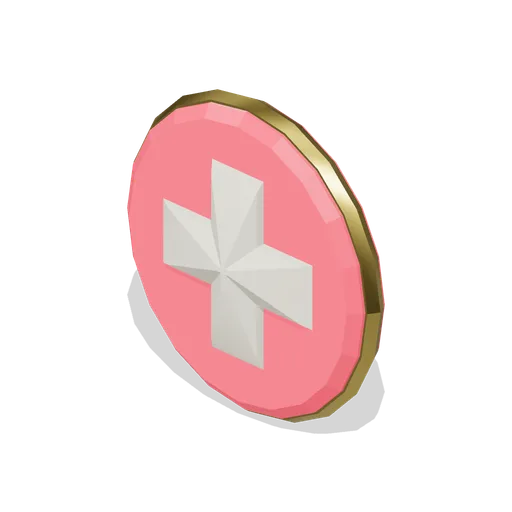
Health cross pickup (Pickups and Collectibles)
Bone-white medical cross standing 0.11 m proud of a red disc inside a gold bezel, 0.39 m across. The full-heal pickup, readable from any angle.
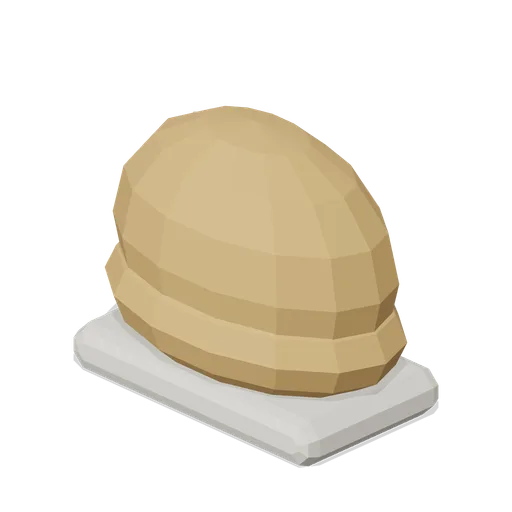
Bread loaf icon (3D Game UI Icons)
Round topped loaf on a pale crumb base with three diagonal slashes across the crust, for food and hunger.

Water drop icon (3D Game UI Icons)
Falling droplet above a ripple ring, for water, thirst, hydration and liquid resources.
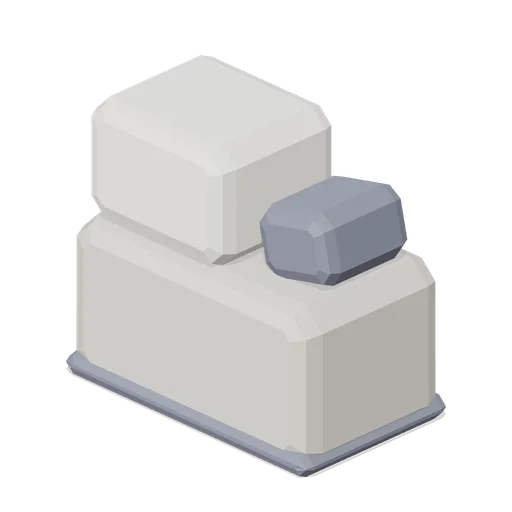
Stone block icon (3D Game UI Icons)
Dressed stone: a large chamfered block with a smaller offset block on top and a chipped corner wedge.
Similar assets
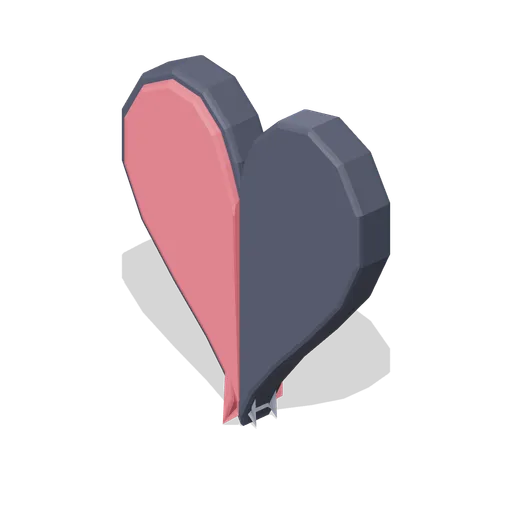
Heart icon, half full (3D Game UI Icons)
Heart with the right half emptied to a recessed dark well, for a half unit of health.

Heart icon (3D Game UI Icons)
Full health heart as a chamfered solid with a dark outline shell and a bright specular highlight.
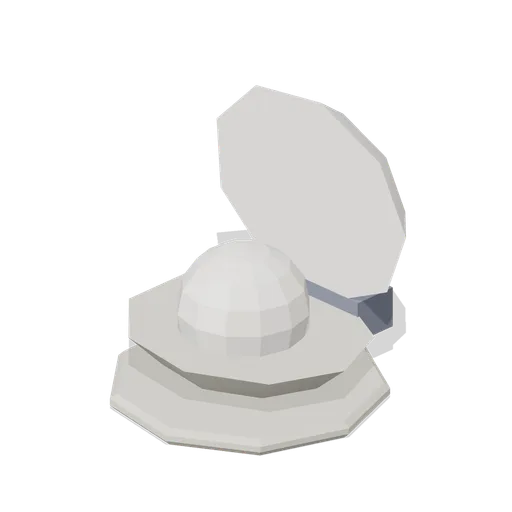
Pearl in shell icon (3D Game UI Icons)
Open bivalve shell: a shallow faceted lower valve holding a round pearl, with the upper valve swung up on a hinge block behind it.
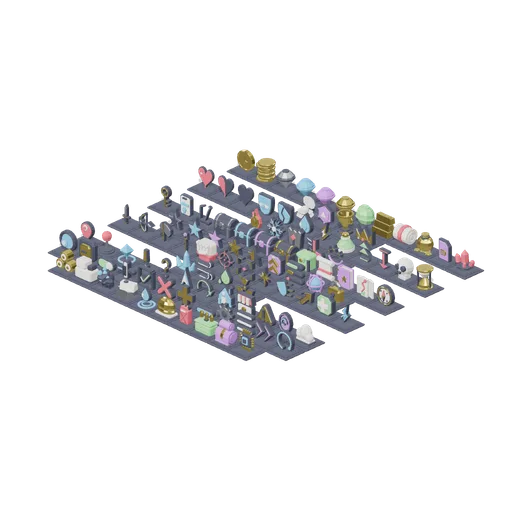
Icon board: the whole set on a plinth grid (3D Game UI Icons)
Every icon and variant in the pack laid out on a continuous plinth grid at a 1.2 m pitch, grouped by module in reading order: currency and value, vitals and status, inventory and progression, ability and combat glyphs, map and navigation, interface primitives, resources. Each...
Star icon, half filled (3D Game UI Icons)
Star with the right half dropped to a recessed dark well, for half step ratings and partial scores.
Shield icon, cracked (3D Game UI Icons)
Shield with the upper right corner sheared away to a recessed break face and a three step crack running down the boss.
Star icon (3D Game UI Icons)
Five point star with a chamfered face and a recessed inner star. Common tier colourway; the rarity tiers ship as cosmetic variants.
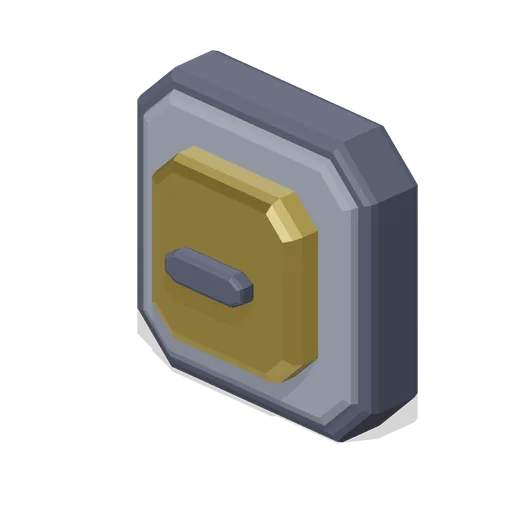
Square button icon (3D Game UI Icons)
Square push button: a chamfered bezel with a recessed well and a raised inner pad carrying a bar mark.
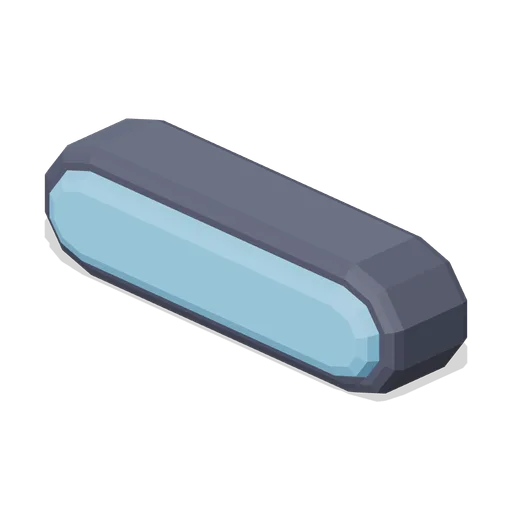
Minus mark icon (3D Game UI Icons)
Single rounded bar with a dark outline shell, for remove, collapse and decrease actions.
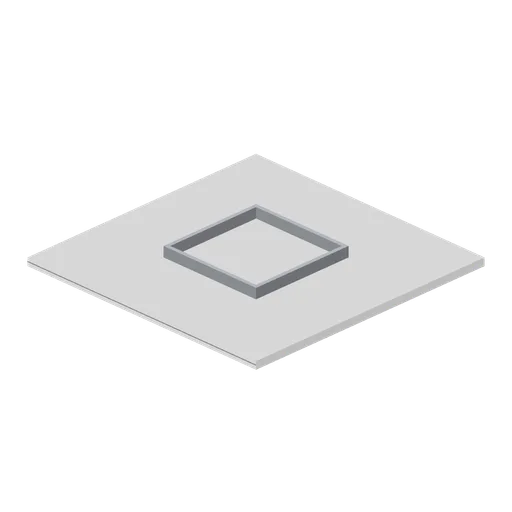
Greybox ceiling tile with recessed light well (Modular Greybox Architecture Kit)
A 4 m ceiling tile with a 1.5 m recessed light well: stepped reveal, pale diffuser panel and a steel plenum box standing 0.16 m above the tile.
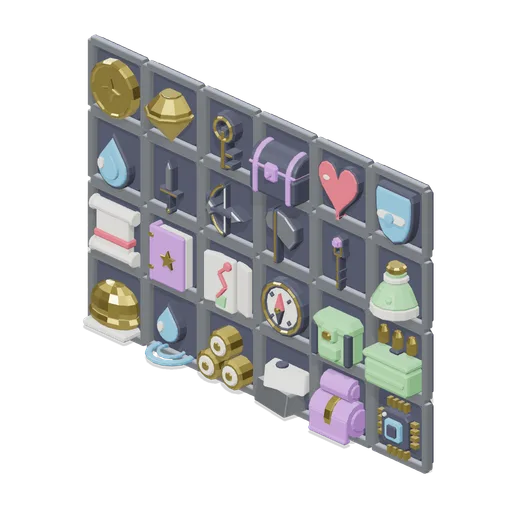
Inventory panel mock-up (3D Game UI Icons)
Twenty four icons seated in a six by four grid of inventory slot frames at a 1.2 m pitch, showing the set at HUD scale in a real bag layout. The slot frames tile edge to edge, and each icon is centred in its well with the glyph face toward +Z. Layout artifact only; no...
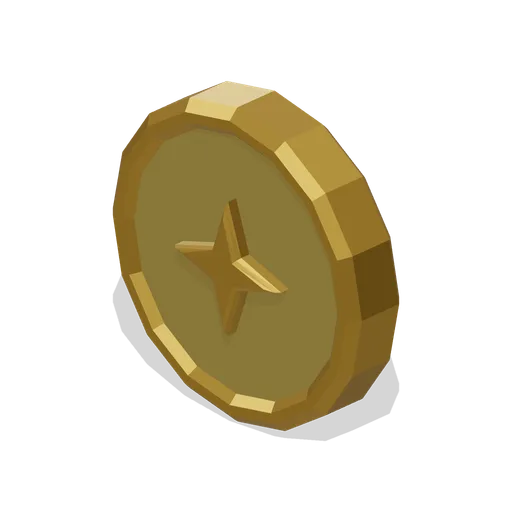
Coin icon (3D Game UI Icons)
Single upright coin with a milled outer rim and a four point mark struck into both faces.