Loading model
About
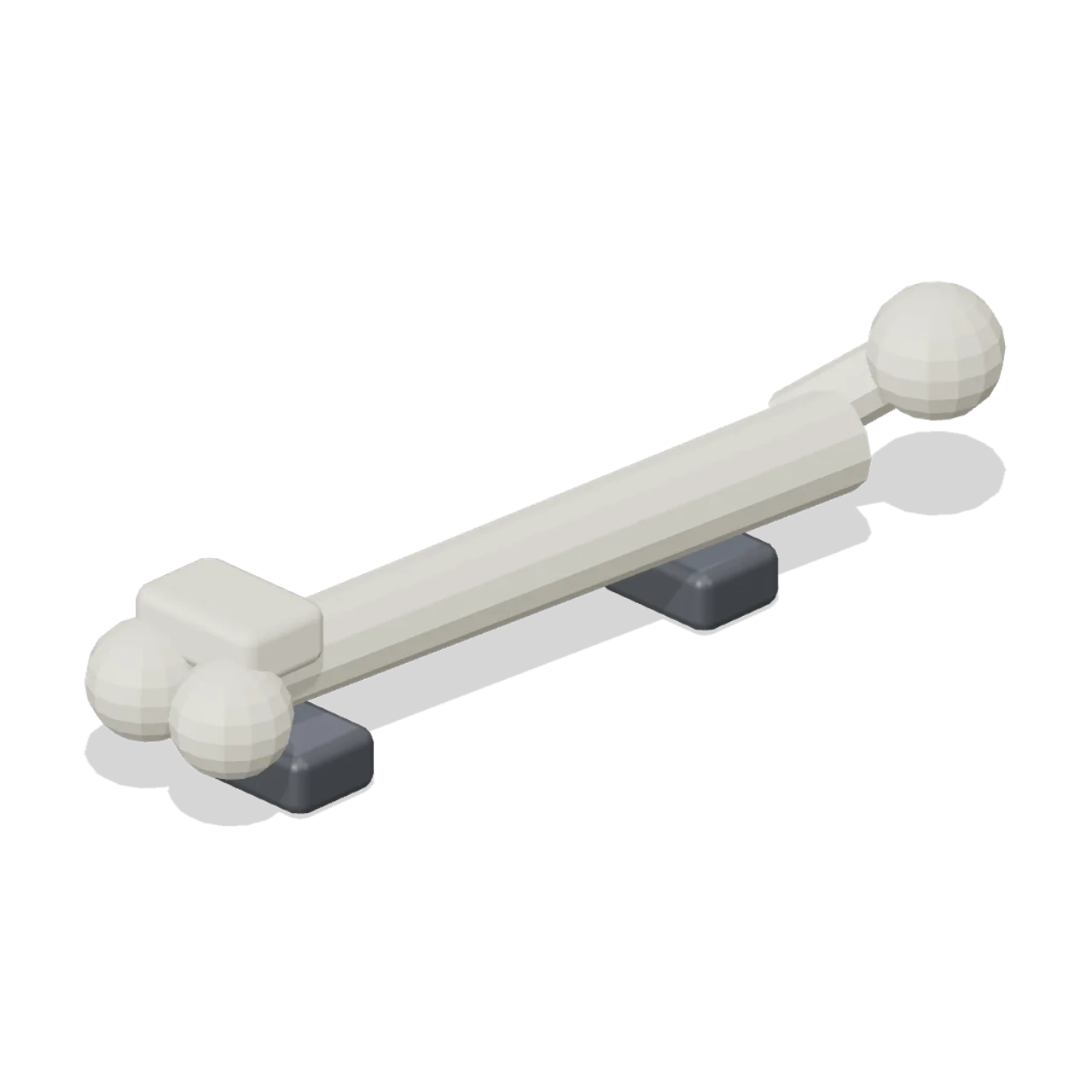
An adult femur at real size resting in a cradle: angled head and neck, straight shaft and twin condyles, 45 cm long. Overall 0.14 by 0.14 by 0.46 m (X by Y by Z). Metres, +Y up, front toward +Z, resting on y=0. Static geometry; the head sits 4 cm off the shaft axis as in life. Static geometry; no rig, collision or navigation data.
Use with an AI agent
Copy this prompt into your AI chat, then describe what you want to build with the asset.
Use the “Femur (Human Anatomy and Education Kit)” asset in my project.

Model: https://cdn.3dassets.dev/assets/38944/v1/model.glb
Asset page: https://3dassets.dev/assets/human-anatomy-and-education-kit-femur-e326b7f6
Description: An adult femur at real size resting in a cradle: angled head and neck, straight shaft and twin condyles, 45 cm long.

- Dimensions (X × Y × Z): 0.143 × 0.139 × 0.465 metres
- Triangles: 1.2k
- Animations: none
- Licence: CC0 1.0 Universal (https://creativecommons.org/publicdomain/zero/1.0/)
- Loading: Three.js GLTFLoader; no additional decoders required.
Also available as JSON, Markdown, or via the MCP server.
Import manually
Choose your framework, then copy the code into your project to load the asset.
import { GLTFLoader } from 'three/addons/loaders/GLTFLoader.js'

const loader = new GLTFLoader()
loader.load('https://cdn.3dassets.dev/assets/38944/v1/model.glb', (gltf) => {
  scene.add(gltf.scene)
})
Common questions
How do I use Femur (Human Anatomy and Education Kit) with my AI development tools?
How do I get started?
Which game engines and tools can I use Femur (Human Anatomy and Education Kit) with?
How do I import this model into Unity, Godot, Unreal or Blender?
Can I use Femur (Human Anatomy and Education Kit) in a commercial game, and do I need to credit anyone?
Can I load it from the CDN instead of downloading it?
Do I need Draco, Meshopt or KTX2 to load it?
Femur (Human Anatomy and Education Kit)
An adult femur at real size resting in a cradle: angled head and neck, straight shaft and twin condyles, 45 cm long.
More in Props & Furniture
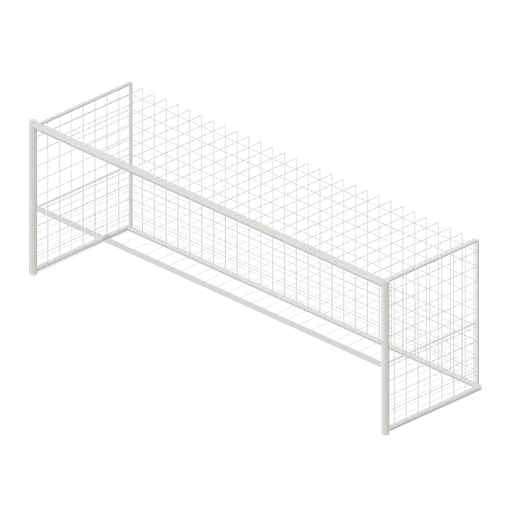
Full size open net soccer goal (Football Soccer Stadium and Club Grounds)
Goal with 7.32 m clear width, 2.44 m clear height, 2 m deep open cord net and tubular frame.
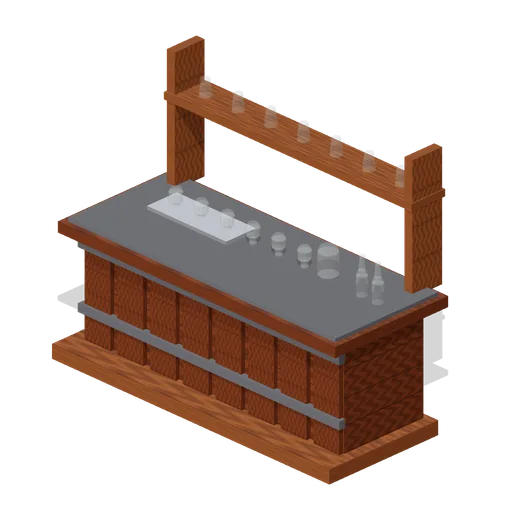
Visitor Tasting Counter (Distillery and Bonded Warehouse)
Visitor tasting counter 2.8 x 1.1 m and 1.8 m to the back shelf: a cask staved oak front with iron bands, a plank top, six nosing glasses on a tray, a water jug, two unlabelled bottles and seven more glasses upended on the shelf behind. Nothing carries a label.
 Animated
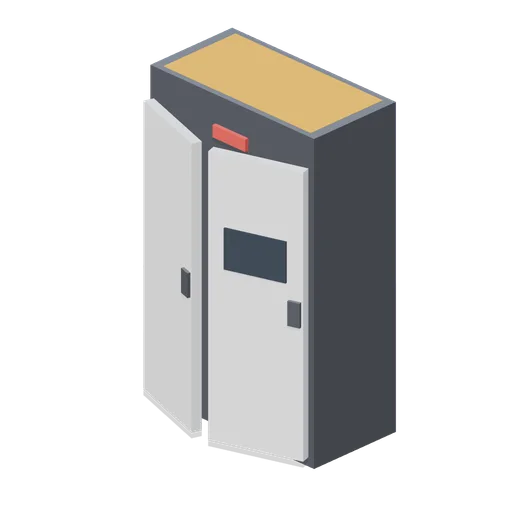
Battery Swap Cabinet (Robots and Drones Kit)
1.7 m battery cabinet with opening doors for pit scenes.

T shirt on a hanger (Clothing Rail and Wardrobe)
A terracotta t shirt hanging on a slim velvet hanger: a shaped shell with shoulders, a slight body taper, short sleeves with turned cuffs and a ribbed crew neck, in the settled shape a jersey tee takes on a rail.
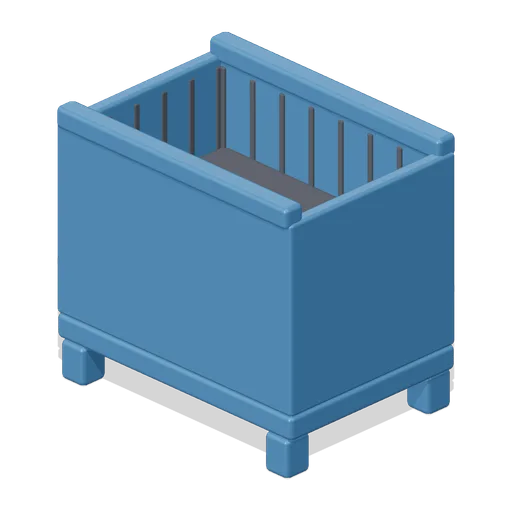
Mesh Stillage (Car Factory Production Line)
Free 3D model of a stackable mesh stillage holding loose parts, a factory logistics container for a car factory game asset kit.

Full mannequin form (Clothing Rail and Wardrobe)
The full length shop form, 1.78 m on a weighted charcoal disc base: legs, torso, two plain arms and a featureless head, all in the same matt off white. It is a display form, not a person, and carries no face, features or skin tone.
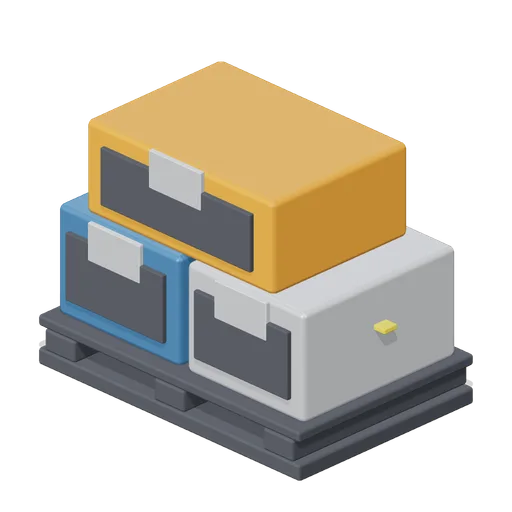
Pallet With Parts Crates (Car Factory Production Line)
Free 3D model of a wooden pallet stacked with three parts crates and a strap, factory logistics stock for a car factory game asset kit.
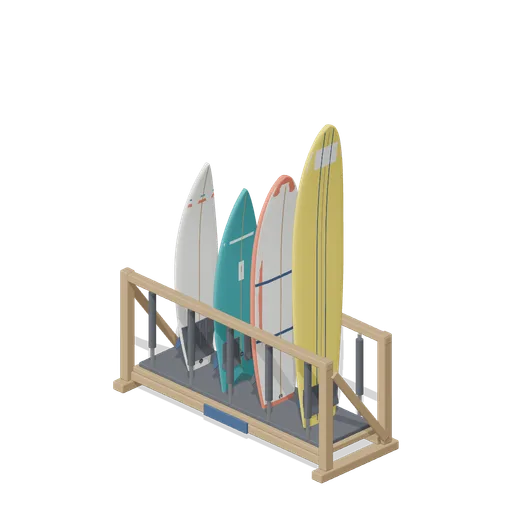
Stocked Surfboard Rack (Beach Surf and Paddle Kit)
The freestanding surfboard rack stocked for hire: shortboard, fish, soft top learner and longboard standing tail down in the four slots.
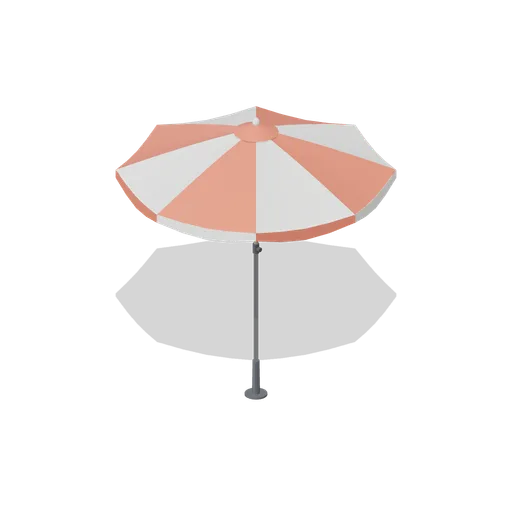
Beach Umbrella (Beach Surf and Paddle Kit)
2.4 m beach umbrella: sand anchor with base plate, steel lower pole with tilt collar and knob, timber upper pole, runner and stretchers, eight steel ribs under alternating coral and foam panels with a scalloped valance, vent cap and finial.

Lighting Bar with PAR Cans (Live Music Venue and Festival Stage)
A 2 m lighting bar with four PAR cans on it: hook clamps at both ends, alternating tilts down the bar and a coloured gel frame on the front of every can, in magenta, amber, blue and green.
 Animated
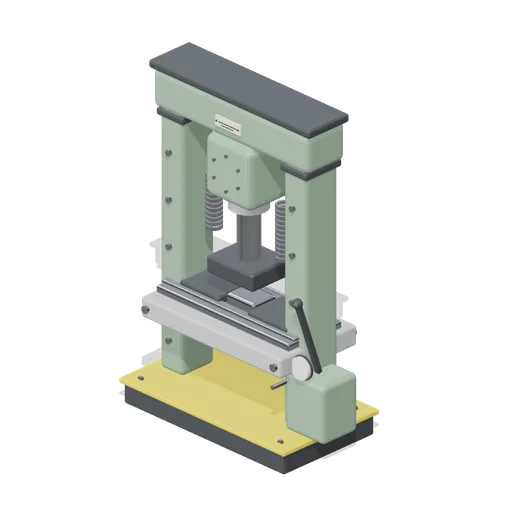
Hydraulic workshop press, H frame (Machine Shop and Factory Hall)
Twenty tonne H frame press: enamelled uprights on a bolted base, a top beam carrying the cylinder, a cast bolster on pins, a hand pump with a gauge and a lever, and a ram with a charcoal platen that travels down onto the work.
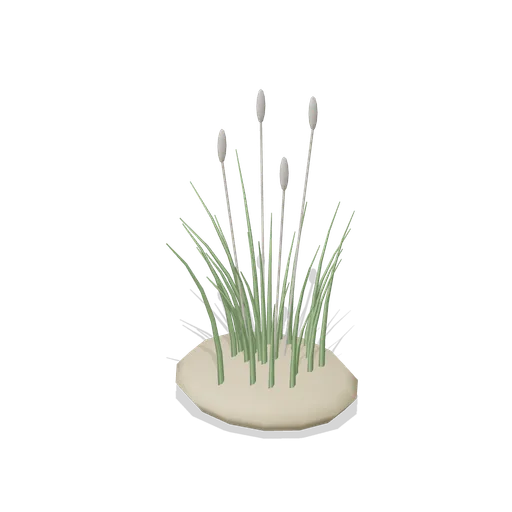
Dune Grass Tuft (Beach Surf and Paddle Kit)
Marram dune grass tuft: 26 tapered curling blades and four seed heads rising from a low sand mound.
Similar assets
 Animated
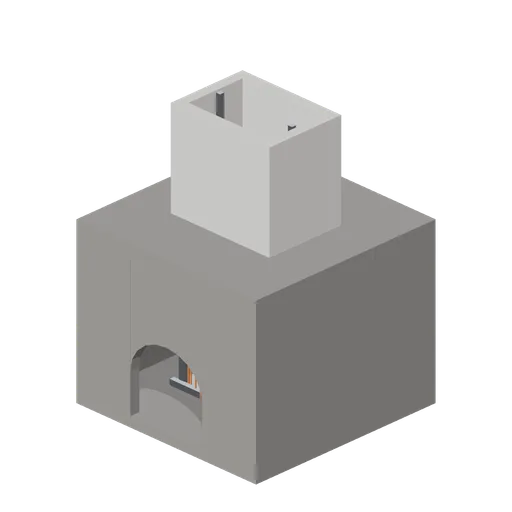
Shaft station chamber (Underground Mine and Shaft Works)
An 8 m square shaft station excavated at 5.6 m clear height, with arched drift openings north and south, a 3.6 m by 2.4 m shaft opening through the back, a lined shaft sleeve above with buntons and guides, a steel roof frame and a named landing gate.
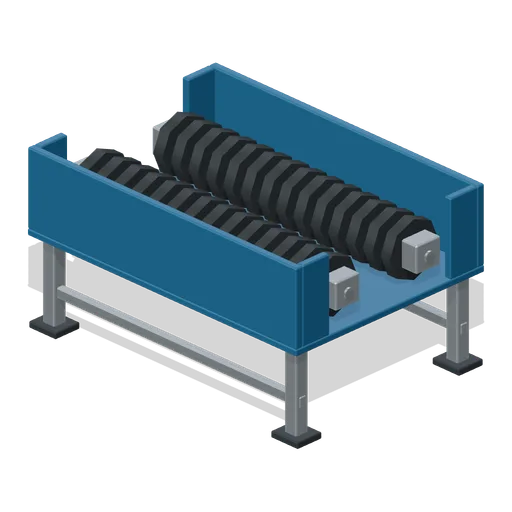
Twin Shaft Shredder (Recycling Centre and Material Sorting)
Open service-view twin-shaft shredder with interleaved octagonal cutters, two supported shafts, side bearings and thick chamber walls.
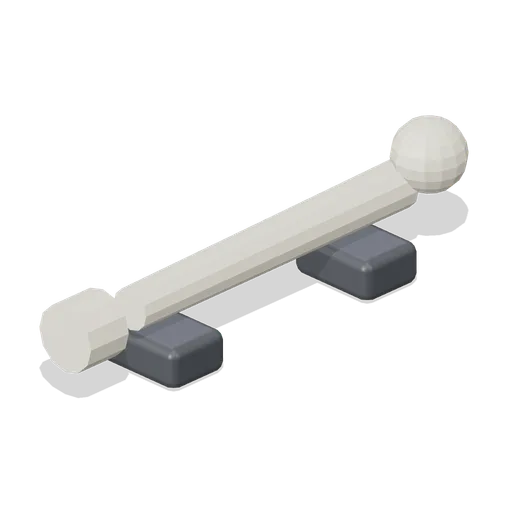
Humerus (Human Anatomy and Education Kit)
An adult humerus at real size resting in a cradle: ball head, straight shaft and spool end, 34 cm long.
 Animated
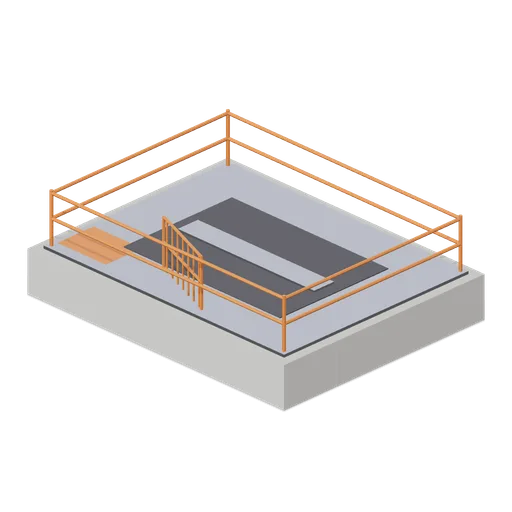
Shaft collar and deck (Underground Mine and Shaft Works)
A concrete shaft collar with a 3.6 m by 2.4 m hoisting opening, a steel deck, guide rails in the shaft, a perimeter handrail and a named swing gate at the loading side.
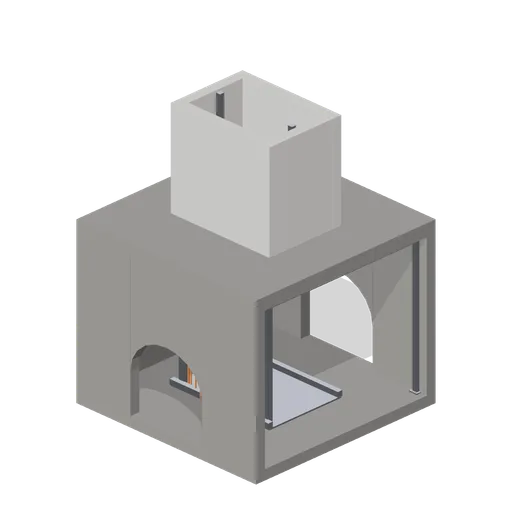 Animated
Shaft station cutaway review section (Underground Mine and Shaft Works)
A review variant of the shaft station with the east wall removed so the landing, guides, shaft sleeve and station fittings can be inspected and photographed from the side.
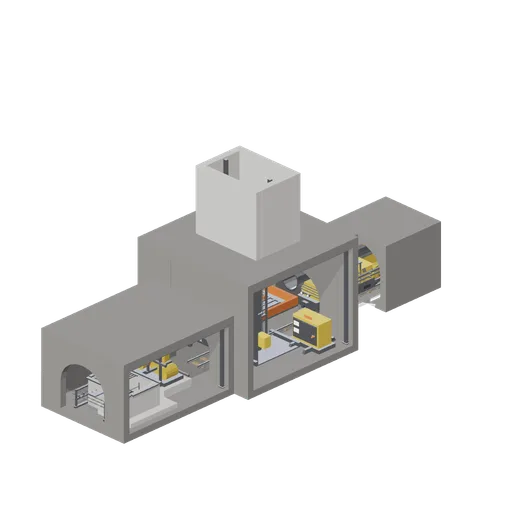
Shaft bottom station (Underground Mine and Shaft Works)
A shaft bottom station: the lined station chamber with the shaft above, the man cage on its guides and the skip loading pocket beside it; narrow gauge track running north through a cutaway review section to a battery locomotive and two ore cars; and a widened services chamber...
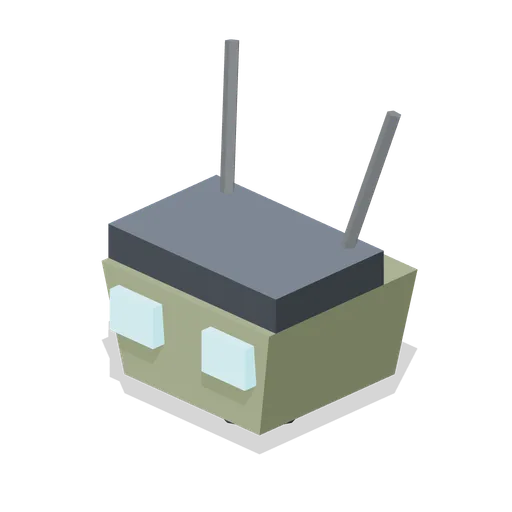
Twin Optic Head (Mech Robots and Battle Hangar)
Medium head with paired square optics and twin whip antennae.
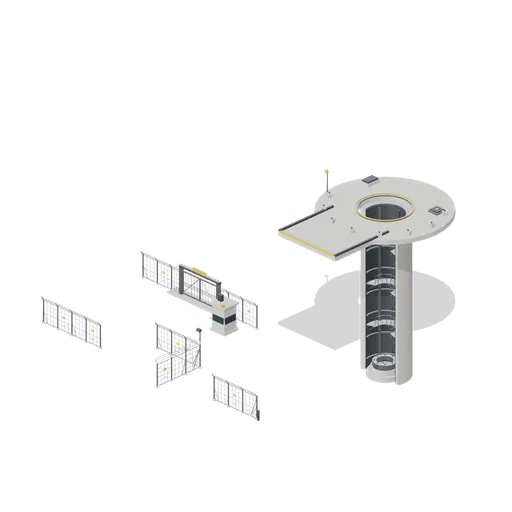
Connector Cases (Cold War Missile Silo and Command Bunker)
Every connector type asserted in one layout: straight to straight, straight to corner and corner to straight on the 4 metre fence grid, straight to end bay, a gate between two straights, and the launch tube mated to its headworks collar on the silo-tube port. Layout artifact...
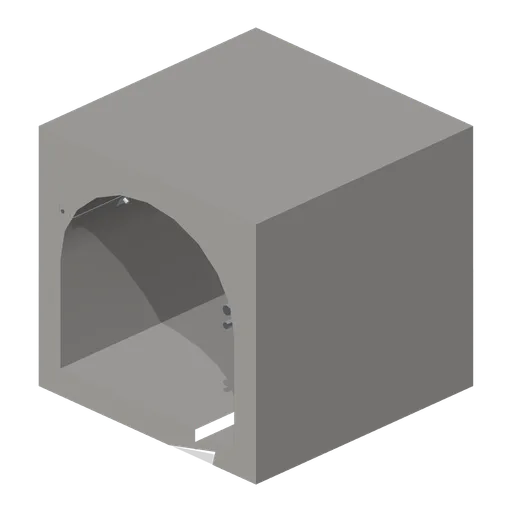
Straight mine drift 4 m (Underground Mine and Shaft Works)
A 4 m straight hard-rock drift module with a 3.2 m by 3.0 m arched clear section, thick rock shell, drainage ditch, resin rock bolts, a wall cable tray, compressed air and water lines and a bulkhead light.
 Animated
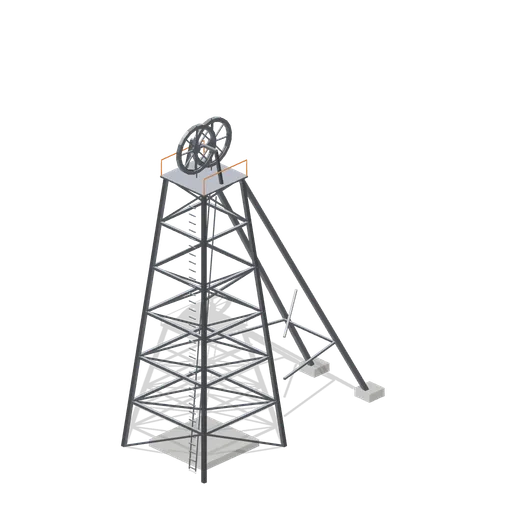
Shaft headframe (Underground Mine and Shaft Works)
A four leg braced steel lattice headframe seventeen metres to the sheave deck, with two back legs on concrete pads, a caged access ladder, a handrailed sheave deck and two named sheave wheels carrying head ropes.
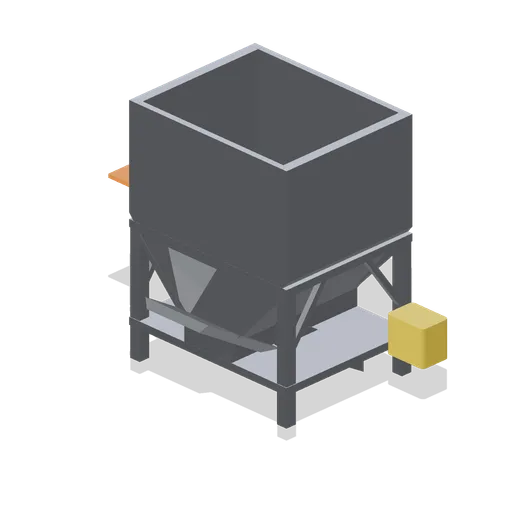
Shaft loading pocket (Underground Mine and Shaft Works)
A steel measuring flask on a braced frame with a lower chute, a hydraulic sector gate and a control cabinet, used to load skips at the shaft bottom.
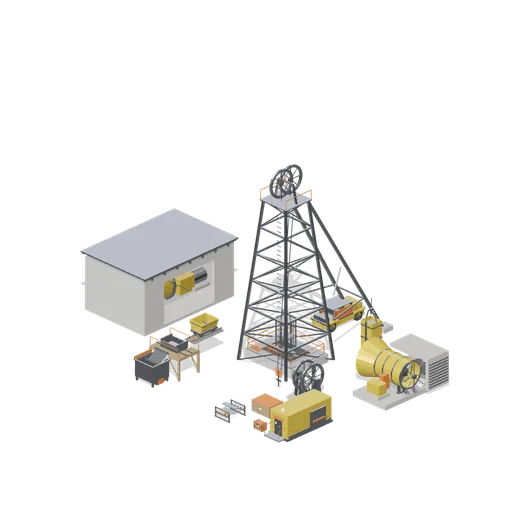
Surface shaft headworks (Underground Mine and Shaft Works)
The surface headworks: the headframe standing over the shaft collar with the man cage at the deck, the winder house facing it across the rope run, the main ventilation fan house on its plinth, the tipple and cars on the loading side, and stacked timber and stores.