Loading model
About
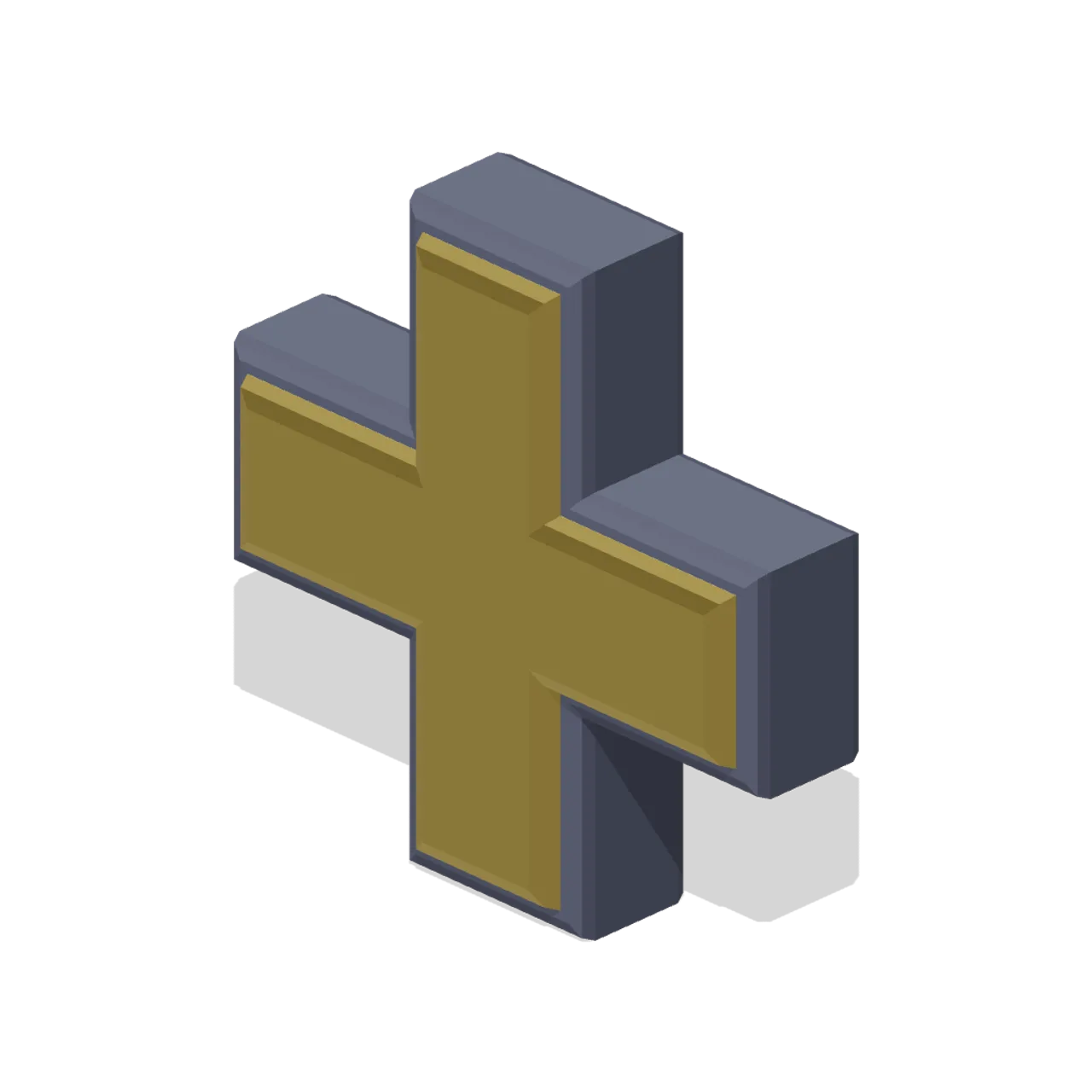
Square armed plus, for add, expand, increase and new entry actions.
Scale contract: the icon fills a 1.0 m cube, centred on the origin in X and Z, resting at y=0 with the visual mass around y=0.5, and the glyph face pointing +Z. Scale it to taste; a HUD normally wants it far smaller than a metre.
Static geometry with chamfered edges and flat-shaded faces. No skinned rig, animation, collision or navigation data.
Use with an AI agent
Copy this prompt into your AI chat, then describe what you want to build with the asset.
Use the “Plus mark icon (3D Game UI Icons)” asset in my project.

Model: https://cdn.3dassets.dev/assets/19053/v1/model.glb
Asset page: https://3dassets.dev/assets/game-ui-icon-library-plus-mark-2ea16528
Description: Square armed plus, for add, expand, increase and new entry actions.

- Dimensions (X × Y × Z): 0.94 × 0.94 × 0.252 metres
- Triangles: 280
- Animations: none
- Licence: CC0 1.0 Universal (https://creativecommons.org/publicdomain/zero/1.0/)
- Loading: Three.js GLTFLoader; no additional decoders required.
Also available as JSON, Markdown, or via the MCP server.
Import manually
Choose your framework, then copy the code into your project to load the asset.
import { GLTFLoader } from 'three/addons/loaders/GLTFLoader.js'

const loader = new GLTFLoader()
loader.load('https://cdn.3dassets.dev/assets/19053/v1/model.glb', (gltf) => {
  scene.add(gltf.scene)
})
Common questions
How do I use Plus mark icon (3D Game UI Icons) with my AI development tools?
How do I get started?
Which game engines and tools can I use Plus mark icon (3D Game UI Icons) with?
How do I import this model into Unity, Godot, Unreal or Blender?
Can I use Plus mark icon (3D Game UI Icons) in a commercial game, and do I need to credit anyone?
Can I load it from the CDN instead of downloading it?
Do I need Draco, Meshopt or KTX2 to load it?
Plus mark icon (3D Game UI Icons)
Square armed plus, for add, expand, increase and new entry actions.
More in 3D Icons & UI
 Animated
Heart pickup (Pickups and Collectibles)
Puffed 0.36 m heart in glowing red with two pale shine chips on the upper lobe and a small gold ring at the cleft. The standard one-unit health restore.
Map pin icon (3D Game UI Icons)
Teardrop map pin with the point down and a recessed round eye, the standard location marker.

Laboratory Safety Sign Set (University Lecture Hall and Campus)
A 1.3 m rail of four laboratory safety signs: a warning triangle, a prohibition disc, a mandatory disc and a green emergency route square, on brushed mounting rails.
 Animated
Invincibility star (Pickups and Collectibles)
Five-point gold star 0.42 m across, puffed to a 0.115 m ridge, with a violet cabochon at each face centre and a glowing bead on every point.
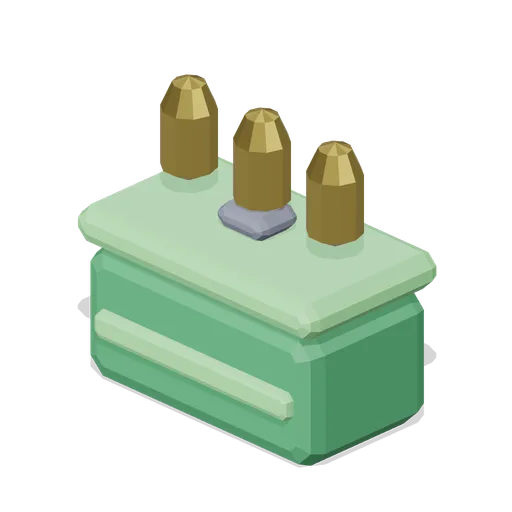
Ammo box icon (3D Game UI Icons)
Metal ammunition case with a latch, a strap band and three loose rounds standing on the lid, for ammunition pickups.
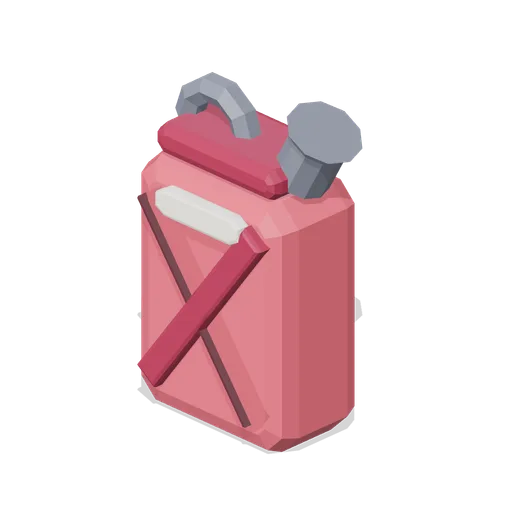
Fuel can icon (3D Game UI Icons)
Pressed jerry can with a cross braced face, a screw spout and a top carry handle, for fuel and generator resources.
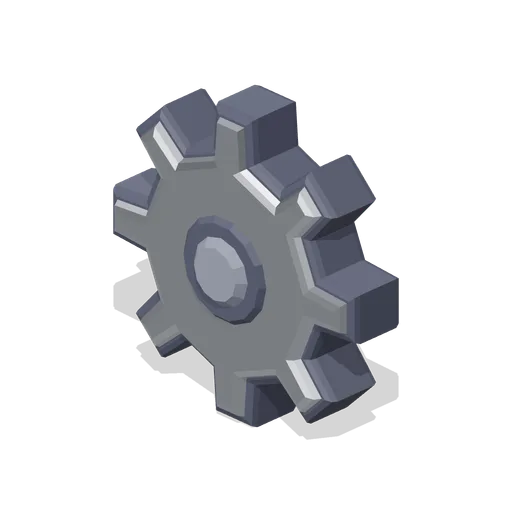
Cog icon (3D Game UI Icons)
Eight tooth spur gear with a recessed hub bore, for settings, options and machinery menus.
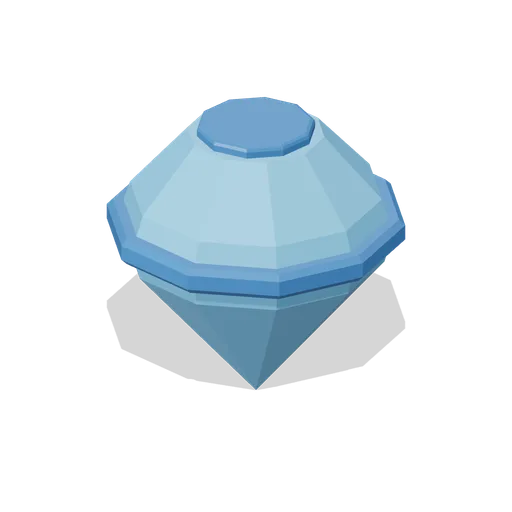
Round cut gem icon, rare tier (3D Game UI Icons)
Round brilliant cut gem in the rare rarity colourway. Geometry is identical to the base gem; only the palette carries the tier.
 Animated
Health cross pickup (Pickups and Collectibles)
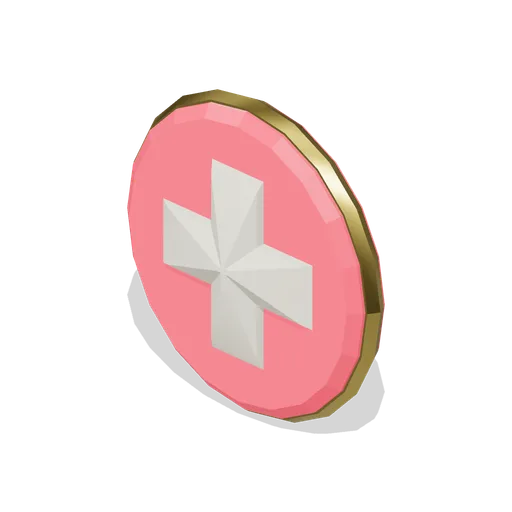
Bone-white medical cross standing 0.11 m proud of a red disc inside a gold bezel, 0.39 m across. The full-heal pickup, readable from any angle.
Bread loaf icon (3D Game UI Icons)
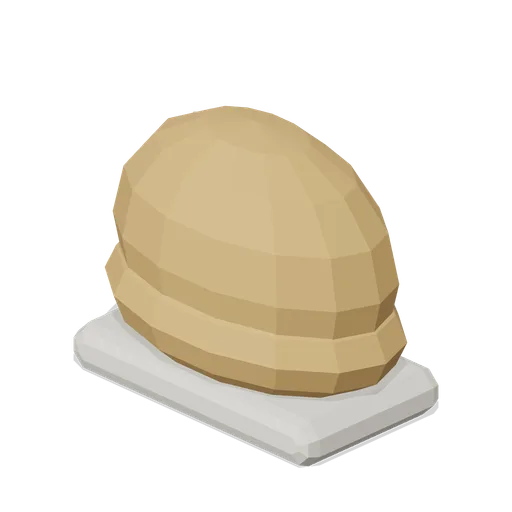
Round topped loaf on a pale crumb base with three diagonal slashes across the crust, for food and hunger.
Water drop icon (3D Game UI Icons)
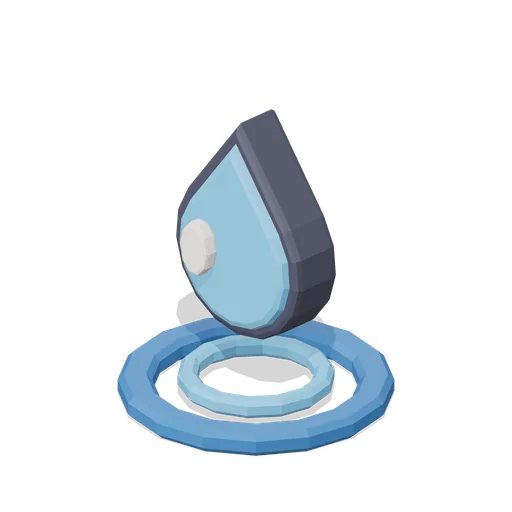
Falling droplet above a ripple ring, for water, thirst, hydration and liquid resources.
Stone block icon (3D Game UI Icons)
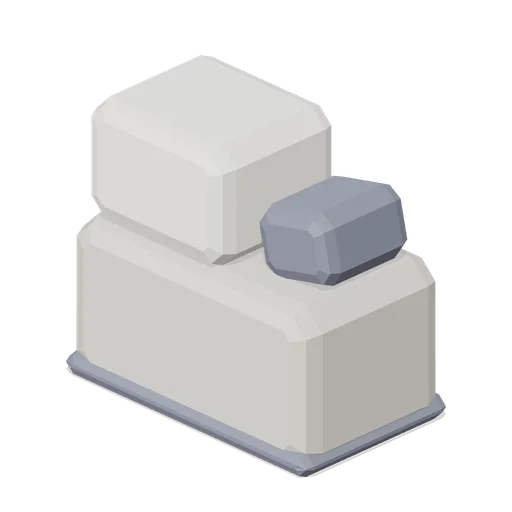
Dressed stone: a large chamfered block with a smaller offset block on top and a chipped corner wedge.
Similar assets
Square button icon (3D Game UI Icons)
Square push button: a chamfered bezel with a recessed well and a raised inner pad carrying a bar mark.
Minus mark icon (3D Game UI Icons)
Single rounded bar with a dark outline shell, for remove, collapse and decrease actions.
Cross mark icon (3D Game UI Icons)
Two crossed bars forming a bold X, for close, cancel, deny and failed states.
Hex token icon (3D Game UI Icons)
Six sided arcade token with a recessed inner hex and a raised triangular mark, for credits and entry tokens.
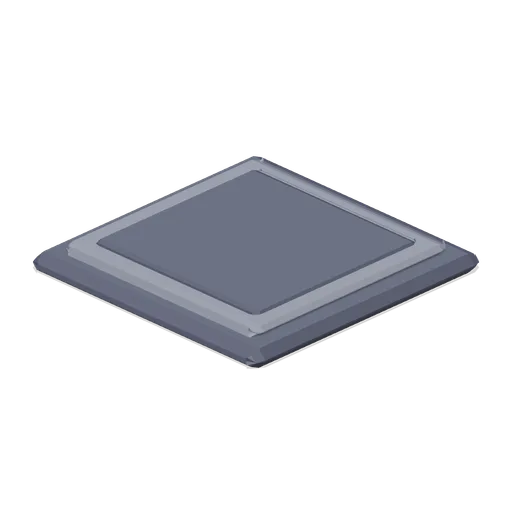
Icon display plinth tile (3D Game UI Icons)
Square 1.2 m plinth tile with a stepped inlay, used to lay out icon boards on a grid. Tiles edge to edge on a 1.2 m pitch.
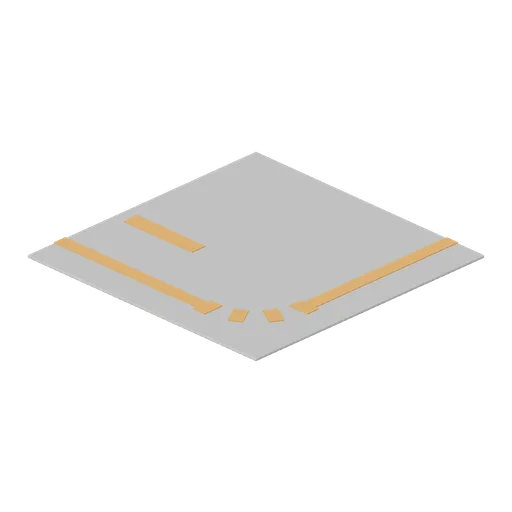
Aisle floor marking corner tile (Hardware Store and DIY Warehouse)
A 2.0 m square floor marking corner: the aisle edge line turns through 90 degrees with a radiused corner, plus a bay corner square and a stop bar.
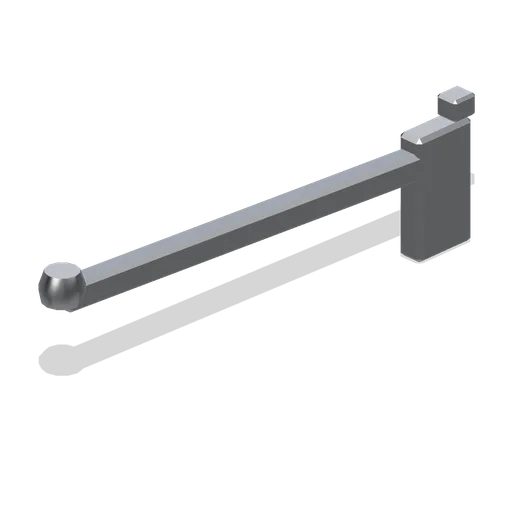
Slatwall straight hanging arm (Retail Store Fixtures and Mall)
A straight slatwall faceout arm: a 0.35 m square-section arm with a hooked slot tongue and a turned end stop, for hanging garments square to the wall.
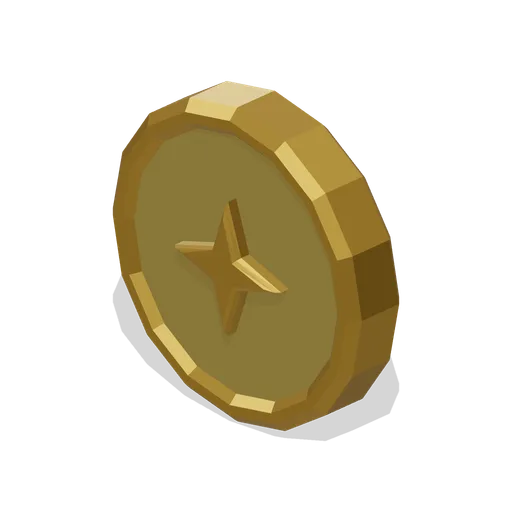
Coin icon (3D Game UI Icons)
Single upright coin with a milled outer rim and a four point mark struck into both faces.
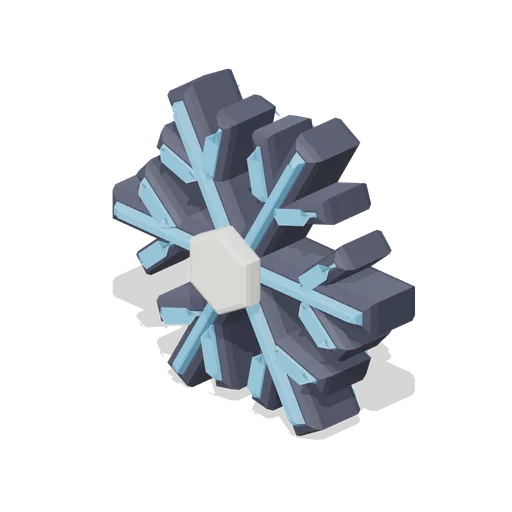
Snowflake icon (3D Game UI Icons)
Six armed snowflake built from three crossing bars with branch spurs and a raised hex core, for frost, chill and slow effects.
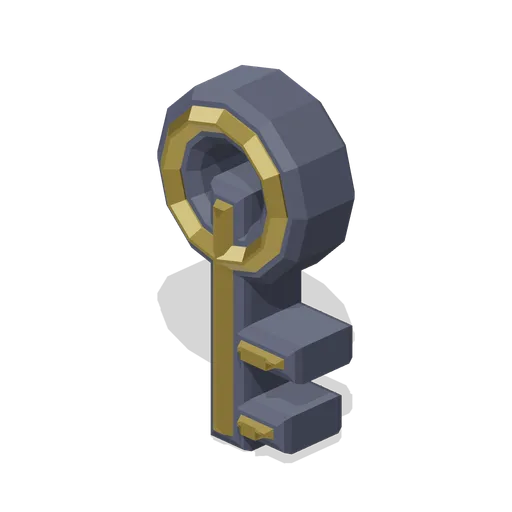
Key icon (3D Game UI Icons)
Classic key with a ringed bow, a square shaft and two cut bits, for locked doors, chests and unlock prompts.
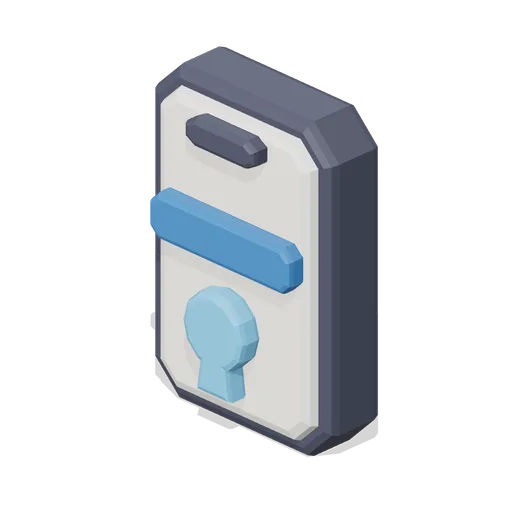
Key card icon (3D Game UI Icons)
Access card with a lanyard slot, a data stripe and a keyhole mark, for doors, terminals and security levels.
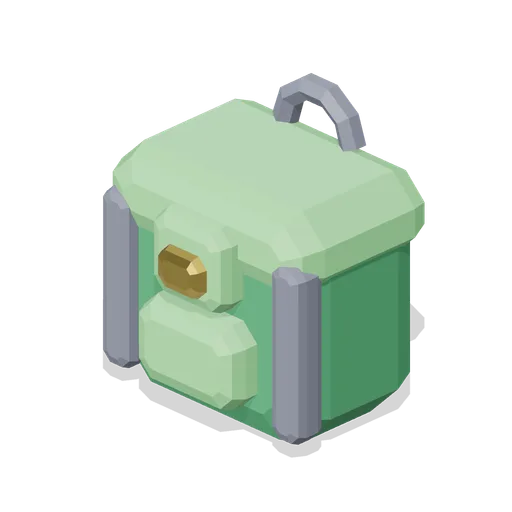
Backpack icon (3D Game UI Icons)
Square topped backpack with a buckled flap, a side pocket and a carry loop, for inventory and carry weight.