Loading model
About
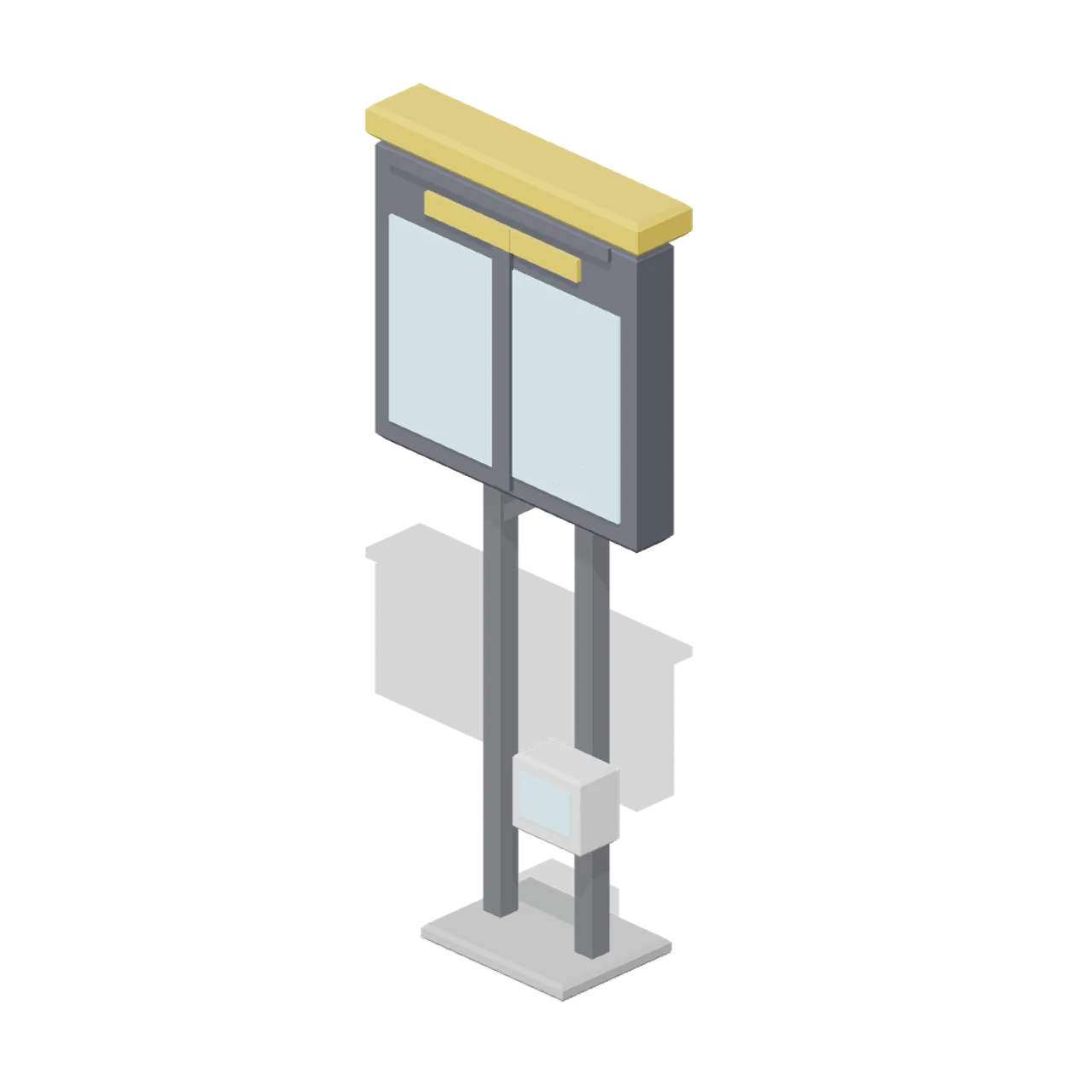
Visual docking guidance display: a two post frame carrying a large dark alignment screen with a centre bar and closing-rate strip, a coloured header hood and a ground level operator panel. Original generic display with no airport identity, stand number or real system name. Dimensions 2.50 x 5.84 x 1.00 m (X x Y x Z). Origin at the base centre on the ground, the screen facing +Z toward the stand. Metres, +Y up, +Z front. Airside stylized palette of eight flat colours, no textures required. Static geometry; no rig, collision or navigation data.
Use with an AI agent
Copy this prompt into your AI chat, then describe what you want to build with the asset.
Use the “Stand Guidance Display (Airport Terminal and Ground Operations)” asset in my project.

Model: https://cdn.3dassets.dev/assets/26086/v1/model.glb
Asset page: https://3dassets.dev/assets/airport-terminal-and-ground-operations-stand-guidance--4a054cb5
Description: Visual docking guidance display: a two post frame carrying a large dark alignment screen with a centre bar and closing-rate strip, a coloured header hood and a ground level operator panel.

- Dimensions (X × Y × Z): 2.5 × 5.84 × 1 metres
- Triangles: 236
- Animations: none
- Licence: CC0 1.0 Universal (https://creativecommons.org/publicdomain/zero/1.0/)
- Loading: Three.js GLTFLoader; no additional decoders required.
Also available as JSON, Markdown, or via the MCP server.
Import manually
Choose your framework, then copy the code into your project to load the asset.
import { GLTFLoader } from 'three/addons/loaders/GLTFLoader.js'

const loader = new GLTFLoader()
loader.load('https://cdn.3dassets.dev/assets/26086/v1/model.glb', (gltf) => {
  scene.add(gltf.scene)
})
Common questions
How do I use this model with my AI development tools?
How do I get started?
Which game engines and tools can I use this model with?
How do I import this model into Unity, Godot, Unreal or Blender?
Can I use this model in a commercial game, and do I need to credit anyone?
Can I load it from the CDN instead of downloading it?
Do I need Draco, Meshopt or KTX2 to load it?
Stand Guidance Display (Airport Terminal and Ground Operations)
Visual docking guidance display: a two post frame carrying a large dark alignment screen with a centre bar and closing-rate strip, a coloured header hood and a ground level operator panel.
More in Roads & Infrastructure
 Animated
Entry barrier with a lifting arm (Car Park and Road Vehicle Fleet)
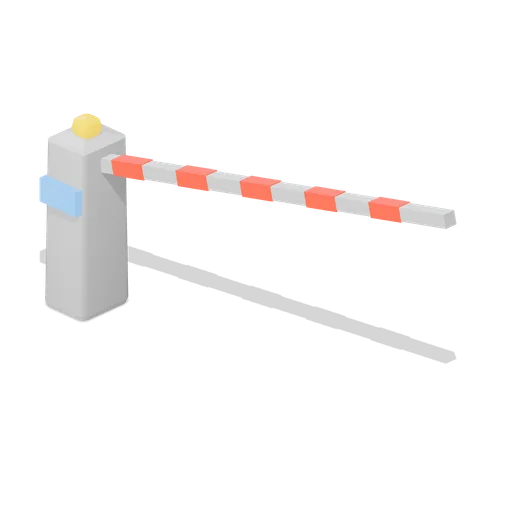
A car park entry barrier: a pedestal cabinet with a card reader screen and a warning beacon, and a 3 m boom that lifts clear of the lane. Car park access control equipment.

Dock edge railing panel 4 m (Steampunk Airship Dock and Workshop)
A 4 m guard rail panel with a kick plate and bolted foot plates, for open deck edges.
Warehouse Floor Slab (Distillery and Bonded Warehouse)
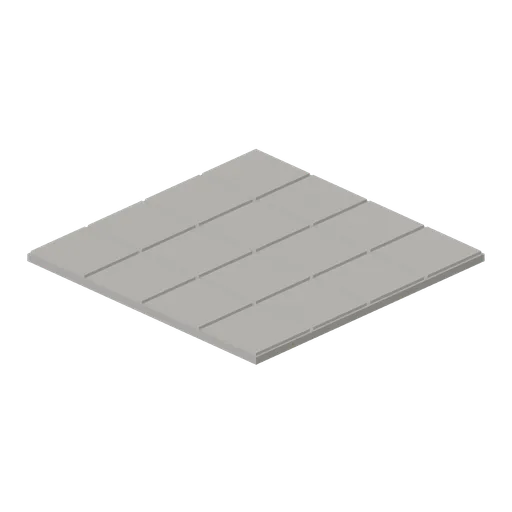
Four metre floor tile 0.14 m thick: a concrete bed with sixteen laid stone flags on it and open joints between them. Tiles edge to edge on a four metre grid with the yard module, so a warehouse or stillhouse floor has no seams.
 Animated
Slewing jib crane (Steampunk Airship Dock and Workshop)
A 4.8 m column crane with a slewing jib, a 3.5 m reach and a hook block on the chain fall.
 Animated
Dock gantry with travelling hoist (Steampunk Airship Dock and Workshop)
A 6.4 m portal gantry with a runway beam, a travelling trolley and a chain hung hook block.
Yard Grit Module (Distillery and Bonded Warehouse)
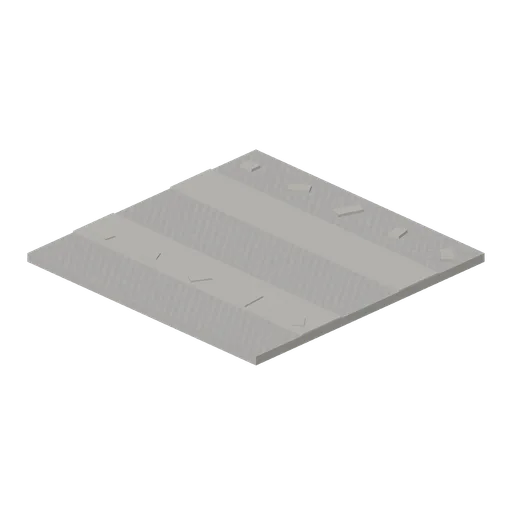
Four metre yard tile 0.16 m thick: a rolled grit surface with two wheel ruts across it and loose stones scattered over it. Tiles edge to edge on the same grid as the warehouse floor slab, so a whole site lays with no gaps.

Railed catwalk module 4 m (Steampunk Airship Dock and Workshop)
A 4 m grated catwalk module 1.2 m wide, with handrails and kick plates on both sides.
 Animated
Airship mooring mast (Steampunk Airship Dock and Workshop)
An 8.6 m riveted lattice mooring mast with a weathercocking head, a mooring cup and a ladder.

Riveted dock deck plate 4 m (Steampunk Airship Dock and Workshop)
A 4 m riveted steel deck plate on iron joists, the modular floor of the airship dock.
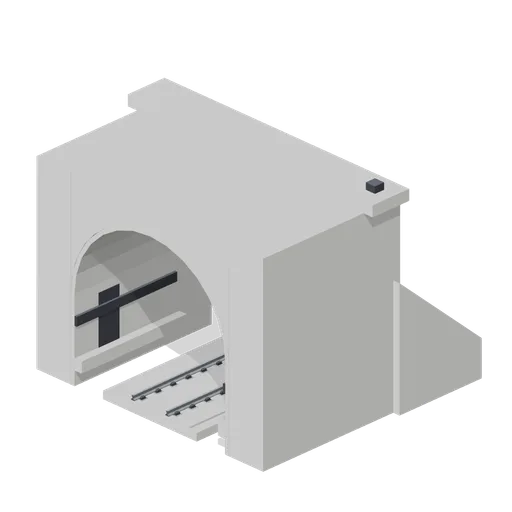
Tunnel portal with slab track (Modern Rail and Metro Network)
A 6 m concrete tunnel portal with a horseshoe bore, cornice, splayed wing walls and slab track through it.

Railed catwalk corner module (Steampunk Airship Dock and Workshop)
A right angle catwalk corner turning from the -Z port to the +X port, railed on the outside.

Steel stair flight 2 m rise (Steampunk Airship Dock and Workshop)
A steel stair flight rising 2.0 m over a 2.4 m run, with chequer treads and handrails.
Similar assets

Isolation Screen (Music Recording Studio and Instruments)
A free-standing 900 by 1800 mm isolation screen: a framed 70 mm absorber in grey fabric on a steel post frame with weighted feet. Its screen-left and screen-right ports meet the next screen square or at a right angle, so three of them fold into a vocal booth.
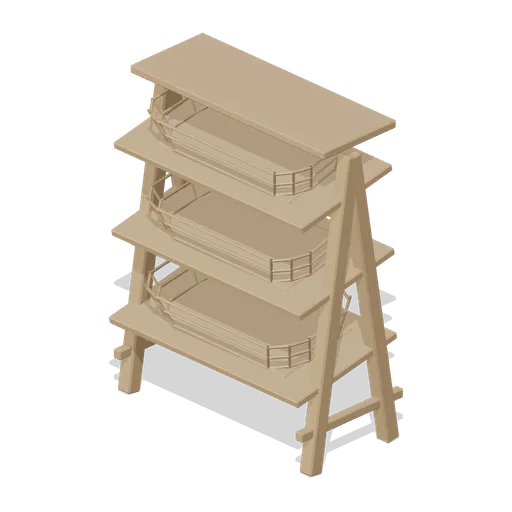
Wicker basket display stand (Cafe, Bakery and Coffee Bar)
A 0.8 m A-frame display stand: splayed timber legs with cross rails carrying three sloped shelves, each with a woven basket of staves and weavers, and a flat top shelf.
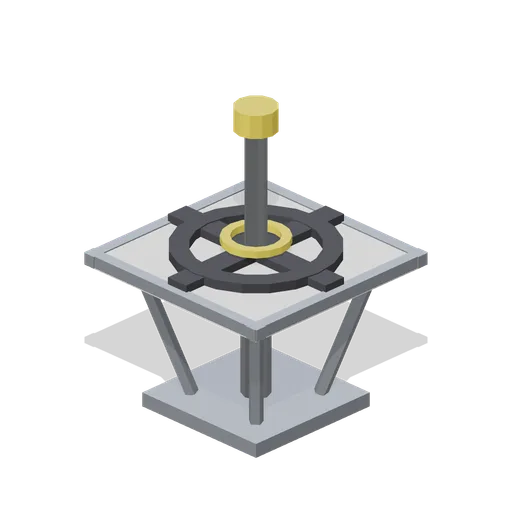
Docking target cross (Space Station and Docking Bays)
A 0.9 m docking alignment target: a bolted base plate on four braces carrying a framed board with a raised black cross and ring, and a centre standoff pin with a yellow cap for the approach camera.

Flag Post and Marshal Post (Go Kart Track and Pit Lane)
Marshal post: a raised 2.4 m concrete stand with a yellow double rail on three sides, an extinguisher on the deck, and a 3.1 m flag post beside it carrying a yellow and a red flag panel. The flags are modelled as rigid panels and do not move.

Post bag on a wheeled frame (Parcel Depot and Sorting Hall)
Standalone mail bag frame as it stands in a depot aisle: a tubular galvanised frame on castors with a filled red post bag, a charcoal tie strap across its neck and a blank cream destination card in the holder.

Briefing Screen on a Wheeled Stand (Escape Room and Puzzle Venue)
The screen a group is briefed on before a game: a 1.06 by 0.64 m display in a dark case with a brass capping, on a column stand with four castors, 1.72 m overall. The face is an abstract lit panel with a status strip, never a readable briefing.
 Animated
Interactive Screen Stand (Art Gallery and Exhibition Rooms)
A 1.35 m interactive screen on a floor stand: a weighted base, a steel column and a dark screen head with a lit face that tilts to the visitor.
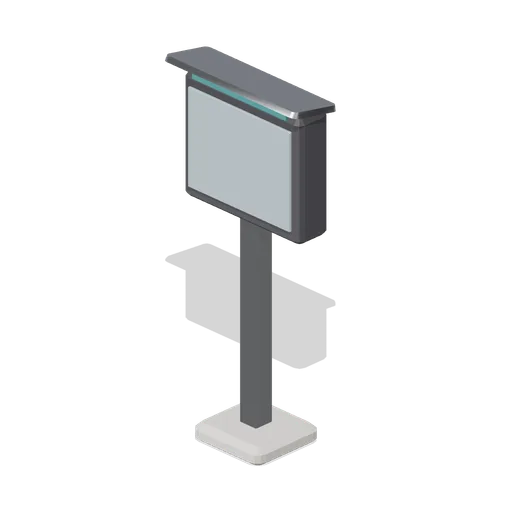
Order confirmation screen post (Fast Food Counter and Drive-Thru)
A lane-side order confirmation screen: a blank weatherproof display in a chamfered enclosure on a stainless post with a raked hood.
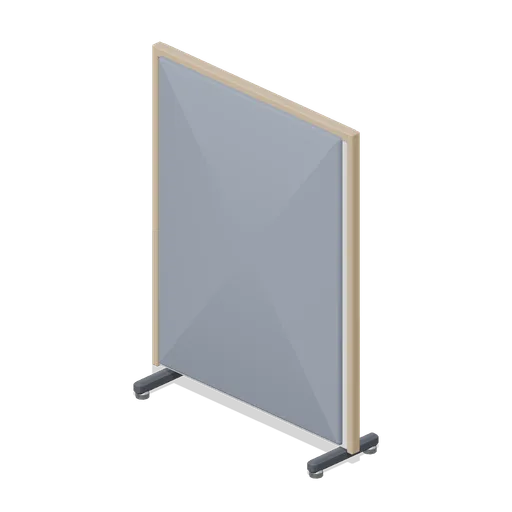
Floor-standing acoustic screen (Downtown Office Interiors)
A 1.2 m by 1.6 m floor-standing acoustic screen on castored feet, with felt faces both sides and timber posts and capping.
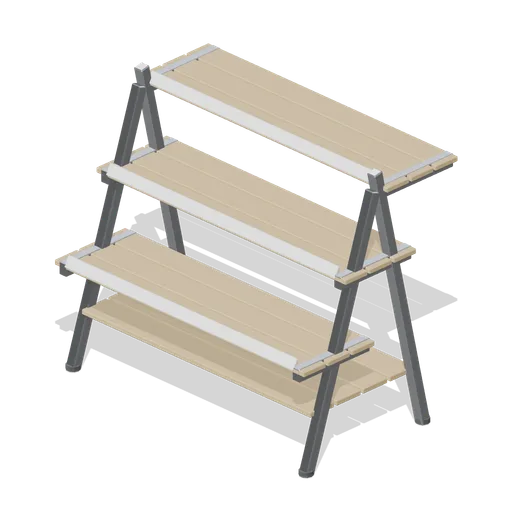
Tiered plant display stand (Garden Centre and Florist)
A three tier A frame display stand in painted steel: stepped shelves rising toward the back, a slatted lower deck, a label rail on every step and rubber footed legs.
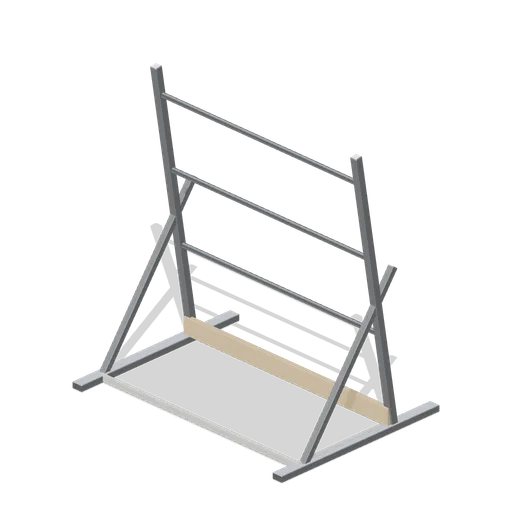
Tree and shrub display frame (Garden Centre and Florist)
A heavy duty frame for standing potted trees against: a galvanised A frame on ground rails with three tying rails, a kick board and a gravel tray floor for irrigation run off.
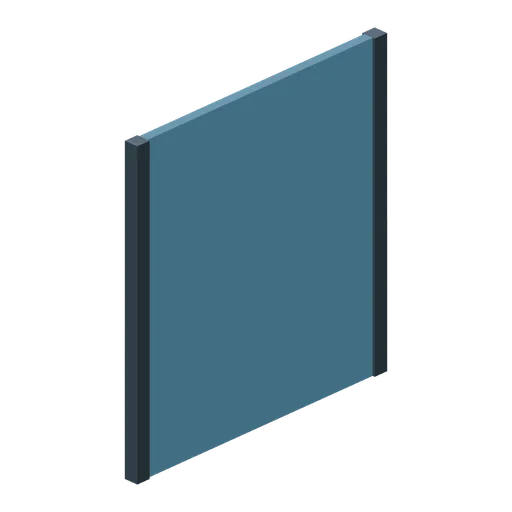
Stand end wind screen (Football Soccer Stadium and Club Grounds)
2.4 m deep stand end screen with a solid windproof panel and edge posts.