About
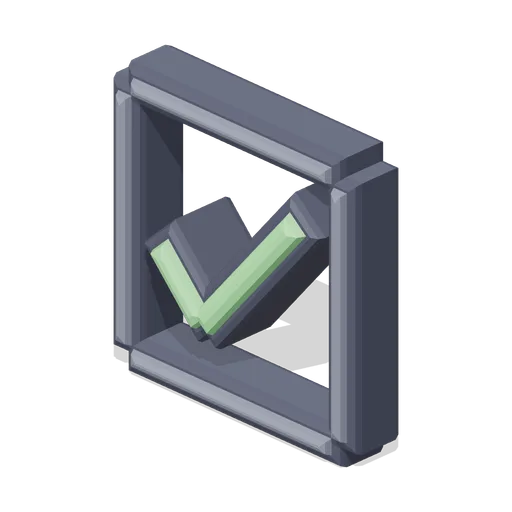
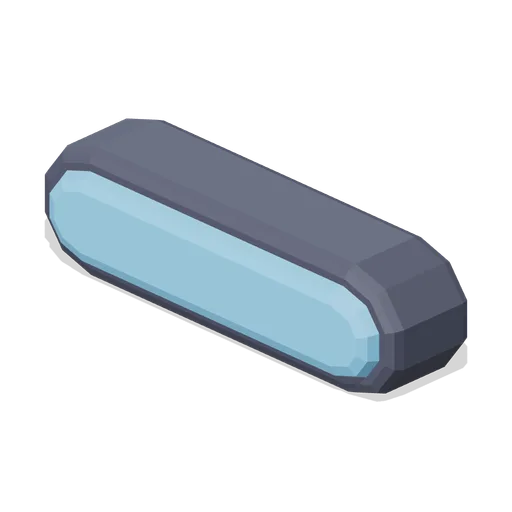
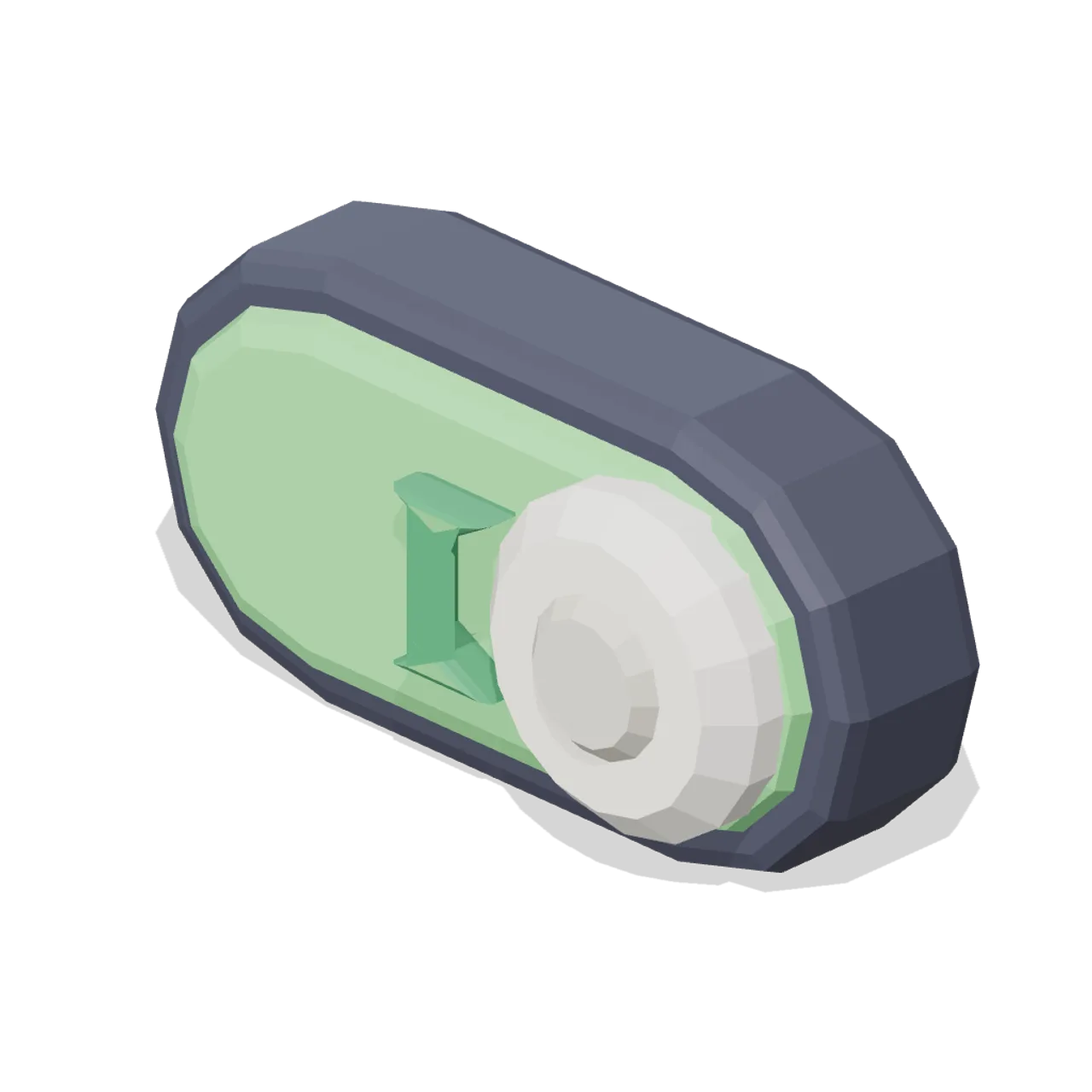
Capsule track with the knob thrown to the on side and a tick mark, for settings and binary options.
Scale contract: the icon fills a 1.0 m cube, centred on the origin in X and Z, resting at y=0 with the visual mass around y=0.5, and the glyph face pointing +Z. Scale it to taste; a HUD normally wants it far smaller than a metre.
Static geometry with chamfered edges and flat-shaded faces. No skinned rig, animation, collision or navigation data.
Use with an AI agent
Copy this prompt into your AI chat, then describe what you want to build with the asset.
Use the “Toggle switch icon (Game UI icon library)” asset in my project.

Model: https://cdn.3dassets.dev/assets/8357/v1/model.glb
Asset page: https://3dassets.dev/assets/game-ui-icon-library-toggle-knob-8cd4ce83
Description: Capsule track with the knob thrown to the on side and a tick mark, for settings and binary options.

- Dimensions (X × Y × Z): 0.98 × 0.49 × 0.372 metres
- Triangles: 660
- Animations: none
- Licence: CC0 1.0 Universal (https://creativecommons.org/publicdomain/zero/1.0/)
- Loading: Three.js GLTFLoader; no additional decoders required.
Also available as JSON, Markdown, or via the MCP server.
Import manually
Choose your framework, then copy the code into your project to load the asset.
import { GLTFLoader } from 'three/addons/loaders/GLTFLoader.js'

const loader = new GLTFLoader()
loader.load('https://cdn.3dassets.dev/assets/8357/v1/model.glb', (gltf) => {
  scene.add(gltf.scene)
})
Toggle switch icon (Game UI icon library)
Capsule track with the knob thrown to the on side and a tick mark, for settings and binary options.