Loading model
About
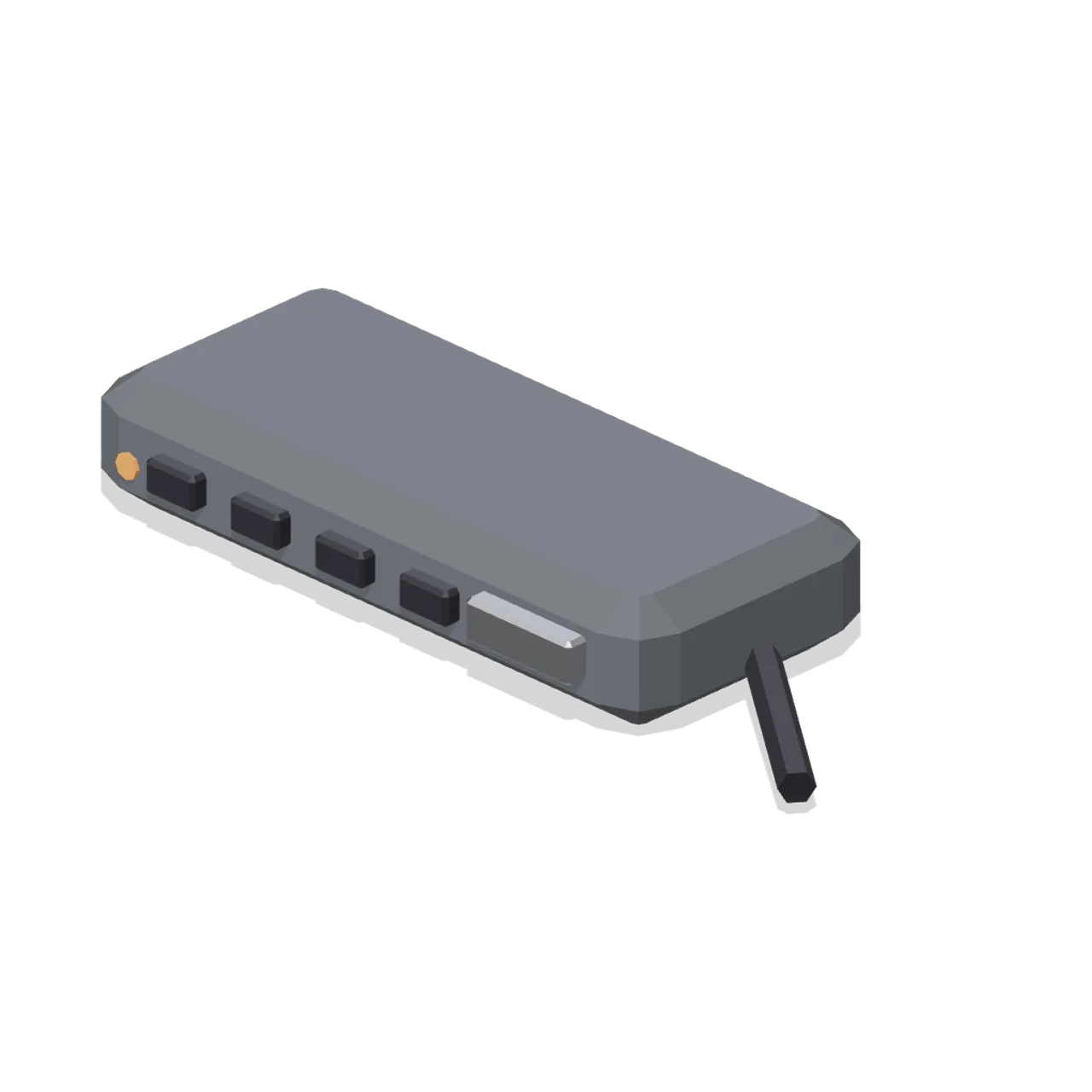
A USB-C dock: a low chamfered hub with four front ports, a side connector, status LED and a captive cable tail. Metre units, +Y up, the user side toward +Z. Resting on y=0. Static geometry; no rig, collision or navigation data.
Use with an AI agent
Copy this prompt into your AI chat, then describe what you want to build with the asset.
Use the “USB-C dock (Computers and Desk Gadgets)” asset in my project.

Model: https://cdn.3dassets.dev/assets/38867/v1/model.glb
Asset page: https://3dassets.dev/assets/computers-and-desk-gadgets-dock-usbc-69f9f68d
Description: A USB-C dock: a low chamfered hub with four front ports, a side connector, status LED and a captive cable tail.

- Dimensions (X × Y × Z): 0.202 × 0.03 × 0.075 metres
- Triangles: 472
- Animations: none
- Licence: CC0 1.0 Universal (https://creativecommons.org/publicdomain/zero/1.0/)
- Loading: Three.js GLTFLoader; no additional decoders required.
Also available as JSON, Markdown, or via the MCP server.
Import manually
Choose your framework, then copy the code into your project to load the asset.
import { GLTFLoader } from 'three/addons/loaders/GLTFLoader.js'

const loader = new GLTFLoader()
loader.load('https://cdn.3dassets.dev/assets/38867/v1/model.glb', (gltf) => {
  scene.add(gltf.scene)
})
Common questions
How do I use USB-C dock (Computers and Desk Gadgets) with my AI development tools?
How do I get started?
Which game engines and tools can I use USB-C dock (Computers and Desk Gadgets) with?
How do I import this model into Unity, Godot, Unreal or Blender?
Can I use USB-C dock (Computers and Desk Gadgets) in a commercial game, and do I need to credit anyone?
Can I load it from the CDN instead of downloading it?
Do I need Draco, Meshopt or KTX2 to load it?
USB-C dock (Computers and Desk Gadgets)
A USB-C dock: a low chamfered hub with four front ports, a side connector, status LED and a captive cable tail.
More in Props & Furniture
Stocked Surfboard Rack (Beach Surf and Paddle Kit)
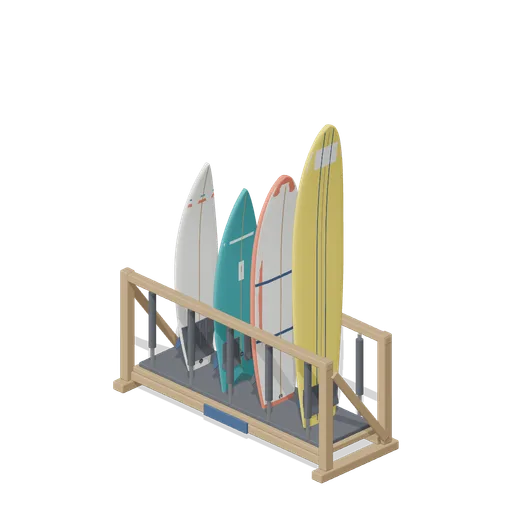
The freestanding surfboard rack stocked for hire: shortboard, fish, soft top learner and longboard standing tail down in the four slots.
Swim Zone Buoy Orange (Beach Surf and Paddle Kit)
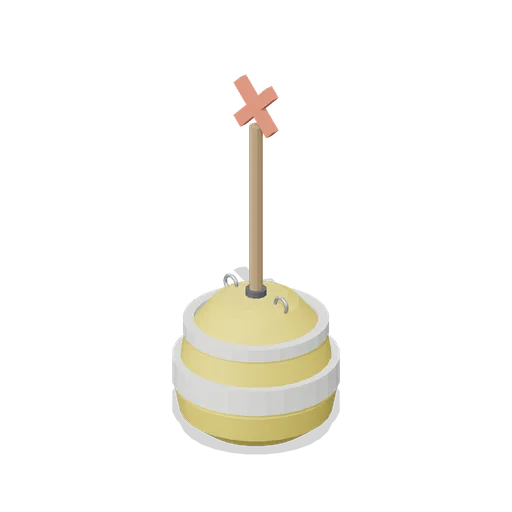
Sun yellow variant of the swim zone marker buoy with a coral cross topmark.
Dune Grass Tuft (Beach Surf and Paddle Kit)
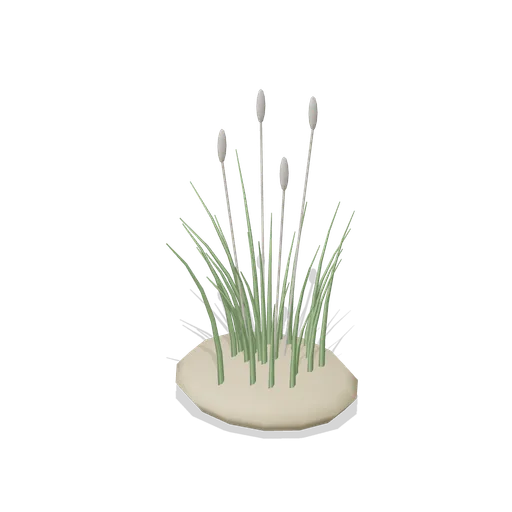
Marram dune grass tuft: 26 tapered curling blades and four seed heads rising from a low sand mound.
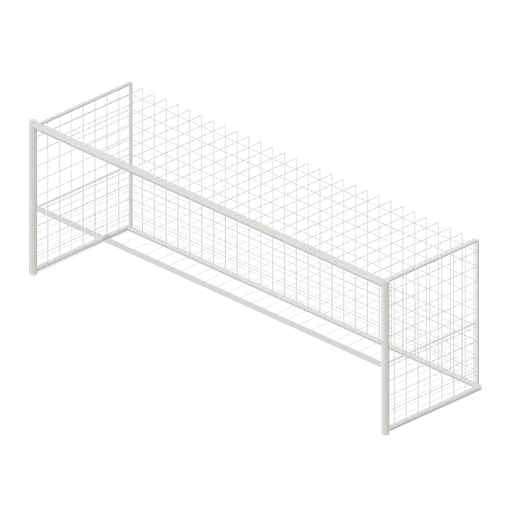
Full size open net soccer goal (Football Soccer Stadium and Club Grounds)
Goal with 7.32 m clear width, 2.44 m clear height, 2 m deep open cord net and tubular frame.
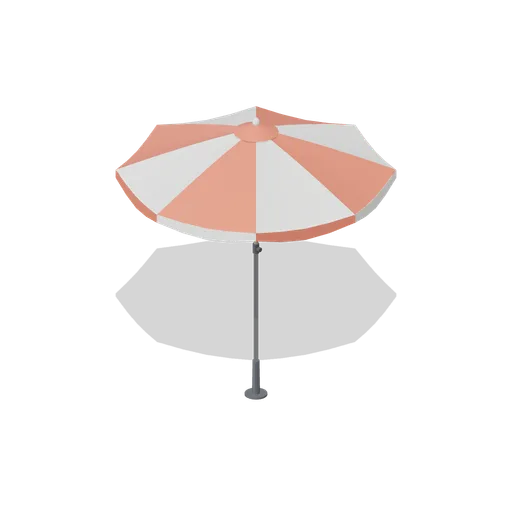
Beach Umbrella (Beach Surf and Paddle Kit)
2.4 m beach umbrella: sand anchor with base plate, steel lower pole with tilt collar and knob, timber upper pole, runner and stretchers, eight steel ribs under alternating coral and foam panels with a scalloped valance, vent cap and finial.
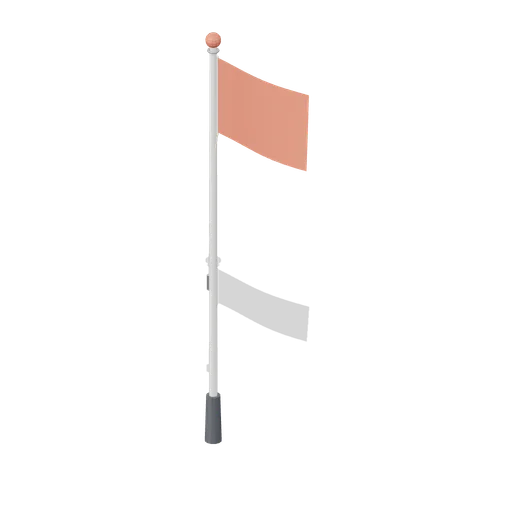
Warning Flag Pole (Beach Surf and Paddle Kit)
3.1 m warning flag pole: the patrol pole with a solid coral no swimming flag and coral finial.
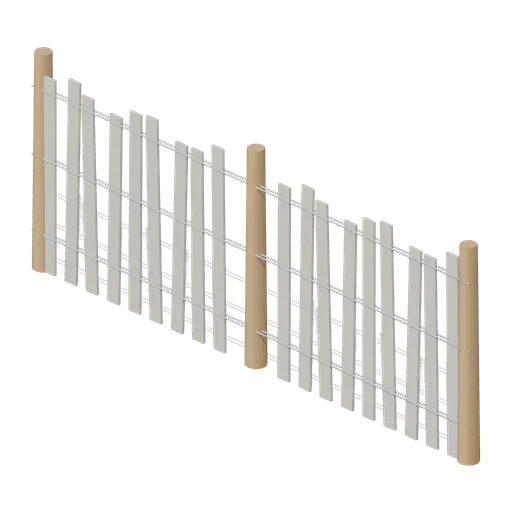
Dune Fence Run (Beach Surf and Paddle Kit)
2.6 m dune wind fence: three round timber posts, twin twisted wire lines at three heights and weathered grey slats set at slightly uneven heights.
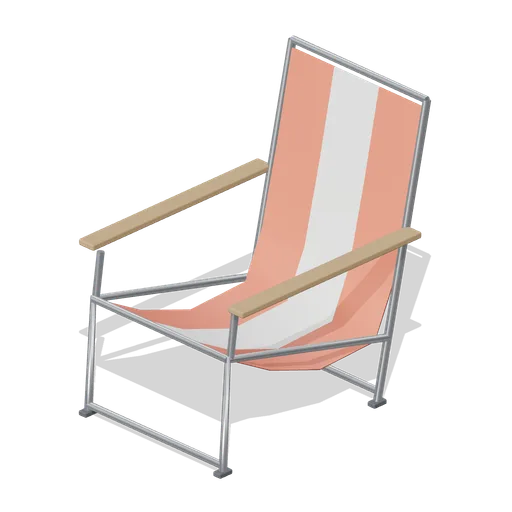
Folding Beach Chair (Beach Surf and Paddle Kit)
Low folding beach chair: steel tube frame with feet, timber armrests and a striped coral and foam sling seat that sags into the back.
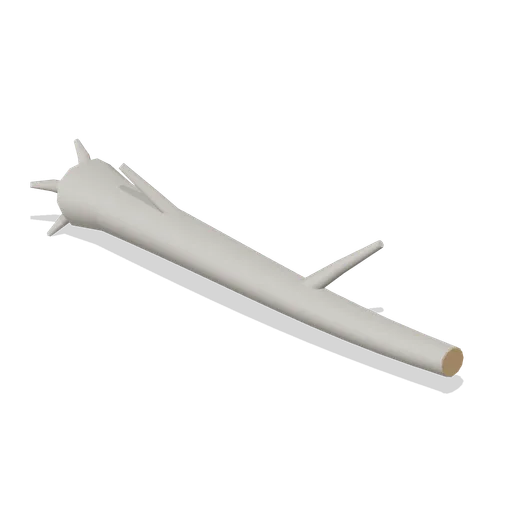
Driftwood Log (Beach Surf and Paddle Kit)
2.8 m weathered driftwood log: twisted tapering trunk, two branch stubs, a splayed root end and one sawn end showing the grain.
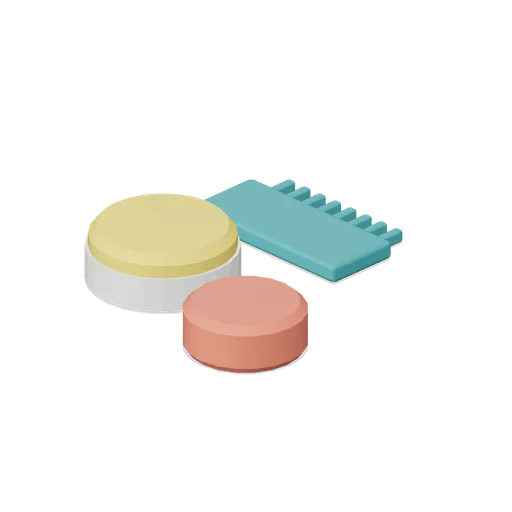
Surf Wax Kit (Beach Surf and Paddle Kit)
Surf wax kit lying on the sand: sun yellow wax puck in a paper wrapper, a coral base coat bar and a toothed teal wax comb.
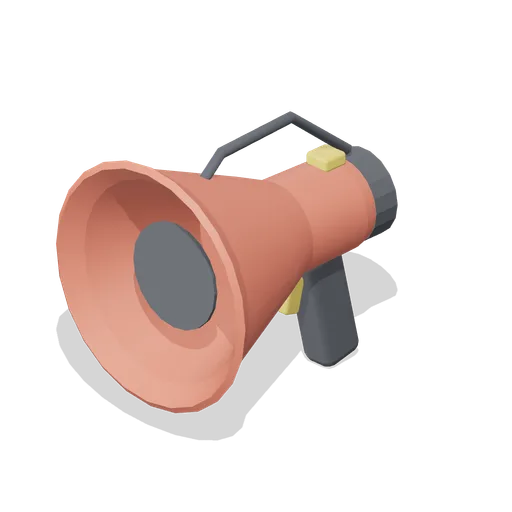
Lifeguard Megaphone (Beach Surf and Paddle Kit)
Handheld lifeguard megaphone resting on its grip: coral flared bell with grille, battery housing, pistol grip and trigger, siren switch and carry strap.

T shirt on a hanger (Clothing Rail and Wardrobe)
A terracotta t shirt hanging on a slim velvet hanger: a shaped shell with shoulders, a slight body taper, short sleeves with turned cuffs and a ribbed crew neck, in the settled shape a jersey tee takes on a rail.
Similar assets
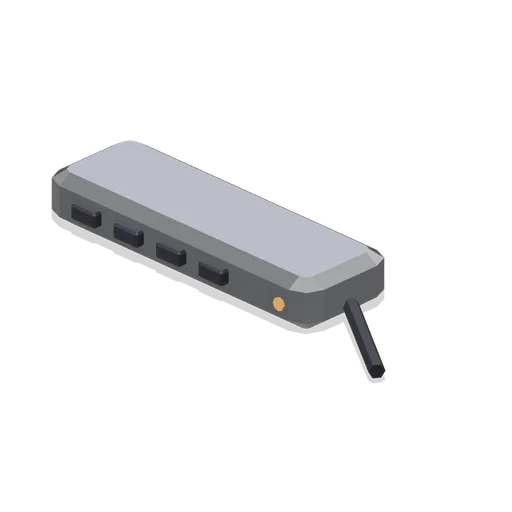
Seven port USB hub (Computers and Desk Gadgets)
A seven port USB hub: a slim alloy bar with four front ports, three rear ports, a status LED and a captive tail.
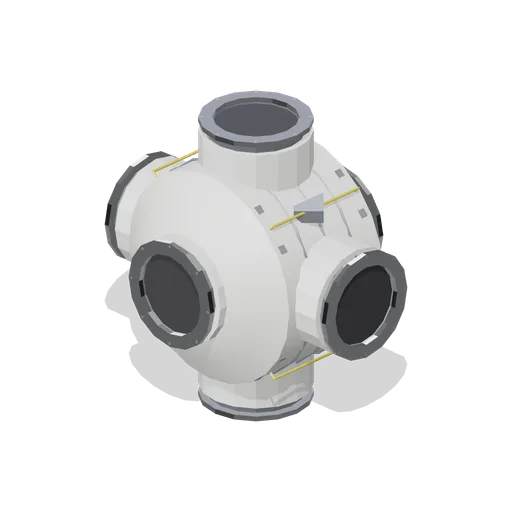
Six-port pressurised hub (Space Station and Docking Bays)
A 4.1 m six-port hub with forward, aft, port, starboard, zenith and nadir hatches on machined radial stubs, diagonal gusset structure between the stubs and four EVA rail runs.
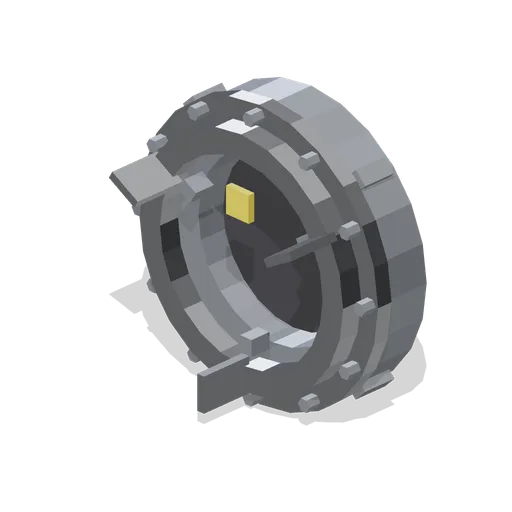
Androgynous docking port (Space Station and Docking Bays)
A 2.1 m androgynous docking mechanism: a bolted base flange with a station hatch port at the rear, an active capture ring with three guide petals, four latch housings and a target patch.

Graving dock floor tile, 4 m (Shipyard and Dry Dock)
Dock bottom slab 4 m square and 0.2 m thick with a drainage channel down one edge and a cast grating over the culvert, for the floor of a graving dock. Ports on all four edges so a dock floor runs to any length.

Dry dock altar wall section, 4 m (Shipyard and Dry Dock)
Stepped dock wall 4 m long and 6 m tall: four concrete altars a shore can be set on, a galvanised lip angle at the coping, a yellow edge line and a recessed rung ladder. Ports at both ends so a dock side runs to any length.
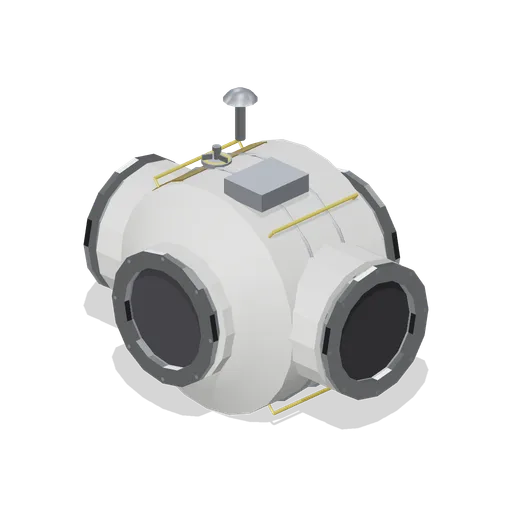
Four-port station node (Space Station and Docking Bays)
A 3.6 m pressurised connecting node with forward, aft, port and starboard hatch ports on machined stubs, a zenith avionics box, grapple fixture, low-gain antenna and EVA translation rails.
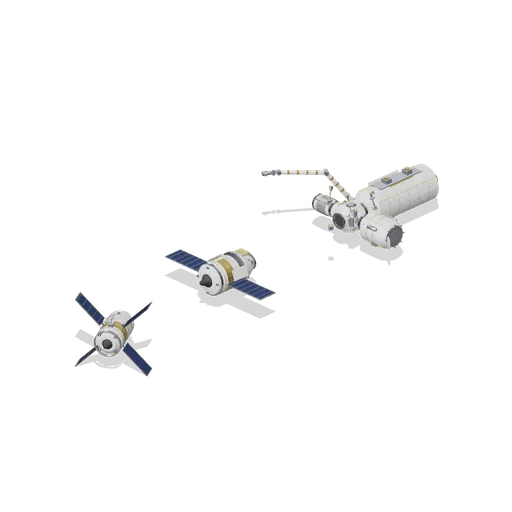
Docking Approach (Space Station and Docking Bays)
A four-port node with a laboratory, airlock and tunnel attached, its forward port left free with an alignment target and camera arm. A crew ferry holds 14 m out on the port axis and an automated freighter waits 34 m behind it, with a suited crew member on a manoeuvring unit...
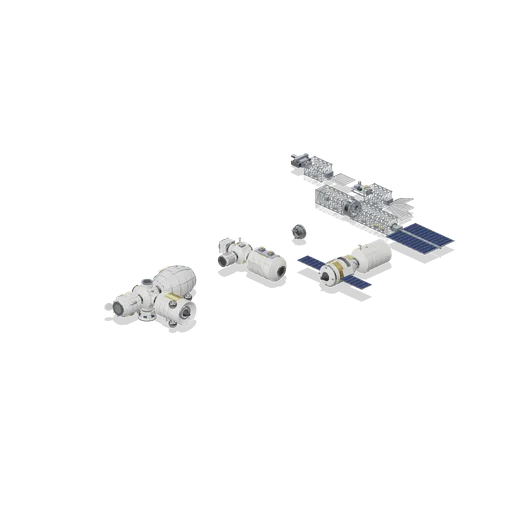
Connector Cases (Space Station and Docking Bays)
Independent test assemblies covering both port types: axial, radial and nadir hatch mates between modules, a berthing ring mated to a docking port, a ferry berthed to a logistics module, and truss mates joining bays, a rotary joint, an end cap, deployed and stowed...
 Animated
Dock gate caisson, 16 m (Shipyard and Dry Dock)
Steel dock gate closing a 16 m graving dock: a plated box caisson on a concrete quoin, with vertical stiffeners, timber seating faces, flooding valve wheels and a railed walkway across its top. The leaf swings off the quoin to open the dock.

Graving dock with a hull in three sections (Shipyard and Dry Dock)
A working shipyard seen from its dock side: a 16 m graving dock pumped dry, its stepped altar walls running back to the head and its steel gate caisson closed against the basin. A hull sits on the blocks in it, made up of a stern module with its rudder and propeller drawn and...
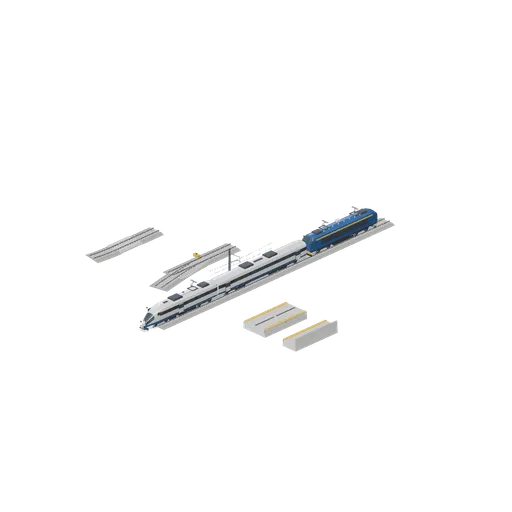
Connector cases for rail, coupler and platform ports (Modern Rail and Metro Network)
Assembly cases proving every declared port type: ballasted track chained to slab track and into a curve, a straight feeding a turnout with a module on the diverging route, three vehicles coupled end to end at modern coupler height, and island and side platform modules abutted...
 Animated
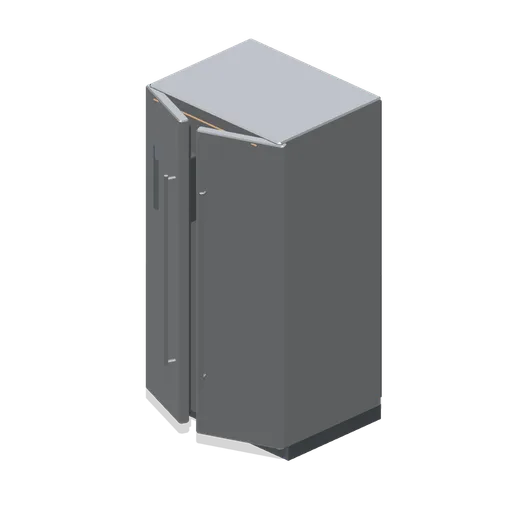
American side by side fridge freezer (Home Appliances and Utility Room)
A 920 mm American side by side fridge freezer in stainless: a narrow freezer door carrying a recessed water and ice dispenser with paddle, drip grille and control window, and a wider fridge door, both on full-height bar handles.