
Loading model
About
A two tier keyboard rig: a 61 note stage piano over a 49 note synth on a double X stand, both with a screen and a row of rotaries above the keys. Player side toward +Z. The keys are geometry: a playable keybed is 61 nodes for an effect a consumer can animate better in the engine. Metre units, +Y up, the audience side toward +Z, resting on y=0. Static geometry; no rig, collision or navigation data.
Use with an AI agent
Copy this prompt into your AI chat, then describe what you want to build with the asset.
Use the “Keyboard Rig (Live Music Venue and Festival Stage)” asset in my project.

Model: https://cdn.3dassets.dev/assets/33919/v1/model.glb
Asset page: https://3dassets.dev/assets/live-music-venue-and-festival-stage-keyboard-rig-c2846152
Description: A two tier keyboard rig: a 61 note stage piano over a 49 note synth on a double X stand, both with a screen and a row of rotaries above the keys. Player side toward +Z.

- Dimensions (X × Y × Z): 1.28 × 1.044 × 0.719 metres
- Triangles: 11.4k
- Animations: none
- Licence: CC0 1.0 Universal (https://creativecommons.org/publicdomain/zero/1.0/)
- Loading: Three.js GLTFLoader; no additional decoders required.
Also available as JSON, Markdown, or via the MCP server.
Import manually
Choose your framework, then copy the code into your project to load the asset.
import { GLTFLoader } from 'three/addons/loaders/GLTFLoader.js'

const loader = new GLTFLoader()
loader.load('https://cdn.3dassets.dev/assets/33919/v1/model.glb', (gltf) => {
  scene.add(gltf.scene)
})
Common questions
How do I use this model with my AI development tools?
How do I get started?
Which game engines and tools can I use this model with?
How do I import this model into Unity, Godot, Unreal or Blender?
Can I use this model in a commercial game, and do I need to credit anyone?
Can I load it from the CDN instead of downloading it?
Do I need Draco, Meshopt or KTX2 to load it?
Keyboard Rig (Live Music Venue and Festival Stage)
A two tier keyboard rig: a 61 note stage piano over a 49 note synth on a double X stand, both with a screen and a row of rotaries above the keys. Player side toward +Z.
More in Props & Furniture
Full size open net soccer goal (Football Soccer Stadium and Club Grounds)
Goal with 7.32 m clear width, 2.44 m clear height, 2 m deep open cord net and tubular frame.
Stocked Surfboard Rack (Beach Surf and Paddle Kit)
The freestanding surfboard rack stocked for hire: shortboard, fish, soft top learner and longboard standing tail down in the four slots.
Swim Zone Buoy Orange (Beach Surf and Paddle Kit)
Sun yellow variant of the swim zone marker buoy with a coral cross topmark.
Dune Grass Tuft (Beach Surf and Paddle Kit)
Marram dune grass tuft: 26 tapered curling blades and four seed heads rising from a low sand mound.
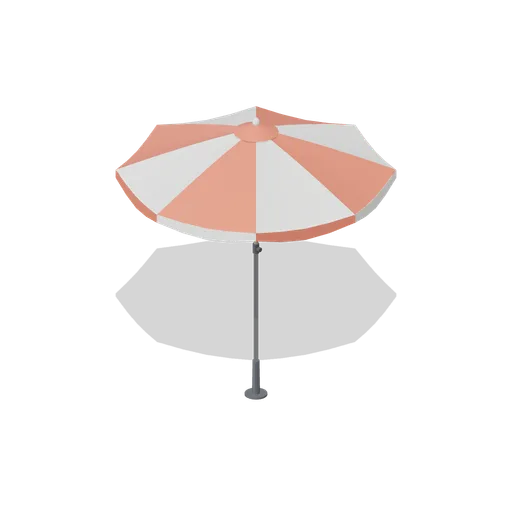
Beach Umbrella (Beach Surf and Paddle Kit)
2.4 m beach umbrella: sand anchor with base plate, steel lower pole with tilt collar and knob, timber upper pole, runner and stretchers, eight steel ribs under alternating coral and foam panels with a scalloped valance, vent cap and finial.
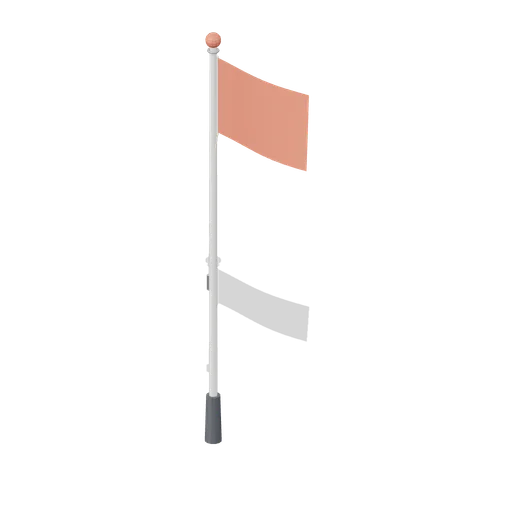
Warning Flag Pole (Beach Surf and Paddle Kit)
3.1 m warning flag pole: the patrol pole with a solid coral no swimming flag and coral finial.
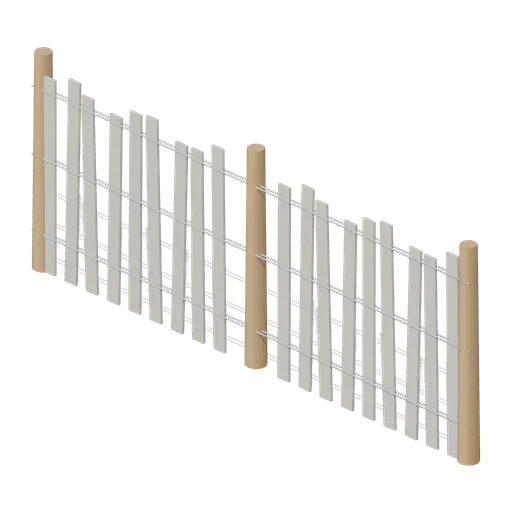
Dune Fence Run (Beach Surf and Paddle Kit)
2.6 m dune wind fence: three round timber posts, twin twisted wire lines at three heights and weathered grey slats set at slightly uneven heights.
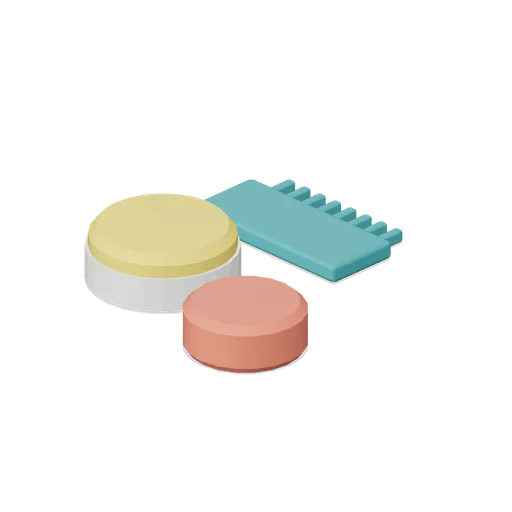
Surf Wax Kit (Beach Surf and Paddle Kit)
Surf wax kit lying on the sand: sun yellow wax puck in a paper wrapper, a coral base coat bar and a toothed teal wax comb.
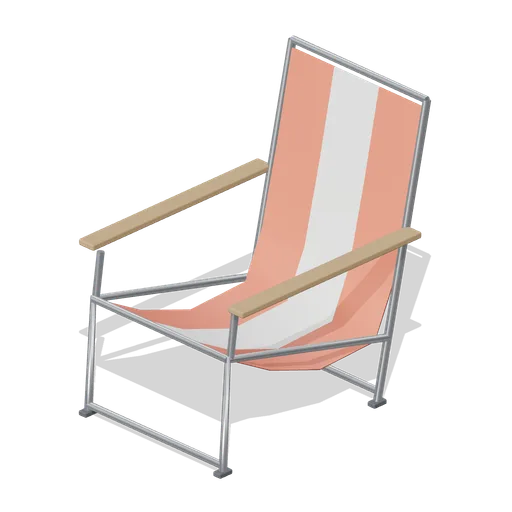
Folding Beach Chair (Beach Surf and Paddle Kit)
Low folding beach chair: steel tube frame with feet, timber armrests and a striped coral and foam sling seat that sags into the back.
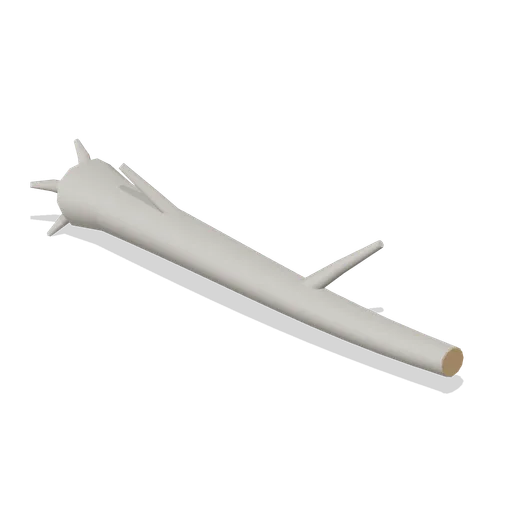
Driftwood Log (Beach Surf and Paddle Kit)
2.8 m weathered driftwood log: twisted tapering trunk, two branch stubs, a splayed root end and one sawn end showing the grain.
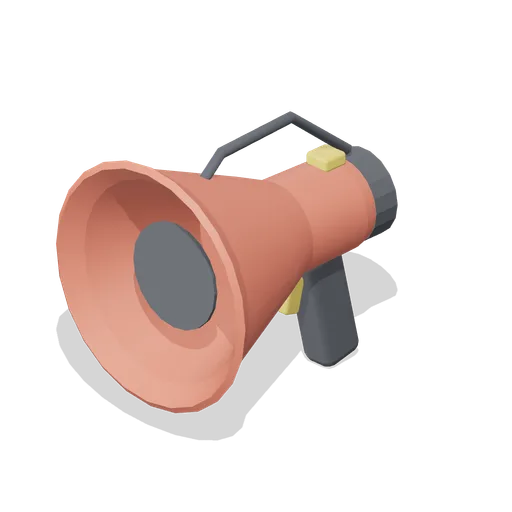
Lifeguard Megaphone (Beach Surf and Paddle Kit)
Handheld lifeguard megaphone resting on its grip: coral flared bell with grille, battery housing, pistol grip and trigger, siren switch and carry strap.
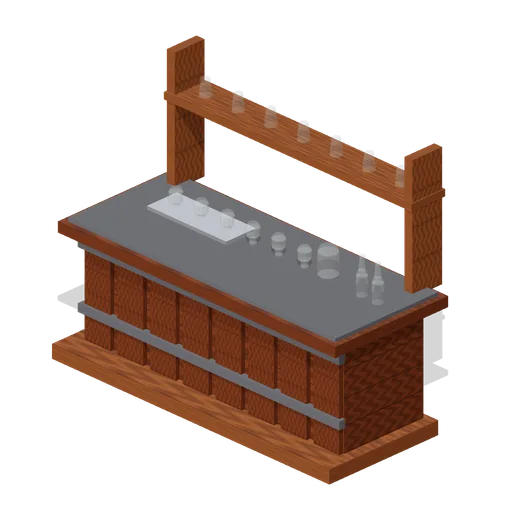
Visitor Tasting Counter (Distillery and Bonded Warehouse)
Visitor tasting counter 2.8 x 1.1 m and 1.8 m to the back shelf: a cask staved oak front with iron bands, a plank top, six nosing glasses on a tray, a water jug, two unlabelled bottles and seven more glasses upended on the shelf behind. Nothing carries a label.
Similar assets

Synth Keyboard on an X Stand (Music Recording Studio and Instruments)
A 61 note synthesiser on an X frame stand at 720 mm: a sloped control panel with six knobs, a display and a pitch strip over a keybed of weighted naturals and sharps, on a crossed tube frame with rubber feet.
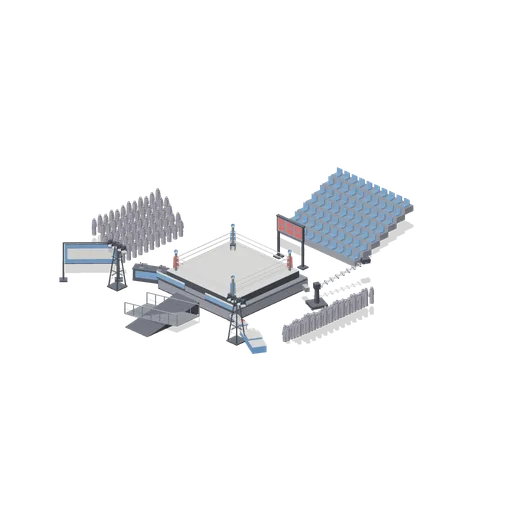
Fight Night Stage (Martial Arts Dojo and Fight Stages)
Fight night demonstration: a boxing ring on a raised stage with an entrance ramp and apron skirts, corner stools, crowd blocks and stand blocks either side, spotlight rigs, a scoreboard, commentary desk, camera crane and podium. Static layout of pack instances; no rig...
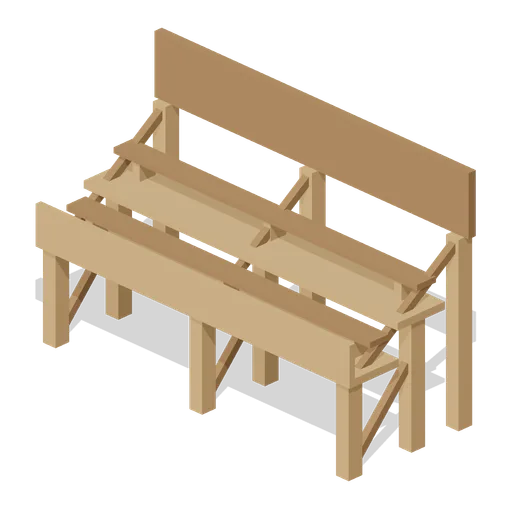
Spectator Stand Upper Tier (Medieval Tournament and Jousting Ground)
Six metre raised stand of two bench tiers at 1.85 and 2.4 m with a front breast board, standing behind the lower tier.
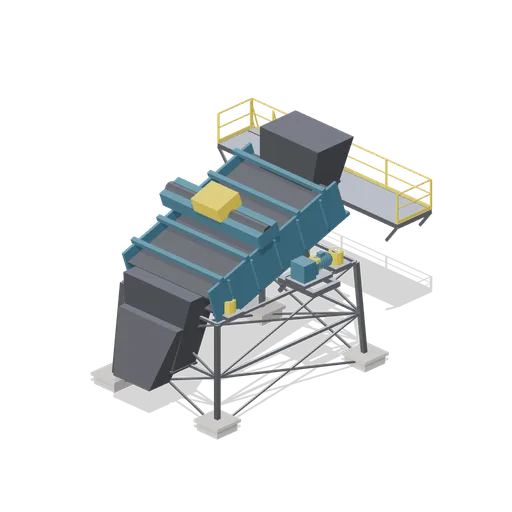
Double deck vibrating screen (Ore Processing and Haulage Plant)
An inclined double deck vibrating screen: a ribbed screen box on coil spring mounts in a braced lattice frame, an exciter drive and guard on a bridge over the box, a feed box at the high end, two discharge chutes and an access platform with a stair.
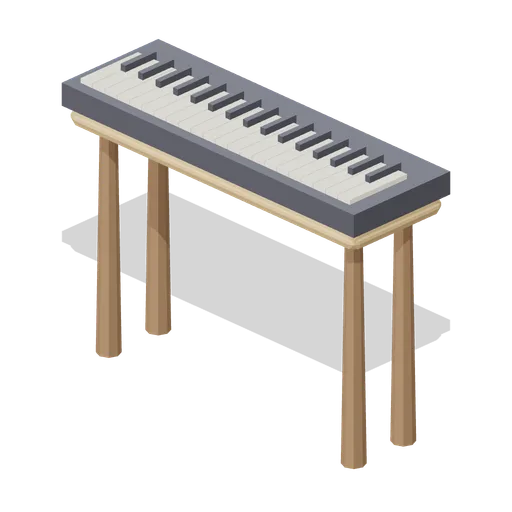
Keyboard Piano (Cozy Home Interiors)
Portable keyboard piano on a timber stand with raised black keys.

Stage Step Unit (Live Music Venue and Festival Stage)
A four tread stage stair rising 1 m to deck height, 1.2 m wide with a scaffold handrail either side. The top tread stands against the stage edge; the treads are the same non slip ply as the decking.

Festival Main Stage (Live Music Venue and Festival Stage)
A festival main stage built from the pack's own kit, standing on its own field of 4 m ground tiles with a worn trackway from the stalls past the front of house position down to the barrier: an 8 by 5 m stage on twenty deck modules with steps up to it, a six metre ground...
 Animated
Scoring Screen on a Stand (Go Kart Track and Pit Lane)
Live timing screen 3.7 m tall on a concrete footing and two braced posts: a charcoal case with a blue panel and five yellow result rows, hung on a head rail so the whole screen tilts to the crowd on its own pivot.
 Animated
Interactive Screen Stand (Art Gallery and Exhibition Rooms)
A 1.35 m interactive screen on a floor stand: a weighted base, a steel column and a dark screen head with a lit face that tilts to the visitor.
Setback pipe rack with stands (Offshore Oil Rig and Platform)
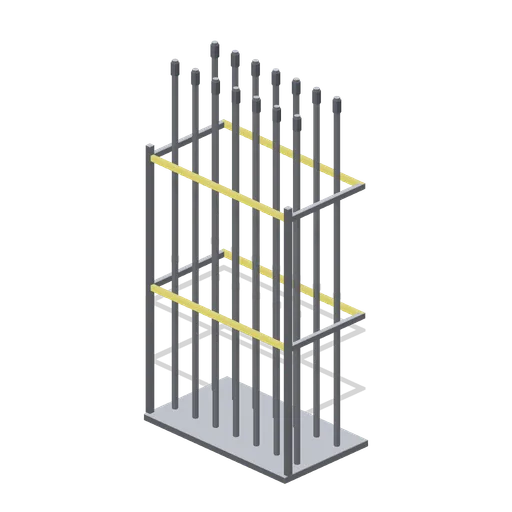
The setback: fourteen 8.6 m stands of drill pipe standing in a fingerboard rack, held at two levels by hazard painted fingers on a base plate. Stands the way they are racked back on a drill floor between runs.

Spectator Stand Lower Tier (Medieval Tournament and Jousting Ground)
Six metre open fronted stand of two bench tiers on a braced timber frame, the front row of a tournament grandstand.
Tiered display staging with pots, 2.4 m (Botanical Glasshouse and Palm House)
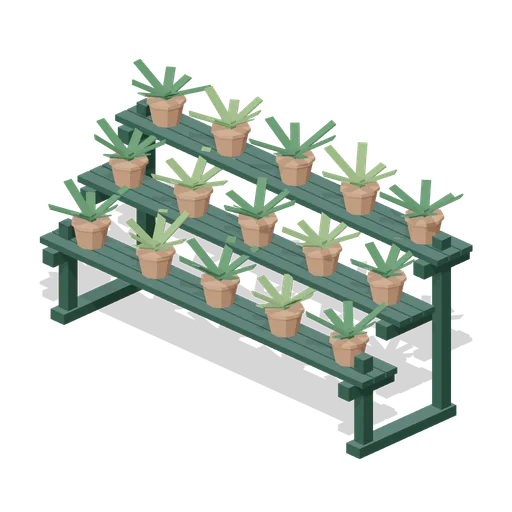
Cast iron display staging 2.4 m long in three tiers, slatted shelves on scrolled brackets carrying fifteen potted plants, the stand a glasshouse shows its smaller specimens on.