
Loading model
About
A 1.24 m briefing screen on a rolling floor stand: four splayed legs, a chrome column and a dark cased head at 1.3 m with a blue picture face and a lime strip along the bottom bezel, for the safety brief before a session goes in. The head is a named node with a tilt clip about its bracket; the stand and the column stay put. The picture is a flat blue material, not a rendered image: a consumer puts its own texture or render target on that part. Metre units, +Y up, the player side toward +Z, resting on y=0. Named pivoted nodes: tilt-head, tilt-head/screen, tilt-head/lime. Rigid node-transform clips: tilt. No skinning. No collision or navigation data.
Use with an AI agent
Copy this prompt into your AI chat, then describe what you want to build with the asset.
Use the “Briefing Screen on a Stand (Laser Tag Arena and Activity Centre)” asset in my project.

Model: https://cdn.3dassets.dev/assets/34493/v1/model.glb
Asset page: https://3dassets.dev/assets/laser-tag-arena-and-activity-centre-briefing-screen-on-4cca5937
Description: A 1.24 m briefing screen on a rolling floor stand: four splayed legs, a chrome column and a dark cased head at 1.3 m with a blue picture face and a lime strip along the bottom bezel, for the safety brief before a session goes in.

- Dimensions (X × Y × Z): 1.24 × 1.997 × 0.546 metres
- Triangles: 592
- Animations: tilt
- Licence: CC0 1.0 Universal (https://creativecommons.org/publicdomain/zero/1.0/)
- Loading: Three.js GLTFLoader; no additional decoders required.
Also available as JSON, Markdown, or via the MCP server.
Import manually
Choose your framework, then copy the code into your project to load the asset.
import { GLTFLoader } from 'three/addons/loaders/GLTFLoader.js'
import { AnimationMixer } from 'three'

let mixer

const loader = new GLTFLoader()
loader.load('https://cdn.3dassets.dev/assets/34493/v1/model.glb', (gltf) => {
  scene.add(gltf.scene)
  mixer = new AnimationMixer(gltf.scene)
  mixer.clipAction(gltf.animations[0]).play()
})

// Call from your render loop; deltaSeconds is time since the previous frame.
function updateAssetAnimation(deltaSeconds) {
  mixer?.update(deltaSeconds)
}
Common questions
How do I use this model with my AI development tools?
How do I get started?
Which game engines and tools can I use this model with?
How do I import this model into Unity, Godot, Unreal or Blender?
Can I use this model in a commercial game, and do I need to credit anyone?
Can I load it from the CDN instead of downloading it?
Do I need Draco, Meshopt or KTX2 to load it?
Briefing Screen on a Stand (Laser Tag Arena and Activity Centre)
A 1.24 m briefing screen on a rolling floor stand: four splayed legs, a chrome column and a dark cased head at 1.3 m with a blue picture face and a lime strip along the bottom bezel, for the safety brief before a session goes in.
More in Props & Furniture
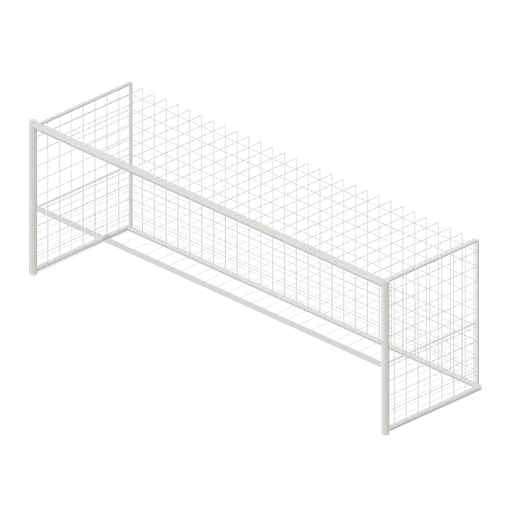
Full size open net soccer goal (Football Soccer Stadium and Club Grounds)
Goal with 7.32 m clear width, 2.44 m clear height, 2 m deep open cord net and tubular frame.
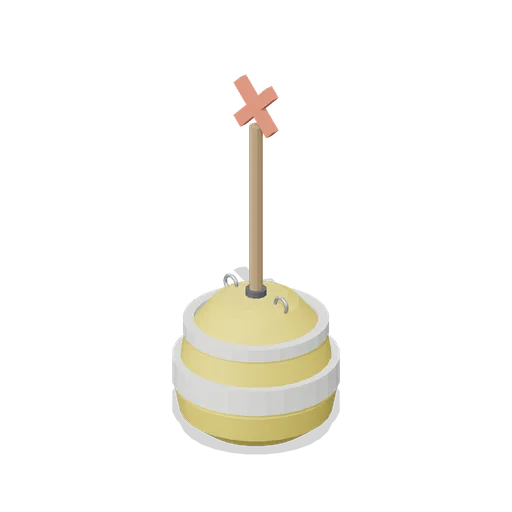
Swim Zone Buoy Orange (Beach Surf and Paddle Kit)
Sun yellow variant of the swim zone marker buoy with a coral cross topmark.
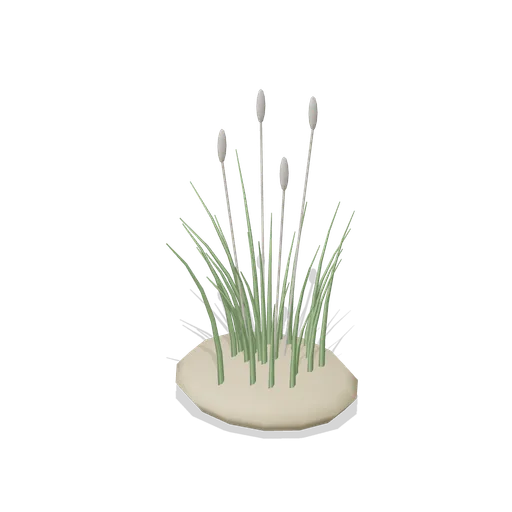
Dune Grass Tuft (Beach Surf and Paddle Kit)
Marram dune grass tuft: 26 tapered curling blades and four seed heads rising from a low sand mound.
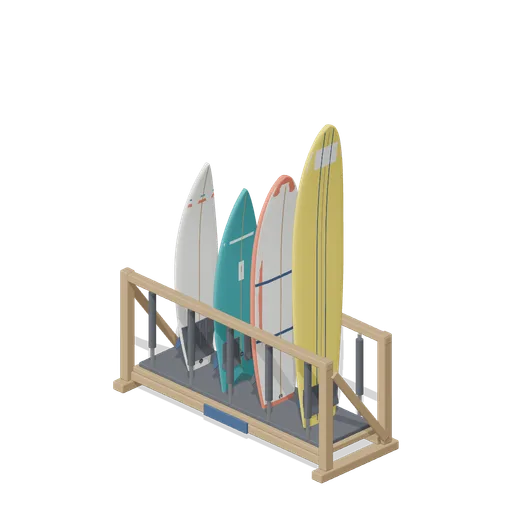
Stocked Surfboard Rack (Beach Surf and Paddle Kit)
The freestanding surfboard rack stocked for hire: shortboard, fish, soft top learner and longboard standing tail down in the four slots.
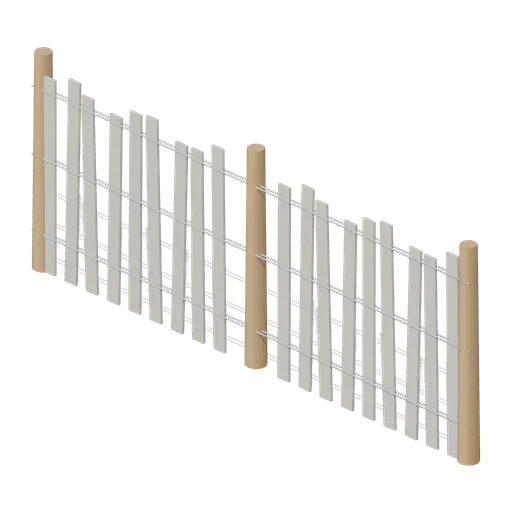
Dune Fence Run (Beach Surf and Paddle Kit)
2.6 m dune wind fence: three round timber posts, twin twisted wire lines at three heights and weathered grey slats set at slightly uneven heights.
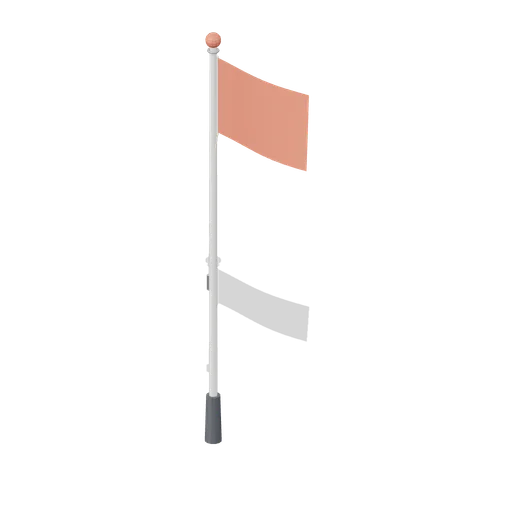
Warning Flag Pole (Beach Surf and Paddle Kit)
3.1 m warning flag pole: the patrol pole with a solid coral no swimming flag and coral finial.
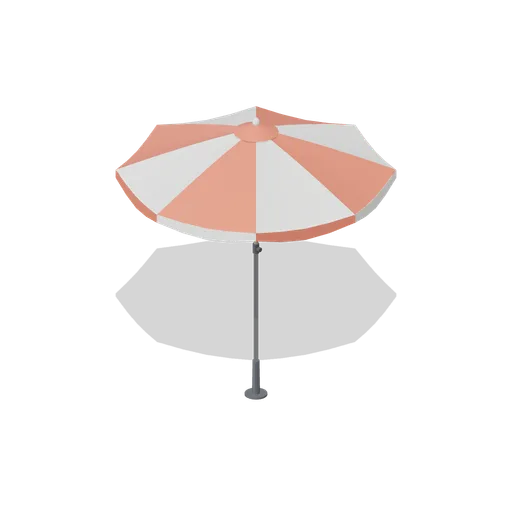
Beach Umbrella (Beach Surf and Paddle Kit)
2.4 m beach umbrella: sand anchor with base plate, steel lower pole with tilt collar and knob, timber upper pole, runner and stretchers, eight steel ribs under alternating coral and foam panels with a scalloped valance, vent cap and finial.
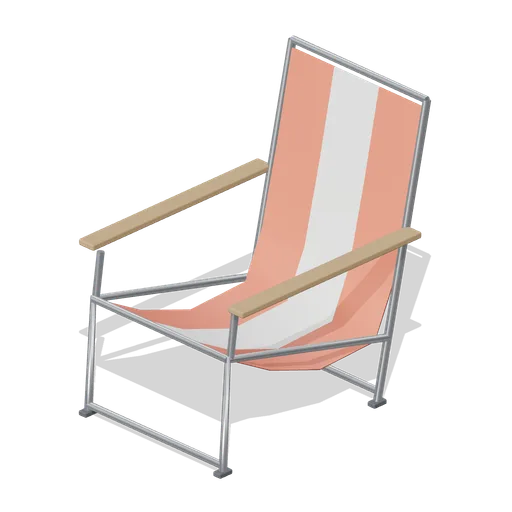
Folding Beach Chair (Beach Surf and Paddle Kit)
Low folding beach chair: steel tube frame with feet, timber armrests and a striped coral and foam sling seat that sags into the back.
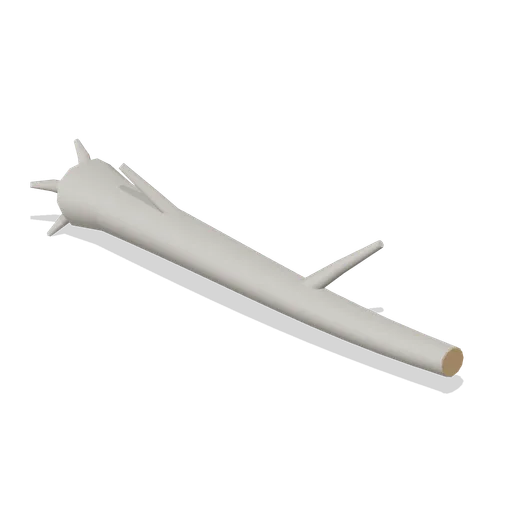
Driftwood Log (Beach Surf and Paddle Kit)
2.8 m weathered driftwood log: twisted tapering trunk, two branch stubs, a splayed root end and one sawn end showing the grain.
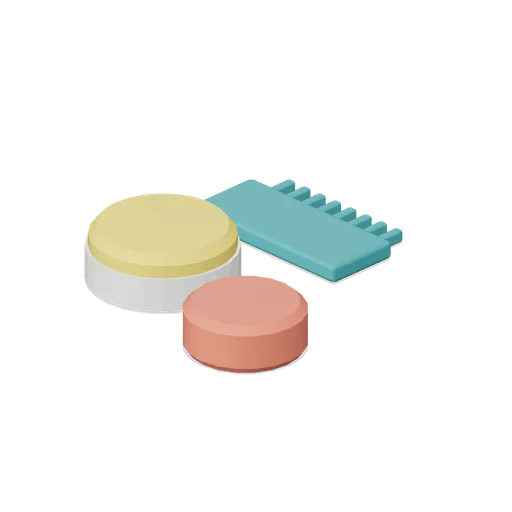
Surf Wax Kit (Beach Surf and Paddle Kit)
Surf wax kit lying on the sand: sun yellow wax puck in a paper wrapper, a coral base coat bar and a toothed teal wax comb.
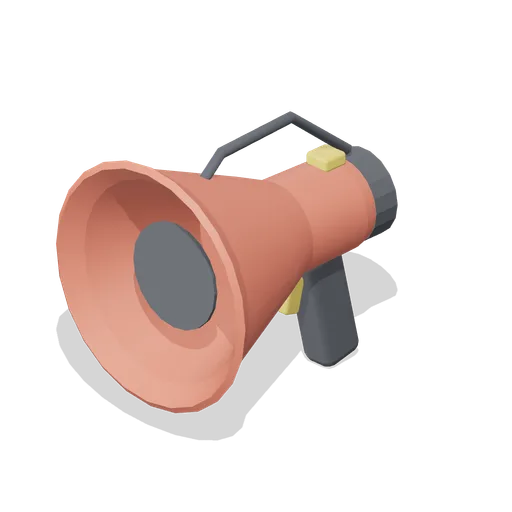
Lifeguard Megaphone (Beach Surf and Paddle Kit)
Handheld lifeguard megaphone resting on its grip: coral flared bell with grille, battery housing, pistol grip and trigger, siren switch and carry strap.
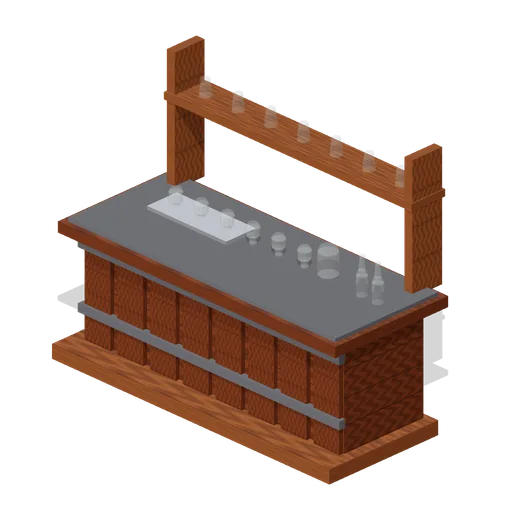
Visitor Tasting Counter (Distillery and Bonded Warehouse)
Visitor tasting counter 2.8 x 1.1 m and 1.8 m to the back shelf: a cask staved oak front with iron bands, a plank top, six nosing glasses on a tray, a water jug, two unlabelled bottles and seven more glasses upended on the shelf behind. Nothing carries a label.
Similar assets

Briefing Screen on a Wheeled Stand (Escape Room and Puzzle Venue)
The screen a group is briefed on before a game: a 1.06 by 0.64 m display in a dark case with a brass capping, on a column stand with four castors, 1.72 m overall. The face is an abstract lit panel with a status strip, never a readable briefing.
 Animated
Safety Briefing Screen on a Stand (Trampoline Park and Soft Play)
A 1.9 m briefing screen: a dark 860 mm panel with an amber picture and a lime title bar, hung in a steel yoke on a column and a cross foot with a blue weight block, for the safety briefing every session watches before it goes on.
 Animated
Interactive Screen Stand (Art Gallery and Exhibition Rooms)
A 1.35 m interactive screen on a floor stand: a weighted base, a steel column and a dark screen head with a lit face that tilts to the visitor.
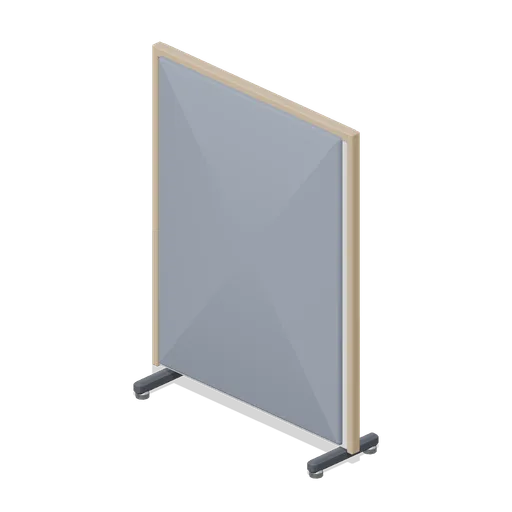
Floor-standing acoustic screen (Downtown Office Interiors)
A 1.2 m by 1.6 m floor-standing acoustic screen on castored feet, with felt faces both sides and timber posts and capping.

Diagnostic scanner on a rolling stand (Car Repair Garage and MOT Workshop)
Vehicle diagnostic unit on a stand: a five leg castor base, a charcoal column, a tilted tablet with a dark screen and a row of soft keys, a keyboard tray with the OBD lead coiled on it and a printer slot in the side.

Four way display stand (Clothing Rail and Wardrobe)
The stand that faces four ways at once: a chrome post on a four arm grey cross base, with two pairs of straight arms at 1.34 m and 1.5 m, each with an upturned end stop, under a blank sign panel.

Rifle Case Rack with Closed Cases (Safari Camp and Bush Lodge)
A 1.5 by 1.35 m timber rack carrying four closed, latched hard cases on two shelves, as a camp store stands between drives. The cases are plain boxes with catches and a handle; none is open and no contents are modelled. A blank tally card hangs on the frame.
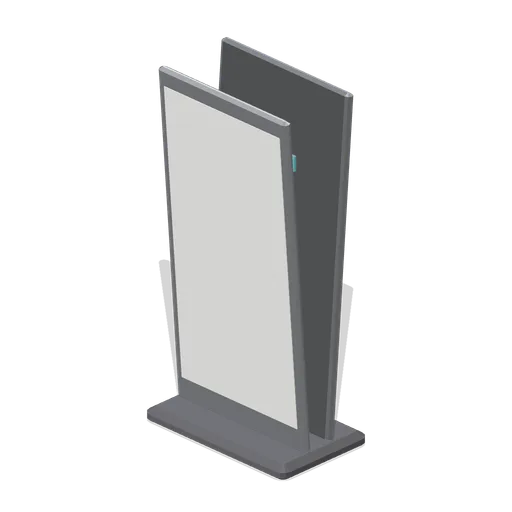
Floor standing promotional stand (Fast Food Counter and Drive-Thru)
A double-sided A-frame poster stand with a weighted chamfered base, blank panels front and back and a stabilising cross tie.

Weather Presentation Screen (TV Studio and Broadcast Gallery)
A 2.1 by 1.3 m presentation display on a braced floor stand: a bezelled panel with an abstract lit face and a status strip, raked legs on a cross foot with rubber pads and a cable tidy down one leg. The screen centre sits at 1.2 m, which is where a presenter stands beside it.
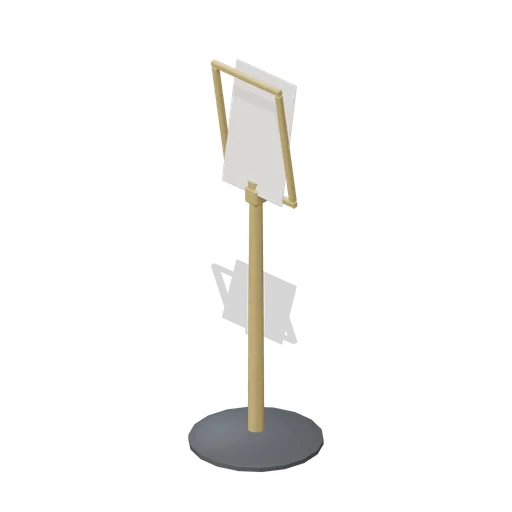
Floor menu stand (Restaurant Kitchen and Dining Room)
A 1.35 m floor menu stand: a weighted disc base and a tapered brass column carrying a tilted framed panel, left blank.
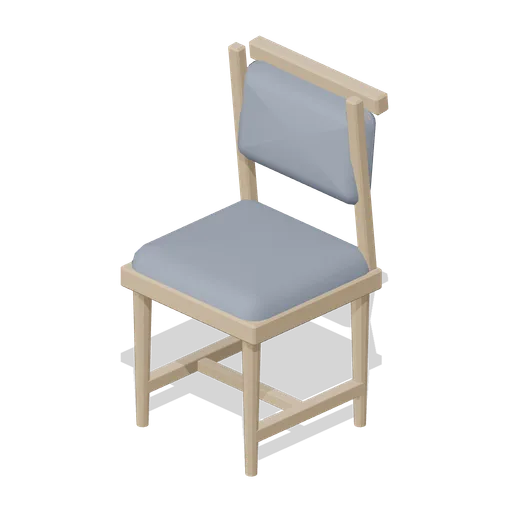
Four-leg guest chair (Downtown Office Interiors)
A four-leg timber guest chair: tapered legs with an H stretcher, a piped seat cushion and a welted back pad between two stiles under a capping rail.
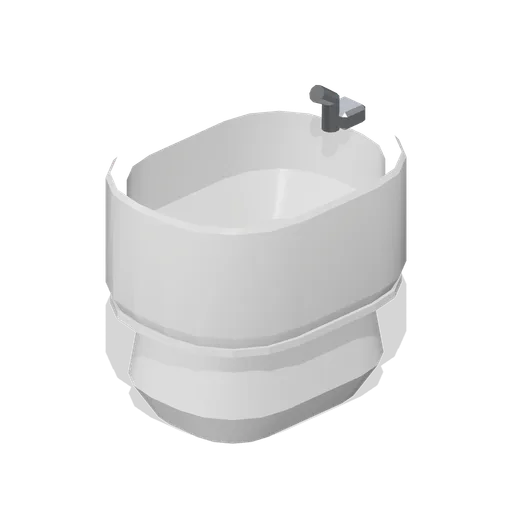
Floor standing bidet (Fitted Kitchen and Bathroom Builder)
Floor standing bidet on a shaped pedestal with a hollow bowl, a rear spout and a chrome waste.