Loading model
About
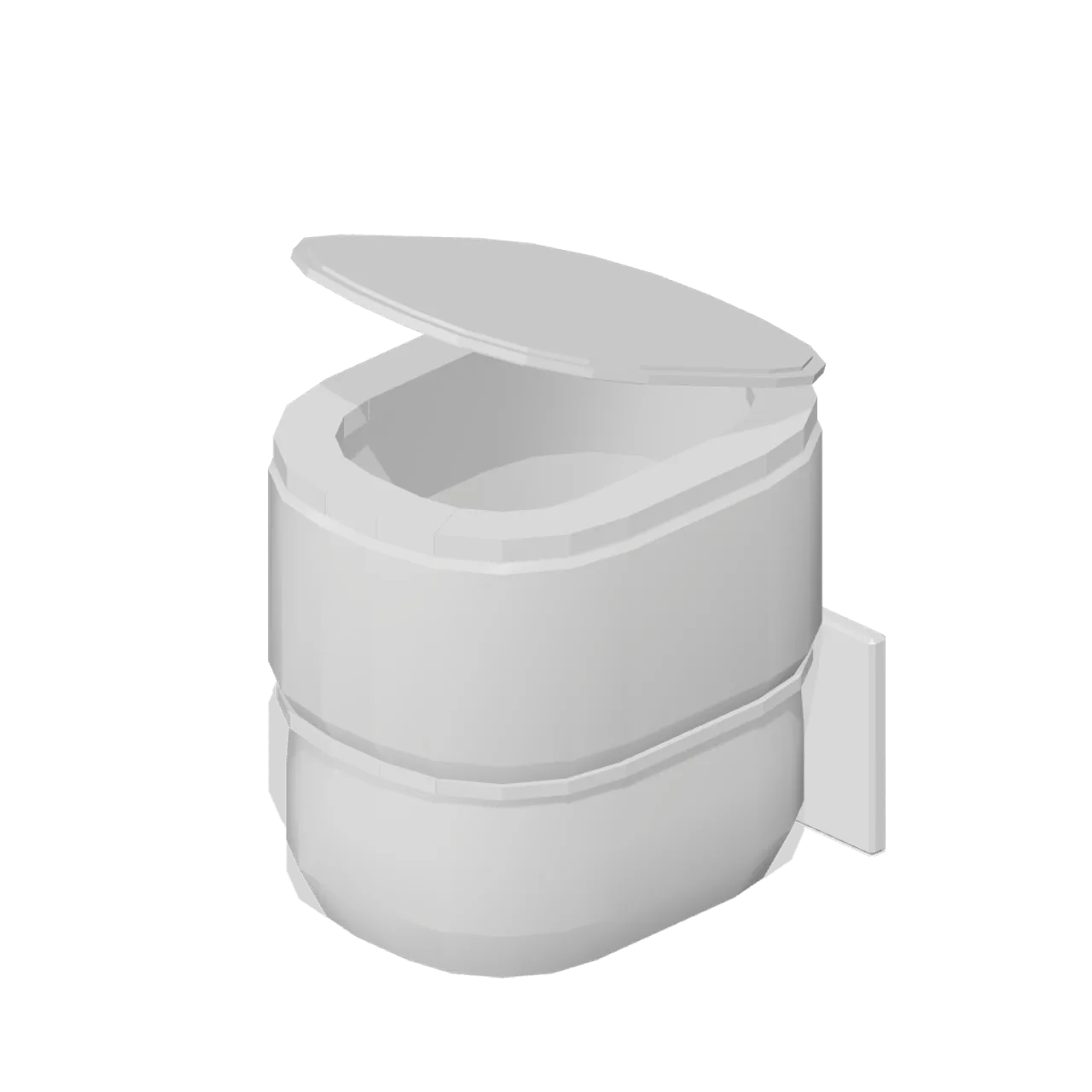
Back to wall WC pan: 360 by 560 mm footprint with a flat back face that closes against a concealed cistern frame or a WC unit. Rim at 400 mm; seat and lid are named pivoted nodes. Measured extent 0.360 x 0.440 x 0.460 m (X x Y x Z), metre units, +Y up, user side toward +Z, resting on y=0. Named pivoted nodes: lid, seat. Rigid node-transform clips: lid-open, lid-close, seat-open and seat-close. No skinning. No collision or navigation data.
Use with an AI agent
Copy this prompt into your AI chat, then describe what you want to build with the asset.
Use the “Back to wall WC pan (Fitted Kitchen and Bathroom Builder)” asset in my project.

Model: https://cdn.3dassets.dev/assets/17871/v1/model.glb
Asset page: https://3dassets.dev/assets/fitted-kitchen-and-bathroom-builder-wc-back-to-wall-d02a8d04
Description: Back to wall WC pan with a flat back for a concealed cistern, a hollow bowl and a named seat and lid.

- Dimensions (X × Y × Z): 0.36 × 0.44 × 0.46 metres
- Triangles: 1.5k
- Animations: lid-open, lid-close, seat-open, seat-close
- Licence: CC0 1.0 Universal (https://creativecommons.org/publicdomain/zero/1.0/)
- Loading: Three.js GLTFLoader; no additional decoders required.
Also available as JSON, Markdown, or via the MCP server.
Import manually
Choose your framework, then copy the code into your project to load the asset.
import { GLTFLoader } from 'three/addons/loaders/GLTFLoader.js'
import { AnimationMixer } from 'three'

let mixer

const loader = new GLTFLoader()
loader.load('https://cdn.3dassets.dev/assets/17871/v1/model.glb', (gltf) => {
  scene.add(gltf.scene)
  mixer = new AnimationMixer(gltf.scene)
  mixer.clipAction(gltf.animations[0]).play()
})

// Call from your render loop; deltaSeconds is time since the previous frame.
function updateAssetAnimation(deltaSeconds) {
  mixer?.update(deltaSeconds)
}
Common questions
How do I use this model with my AI development tools?
How do I get started?
Which game engines and tools can I use this model with?
How do I import this model into Unity, Godot, Unreal or Blender?
Can I use this model in a commercial game, and do I need to credit anyone?
Can I load it from the CDN instead of downloading it?
Do I need Draco, Meshopt or KTX2 to load it?
Back to wall WC pan (Fitted Kitchen and Bathroom Builder)
Back to wall WC pan with a flat back for a concealed cistern, a hollow bowl and a named seat and lid.
More in Props & Furniture
Full size open net soccer goal (Football Soccer Stadium and Club Grounds)
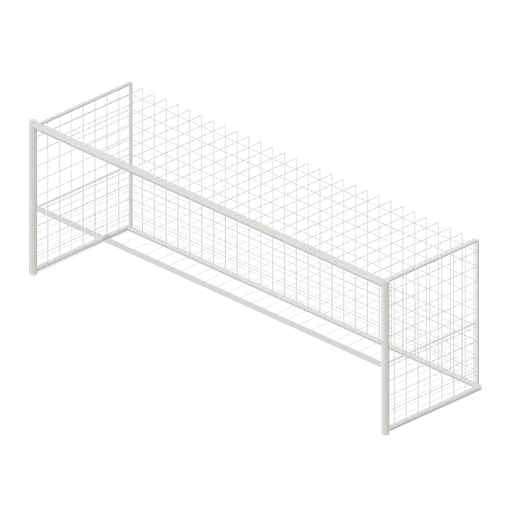
Goal with 7.32 m clear width, 2.44 m clear height, 2 m deep open cord net and tubular frame.
Swim Zone Buoy Orange (Beach Surf and Paddle Kit)
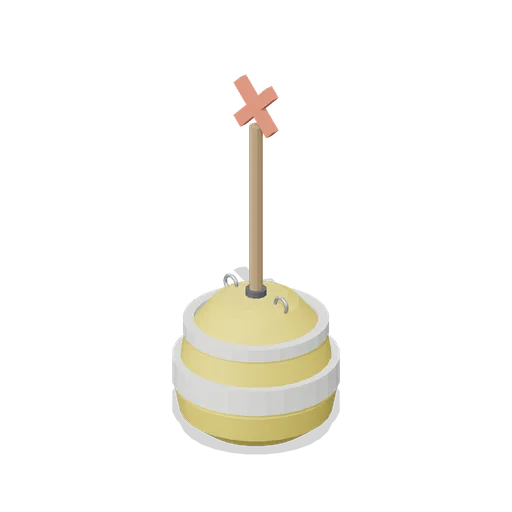
Sun yellow variant of the swim zone marker buoy with a coral cross topmark.
Dune Grass Tuft (Beach Surf and Paddle Kit)
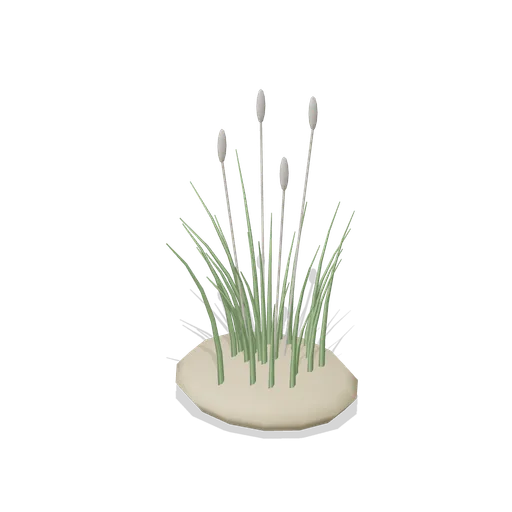
Marram dune grass tuft: 26 tapered curling blades and four seed heads rising from a low sand mound.
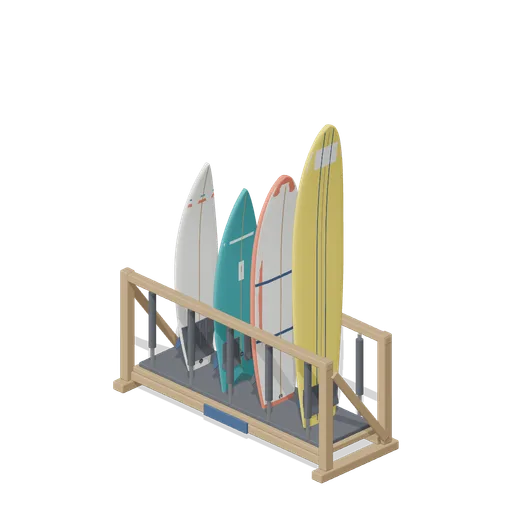
Stocked Surfboard Rack (Beach Surf and Paddle Kit)
The freestanding surfboard rack stocked for hire: shortboard, fish, soft top learner and longboard standing tail down in the four slots.
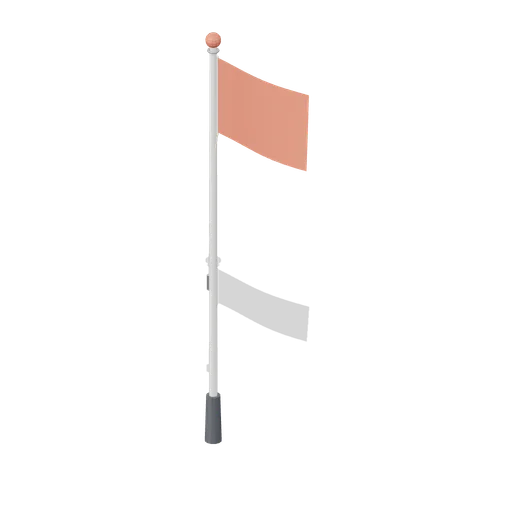
Warning Flag Pole (Beach Surf and Paddle Kit)
3.1 m warning flag pole: the patrol pole with a solid coral no swimming flag and coral finial.
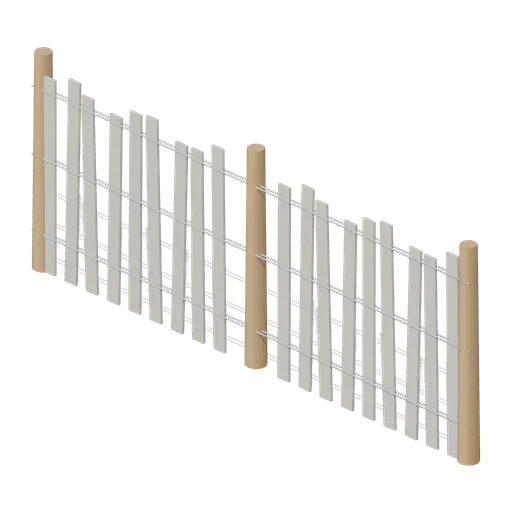
Dune Fence Run (Beach Surf and Paddle Kit)
2.6 m dune wind fence: three round timber posts, twin twisted wire lines at three heights and weathered grey slats set at slightly uneven heights.
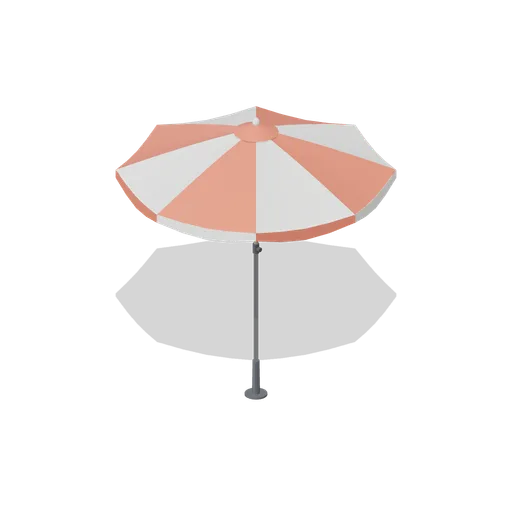
Beach Umbrella (Beach Surf and Paddle Kit)
2.4 m beach umbrella: sand anchor with base plate, steel lower pole with tilt collar and knob, timber upper pole, runner and stretchers, eight steel ribs under alternating coral and foam panels with a scalloped valance, vent cap and finial.
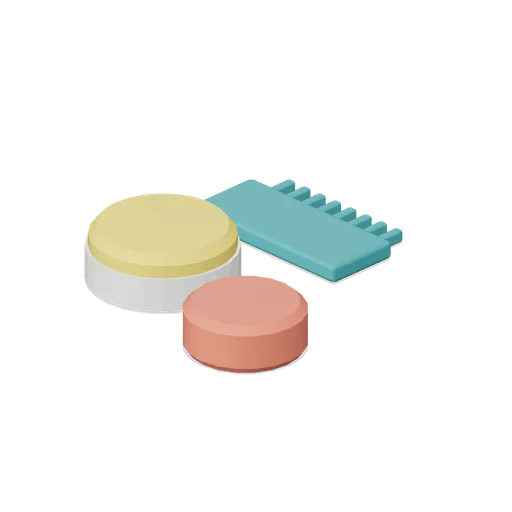
Surf Wax Kit (Beach Surf and Paddle Kit)
Surf wax kit lying on the sand: sun yellow wax puck in a paper wrapper, a coral base coat bar and a toothed teal wax comb.
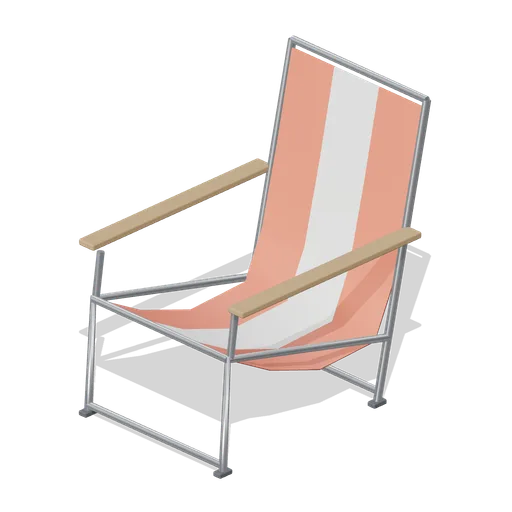
Folding Beach Chair (Beach Surf and Paddle Kit)
Low folding beach chair: steel tube frame with feet, timber armrests and a striped coral and foam sling seat that sags into the back.
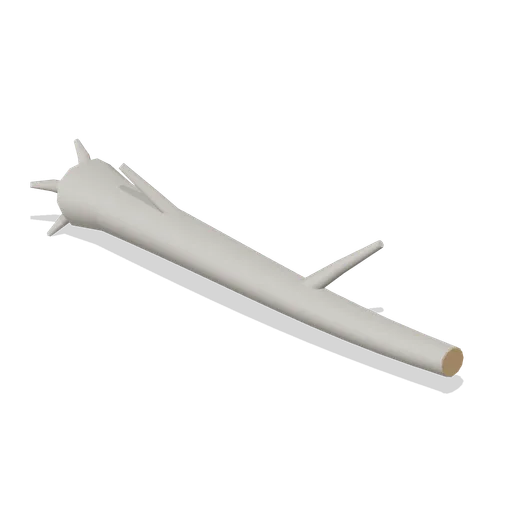
Driftwood Log (Beach Surf and Paddle Kit)
2.8 m weathered driftwood log: twisted tapering trunk, two branch stubs, a splayed root end and one sawn end showing the grain.
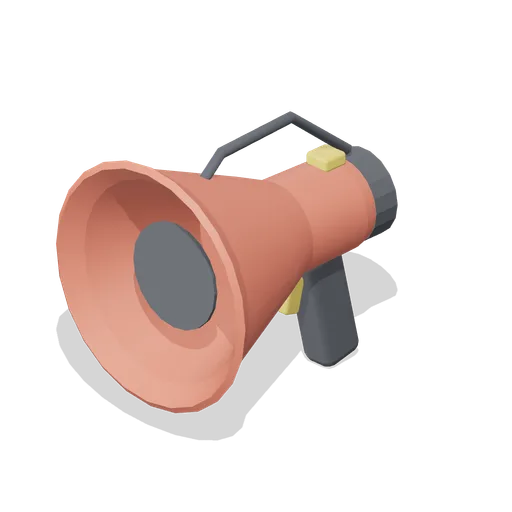
Lifeguard Megaphone (Beach Surf and Paddle Kit)
Handheld lifeguard megaphone resting on its grip: coral flared bell with grille, battery housing, pistol grip and trigger, siren switch and carry strap.
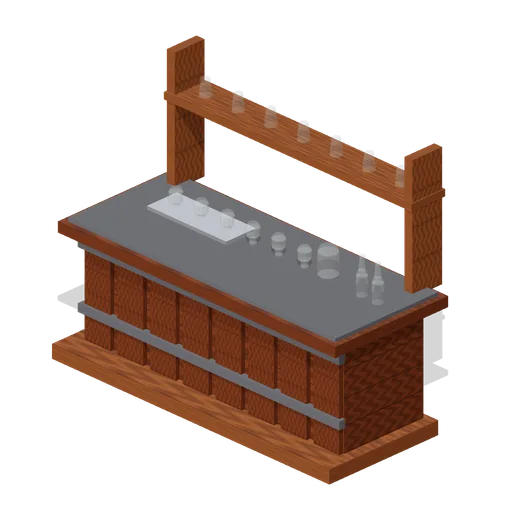
Visitor Tasting Counter (Distillery and Bonded Warehouse)
Visitor tasting counter 2.8 x 1.1 m and 1.8 m to the back shelf: a cask staved oak front with iron bands, a plank top, six nosing glasses on a tray, a water jug, two unlabelled bottles and seven more glasses upended on the shelf behind. Nothing carries a label.
Similar assets
 Animated
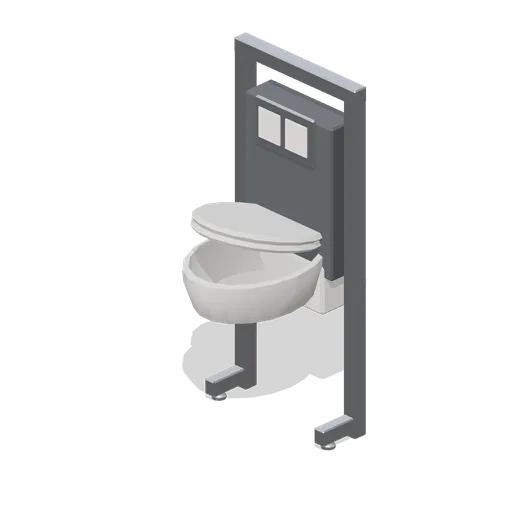
Wall-hung WC with concealed frame (Hotel and Resort Operations)
A wall-hung WC on a concealed steel frame: a cistern box, a two-button flush plate and an oval hollow pan with a named seat and lid pivoted on the hinge bar.
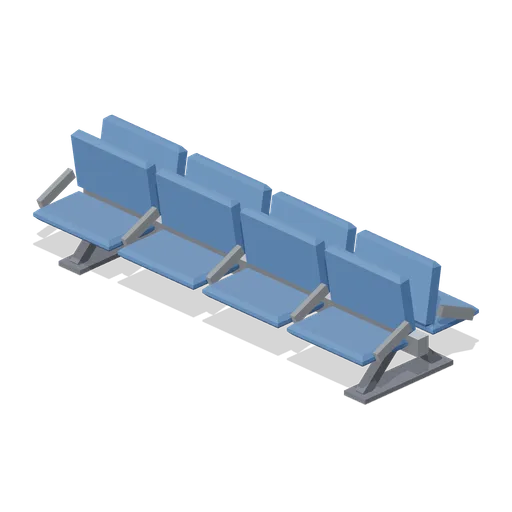
Gate Seating Row Back To Back (Airport Terminal and Ground Operations)
Eight seat gate lounge island: the same beam carrying two rows of four seats back to back, for the middle of a departure lounge.

Set Flat (TV Studio and Broadcast Gallery)
A 1.2 by 2.7 m timber framed set flat: a studded frame open at the back the way a real flat is, a painted skin on its face and a cream dado rail and skirting. Its flat-left and flat-right ports at half height butt flat to flat, so a run of them builds a set wall.
 Animated
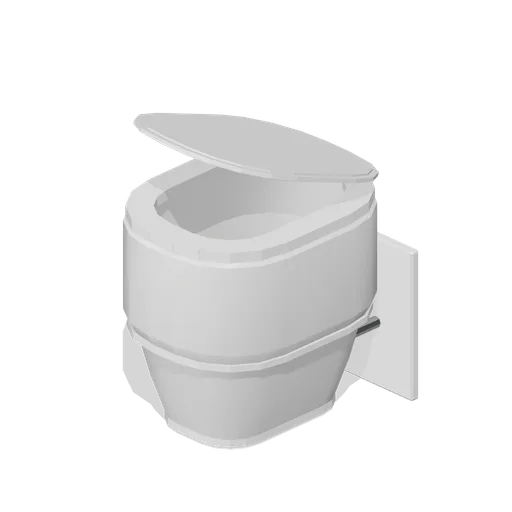
Wall hung WC pan (Fitted Kitchen and Bathroom Builder)
Wall hung WC pan with a shrouded underside, a fixing plate and two bolt sleeves, plus a named seat and lid.

High Back Soft Seating Pod, Two Seat (University Lecture Hall and Campus)
A 1.5 m two seat version of the high back acoustic pod, on the same wings and laptop shelf, for a pair working together.
Salad bowl with clear lid (Fast Food Counter and Drive-Thru)
A moulded salad bowl with a flared wall, a rolled rim and a clear domed lid seated on it.
Concealed cistern support frame (Fitted Kitchen and Bathroom Builder)
Welded steel support frame for a wall hung WC: adjustable feet, a concealed cistern, pan bolts, a waste bend and a flush plate aperture.
Back-to-back concourse bench (Retail Store Fixtures and Mall)
A 1.8 m back-to-back concourse bench: two slatted seats sharing a central raked backrest on cast frames, seating six in a mall aisle.
Wall-hung WC pan (Office Lobby and Building Facilities)
A 0.36 m by 0.54 m wall-hung WC pan: a moulded ceramic bowl with a real cavity, a shrouded rear trap, a chamfered seat ring with two hinges and a duct flush plate above.

Bowl Straight Wall Section (Skate Park and Street Sports)
A 4 m run of bowl wall: a 1.5 m transition from the floor to vertical with a 0.3 m deck lip. End ports chain straights and corners into a closed bowl and the coping port takes the coping edge piece. Sink the ring for a below grade bowl.

Bowling Gutter Pair (Bowling Alley and Pool Hall)
The pair of 235 mm gutter channels for one ten foot lane module, swept as a shallow U with the kickback wall on the outer side. The wall faces land on the 1.524 m lane pitch, so two lanes side by side share the kickback back to back.

High Back Soft Seating Pod (University Lecture Hall and Campus)
A 950 mm high back soft seating pod for a student break-out space: an upholstered seat and back inside two 1.3 m acoustic wings, with a laptop shelf across one arm.