
Loading model
About
A 2 m by 1 m walk in equipment store cage: a welded steel frame meshed on the back, sides and roof, two shelves loaded with match balls, a fixed mesh bay at one end and a mesh door with a red handle hinged on its outer stile. The door is a named node; the mesh is geometry. Metre units, +Y up, the court or user side toward +Z, resting on y=0. Named pivoted nodes: cage-door. Rigid node-transform clips: open and close. No skinning. No collision or navigation data.
Use with an AI agent
Copy this prompt into your AI chat, then describe what you want to build with the asset.
Use the “Equipment Store Cage (Community Sports Hall and Changing Rooms)” asset in my project.

Model: https://cdn.3dassets.dev/assets/35122/v1/model.glb
Asset page: https://3dassets.dev/assets/community-sports-hall-and-changing-rooms-equipment-sto-0524f6e5
Description: A 2 m by 1 m walk in equipment store cage: a welded steel frame meshed on the back, sides and roof, two shelves loaded with match balls, a fixed mesh bay at one end and a mesh door with a red handle hinged on its outer stile. The door is a named node; the mesh is geometry.

- Dimensions (X × Y × Z): 2.29 × 2.124 × 1.477 metres
- Triangles: 4.6k
- Animations: open, close
- Licence: CC0 1.0 Universal (https://creativecommons.org/publicdomain/zero/1.0/)
- Loading: Three.js GLTFLoader; no additional decoders required.
Also available as JSON, Markdown, or via the MCP server.
Import manually
Choose your framework, then copy the code into your project to load the asset.
import { GLTFLoader } from 'three/addons/loaders/GLTFLoader.js'
import { AnimationMixer } from 'three'

let mixer

const loader = new GLTFLoader()
loader.load('https://cdn.3dassets.dev/assets/35122/v1/model.glb', (gltf) => {
  scene.add(gltf.scene)
  mixer = new AnimationMixer(gltf.scene)
  mixer.clipAction(gltf.animations[0]).play()
})

// Call from your render loop; deltaSeconds is time since the previous frame.
function updateAssetAnimation(deltaSeconds) {
  mixer?.update(deltaSeconds)
}
Common questions
How do I use this model with my AI development tools?
How do I get started?
Which game engines and tools can I use this model with?
How do I import this model into Unity, Godot, Unreal or Blender?
Can I use this model in a commercial game, and do I need to credit anyone?
Can I load it from the CDN instead of downloading it?
Do I need Draco, Meshopt or KTX2 to load it?
Equipment Store Cage (Community Sports Hall and Changing Rooms)
A 2 m by 1 m walk in equipment store cage: a welded steel frame meshed on the back, sides and roof, two shelves loaded with match balls, a fixed mesh bay at one end and a mesh door with a red handle hinged on its outer stile. The door is a named node; the mesh is geometry.
More in Props & Furniture
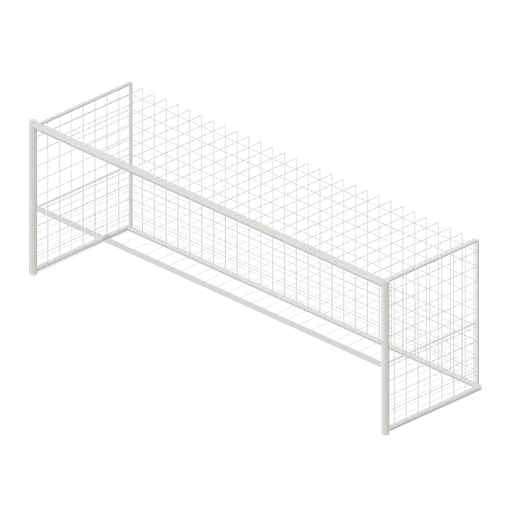
Full size open net soccer goal (Football Soccer Stadium and Club Grounds)
Goal with 7.32 m clear width, 2.44 m clear height, 2 m deep open cord net and tubular frame.
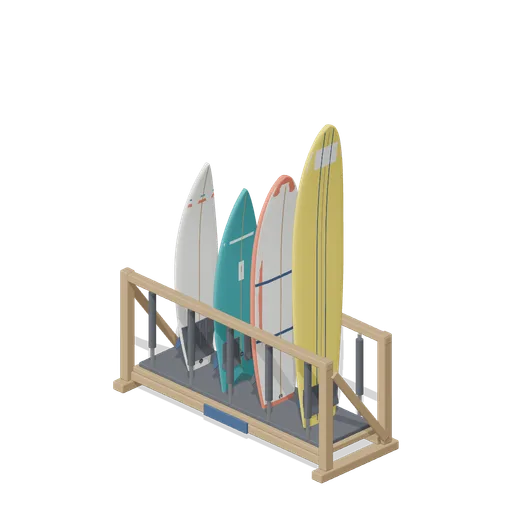
Stocked Surfboard Rack (Beach Surf and Paddle Kit)
The freestanding surfboard rack stocked for hire: shortboard, fish, soft top learner and longboard standing tail down in the four slots.
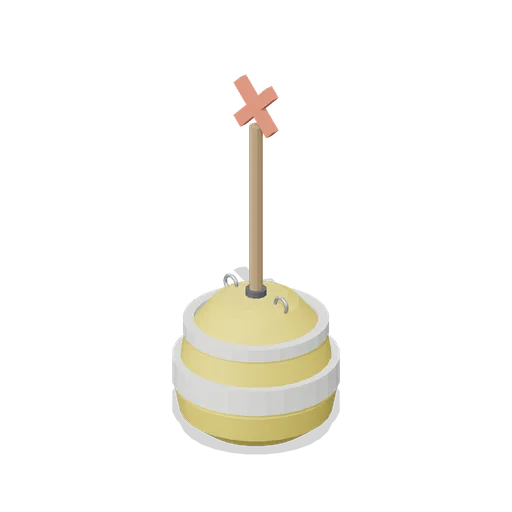
Swim Zone Buoy Orange (Beach Surf and Paddle Kit)
Sun yellow variant of the swim zone marker buoy with a coral cross topmark.
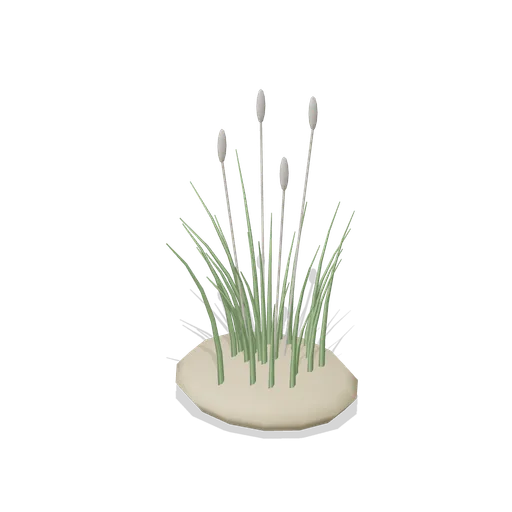
Dune Grass Tuft (Beach Surf and Paddle Kit)
Marram dune grass tuft: 26 tapered curling blades and four seed heads rising from a low sand mound.
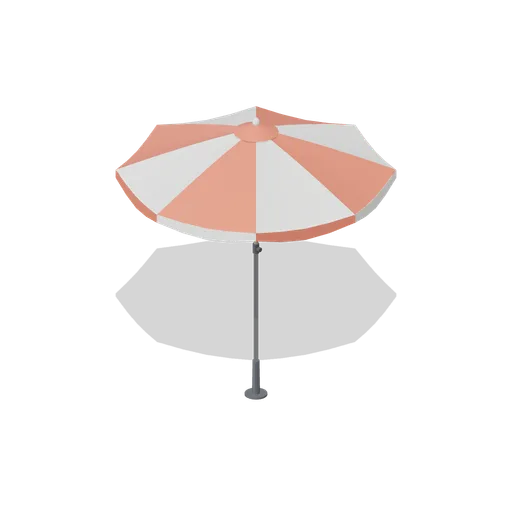
Beach Umbrella (Beach Surf and Paddle Kit)
2.4 m beach umbrella: sand anchor with base plate, steel lower pole with tilt collar and knob, timber upper pole, runner and stretchers, eight steel ribs under alternating coral and foam panels with a scalloped valance, vent cap and finial.
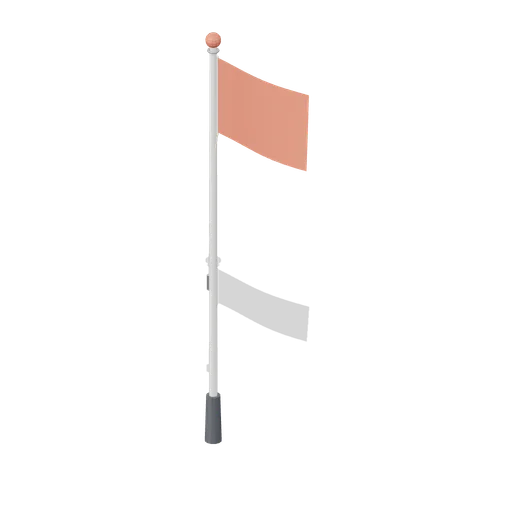
Warning Flag Pole (Beach Surf and Paddle Kit)
3.1 m warning flag pole: the patrol pole with a solid coral no swimming flag and coral finial.
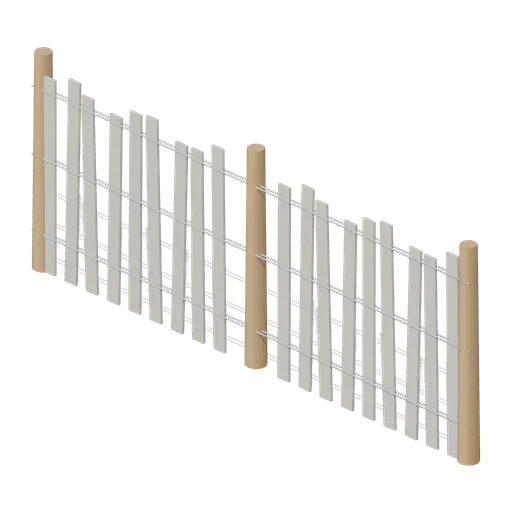
Dune Fence Run (Beach Surf and Paddle Kit)
2.6 m dune wind fence: three round timber posts, twin twisted wire lines at three heights and weathered grey slats set at slightly uneven heights.
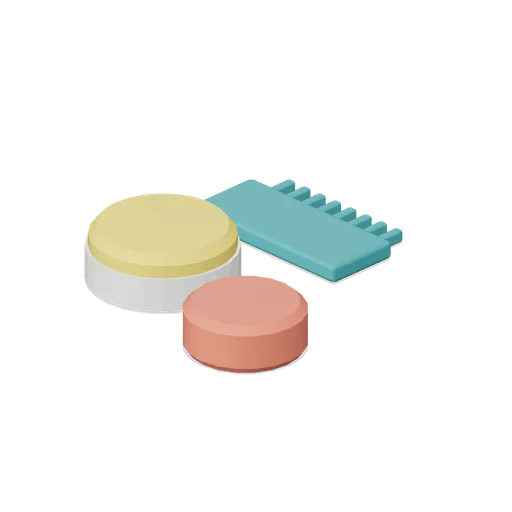
Surf Wax Kit (Beach Surf and Paddle Kit)
Surf wax kit lying on the sand: sun yellow wax puck in a paper wrapper, a coral base coat bar and a toothed teal wax comb.
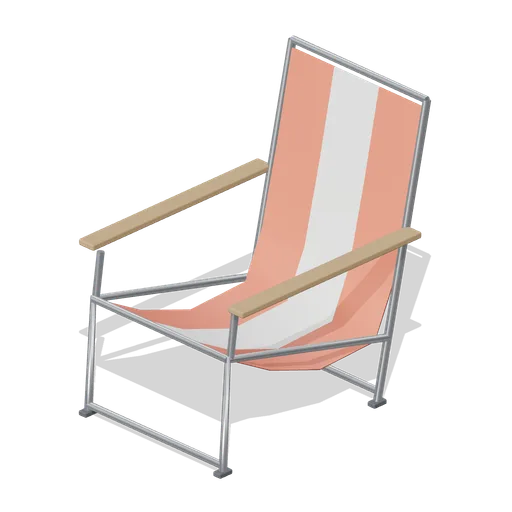
Folding Beach Chair (Beach Surf and Paddle Kit)
Low folding beach chair: steel tube frame with feet, timber armrests and a striped coral and foam sling seat that sags into the back.
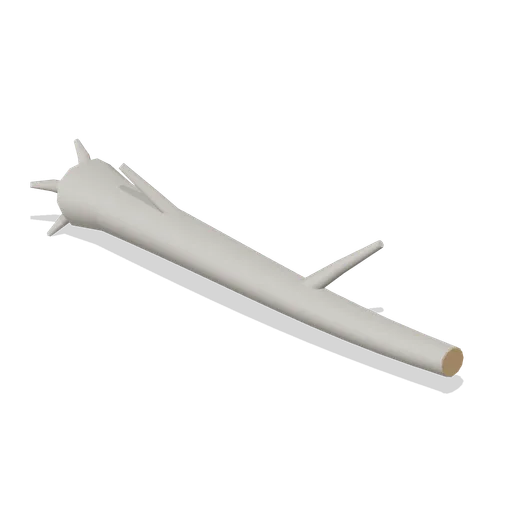
Driftwood Log (Beach Surf and Paddle Kit)
2.8 m weathered driftwood log: twisted tapering trunk, two branch stubs, a splayed root end and one sawn end showing the grain.

T shirt on a hanger (Clothing Rail and Wardrobe)
A terracotta t shirt hanging on a slim velvet hanger: a shaped shell with shoulders, a slight body taper, short sleeves with turned cuffs and a ribbed crew neck, in the settled shape a jersey tee takes on a rail.
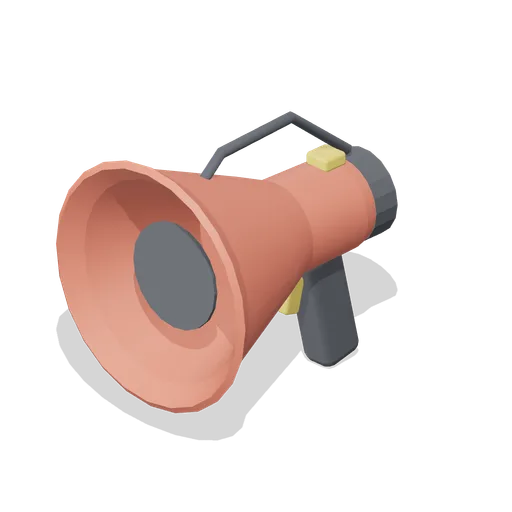
Lifeguard Megaphone (Beach Surf and Paddle Kit)
Handheld lifeguard megaphone resting on its grip: coral flared bell with grille, battery housing, pistol grip and trigger, siren switch and carry strap.
Similar assets
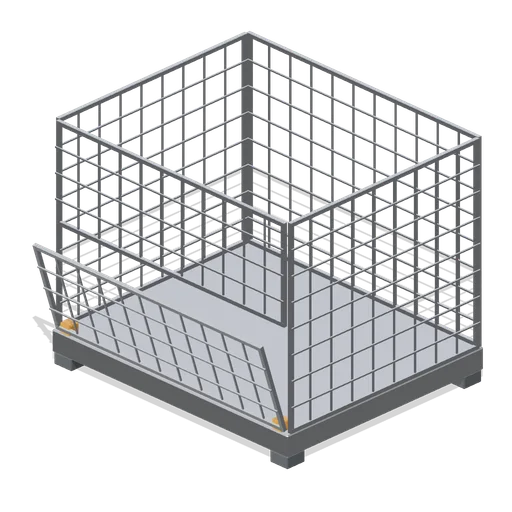 Animated
Mesh stock cage (Hardware Store and DIY Warehouse)
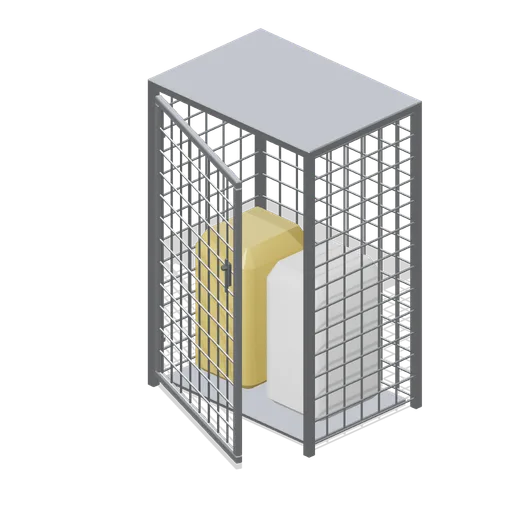
A 1.2 m by 1.0 m folding mesh stock cage: welded mesh sides on a steel base frame with stacking corner feet and a half drop front gate on named hinges.
 Animated
Clinical waste store cage (Clinic and Veterinary Practice)
A welded mesh clinical waste store cage: tube corner posts, mesh sides and a mesh top, a named hinged mesh gate with a slide bolt and two waste sacks on a low stand inside.

Batting Cage Frame (Baseball Park and Batting Cages)
An 8 by 3.6 m batting cage 3.2 m high: a steel frame netted on both sides, over the top and across the closed end, with a padded back board and navy skirts, open at the hitter end.
Rack safety mesh backing (Hardware Store and DIY Warehouse)
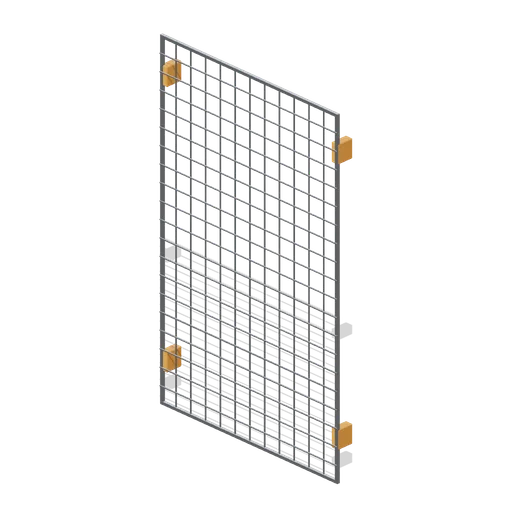
A bay wide rear mesh guard, 1.35 m by 2.2 m: welded mesh in a tubular frame with four bracket clamps that grip the racking uprights behind a pick face.
Cash Cage (Bank Vault Heist Kit)
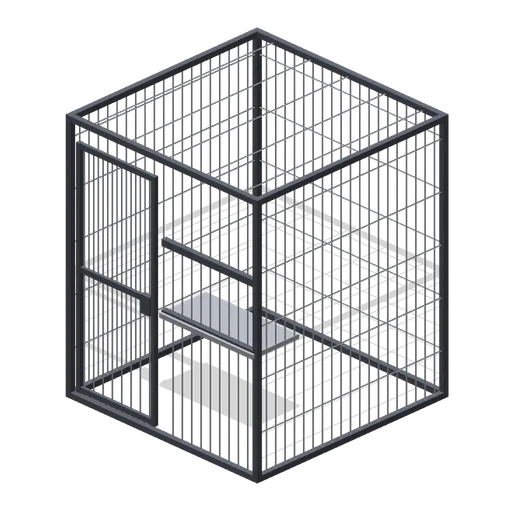
Walk-in cash cage, 2 m by 2.4 m by 2 m: steel angle frame, welded wire mesh on three sides and the roof, a front pass-through window with shelf and a hinged mesh door.
 Animated
Order picker roll cage (Hardware Store and DIY Warehouse)
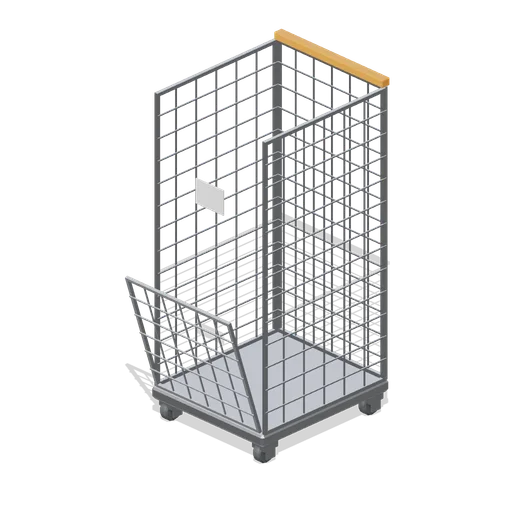
A 0.72 m roll cage: mesh sides and a mesh back on a steel base deck, a half height hinged front gate on a named pivot and four castors.
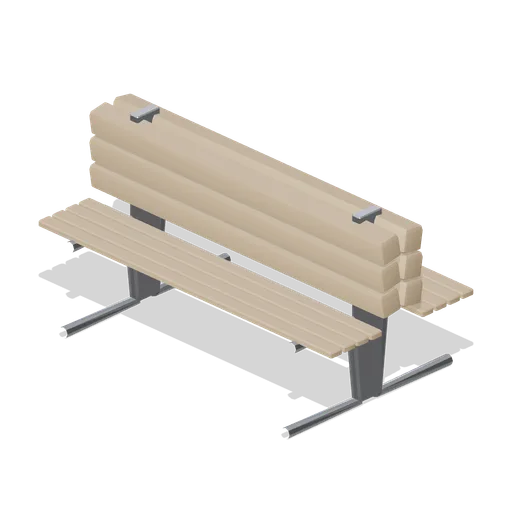
Back-to-back concourse bench (Retail Store Fixtures and Mall)
A 1.8 m back-to-back concourse bench: two slatted seats sharing a central raked backrest on cast frames, seating six in a mall aisle.
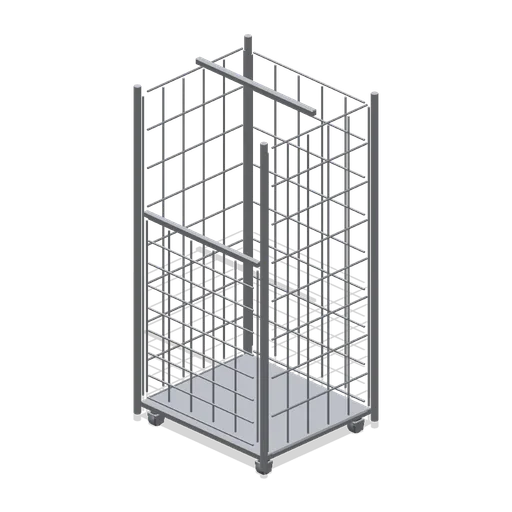
Stock roll cage (Retail Store Fixtures and Mall)
A folding stock roll cage: a mesh base and two mesh sides in a tubular frame on four castors, with a swing gate front and a shelf clip, 1.75 m tall.
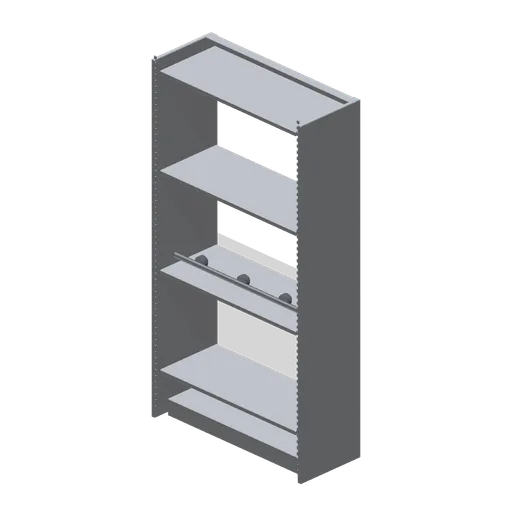
Cleaner's store shelving bay (Office Lobby and Building Facilities)
A 1.0 m by 1.9 m cleaner's store shelving bay 400 mm deep: a slotted steel frame with four decks, a kick panel, levelling glides, a back rail and a mop and broom rail with three grips.

Prop Store Shelving Bay (Escape Room and Puzzle Venue)
A 1 m prop store bay 2.2 m tall: a steel post frame with five timber decks, a dark back panel and twelve prop boxes with brass edged lids, plus a coil of rope on top. Its shelf ports run the bays into a wall of store; the stock is fixed.
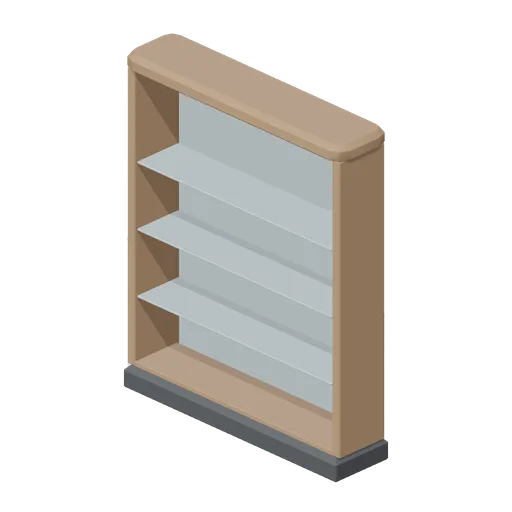
Back bar shelving unit (Restaurant Kitchen and Dining Room)
A 1.6 m back bar shelving unit: three glass shelves on brass supports with slim uplight strips, against a mirrored back panel between timber posts under a moulded cornice.
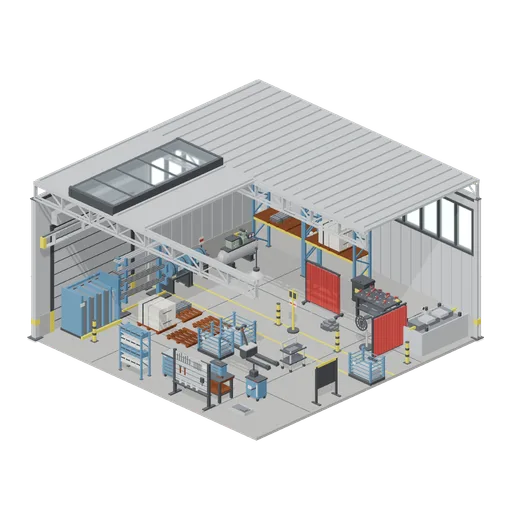
Welding bay and stores corner (Machine Shop and Factory Hall)
The corner of the same hall given over to welding and stores: two walled bays with a roller shutter and high windows, columns, trusses, a decked roof and a glazed ridge, and a crane runway along the wall. The welding bay has its table with clamps, two screens, the MIG cart...