Loading scene
Walkable demo
Mech hangar
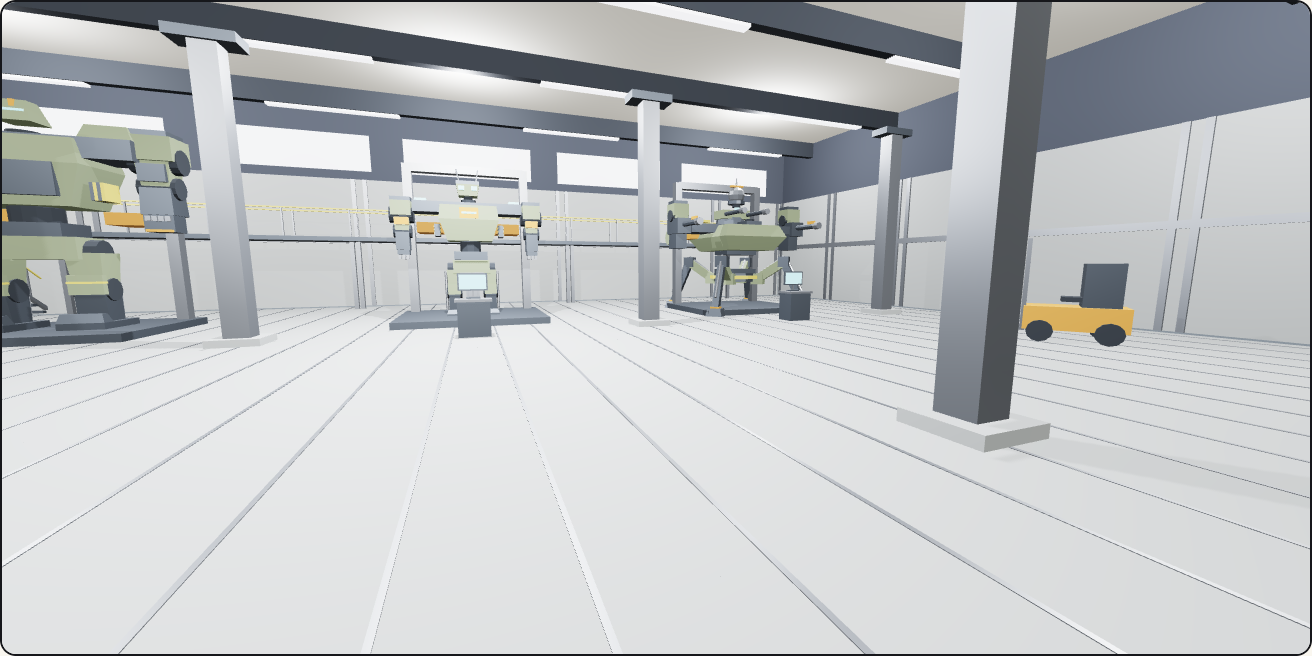
Walk a 32 by 24 metre hangar built from the Mech Robots and Battle Hangar pack: three maintenance cradles holding an assault frame, a line frame and a quad walker built from parts, a gantry along the back, parts racks, a forklift and the doors.
About
One hangar from 24 of the pack's 112 models, on the pack's own 4 m floor tiles with hangar wall segments around it, in the hall preset with cool light, window strips and strip lights under an 8 m ceiling.
You spawn by the roller door and the blast door facing three service bays. Each bay is a maintenance cradle with a diagnostic console in front and a frame inside, assembled from the pack's parts: an assault frame with a wedge head and assault arms, a line frame with a twin-optic head and line arms, and a quad walker with a dome radar head and autocannon arms. A gantry of six sections and a stair runs along the back wall; three parts racks and three spare limb stands line the west wall, with the forklift by the doors and six hangar columns holding the roof.
Nothing moves: this pack ships without animation clips, so the frames stand still in their cradles. Rigging the parts into a single articulated frame is yours to do; each part is a separate model with its own origin.
Every piece here is a published model from the pack, placed by hand. Walk with the keys or touch, and approach a piece to see it move if it has animation. Colliders, navigation and gameplay are yours to add.
Points of interest
Assault frame
Assault legs, torso, an armoured wedge head and two assault arms in a maintenance cradle. Frames are built from parts: legs on the floor, the torso at the leg height, the head at the torso top, arms hung from the shoulders.
Assault Torso (Mech Robots and Battle Hangar)Line frame
A line frame in the middle bay: line legs, line torso, twin-optic head and line arms, with a diagnostic console in front of each bay.
Line Torso (Mech Robots and Battle Hangar)Quad walker
Quad legs and torso with a dome radar head and an autocannon arm each side.
Quad Torso (Mech Robots and Battle Hangar)The gantry
Six gantry-straight sections and a gantry stair make a 24 m walkway along the back wall behind the cradles. Walking stays on the floor; the gantry is scenery.
Gantry Straight (Mech Robots and Battle Hangar)Parts store
Three parts racks and three spare limb stands along the west wall, and the forklift by the doors.
Parts Rack (Mech Robots and Battle Hangar)Doors
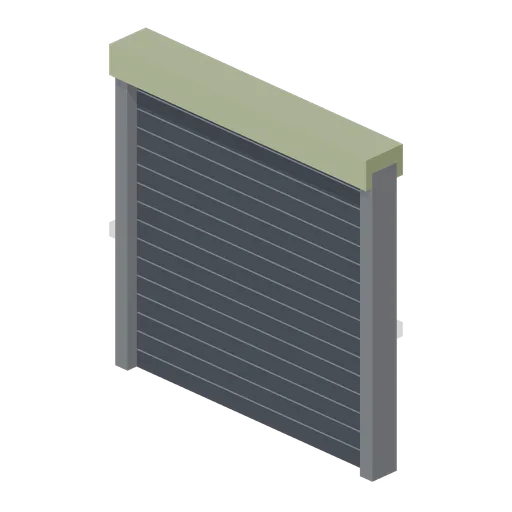
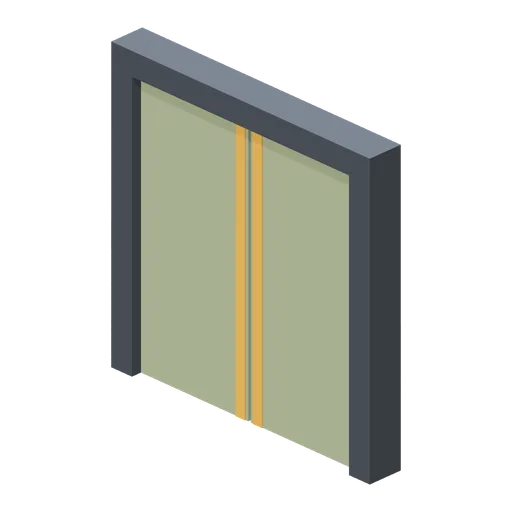
A roller door and a blast door in the front wall between hangar wall segments; the hangar columns stand 6 m tall under an 8 m ceiling.
Blast Door (Mech Robots and Battle Hangar)
Use with an AI agent
Copy this prompt into your AI chat to rebuild the layout, then describe what to change.
Rebuild the "Mech hangar" demo scene from the Mech Robots and Battle Hangar pack in my project.

Layout (JSON, every placement with its CDN URL): https://3dassets.dev/api/v1/demos/mech-hangar-and-battle-frames
Pack manifest: https://3dassets.dev/api/v1/packs/mech-hangar-and-battle-frames
Demo page: https://3dassets.dev/demos/mech-hangar-and-battle-frames

- 116 placements of 24 models; units are metres, +Y up, rotation is yaw in degrees about +Y
- Spawn at (0, 0.2, 10) facing 180 degrees; eye height 1.6 m
- Licence: CC0 1.0 Universal (no attribution required)
- Loading: three.js GLTFLoader, one load per distinct model, cloned per placement; no decoders required
Also available as JSON or Markdown, and via the MCP server.
Common questions
How do I use Mech hangar with my AI development tools?
How do I get started?
Which game engines and tools can I use Mech hangar with?
How do I import this scene into Unity, Godot, Unreal or Blender?
Can I use Mech hangar in a commercial game, and do I need to credit anyone?
Can I load it from the CDN instead of downloading it?
Is the demo itself a file I can download?
Can I change the scene, or add gameplay to it?
Models in this demo

Hangar Floor Tile (Mech Robots and Battle Hangar)
Four-metre reinforced floor tile with panel seam strips.
Hangar Wall (Mech Robots and Battle Hangar)
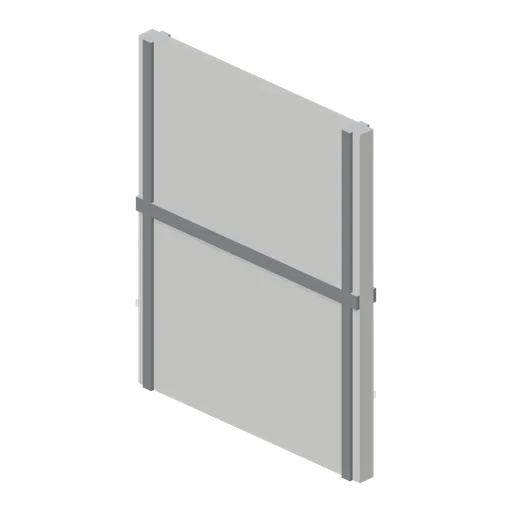
Five-metre-high wall bay with columns and intermediate bracing rail.
Roller Door (Mech Robots and Battle Hangar)
Segmented rolling service shutter with a top drum housing.
Blast Door (Mech Robots and Battle Hangar)
Heavy paired sliding blast-door leaves in a reinforced frame; static closed pose.
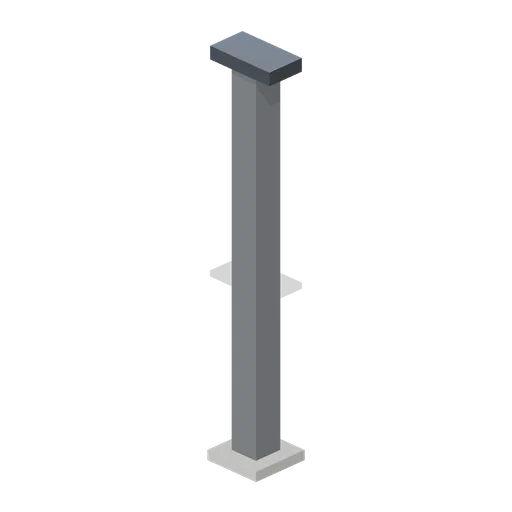
Hangar Column (Mech Robots and Battle Hangar)
Structural steel column with broad base and crane-rail bracket.
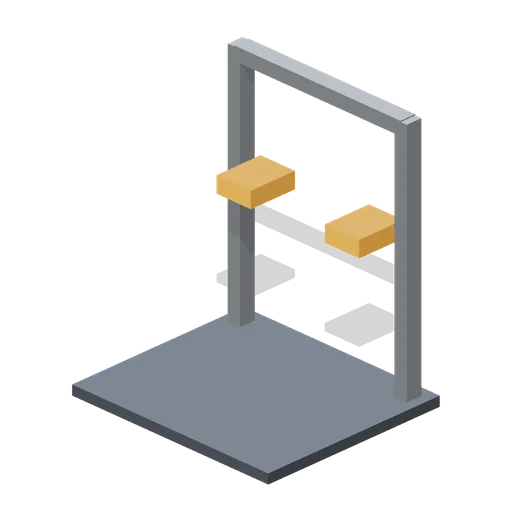
Maintenance Cradle (Mech Robots and Battle Hangar)
Wide maintenance cradle with rear towers and orange support pads.

Diagnostic Console (Mech Robots and Battle Hangar)
Standing diagnostic console with cyan display and work shelf.
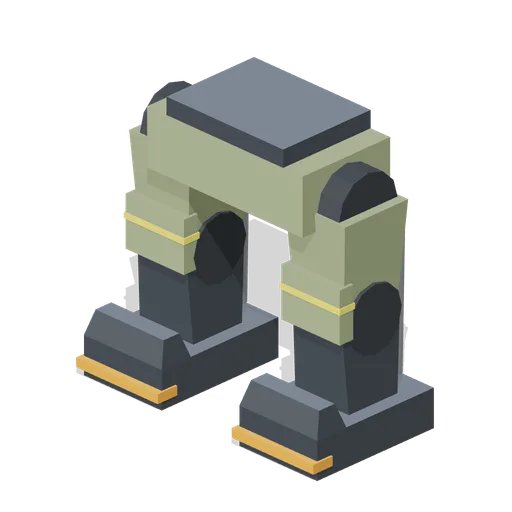
Assault Legs (Mech Robots and Battle Hangar)
Heavy columnar legs: large hip drums, twin pistons per leg, knee plates and wide plated feet; hip socket at 2.40 m.
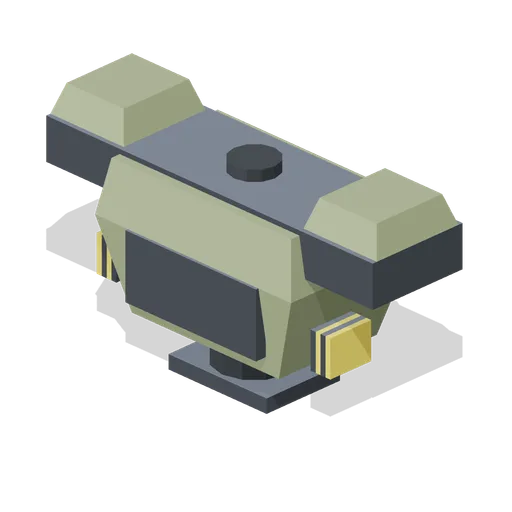
Assault Torso (Mech Robots and Battle Hangar)
Heavy assault-frame torso: slab chest armour, thick yoke with pauldrons, side vent stacks and a broad rear mount.
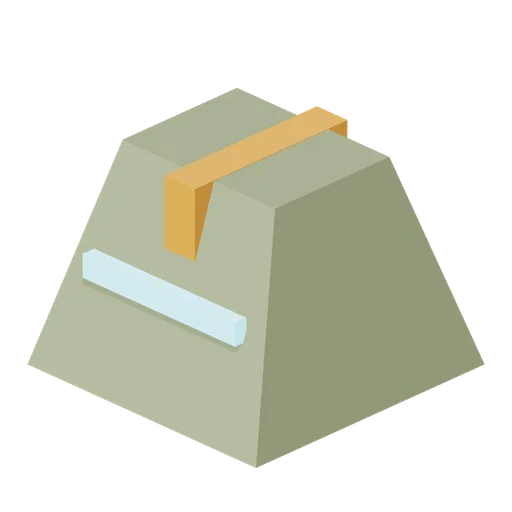
Armoured Wedge Head (Mech Robots and Battle Hangar)
Wedge sensor head with a protected recessed slit and orange crest.
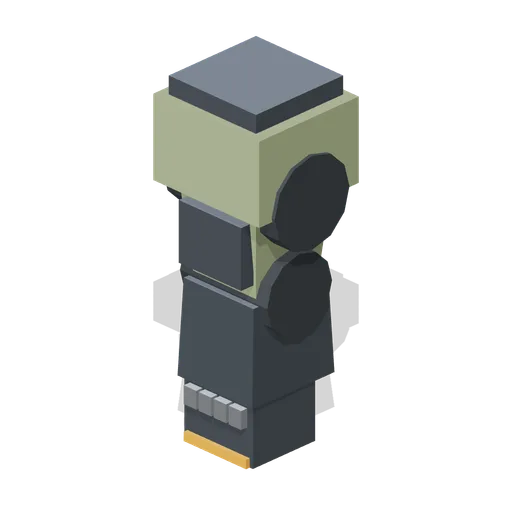
Assault Arm (Mech Robots and Battle Hangar)
Heavy armoured arm with a knuckle-plated fist.
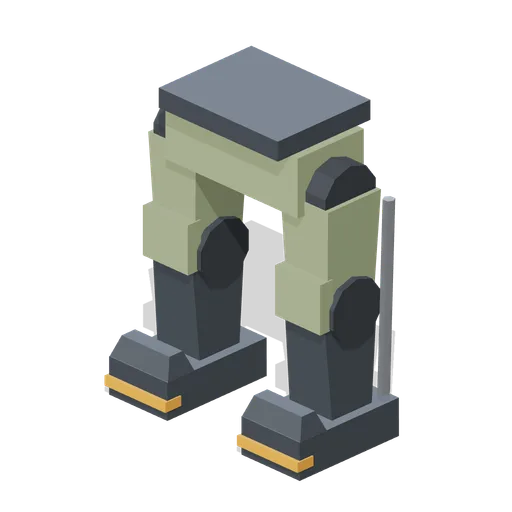
Line Legs (Mech Robots and Battle Hangar)
Medium bipedal legs: hip pelvis block, armoured thighs, knee guards, rear pistons and boot feet; hip socket at 1.90 m.
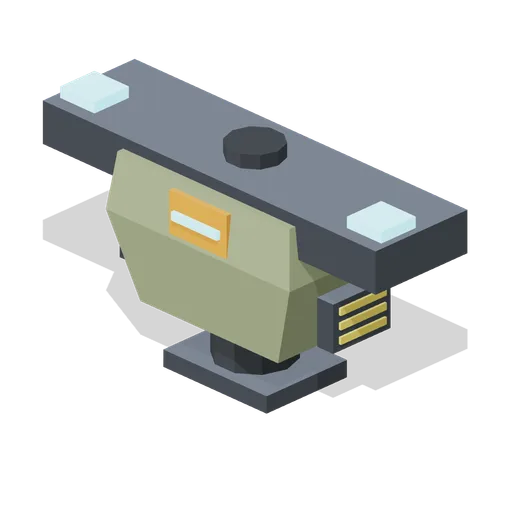
Line Torso (Mech Robots and Battle Hangar)
Medium line-frame torso: tapered olive chest, cockpit hatch, wide shoulder yoke and rear mounting plate.
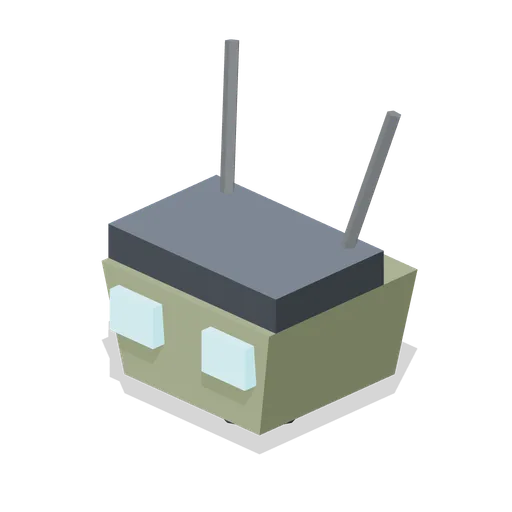
Twin Optic Head (Mech Robots and Battle Hangar)
Medium head with paired square optics and twin whip antennae.
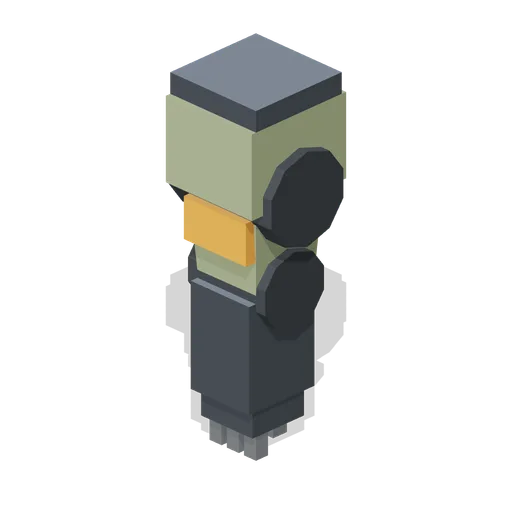
Line Arm (Mech Robots and Battle Hangar)
Medium manipulator arm: shoulder drum, armoured upper arm, elbow-pivoted forearm and a four-finger hand.
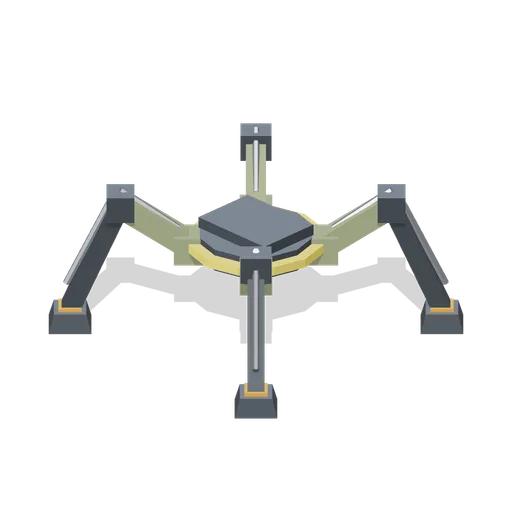
Quad Legs (Mech Robots and Battle Hangar)
Heavy four-leg walker base: central hub with raised knees, hydraulic struts and square pad feet; hip socket at 1.50 m.
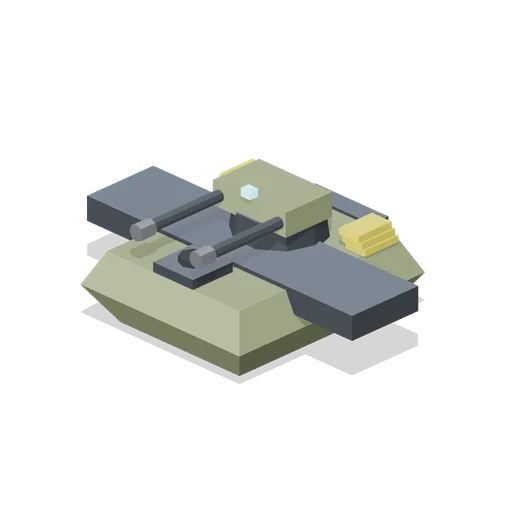
Quad Torso (Mech Robots and Battle Hangar)
Heavy quad-walker hull: low armoured body, sponson yoke, forward head socket and a rear twin-cannon turret.
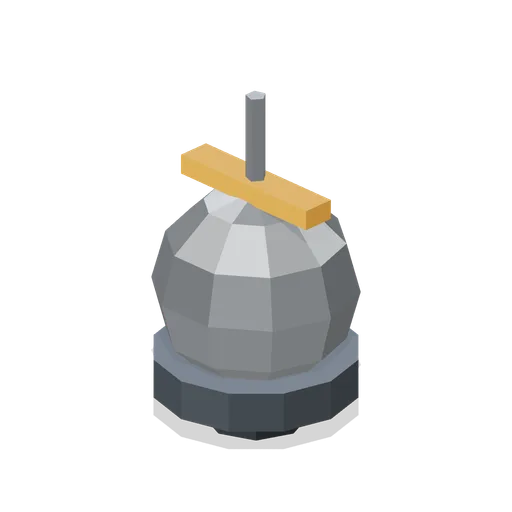
Dome Radar Head (Mech Robots and Battle Hangar)
Heavy radome head: faceted dome on a drum base with a top antenna stub.
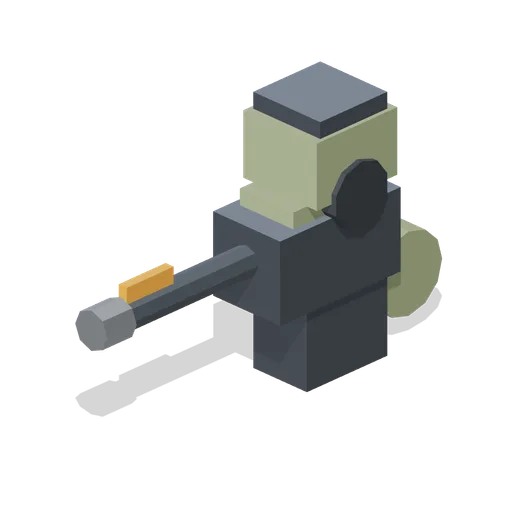
Autocannon Arm (Mech Robots and Battle Hangar)
Medium arm-mounted autocannon: shoulder drum, boxy receiver, rear ammunition drum and a long braked barrel.
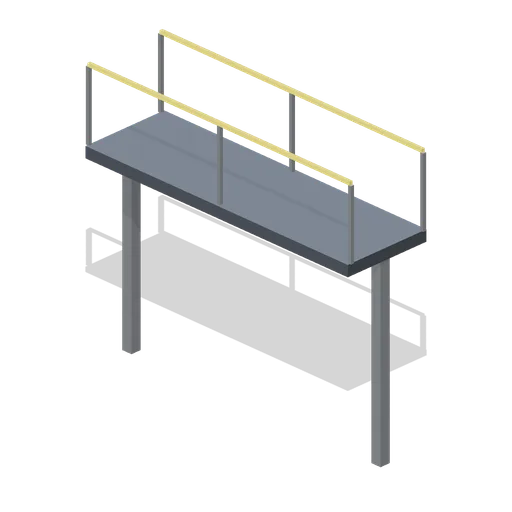
Gantry Straight (Mech Robots and Battle Hangar)
Four-metre raised service gantry with paired guardrails.
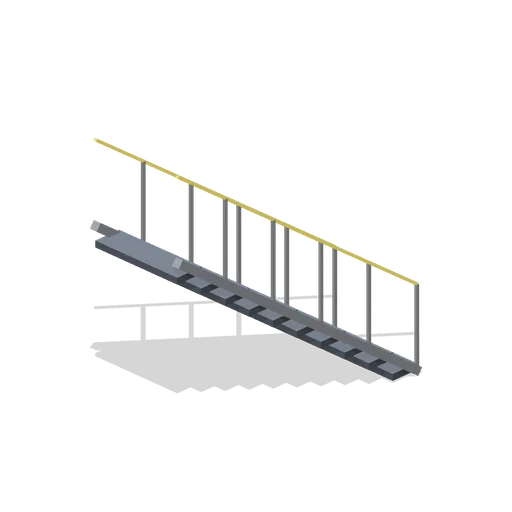
Gantry Stair (Mech Robots and Battle Hangar)
Ten-step steel service stair with diagonal handrails.
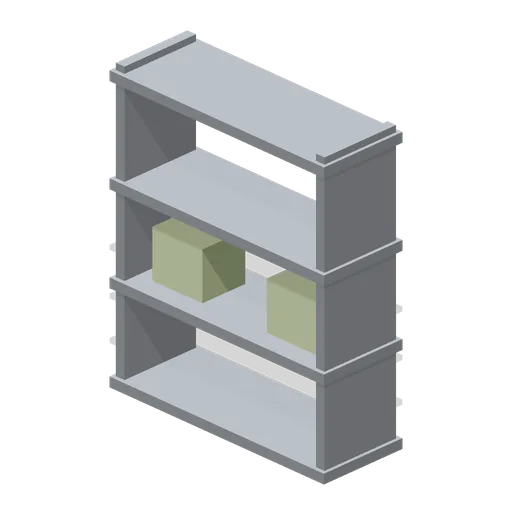
Parts Rack (Mech Robots and Battle Hangar)
Four-level open service rack with boxed mechanical spares.
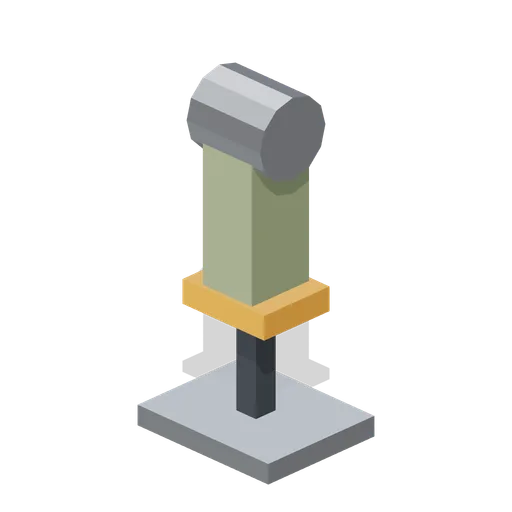
Spare Limb Stand (Mech Robots and Battle Hangar)
Cradled spare arm segment standing vertically for maintenance.
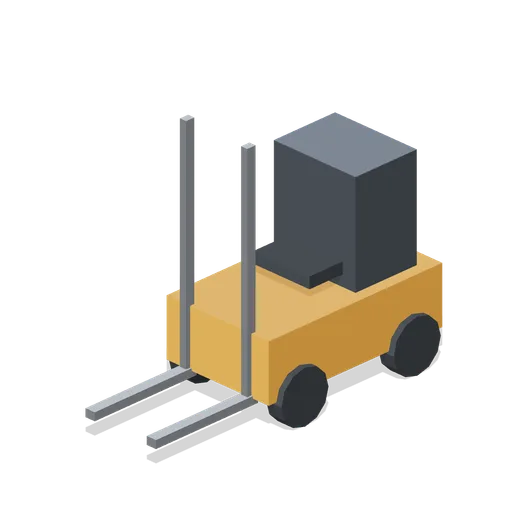
Forklift (Mech Robots and Battle Hangar)
Compact workshop forklift with upright mast, twin forks and operator seat.