Loading scene
Walkable demo
Dungeon shrine chamber
Walk a 20 by 16 metre vaulted dungeon hall built from the Dungeon Room Builder pack: a shrine and altar behind a ritual circle, sarcophagi, a chained cage, a study corner, treasure, a pressure plate and spike trap, and the corridor that brought you here.
About
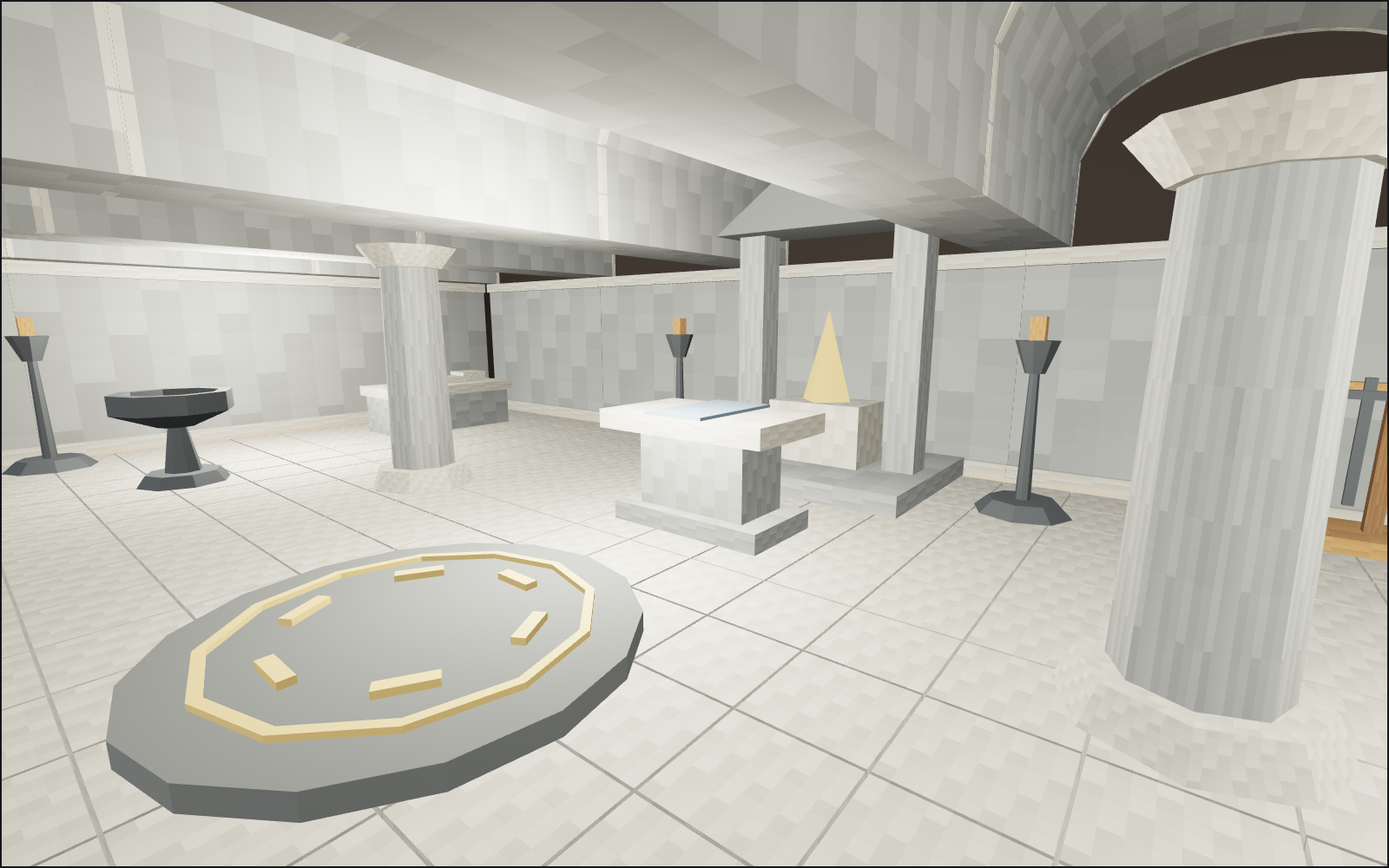
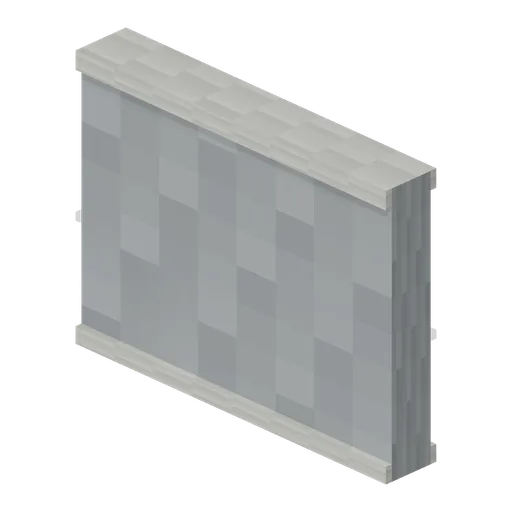
One hall from 24 of the pack's 80 models, on the pack's own 4 m cobbled floor slabs with wall-plain pieces around it and ceiling vaults over every slab, in the room preset with dark walls, dusk light and lamps under the vaults.
You stand just inside the wall arch, facing the room; two corridor-straight modules run away behind you. A pressure plate and a retracted spike trap guard the entrance between two statue plinths. Four octagonal columns frame the ritual circle and its braziers, and the shrine fills the back wall with the altar in front and torch stands either side. A sarcophagus sits in each back corner with the weapon stand beside the shrine. On the west wall are the chained cage, a bookcase, a study table and a stool; on the east the barrel rack, a treasure chest and a treasure pile.
Nothing moves: this pack ships without animation clips, so the trap stays retracted and the torches are still. Lighting the torches, the trap logic and the doors are yours to add.
Every piece here is a published model from the pack, placed by hand. Walk with the keys or touch, and approach a piece to see it move if it has animation. Colliders, navigation and gameplay are yours to add.
Points of interest
The way in
A pressure plate in front of a retracted spike trap, between two statue plinths inside the arch. The corridor behind you is two corridor-straight modules, each a complete 4 m section with its own floor and walls.
Pressure Plate (Dungeon Room Builder)Ritual circle
A ritual circle on the floor between two braziers and four octagonal columns. Columns are 3 m, the same as the wall-plain pieces, so the ceiling vaults sit on both.
Ritual Circle (Dungeon Room Builder)Shrine and altar
The shrine fills the back wall with the altar in front and a torch stand at each side.
Shrine (Dungeon Room Builder)Sarcophagi
A sarcophagus in each back corner and the weapon stand beside the shrine.
Sarcophagus (Dungeon Room Builder)The study
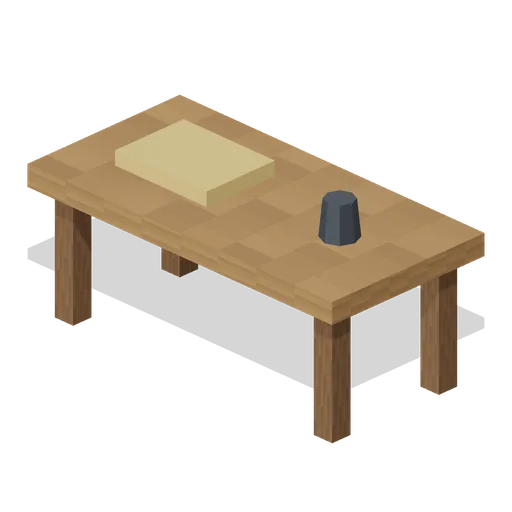
A bookcase, study table and stool against the west wall, beside the chained cage.
Bookcase (Dungeon Room Builder)Treasure
A treasure chest and a treasure pile in the east corner, with the barrel rack along the wall.
Treasure Chest (Dungeon Room Builder)
Use with an AI agent
Copy this prompt into your AI chat to rebuild the layout, then describe what to change.
Rebuild the "Dungeon shrine chamber" demo scene from the Dungeon Room Builder pack in my project.

Layout (JSON, every placement with its CDN URL): https://3dassets.dev/api/v1/demos/dungeon-room-builder
Pack manifest: https://3dassets.dev/api/v1/packs/dungeon-room-builder
Demo page: https://3dassets.dev/demos/dungeon-room-builder

- 87 placements of 23 models; units are metres, +Y up, rotation is yaw in degrees about +Y
- Spawn at (0, 0.3, 6.9) facing 180 degrees; eye height 1.6 m
- Licence: CC0 1.0 Universal (no attribution required)
- Loading: three.js GLTFLoader, one load per distinct model, cloned per placement; no decoders required
Also available as JSON or Markdown, and via the MCP server.
Common questions
How do I use Dungeon shrine chamber with my AI development tools?
How do I get started?
Which game engines and tools can I use Dungeon shrine chamber with?
How do I import this scene into Unity, Godot, Unreal or Blender?
Can I use Dungeon shrine chamber in a commercial game, and do I need to credit anyone?
Can I load it from the CDN instead of downloading it?
Is the demo itself a file I can download?
Can I change the scene, or add gameplay to it?
Models in this demo

Floor Cobbled (Dungeon Room Builder)
Twenty-five cobble floor tile with narrow mortar seams.
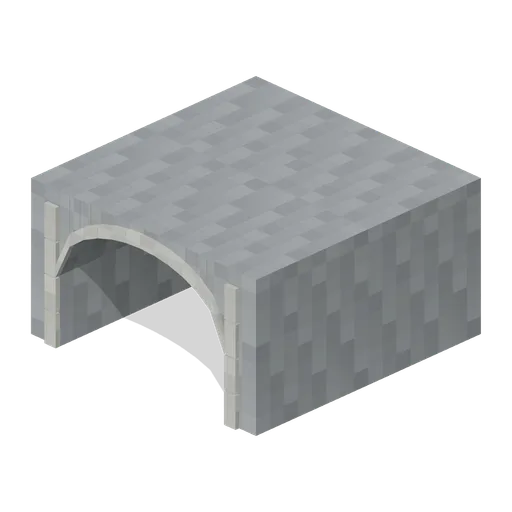
Ceiling Vault (Dungeon Room Builder)
Barrel-vault ceiling section with open underside; place overhead.
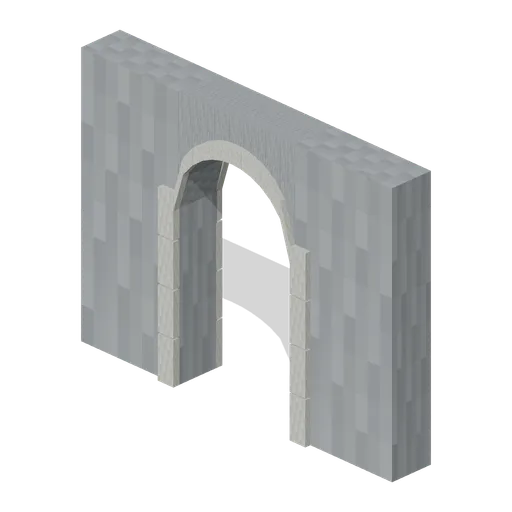
Wall Arch (Dungeon Room Builder)
Walk-through arched wall opening, 1.5 m clear width.
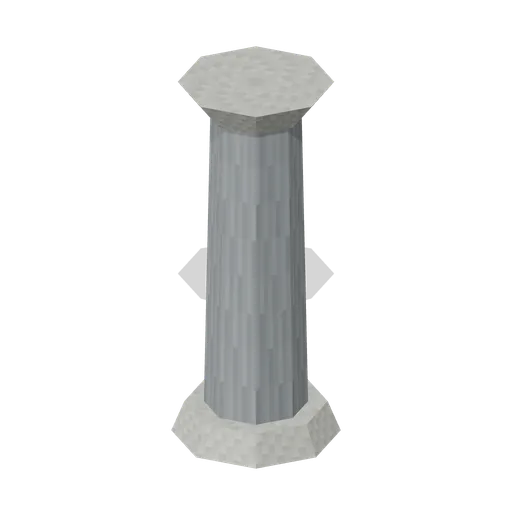
Column Octagonal (Dungeon Room Builder)
Eight-sided column with flared capital.
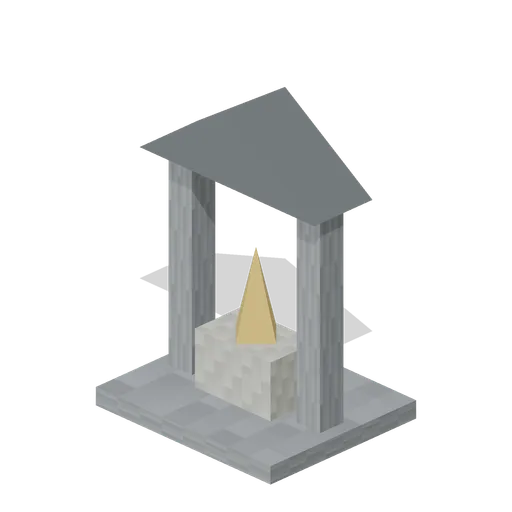
Shrine (Dungeon Room Builder)
Canopied shrine with central geometric golden idol.
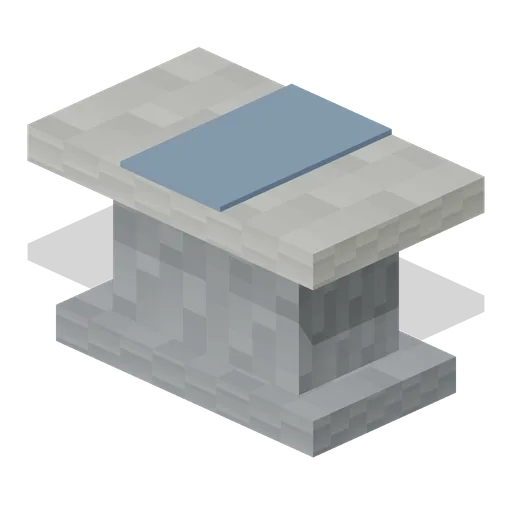
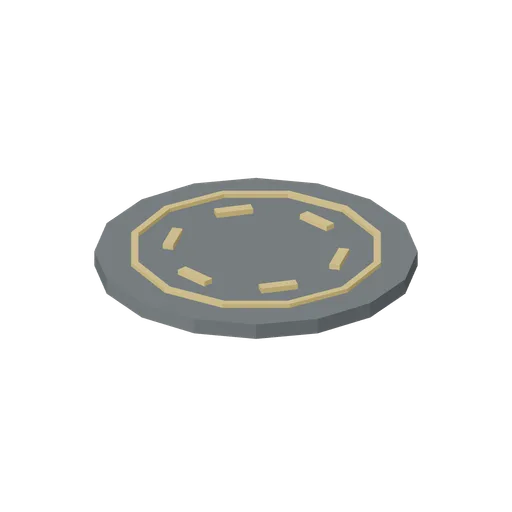
Ritual Circle (Dungeon Room Builder)
Raised circular ritual dais with six original geometric markers.

Sarcophagus (Dungeon Room Builder)
Stone sarcophagus with raised effigy-like lid relief.
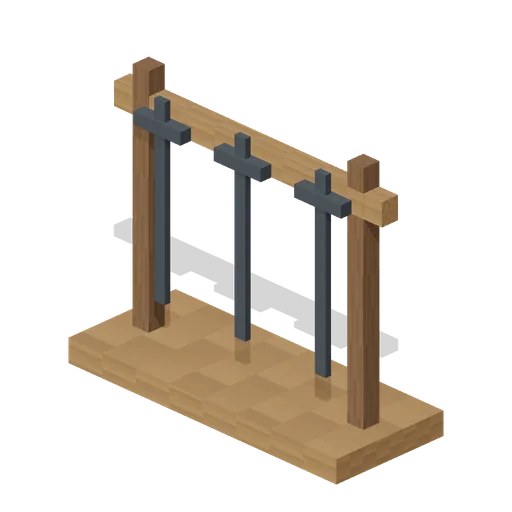
Weapon Stand (Dungeon Room Builder)
Three swords arranged on a freestanding rack.
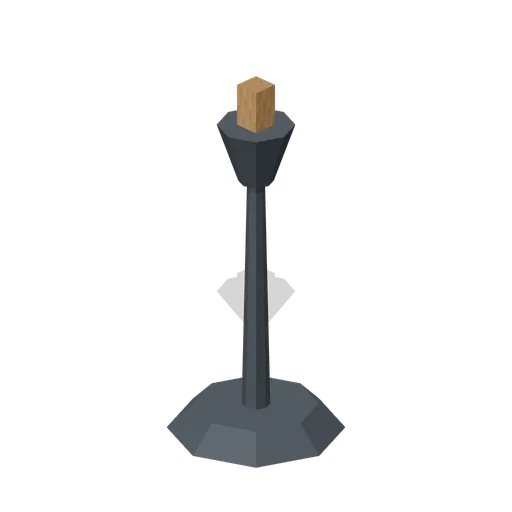
Torch Stand (Dungeon Room Builder)
Freestanding unlit torch basket and timber torch.

Brazier (Dungeon Room Builder)
Empty pedestal brazier with an open iron bowl.
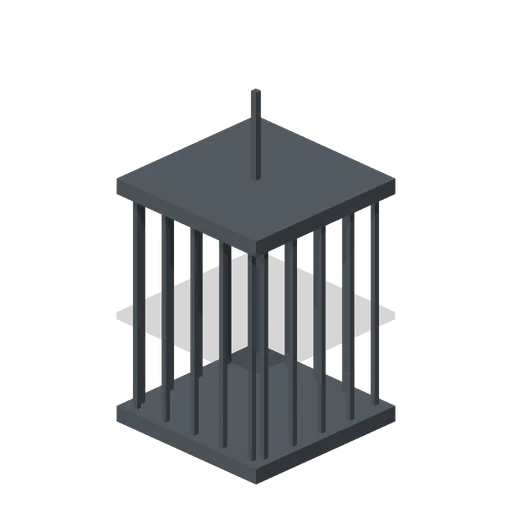
Chained Cage (Dungeon Room Builder)
Barred cage with a short overhead suspension chain; place on floor or hang.
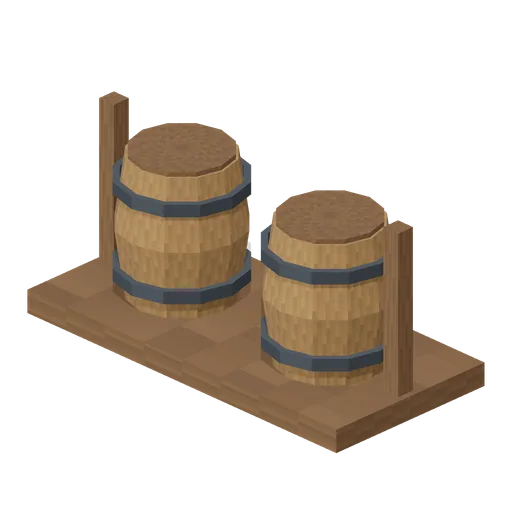
Barrel Rack (Dungeon Room Builder)
Twin upright barrels on a restrained timber rack.

Bookcase (Dungeon Room Builder)
Three-shelf bookcase filled with chunky manuscript volumes.


Treasure Chest (Dungeon Room Builder)
Iron-strapped chest with shaped lid and gold latch.

Treasure Pile (Dungeon Room Builder)
Coin scatter and ingot representing a small treasure cache.

Pressure Plate (Dungeon Room Builder)
Raised square stone trigger plate in an iron surround.

Spike Trap Retracted (Dungeon Room Builder)
Trap plate with spikes reduced to visible tips.

Statue Plinth (Dungeon Room Builder)
Unoccupied statue plinth with a broad upper display slab.