Loading model
About
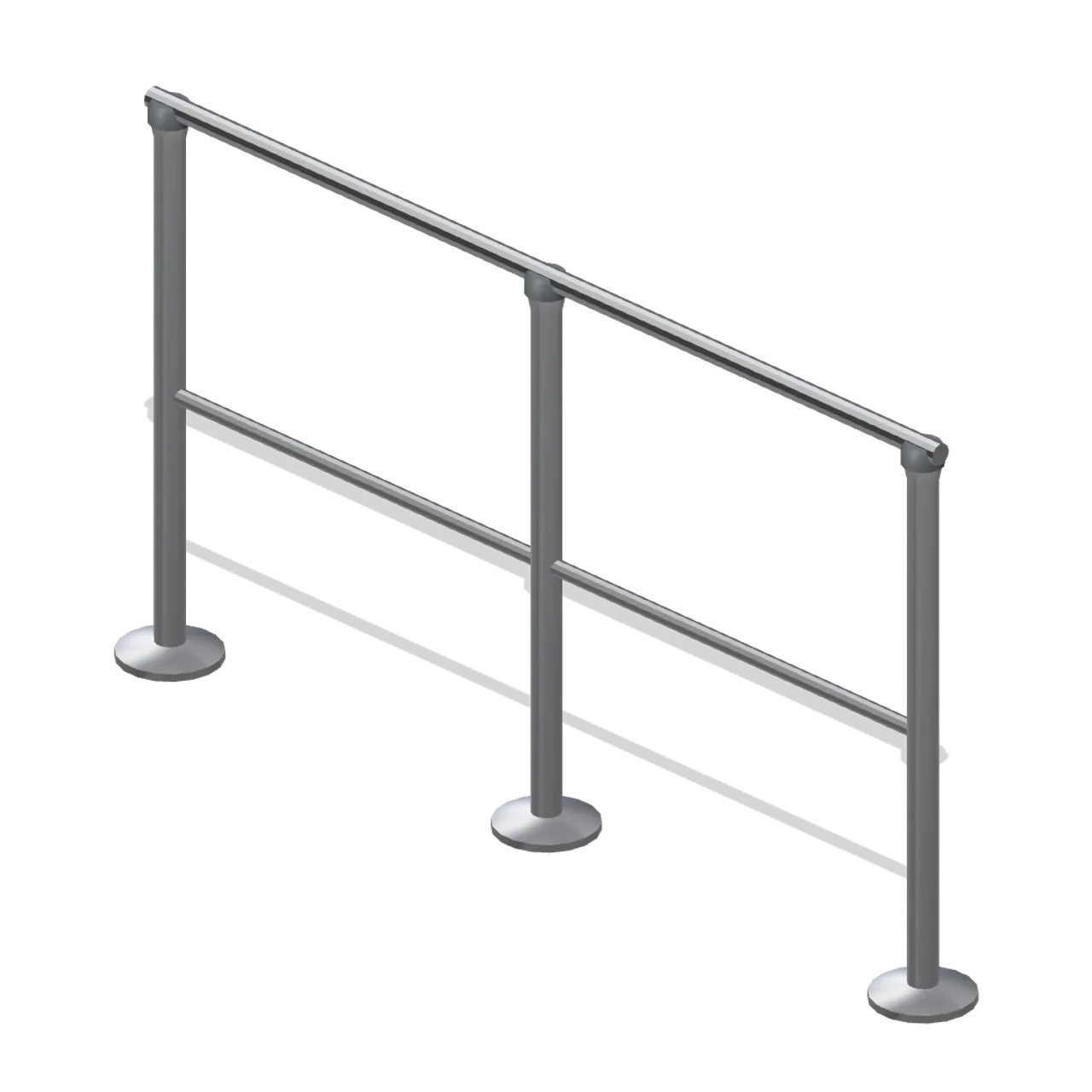
A fixed queue rail for a till line: a 1.8 m chrome top rail and a lower rail on three turned posts with chamfered disc feet, 1.0 m high. Sets the approach to a cash desk run; posts are turned, not extruded boxes. Dimensions 1.90 by 1.02 by 0.18 m (X by Y by Z). Metre units, +Y up, customer side toward +Z, resting on y=0. Static geometry; no rig, collision or navigation data.
Use with an AI agent
Copy this prompt into your AI chat, then describe what you want to build with the asset.
Use the “Counter queue rail (Retail Store Fixtures and Mall)” asset in my project.

Model: https://cdn.3dassets.dev/assets/25336/v1/model.glb
Asset page: https://3dassets.dev/assets/retail-store-fixtures-and-mall-counter-queue-rail-da9f9564
Description: A fixed queue rail for a till line: a 1.8 m chrome top rail and a lower rail on three turned posts with chamfered disc feet, 1.0 m high.

- Dimensions (X × Y × Z): 1.9 × 1.019 × 0.177 metres
- Triangles: 988
- Animations: none
- Licence: CC0 1.0 Universal (https://creativecommons.org/publicdomain/zero/1.0/)
- Loading: Three.js GLTFLoader; no additional decoders required.
Also available as JSON, Markdown, or via the MCP server.
Import manually
Choose your framework, then copy the code into your project to load the asset.
import { GLTFLoader } from 'three/addons/loaders/GLTFLoader.js'

const loader = new GLTFLoader()
loader.load('https://cdn.3dassets.dev/assets/25336/v1/model.glb', (gltf) => {
  scene.add(gltf.scene)
})
Common questions
How do I use this model with my AI development tools?
How do I get started?
Which game engines and tools can I use this model with?
How do I import this model into Unity, Godot, Unreal or Blender?
Can I use this model in a commercial game, and do I need to credit anyone?
Can I load it from the CDN instead of downloading it?
Do I need Draco, Meshopt or KTX2 to load it?
Counter queue rail (Retail Store Fixtures and Mall)
A fixed queue rail for a till line: a 1.8 m chrome top rail and a lower rail on three turned posts with chamfered disc feet, 1.0 m high.
More in Props & Furniture
Full size open net soccer goal (Football Soccer Stadium and Club Grounds)
Goal with 7.32 m clear width, 2.44 m clear height, 2 m deep open cord net and tubular frame.
Swim Zone Buoy Orange (Beach Surf and Paddle Kit)
Sun yellow variant of the swim zone marker buoy with a coral cross topmark.
Dune Grass Tuft (Beach Surf and Paddle Kit)
Marram dune grass tuft: 26 tapered curling blades and four seed heads rising from a low sand mound.
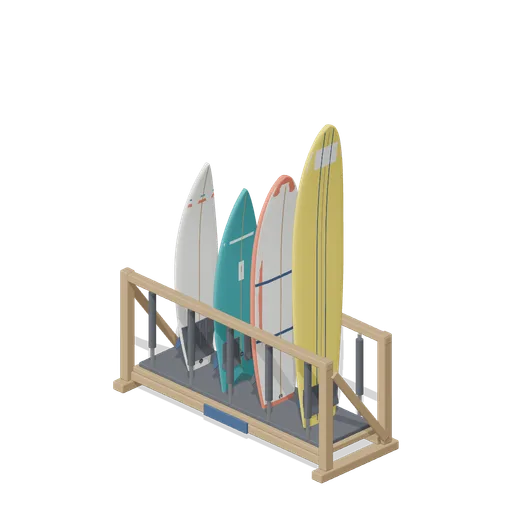
Stocked Surfboard Rack (Beach Surf and Paddle Kit)
The freestanding surfboard rack stocked for hire: shortboard, fish, soft top learner and longboard standing tail down in the four slots.
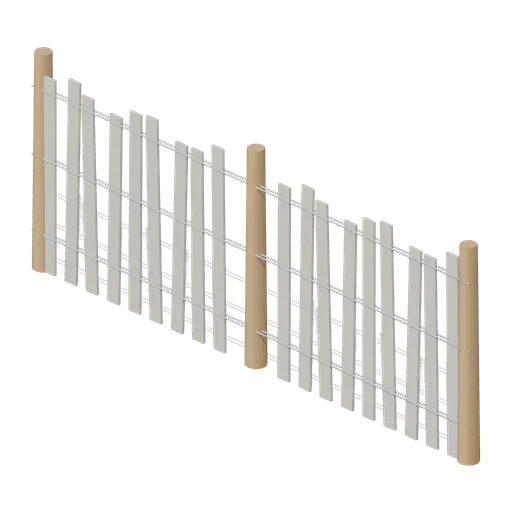
Dune Fence Run (Beach Surf and Paddle Kit)
2.6 m dune wind fence: three round timber posts, twin twisted wire lines at three heights and weathered grey slats set at slightly uneven heights.
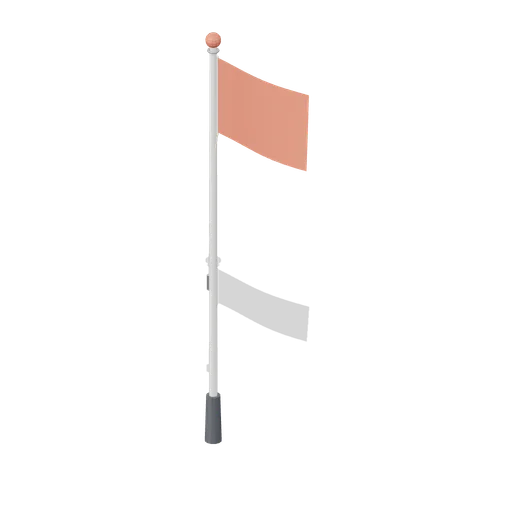
Warning Flag Pole (Beach Surf and Paddle Kit)
3.1 m warning flag pole: the patrol pole with a solid coral no swimming flag and coral finial.
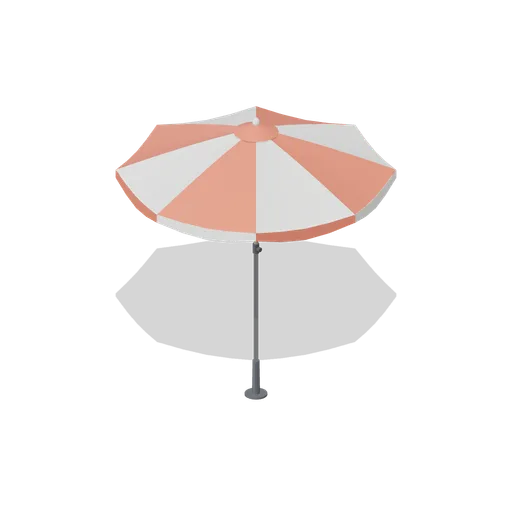
Beach Umbrella (Beach Surf and Paddle Kit)
2.4 m beach umbrella: sand anchor with base plate, steel lower pole with tilt collar and knob, timber upper pole, runner and stretchers, eight steel ribs under alternating coral and foam panels with a scalloped valance, vent cap and finial.
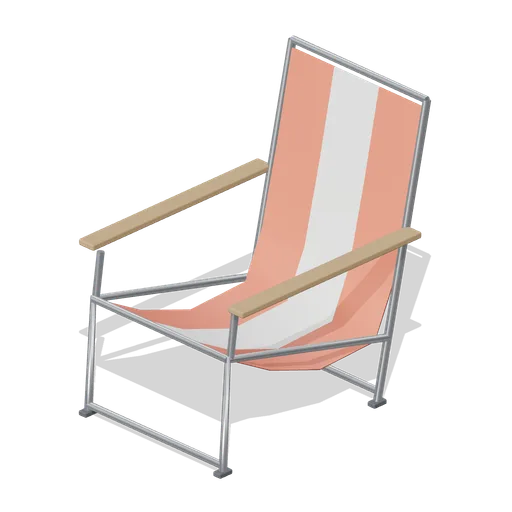
Folding Beach Chair (Beach Surf and Paddle Kit)
Low folding beach chair: steel tube frame with feet, timber armrests and a striped coral and foam sling seat that sags into the back.
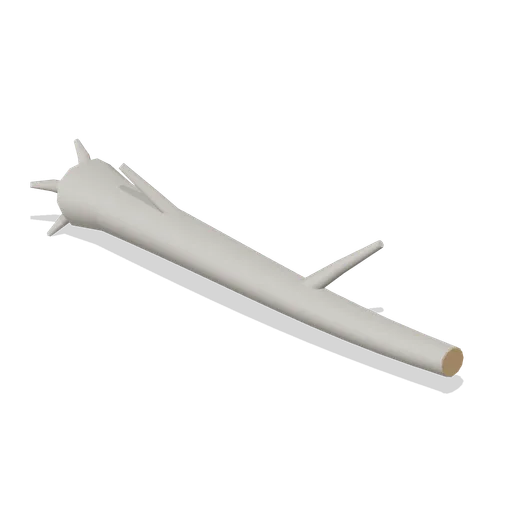
Driftwood Log (Beach Surf and Paddle Kit)
2.8 m weathered driftwood log: twisted tapering trunk, two branch stubs, a splayed root end and one sawn end showing the grain.
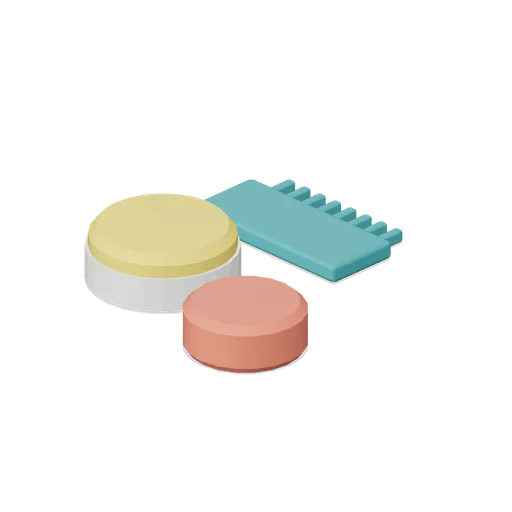
Surf Wax Kit (Beach Surf and Paddle Kit)
Surf wax kit lying on the sand: sun yellow wax puck in a paper wrapper, a coral base coat bar and a toothed teal wax comb.
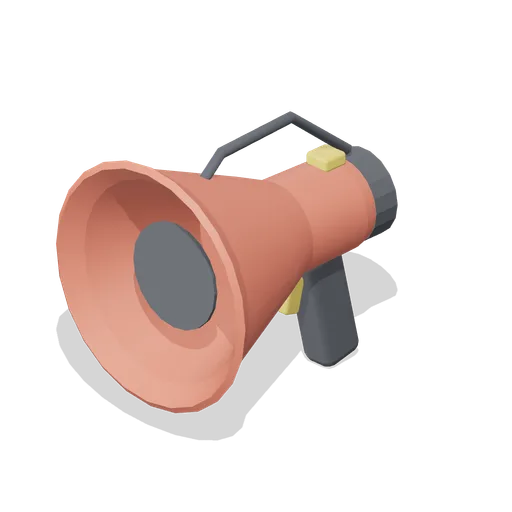
Lifeguard Megaphone (Beach Surf and Paddle Kit)
Handheld lifeguard megaphone resting on its grip: coral flared bell with grille, battery housing, pistol grip and trigger, siren switch and carry strap.
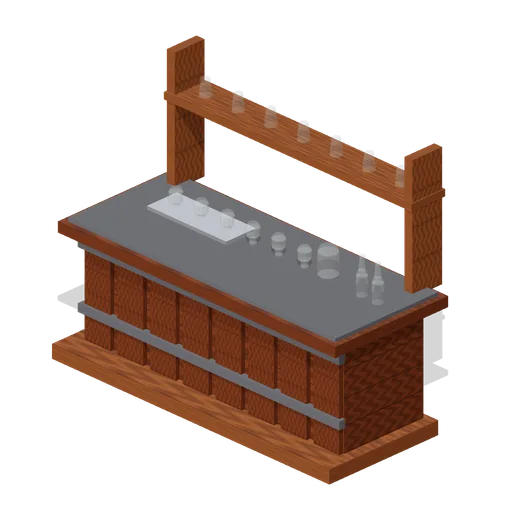
Visitor Tasting Counter (Distillery and Bonded Warehouse)
Visitor tasting counter 2.8 x 1.1 m and 1.8 m to the back shelf: a cask staved oak front with iron bands, a plank top, six nosing glasses on a tray, a water jug, two unlabelled bottles and seven more glasses upended on the shelf behind. Nothing carries a label.
Similar assets
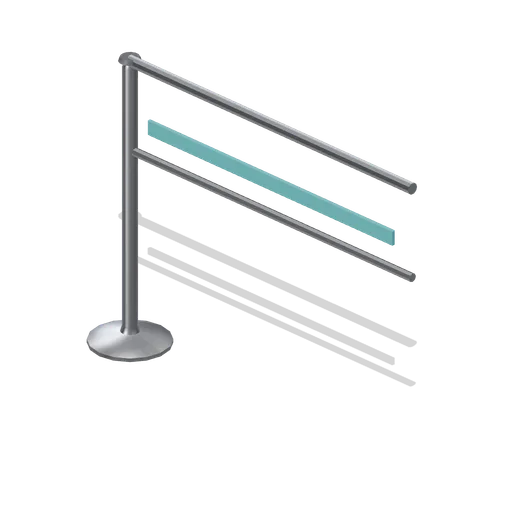
Queue rail module (Fast Food Counter and Drive-Thru)
A 1.2 m fixed queue rail bay with a top rail, a mid rail and a single post at the left end so a run of bays never doubles its posts.
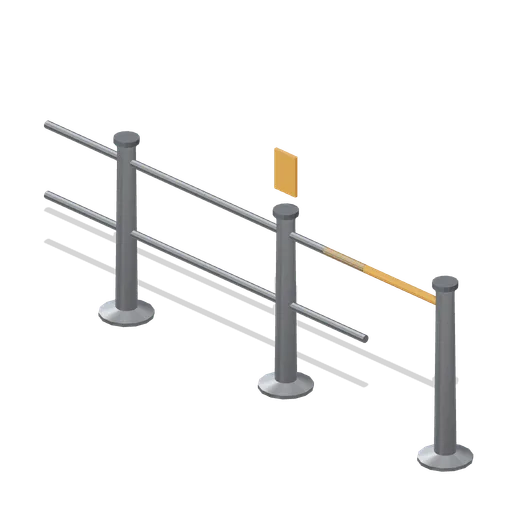
Trade counter queue rail (Hardware Store and DIY Warehouse)
A 2.4 m queue guidance rail: three weighted posts carrying two tubular rails with a swing gate at one end, setting out the waiting line at a trade counter.

Queue rail post with retractable belt (Tool Hire Depot and Plant Yard)
Charcoal queue post 1 m tall on a weighted disc base with a chrome column, a webbing belt drawn out to a hook and an orange top cap, for guiding a trade counter queue.

Queue Rail Section (Street Food Market and Food Trucks)
A 2 m bay of queue barrier: two posts on footplates set in from the ends, a steel top rail, a red middle rail and three infill bars. Bays butt end to end into a queue line of any length, with end ports on both ends.
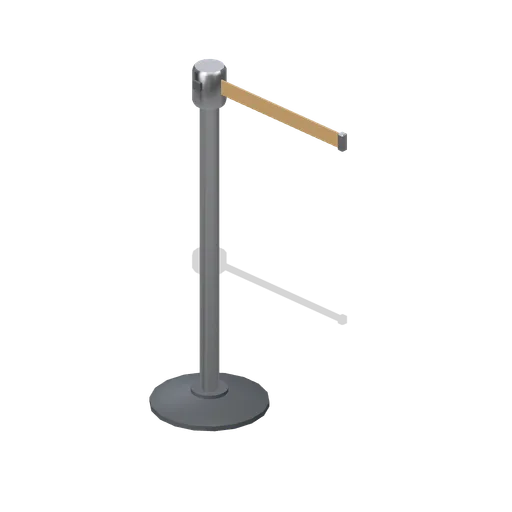
Queue rail post (Cafe, Bakery and Coffee Bar)
A queue rail post: a weighted cast base, a chromed post and a retractable belt cassette with a webbing belt and a clip.
Queue Rail End Post (Theme Park Rides and Coasters)
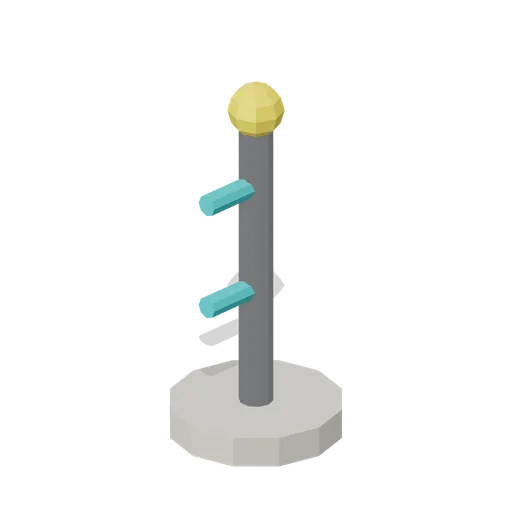
End post for a queue barrier run: a steel post on a weighted cream base with a yellow finial and a stub rail, closing the open end of a line.
Queue rail module, run end (Fast Food Counter and Drive-Thru)
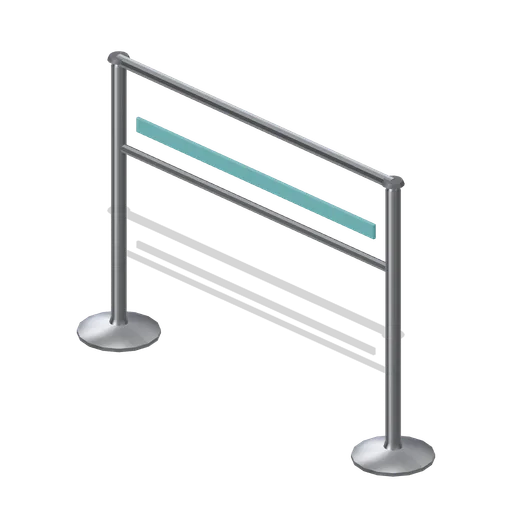
The queue rail bay with the right-hand post added, so a run terminates with a post at each end.
Bar height counter with foot rails (Fast Food Counter and Drive-Thru)
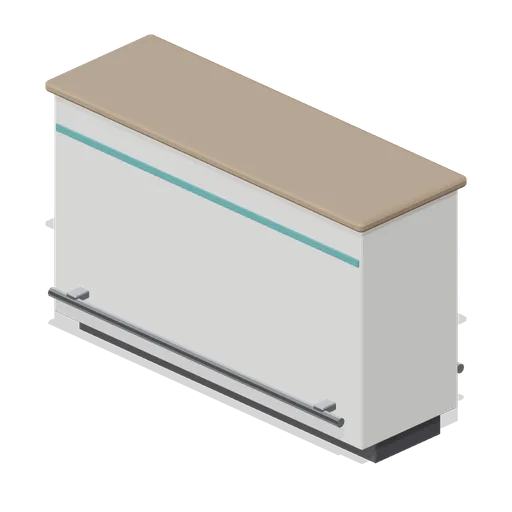
A 1.6 m double-sided bar height counter at 1.05 m: laminate panelling on both faces, an accent reveal, a postformed top and a foot rail on stand-off brackets each side.
Horse Line Post (WW1 Trench Line 1917)
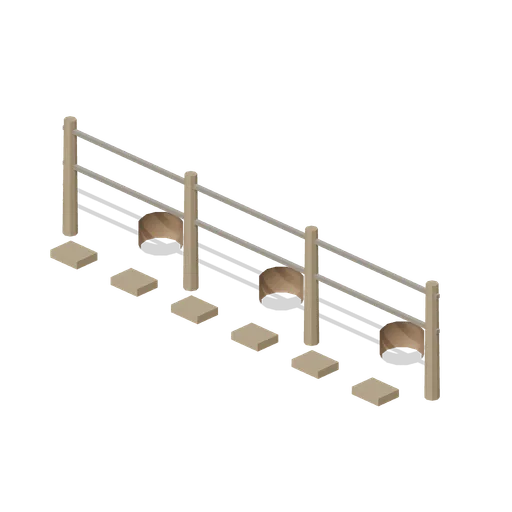
Picket line of posts with rails, mangers and water buckets.

Queue rail post pair (Petrol Station and Forecourt Shop)
A pair of weighted belt posts with the webbing tape drawn between them, for the queue in front of the counter. Place them end to end for a longer run.
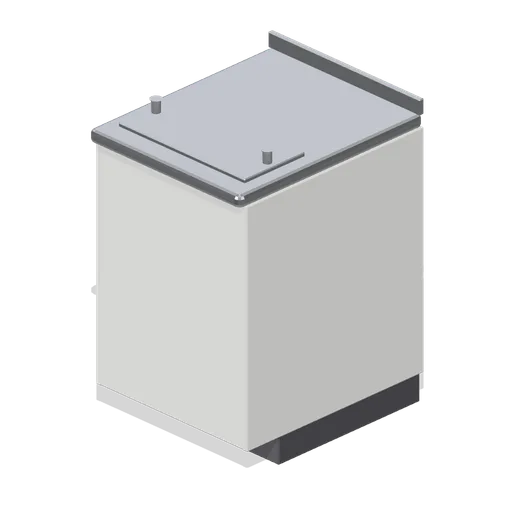
Front counter module 600 (Fast Food Counter and Drive-Thru)
A 600 mm front counter module on the 900 mm counter grid: laminate customer fascia with an accent reveal, recessed kick, stainless bullnose top with a rear upstand, crew-side wire shelf and a bag rail on the top.
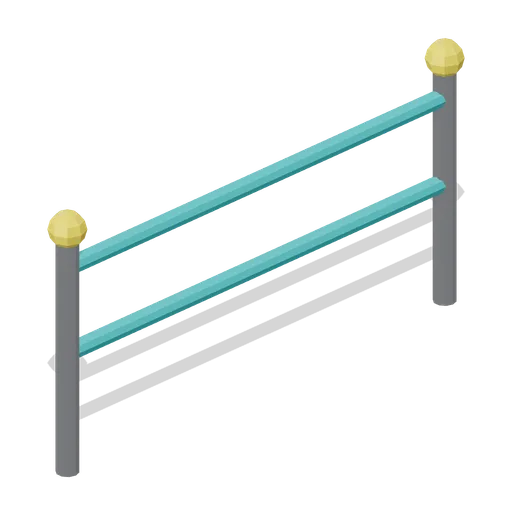
Queue Rail Straight 2 m (Theme Park Rides and Coasters)
Modular 2 m queue barrier: two teal tube rails between steel posts with yellow ball finials, for switchback queue lines and crowd control.