Loading model
About
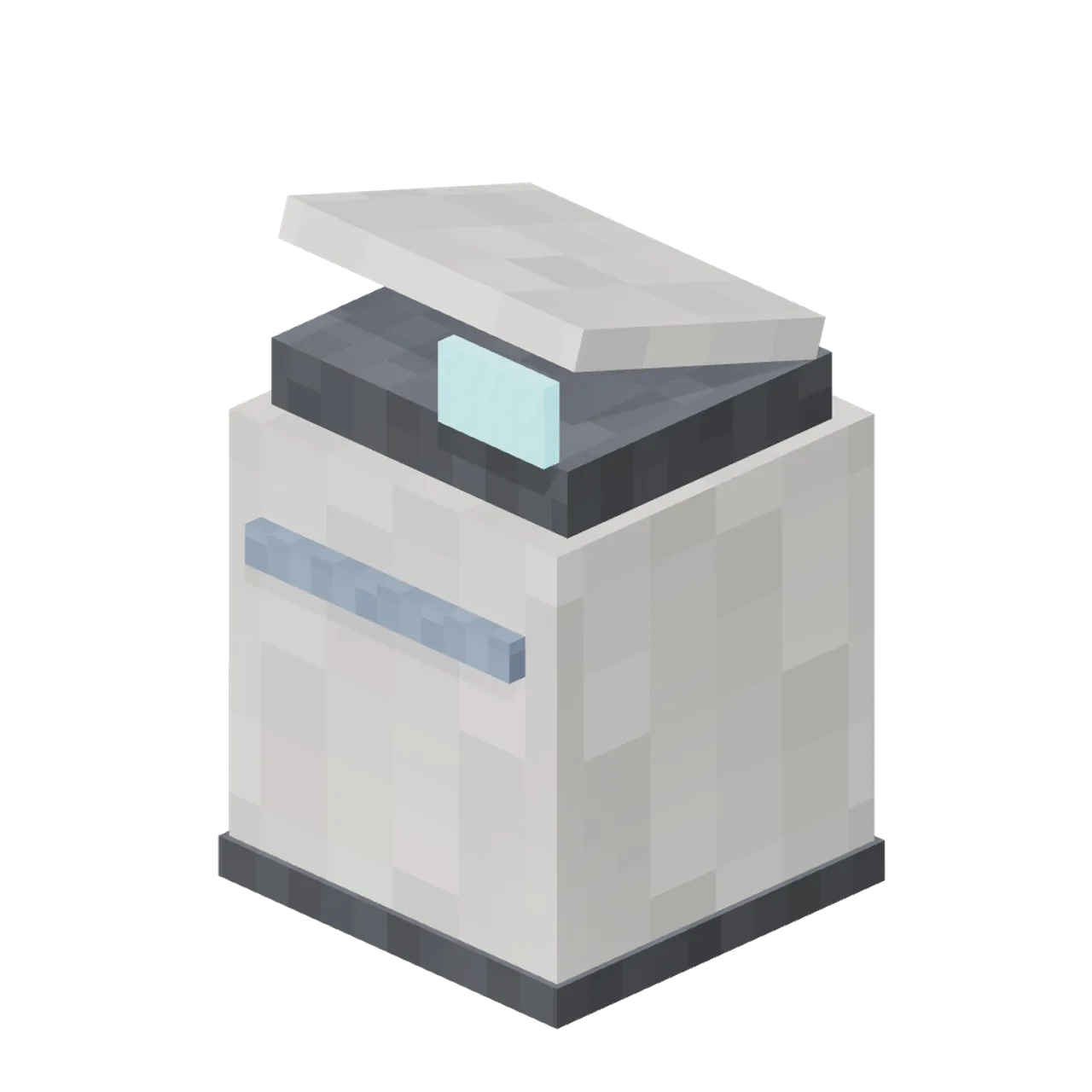
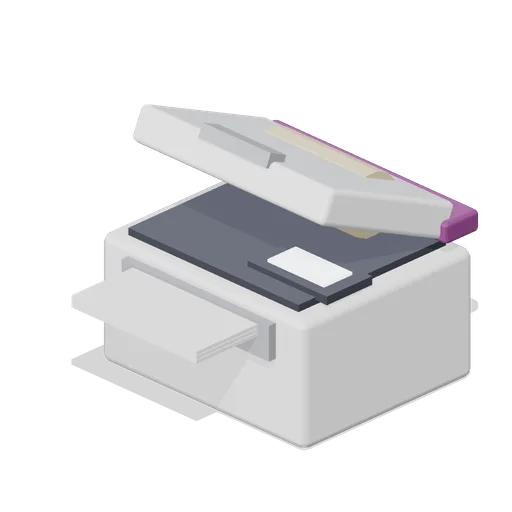
Office multifunction printer and copier at 860 mm with a paper tray, a glowing control panel and a hinged scanner lid. Dimensions 0.64 × 0.94 × 0.64 m (X × Y × Z). Footprint-centred origin resting at y = 0. Metres, +Y up, +Z front. Named pivot nodes: lid-printer at 0.00, 0.80, -0.22. Rigid node-transform clips: open and close. No skinning. The body, tray and panel are static; only the scanner lid lifts. Pixel Modern palette of warm white, light oak, charcoal, slate blue, sage, coral, mustard and screen cyan, every surface carrying a 32 px nearest-filtered map. Original design; invented signage, no real brands. No collision or navigation data.
Use with an AI agent
Copy this prompt into your AI chat, then describe what you want to build with the asset.
Use the “Printer Copier (Pixel Modern Office)” asset in my project.

Model: https://cdn.3dassets.dev/assets/27924/v1/model.glb
Asset page: https://3dassets.dev/assets/pixel-modern-office-printer-copier-61748219
Description: Office multifunction printer and copier at 860 mm with a paper tray, a glowing control panel and a hinged scanner lid.

- Dimensions (X × Y × Z): 0.64 × 0.94 × 0.64 metres
- Triangles: 72
- Animations: open, close
- Licence: CC0 1.0 Universal (https://creativecommons.org/publicdomain/zero/1.0/)
- Loading: Three.js GLTFLoader; no additional decoders required.
Also available as JSON, Markdown, or via the MCP server.
Import manually
Choose your framework, then copy the code into your project to load the asset.
import { GLTFLoader } from 'three/addons/loaders/GLTFLoader.js'
import { AnimationMixer } from 'three'

let mixer

const loader = new GLTFLoader()
loader.load('https://cdn.3dassets.dev/assets/27924/v1/model.glb', (gltf) => {
  scene.add(gltf.scene)
  mixer = new AnimationMixer(gltf.scene)
  mixer.clipAction(gltf.animations[0]).play()
})

// Call from your render loop; deltaSeconds is time since the previous frame.
function updateAssetAnimation(deltaSeconds) {
  mixer?.update(deltaSeconds)
}
Common questions
How do I use Printer Copier (Pixel Modern Office) with my AI development tools?
How do I get started?
Which game engines and tools can I use Printer Copier (Pixel Modern Office) with?
How do I import this model into Unity, Godot, Unreal or Blender?
Can I use Printer Copier (Pixel Modern Office) in a commercial game, and do I need to credit anyone?
Can I load it from the CDN instead of downloading it?
Do I need Draco, Meshopt or KTX2 to load it?
Printer Copier (Pixel Modern Office)
Office multifunction printer and copier at 860 mm with a paper tray, a glowing control panel and a hinged scanner lid.
More in Props & Furniture
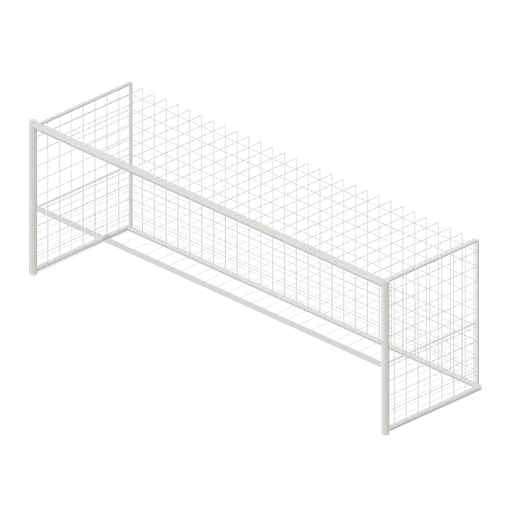
Full size open net soccer goal (Football Soccer Stadium and Club Grounds)
Goal with 7.32 m clear width, 2.44 m clear height, 2 m deep open cord net and tubular frame.
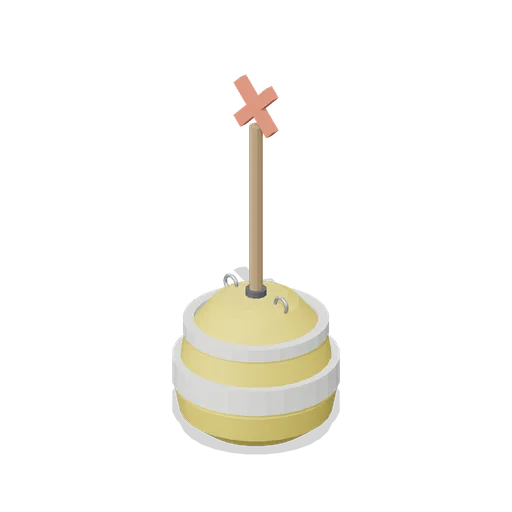
Swim Zone Buoy Orange (Beach Surf and Paddle Kit)
Sun yellow variant of the swim zone marker buoy with a coral cross topmark.
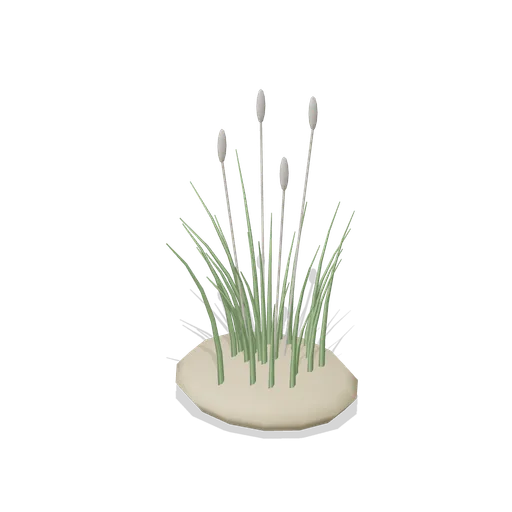
Dune Grass Tuft (Beach Surf and Paddle Kit)
Marram dune grass tuft: 26 tapered curling blades and four seed heads rising from a low sand mound.
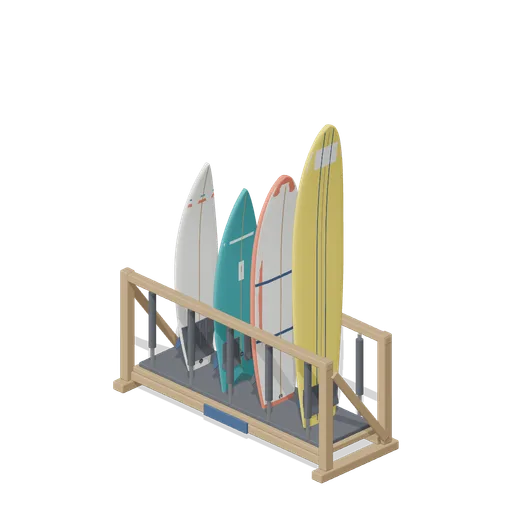
Stocked Surfboard Rack (Beach Surf and Paddle Kit)
The freestanding surfboard rack stocked for hire: shortboard, fish, soft top learner and longboard standing tail down in the four slots.
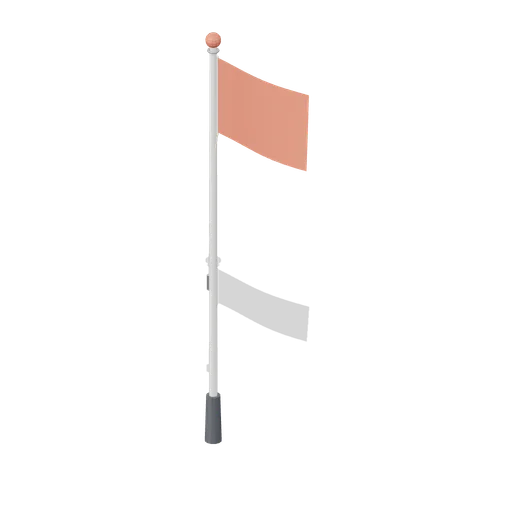
Warning Flag Pole (Beach Surf and Paddle Kit)
3.1 m warning flag pole: the patrol pole with a solid coral no swimming flag and coral finial.
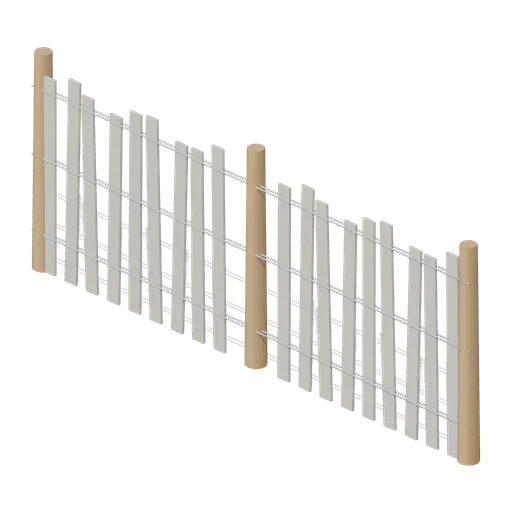
Dune Fence Run (Beach Surf and Paddle Kit)
2.6 m dune wind fence: three round timber posts, twin twisted wire lines at three heights and weathered grey slats set at slightly uneven heights.
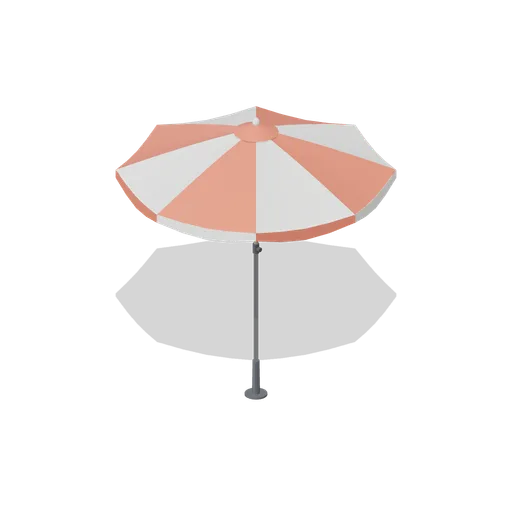
Beach Umbrella (Beach Surf and Paddle Kit)
2.4 m beach umbrella: sand anchor with base plate, steel lower pole with tilt collar and knob, timber upper pole, runner and stretchers, eight steel ribs under alternating coral and foam panels with a scalloped valance, vent cap and finial.
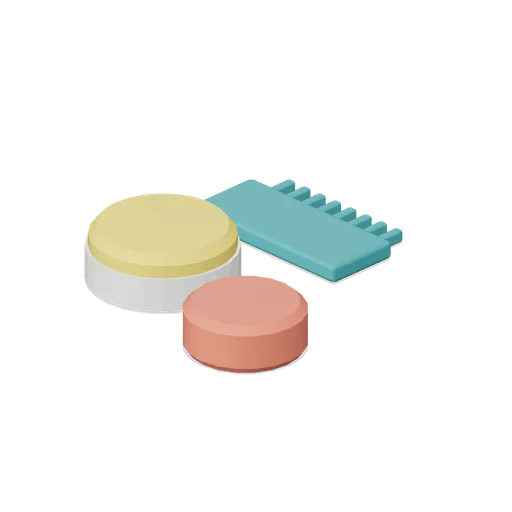
Surf Wax Kit (Beach Surf and Paddle Kit)
Surf wax kit lying on the sand: sun yellow wax puck in a paper wrapper, a coral base coat bar and a toothed teal wax comb.
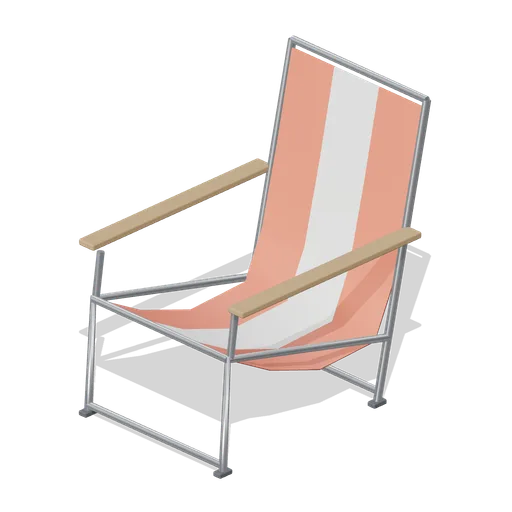
Folding Beach Chair (Beach Surf and Paddle Kit)
Low folding beach chair: steel tube frame with feet, timber armrests and a striped coral and foam sling seat that sags into the back.
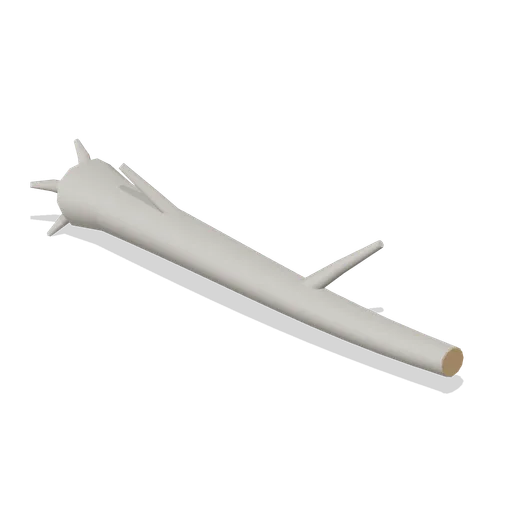
Driftwood Log (Beach Surf and Paddle Kit)
2.8 m weathered driftwood log: twisted tapering trunk, two branch stubs, a splayed root end and one sawn end showing the grain.
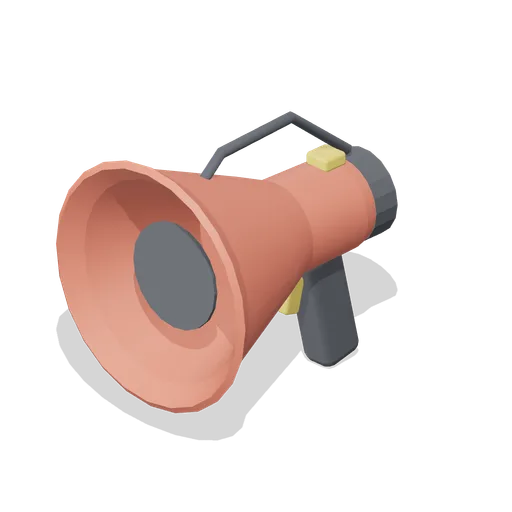
Lifeguard Megaphone (Beach Surf and Paddle Kit)
Handheld lifeguard megaphone resting on its grip: coral flared bell with grille, battery housing, pistol grip and trigger, siren switch and carry strap.
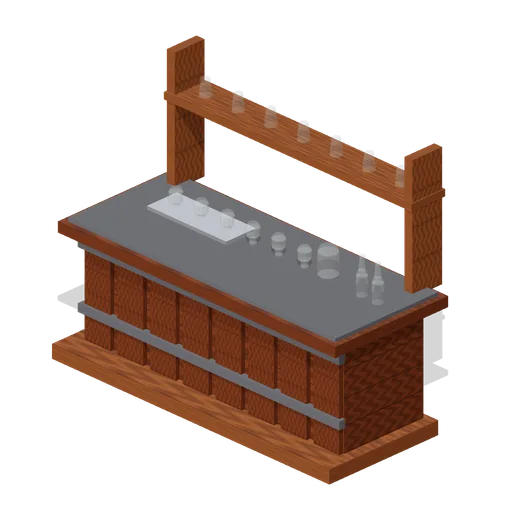
Visitor Tasting Counter (Distillery and Bonded Warehouse)
Visitor tasting counter 2.8 x 1.1 m and 1.8 m to the back shelf: a cask staved oak front with iron bands, a plank top, six nosing glasses on a tray, a water jug, two unlabelled bottles and seven more glasses upended on the shelf behind. Nothing carries a label.
Similar assets
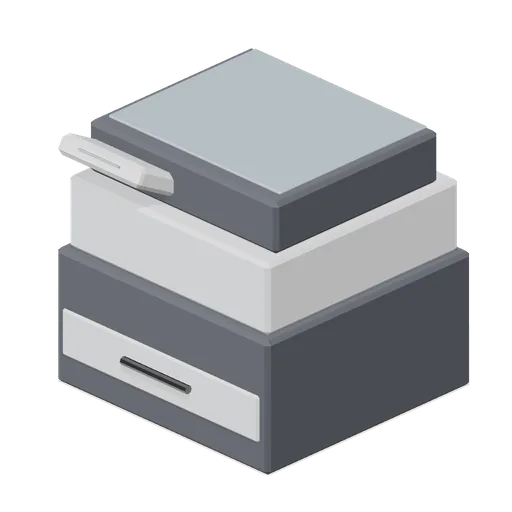
Multifunction office printer (Police Station and Detective Office)
A desktop multifunction printer: a scanner glass and lid, an angled control panel, an output tray holding a printed stack and a paper cassette front with a grab handle.
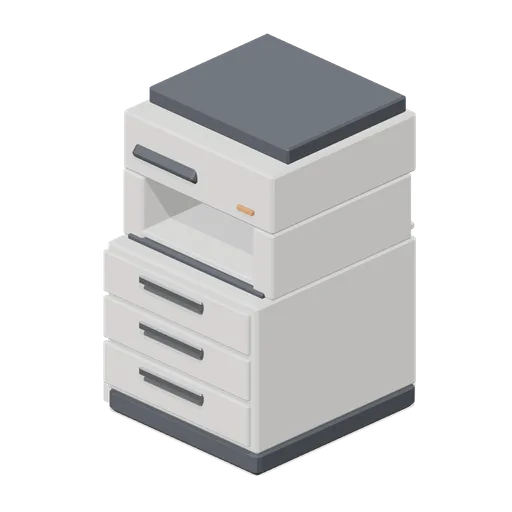 Animated
Multifunction printer (Downtown Office Interiors)
A floor-standing multifunction printer: three named paper drawers, an output recess, a scanner lid as a named node and a tilted operator panel.
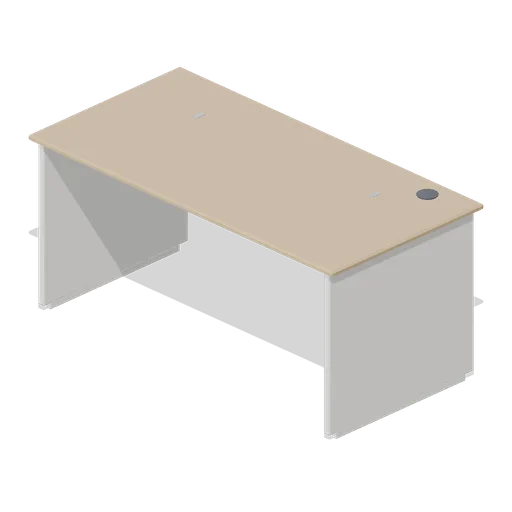
Office desk 1600 with panel ends (Downtown Office Interiors)
A 1.6 m by 0.8 m office desk at 730 mm on full-height laminate panel ends, with a modesty panel, an under-desk cable basket and a rear cable grommet.
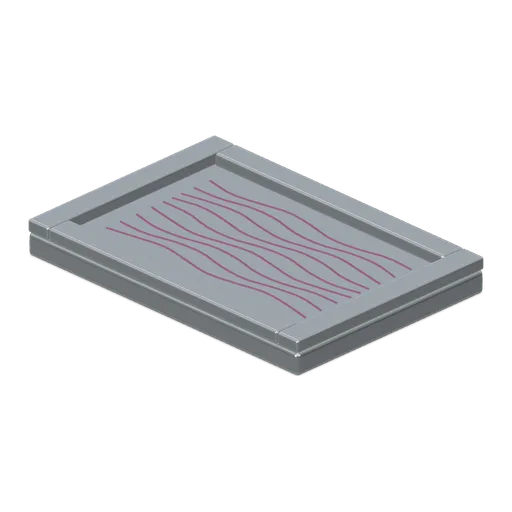
Marbled Paper Tray (Bookbinding and Paper Mill)
Shallow marbling tray with a supported paper sheet and nine coloured wavy marbling paths; static surface pattern.
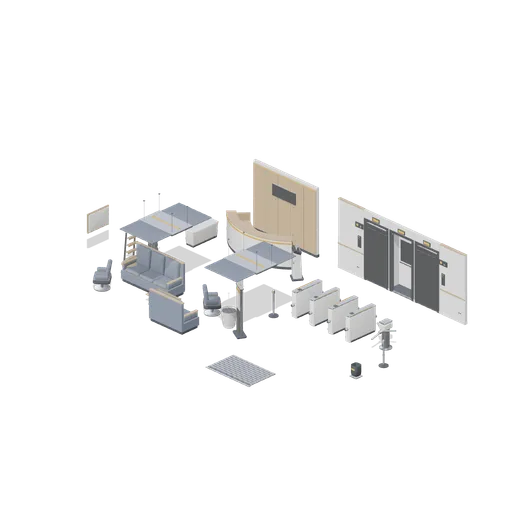
Office Lobby (Office Lobby and Building Facilities)
A commercial office lobby: a curved reception desk against a panelled back wall with a blank sign panel, a speedgate line into the lift core, two lift landing doors with call panels and floor indicators, a visitor waiting group of sofas, armchairs and tables, a sign-in kiosk,...
 Animated
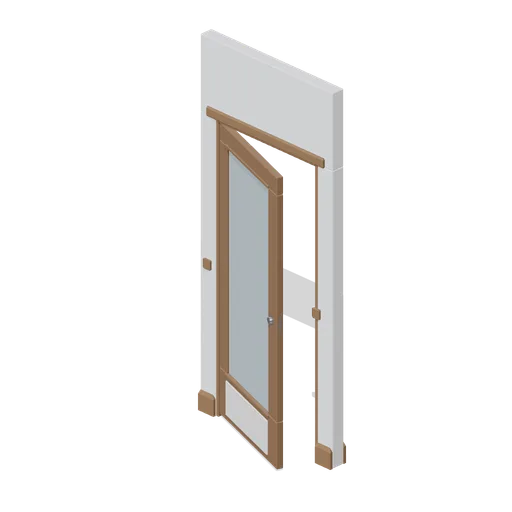
Private office door wall module (Police Station and Detective Office)
A 1.2 m wall module for the private office: a timber rail-and-stile door with a reeded glass panel and a painted panel below it, moulded architraves proud of both faces, a bead framed pane and a chrome lever, all on one named hinge node.
 Animated
Ballast Control Panel (Submarine Interior and Control Room)
The trim and blowing position: a 1.5 by 1.85 m panel with a lit mimic board of plain blocks and links, six indicator lamps, four blowing levers in a quadrant, two 300 mm vent handwheels and a bank of four gauges.
 Animated
Labelling Printer (Pharmacy and High Street Chemist)
A bench labelling printer: a moulded body with a hinged paper flap that opens onto the roll, a blank control panel and a stack of plain label sheets in the out tray.
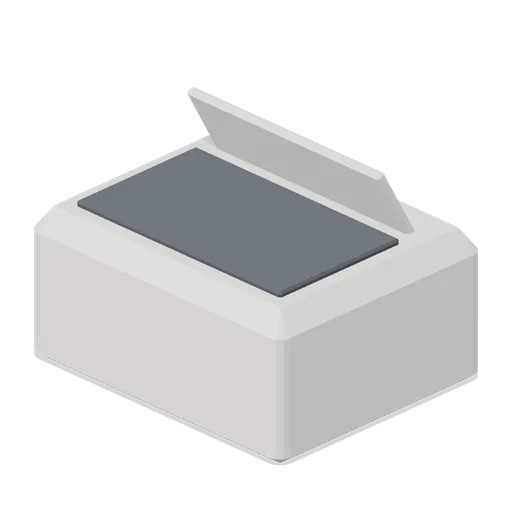
Desktop printer (Downtown Office Interiors)
A compact desktop printer with a fold-out rear paper support, a front output tray, a small display and a power indicator.
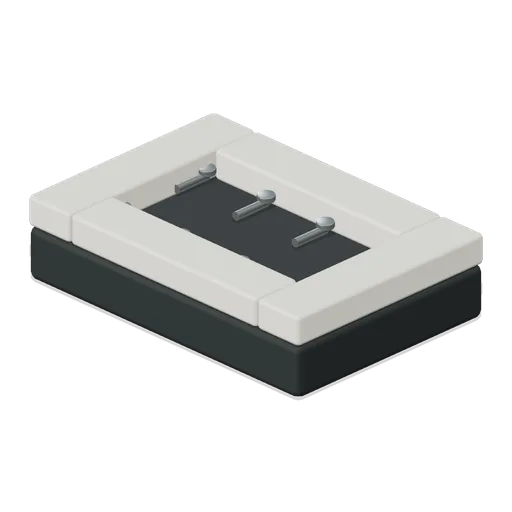
Hinge Pin Tray (Optician and Optical Lens Workshop)
Small hinge pin tray with eight distinct retained pins, visible heads and complete tray walls.
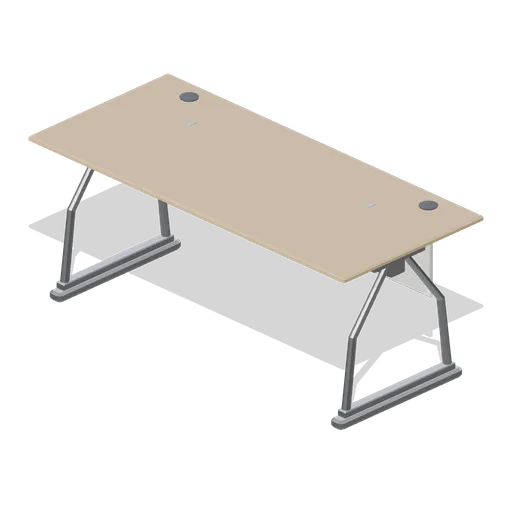
Office desk 1800 on A-frame legs (Downtown Office Interiors)
A 1.8 m by 0.8 m office desk at 730 mm on welded A-frame tubular legs, with a spine beam, twin rear grommets, a cable basket and a low modesty panel.
 Animated
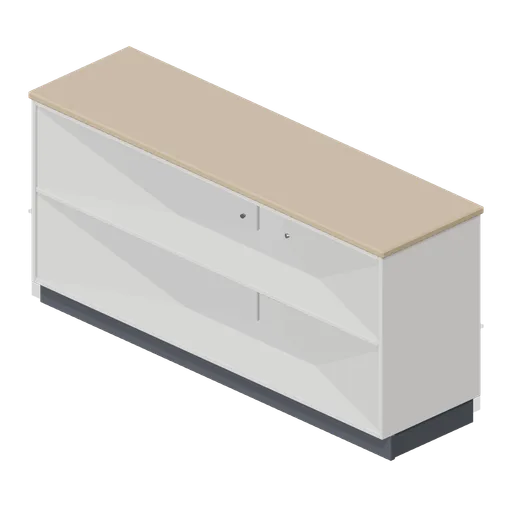
Two-door office credenza (Downtown Office Interiors)
A 1.6 m two-door office credenza on a recessed plinth: an internal shelf, D pull handles, hinged leaves as named nodes and a timber top.