
Loading model
About
A club media player: a 320 mm deck with a dished metal jog wheel under a pale rim, a raked waveform screen, cue and loop buttons in cyan and the tempo fader down the right hand side. Two of these beside a mixer is the standard club layout. Nothing on the surface is rigged. Metre units, +Y up, the dance floor side toward +Z, resting on y=0. Static geometry; no rig, collision or navigation data.
Use with an AI agent
Copy this prompt into your AI chat, then describe what you want to build with the asset.
Use the “CDJ Media Player (Nightclub and DJ Booth)” asset in my project.

Model: https://cdn.3dassets.dev/assets/34091/v1/model.glb
Asset page: https://3dassets.dev/assets/nightclub-and-dj-booth-cdj-media-player-551ea0a4
Description: A club media player: a 320 mm deck with a dished metal jog wheel under a pale rim, a raked waveform screen, cue and loop buttons in cyan and the tempo fader down the right hand side.

- Dimensions (X × Y × Z): 0.32 × 0.099 × 0.41 metres
- Triangles: 908
- Animations: none
- Licence: CC0 1.0 Universal (https://creativecommons.org/publicdomain/zero/1.0/)
- Loading: Three.js GLTFLoader; no additional decoders required.
Also available as JSON, Markdown, or via the MCP server.
Import manually
Choose your framework, then copy the code into your project to load the asset.
import { GLTFLoader } from 'three/addons/loaders/GLTFLoader.js'

const loader = new GLTFLoader()
loader.load('https://cdn.3dassets.dev/assets/34091/v1/model.glb', (gltf) => {
  scene.add(gltf.scene)
})
Common questions
How do I use this model with my AI development tools?
How do I get started?
Which game engines and tools can I use this model with?
How do I import this model into Unity, Godot, Unreal or Blender?
Can I use this model in a commercial game, and do I need to credit anyone?
Can I load it from the CDN instead of downloading it?
Do I need Draco, Meshopt or KTX2 to load it?
CDJ Media Player (Nightclub and DJ Booth)
A club media player: a 320 mm deck with a dished metal jog wheel under a pale rim, a raked waveform screen, cue and loop buttons in cyan and the tempo fader down the right hand side.
More in Props & Furniture
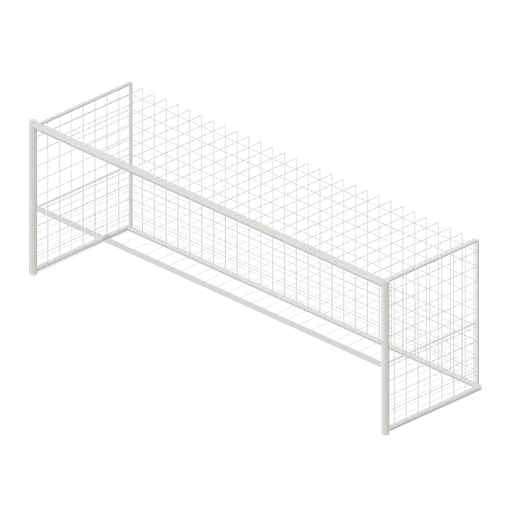
Full size open net soccer goal (Football Soccer Stadium and Club Grounds)
Goal with 7.32 m clear width, 2.44 m clear height, 2 m deep open cord net and tubular frame.
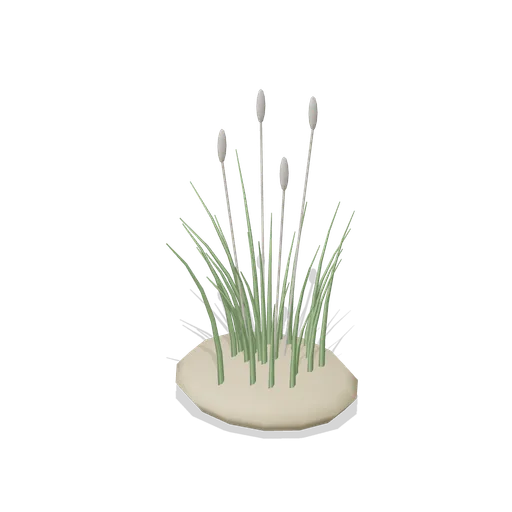
Dune Grass Tuft (Beach Surf and Paddle Kit)
Marram dune grass tuft: 26 tapered curling blades and four seed heads rising from a low sand mound.
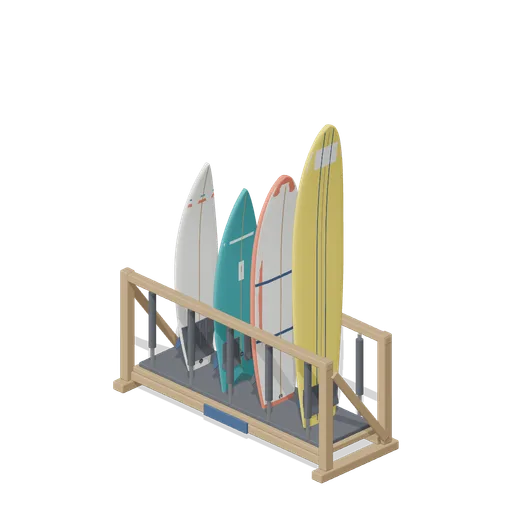
Stocked Surfboard Rack (Beach Surf and Paddle Kit)
The freestanding surfboard rack stocked for hire: shortboard, fish, soft top learner and longboard standing tail down in the four slots.
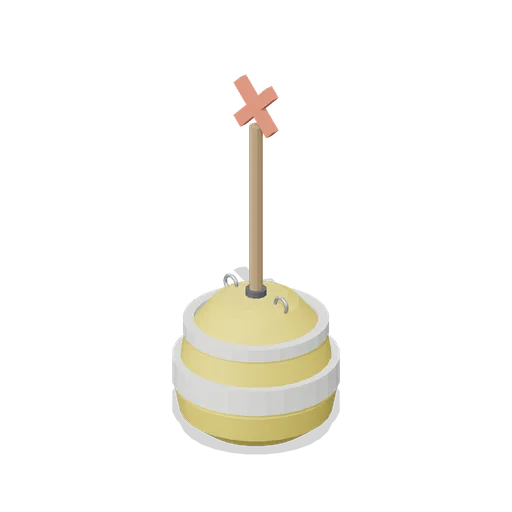
Swim Zone Buoy Orange (Beach Surf and Paddle Kit)
Sun yellow variant of the swim zone marker buoy with a coral cross topmark.
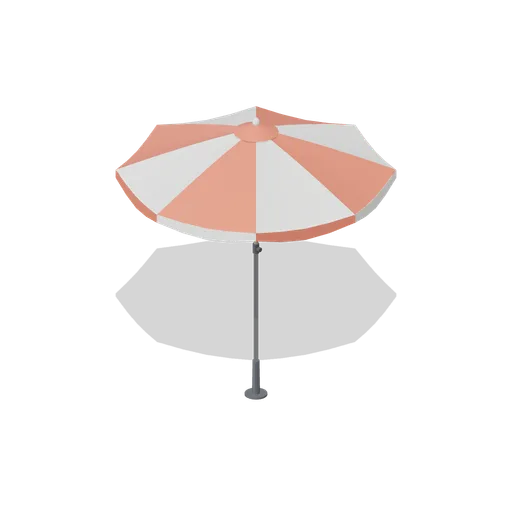
Beach Umbrella (Beach Surf and Paddle Kit)
2.4 m beach umbrella: sand anchor with base plate, steel lower pole with tilt collar and knob, timber upper pole, runner and stretchers, eight steel ribs under alternating coral and foam panels with a scalloped valance, vent cap and finial.
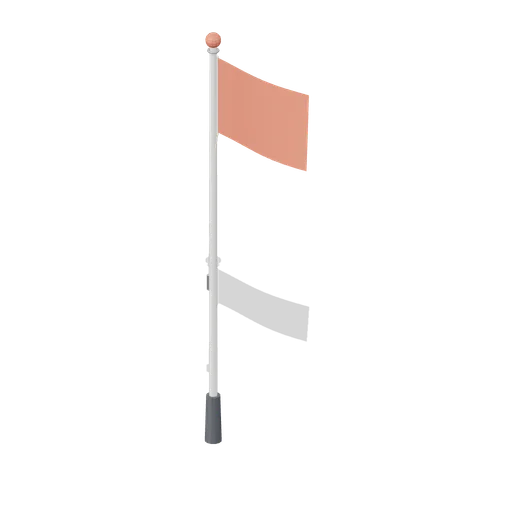
Warning Flag Pole (Beach Surf and Paddle Kit)
3.1 m warning flag pole: the patrol pole with a solid coral no swimming flag and coral finial.
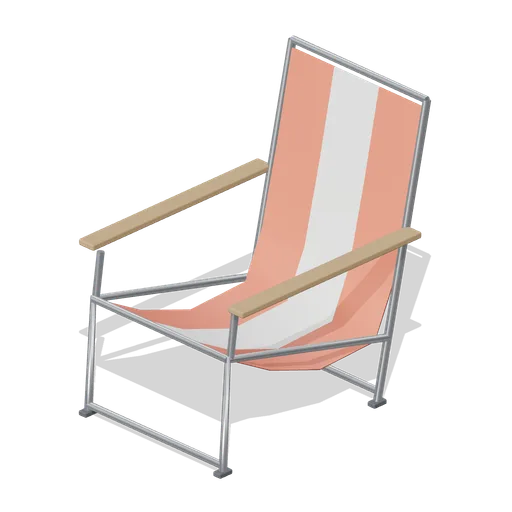
Folding Beach Chair (Beach Surf and Paddle Kit)
Low folding beach chair: steel tube frame with feet, timber armrests and a striped coral and foam sling seat that sags into the back.
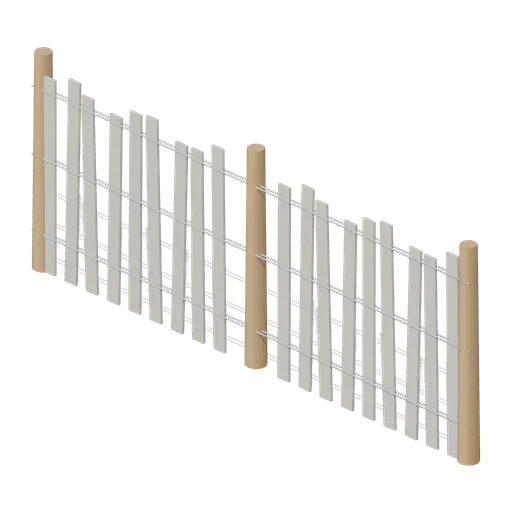
Dune Fence Run (Beach Surf and Paddle Kit)
2.6 m dune wind fence: three round timber posts, twin twisted wire lines at three heights and weathered grey slats set at slightly uneven heights.
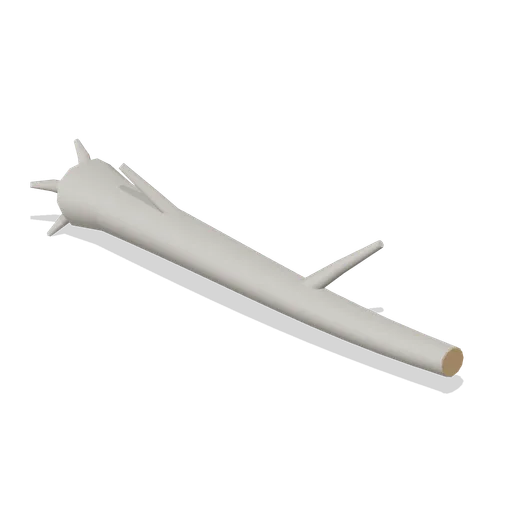
Driftwood Log (Beach Surf and Paddle Kit)
2.8 m weathered driftwood log: twisted tapering trunk, two branch stubs, a splayed root end and one sawn end showing the grain.
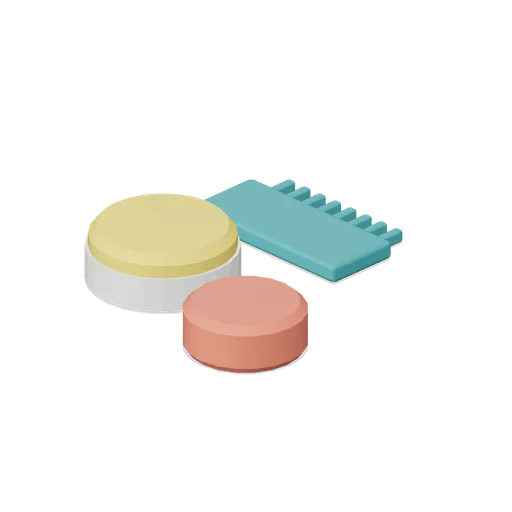
Surf Wax Kit (Beach Surf and Paddle Kit)
Surf wax kit lying on the sand: sun yellow wax puck in a paper wrapper, a coral base coat bar and a toothed teal wax comb.

T shirt on a hanger (Clothing Rail and Wardrobe)
A terracotta t shirt hanging on a slim velvet hanger: a shaped shell with shoulders, a slight body taper, short sleeves with turned cuffs and a ribbed crew neck, in the settled shape a jersey tee takes on a rail.
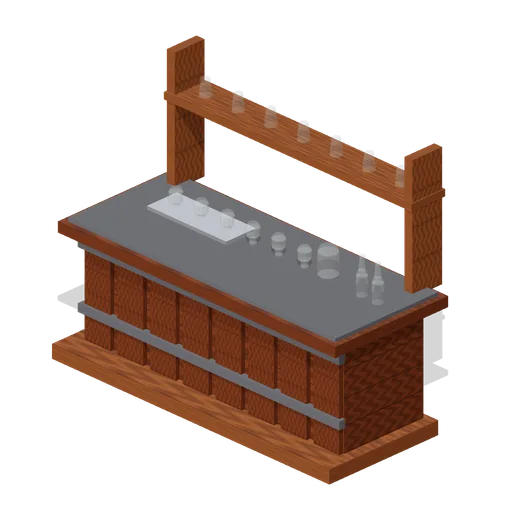
Visitor Tasting Counter (Distillery and Bonded Warehouse)
Visitor tasting counter 2.8 x 1.1 m and 1.8 m to the back shelf: a cask staved oak front with iron bands, a plank top, six nosing glasses on a tray, a water jug, two unlabelled bottles and seven more glasses upended on the shelf behind. Nothing carries a label.
Similar assets
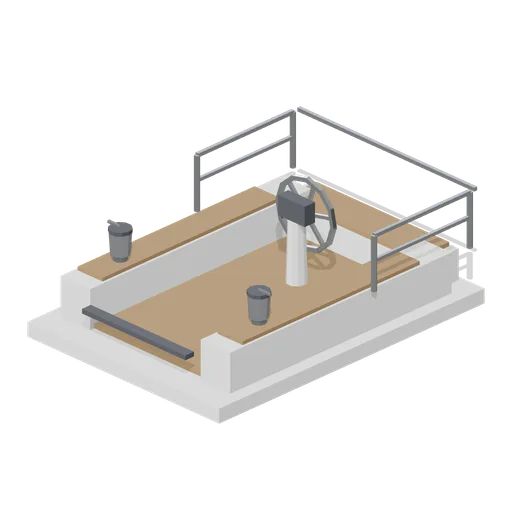 Animated
Sloop deck module with cockpit and wheel (Marina and Yacht Club)
Aft deck section of a cruising sloop 3.6 m long: a teak cockpit sole, coamings, helm seat, a wheel on its pedestal with a blank instrument pod, two primary winches, a locker top and a stern rail. The wheel and winches turn.
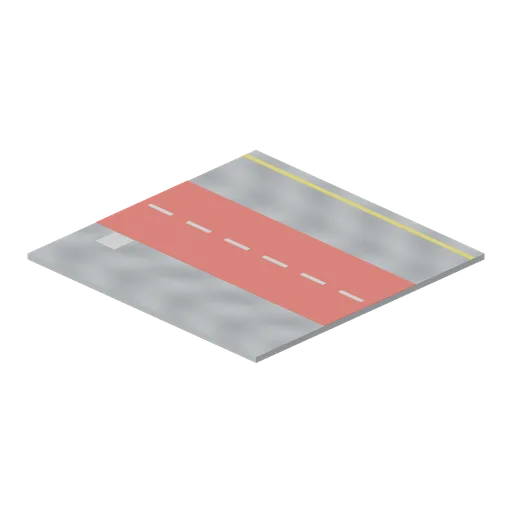
Jogging track deck plate, 6 m (Cruise Ship Deck and Lounge)
Deck module 6 m square surfaced as a two lane jogging track: a red rubberised band 2.4 m wide with white lane dashes and a painted distance mark, for the circuit that runs the length of a promenade.
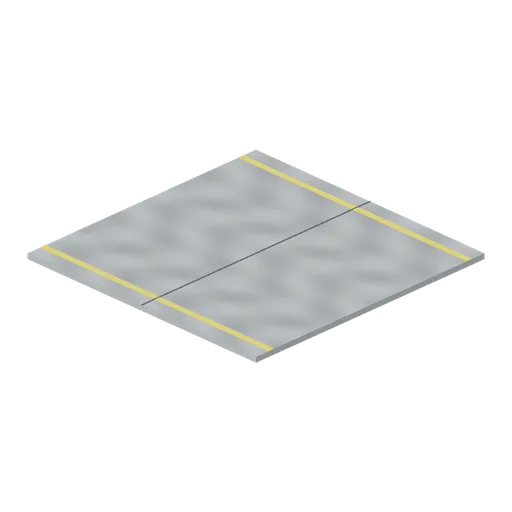
Painted steel deck plate, 6 m (Cruise Ship Deck and Lounge)
The same 6 m deck module in grey non slip deck paint with a yellow service margin and a welded seam, for the working and service parts of a deck where teak is never laid.
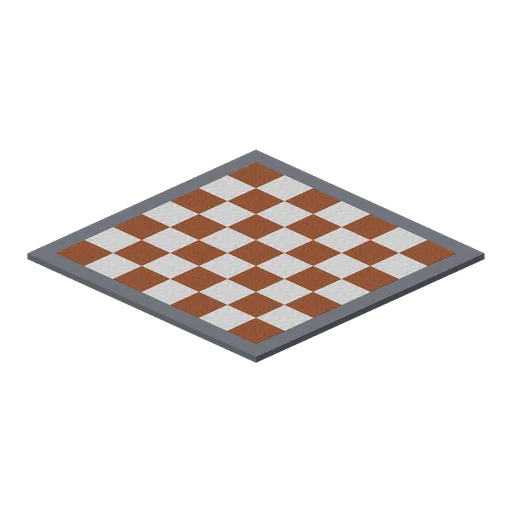
Dance floor deck plate, 6 m (Cruise Ship Deck and Lounge)
Deck module 6 m square laid as a chequered dance floor: pale and dark squares 0.75 m across in a polished inlay with a charcoal border kerb, for the open air floor in front of a deck stage.

Track Wheel Rack (Velodrome and Track Cycling)
A wheel rack holding four spare wheels on edge in a steel A frame, alternating a solid disc wheel and an eight spoke wheel. 1.8 m long, and the wheels are part of the rack rather than separate nodes.
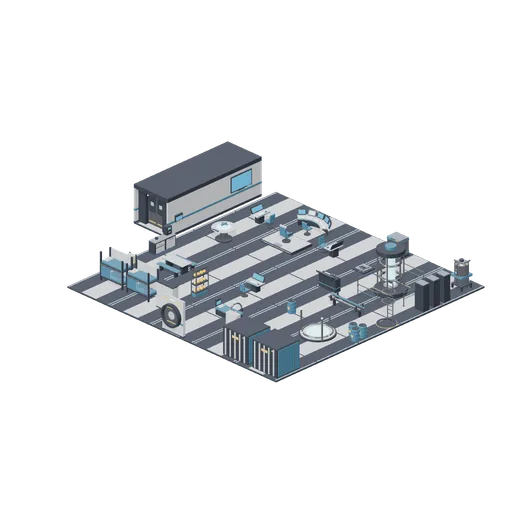
Deck showroom (Spaceship Interior Deck Kit)
The whole kit laid out on deck plates as one open deck: bridge forward, engineering to starboard, crew quarters and medbay aft, cargo in the corner, and a corridor, bulkhead door and airlock in line along the port side. Rooms are open to the sky so the furniture reads; the...
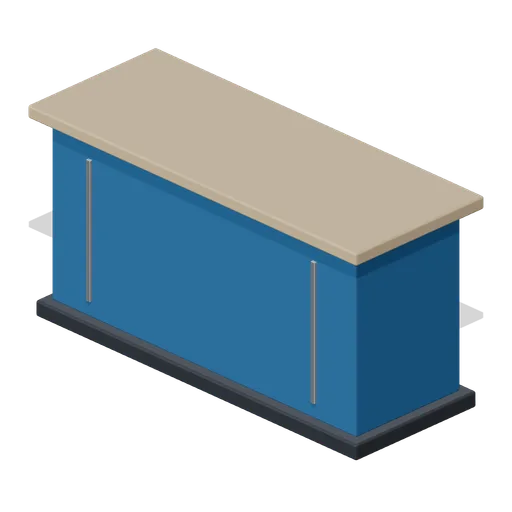
Club Reception (Fencing Club and Tournament Piste)
Club reception counter with thick overhanging top, blue front fascia and metal reveals.
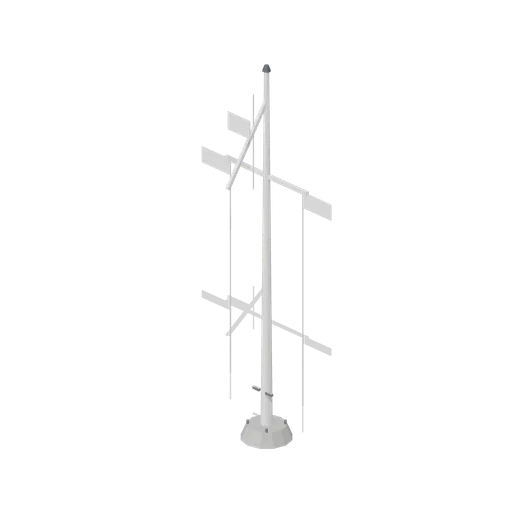
Club flag mast (Marina and Yacht Club)
Yacht club flag mast 9.4 m tall: a white pole on a concrete base with a gaff and yard, three halyards on cleats, and blank white pennants and a blank burgee bent on, carrying no club, national or class device of any kind.
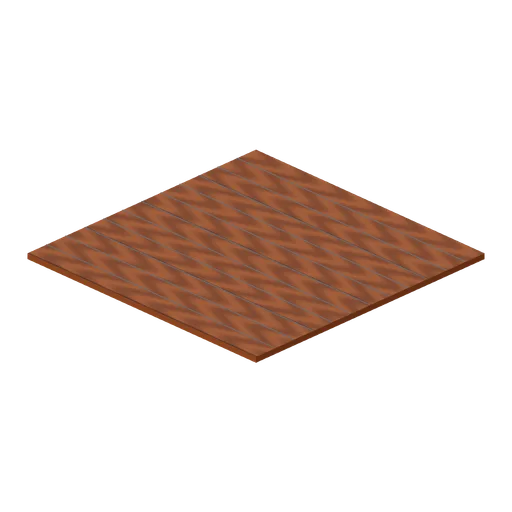
Teak deck plate, 6 m (Cruise Ship Deck and Lounge)
Laid teak deck module 6 m square and 0.12 m thick, planked along Z with caulked seams every 0.5 m. Ports on all four edges so an open deck tiles to any size.
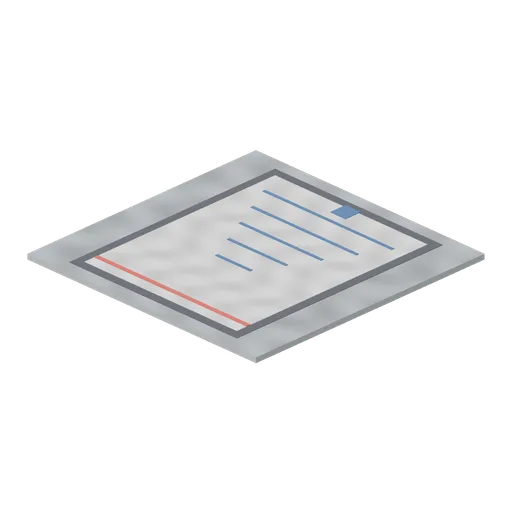
Shuffleboard court deck plate, 6 m (Cruise Ship Deck and Lounge)
Deck module 6 m square painted as a shuffleboard court: a white scoring triangle with numbered bands, a charcoal border and the shooting line marked at the far end, for the games end of a promenade deck.
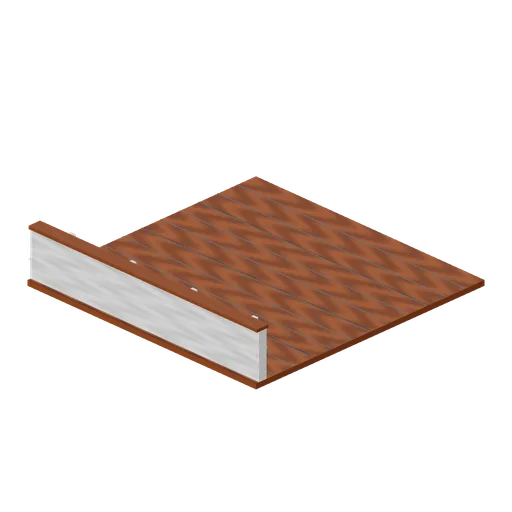
Promenade deck section, 6 m (Cruise Ship Deck and Lounge)
Outboard promenade module: a 6 m teak deck plate with the ship's white bulwark along its seaward edge, a teak cap rail at 1.12 m, a stainless grab rail, welded stiffeners and scuppers at deck level. Ports on its three open edges so a promenade runs the length of a ship.
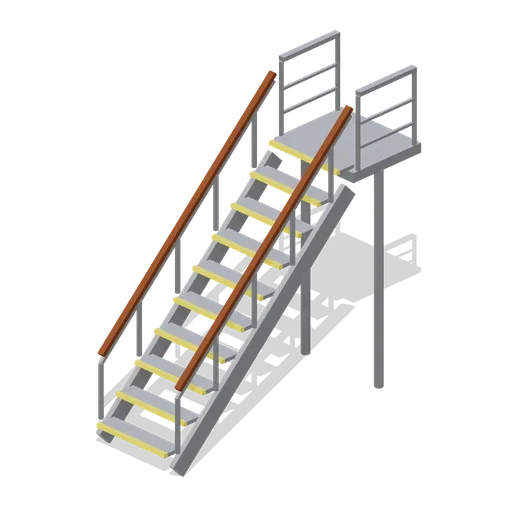
Companionway stair, one deck (Cruise Ship Deck and Lounge)
Open steel stair climbing 3.2 m to the next deck: ten treads with yellow non slip nosings between folded stringers, a top landing with a kick plate and stanchion rails on both sides, for getting between deck levels on the outside of a superstructure.