About
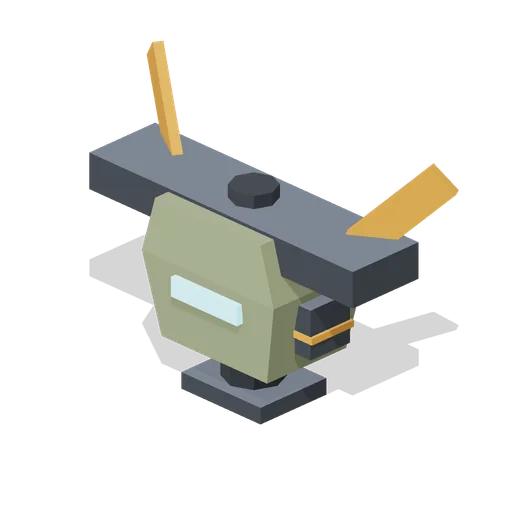
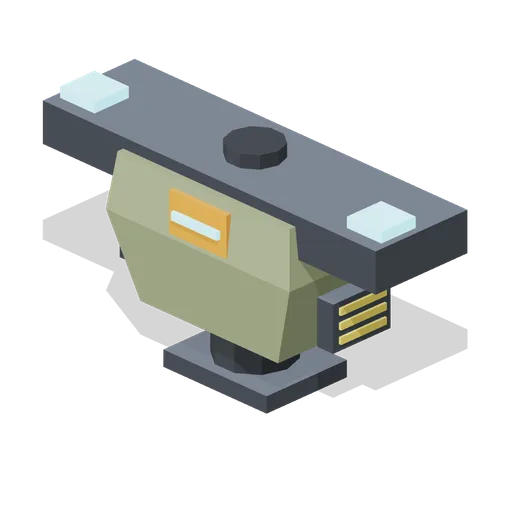
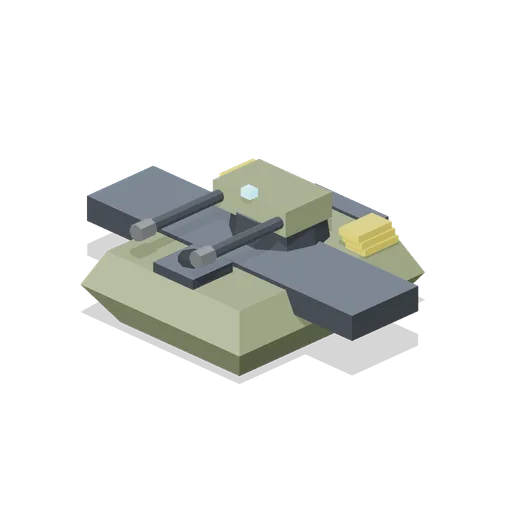
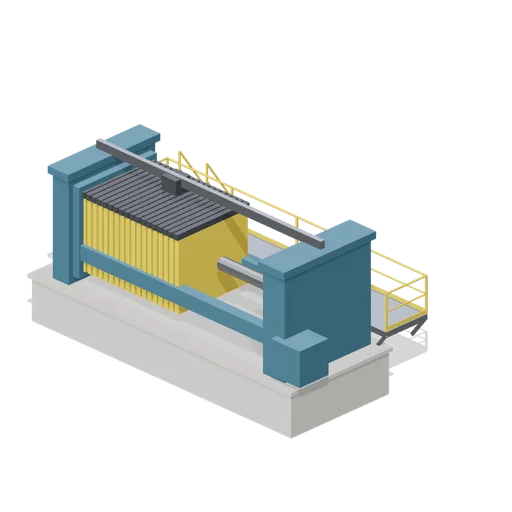
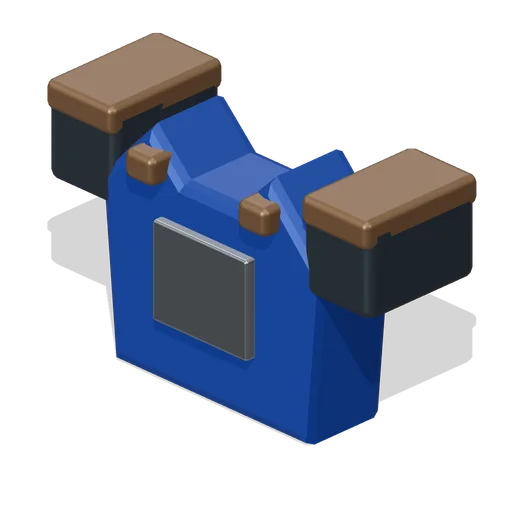
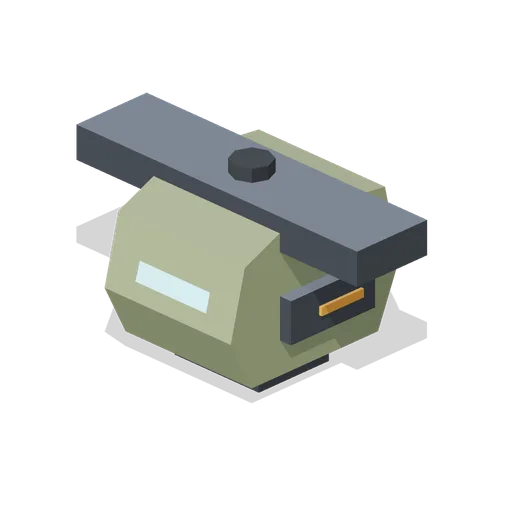
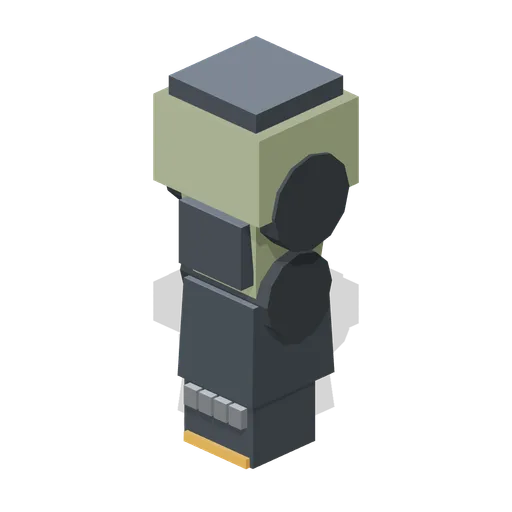
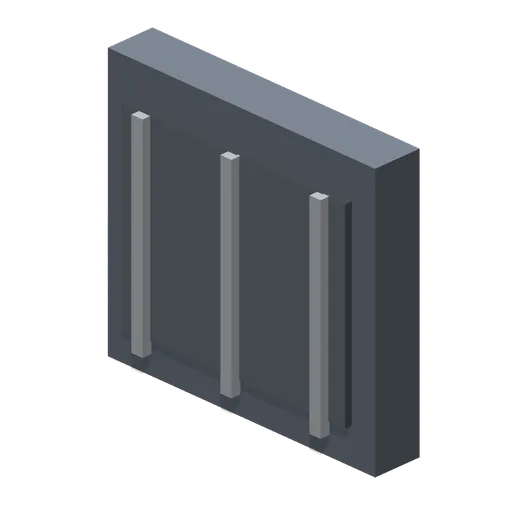
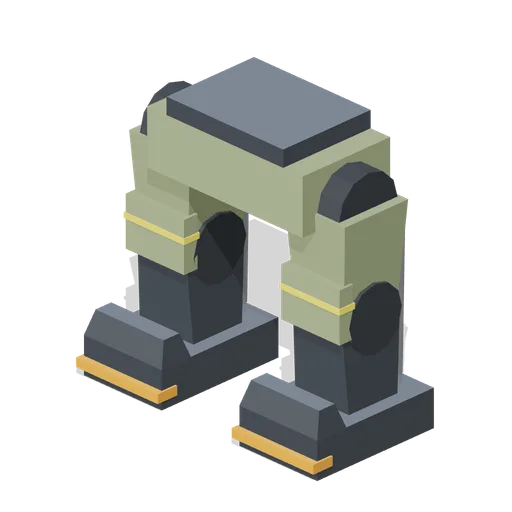
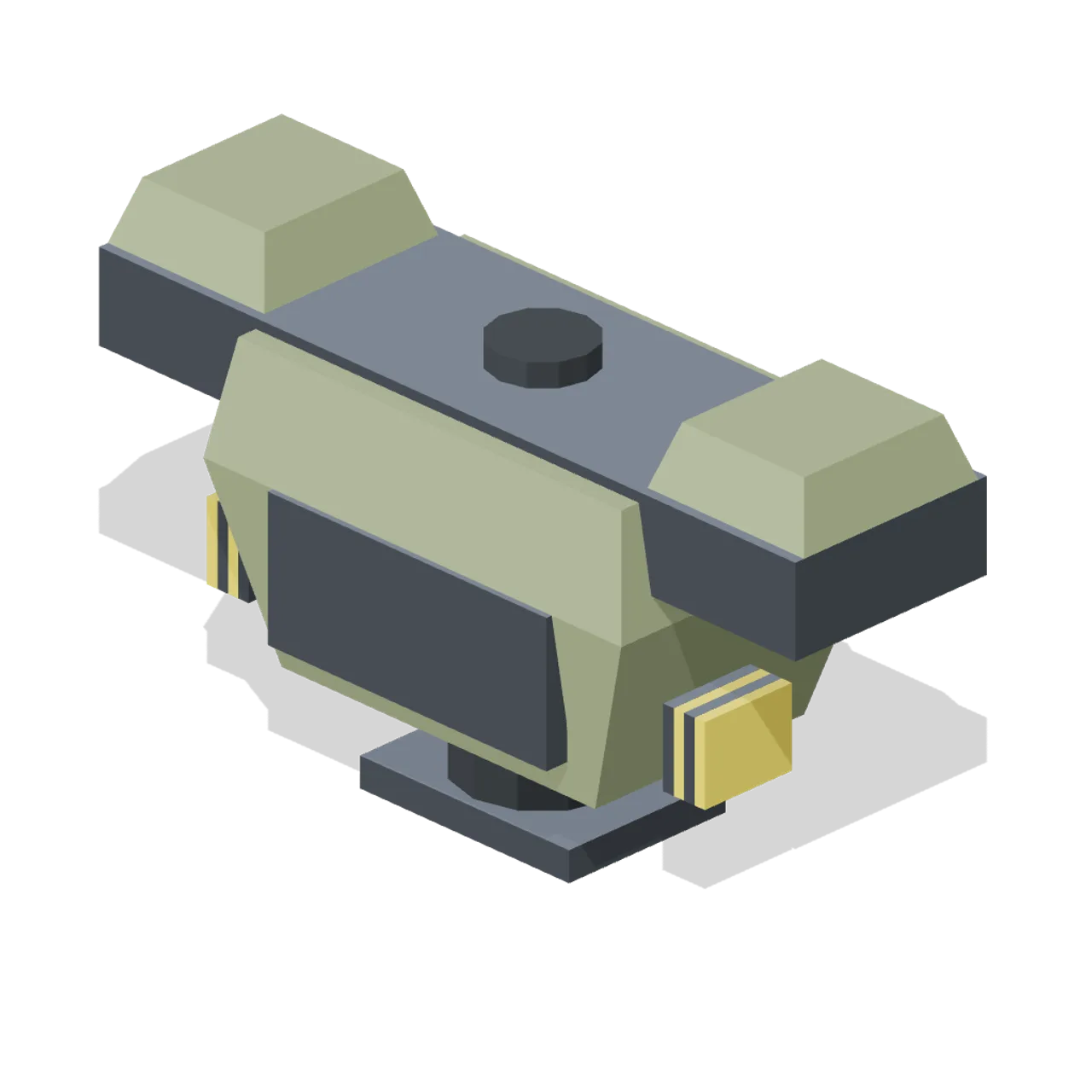
Heavy assault-frame torso: slab chest armour, thick yoke with pauldrons, side vent stacks and a broad rear mount. Dimensions 4.00 by 2.30 by 1.60 m (X by Y by Z). Origin at the ground centre; metres, +Y up, +Z forward. Weight class heavy: 0.7 m socket pads. Connectors: shoulder-left (socket-arm) at -1.70, 1.55, 0.00 facing 0, -1, 0; shoulder-right (socket-arm) at 1.70, 1.55, 0.00 facing 0, -1, 0; hip (socket-legs) at 0.00, 0.00, 0.00 facing 0, -1, 0; head (socket-head) at 0.00, 2.12, 0.00 facing 0, 1, 0; back (socket-back) at 0.00, 1.20, -0.82 facing 0, 0, -1. Frame palette: gunmetal, olive and orange accent, flat shaded. Static geometry; no rig, collision or navigation data. Original design.
Use with an AI agent
Copy this prompt into your AI chat, then describe what you want to build with the asset.
Use the “Assault Torso (Mech Hangar and Battle Frames)” asset in my project.

Model: https://cdn.3dassets.dev/assets/5680/v1/model.glb
Asset page: https://3dassets.dev/assets/mech-hangar-and-battle-frames-assault-torso-29347c18
Description: Heavy assault-frame torso: slab chest armour, thick yoke with pauldrons, side vent stacks and a broad rear mount.

- Dimensions (X × Y × Z): 4 × 2.3 × 1.6 metres
- Triangles: 300
- Animations: none
- Licence: CC0 1.0 Universal (https://creativecommons.org/publicdomain/zero/1.0/)
- Loading: Three.js GLTFLoader; no additional decoders required.
Also available as JSON, Markdown, or via the MCP server.
Import manually
Choose your framework, then copy the code into your project to load the asset.
import { GLTFLoader } from 'three/addons/loaders/GLTFLoader.js'

const loader = new GLTFLoader()
loader.load('https://cdn.3dassets.dev/assets/5680/v1/model.glb', (gltf) => {
  scene.add(gltf.scene)
})
Assault Torso (Mech Hangar and Battle Frames)
Heavy assault-frame torso: slab chest armour, thick yoke with pauldrons, side vent stacks and a broad rear mount.