
Loading model
About
Low poly clipped hedge corner that turns a hedge run through ninety degrees, matching the 2 m hedge block. Measures 1.50 by 1.23 by 1.46 m (X by Y by Z). Metre units, +Y up, +Z forward, origin on the footprint at y=0. Turns the hedge run: east and north ports at y=0.5, one metre from the corner centre. Static geometry: no rig, skeleton, animation, collision or navigation data.
Use with an AI agent
Copy this prompt into your AI chat, then describe what you want to build with the asset.
Use the “Hedge corner (Lawn Mowing Simulator Kit)” asset in my project.

Model: https://cdn.3dassets.dev/assets/27391/v1/model.glb
Asset page: https://3dassets.dev/assets/lawn-mowing-simulator-kit-hedge-corner-66258f0d
Description: Low poly clipped hedge corner that turns a hedge run through ninety degrees, matching the 2 m hedge block.

- Dimensions (X × Y × Z): 1.5 × 1.231 × 1.459 metres
- Triangles: 696
- Animations: none
- Licence: CC0 1.0 Universal (https://creativecommons.org/publicdomain/zero/1.0/)
- Loading: Three.js GLTFLoader; no additional decoders required.
Also available as JSON, Markdown, or via the MCP server.
Import manually
Choose your framework, then copy the code into your project to load the asset.
import { GLTFLoader } from 'three/addons/loaders/GLTFLoader.js'

const loader = new GLTFLoader()
loader.load('https://cdn.3dassets.dev/assets/27391/v1/model.glb', (gltf) => {
  scene.add(gltf.scene)
})
Common questions
How do I use Hedge corner (Lawn Mowing Simulator Kit) with my AI development tools?
How do I get started?
Which game engines and tools can I use Hedge corner (Lawn Mowing Simulator Kit) with?
How do I import this model into Unity, Godot, Unreal or Blender?
Can I use Hedge corner (Lawn Mowing Simulator Kit) in a commercial game, and do I need to credit anyone?
Can I load it from the CDN instead of downloading it?
Do I need Draco, Meshopt or KTX2 to load it?
Hedge corner (Lawn Mowing Simulator Kit)
Low poly clipped hedge corner that turns a hedge run through ninety degrees, matching the 2 m hedge block.
More in Nature & Landscape
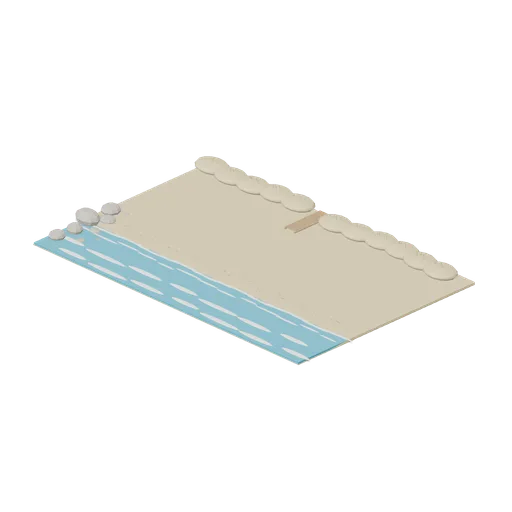
Surf Cove Base (Beach Surf and Paddle Kit)
33 by 22 m surf cove terrain: sand beach running down a wet sand slope into shallow water, broken shore foam and two outer surf lines, a seaweed wrack line, marram topped dune ridge with a plank boardwalk through it, a rocky point and scattered shells.
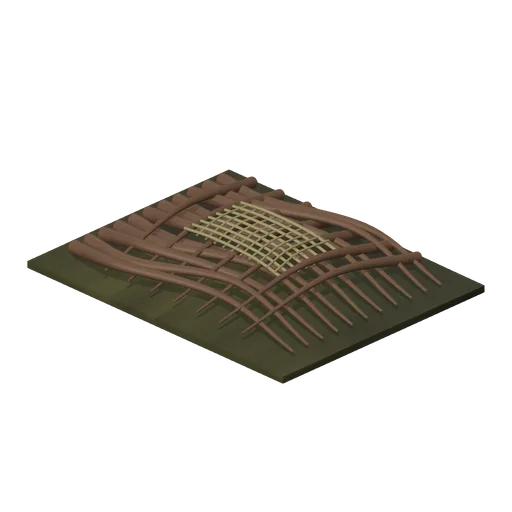
Flood Debris Jam (Bellroot Fen Floodward Marches)
Intertwined structural drift timbers resting on a silt bed, with a bowed trapped reed mat woven over the load-bearing tangle.
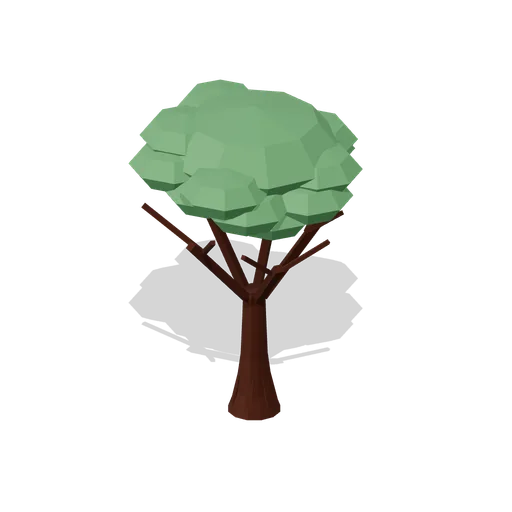
City Broadleaf Tree (Fantasy MMO City And Townsfolk)
Seven metre broadleaf street tree on a buttressed trunk, with five main limbs branching into fifteen boughs and a canopy layered from sixteen leaf masses, grass at its foot. Hand painted fantasy MMO city and RPG game asset.
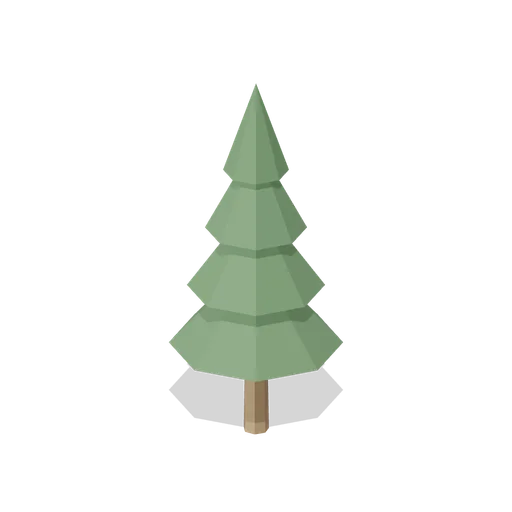
Pine Tree (Wipe Day Survival Island)
Free 3D low poly pine tree for survival game forests: a tapered driftwood trunk with four stacked needle cones, 5.4 m of harvestable wood.

Brain coral (Coral Reef and Underwater Scenery)
Massive coral head traced by raised winding meandering ridges.
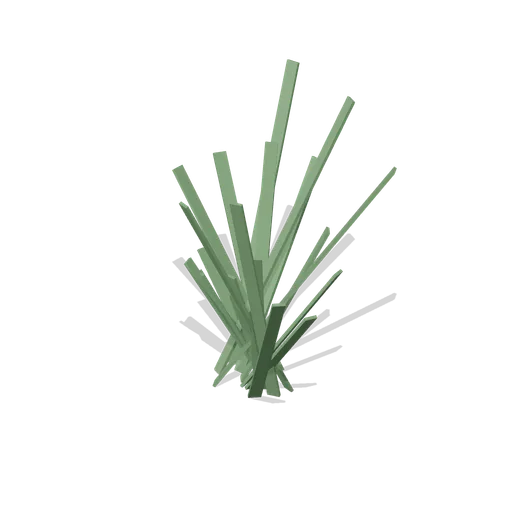
Tall Grass Clump (Wipe Day Survival Island)
Free 3D low poly tall grass clump for island ground cover: eighteen fanned blades about 0.9 m wide and 1 m tall, cheap enough to scatter.
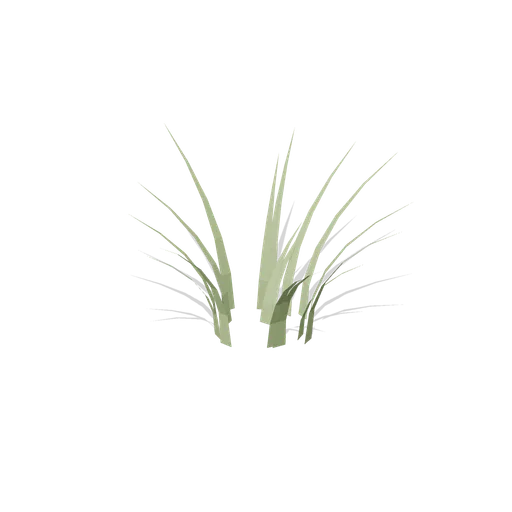
Meadow Grass Clump (Dense Temperate Forest Flora)
A soft clump of meadow grass, short blades leaning out in every direction.

Paddock Tree (Racecourse and Parade Ring)
A 4.7 m parkland tree with a rough timber trunk and four foliage masses over a grass collar, for the paddock, the car park edge and the boundary of a course.
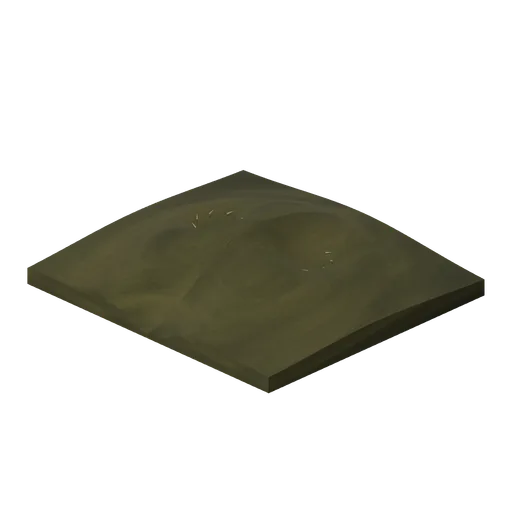
Shellback Nesting Hummock (Bellroot Fen Floodward Marches)
Low nesting hummock with two excavated concave bowls, a worn sloping front approach and short bedding stems seated along the recessed margins.
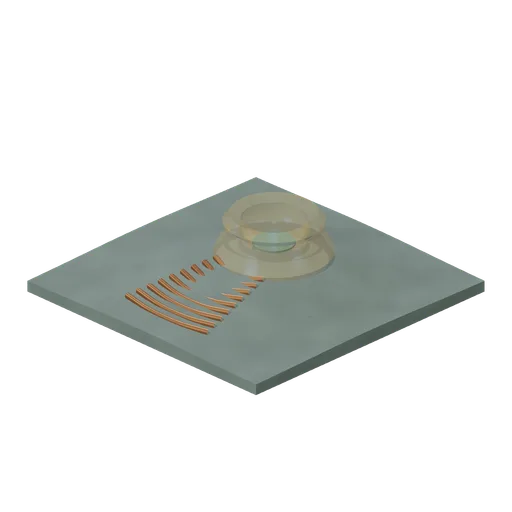
Mireglass Mineral Vent (Bellroot Fen Floodward Marches)
Hollow mineral vent with thick crystallised crater walls, nested solid outflow lips and a seated mineral-water centre; original amber mireglass formation.
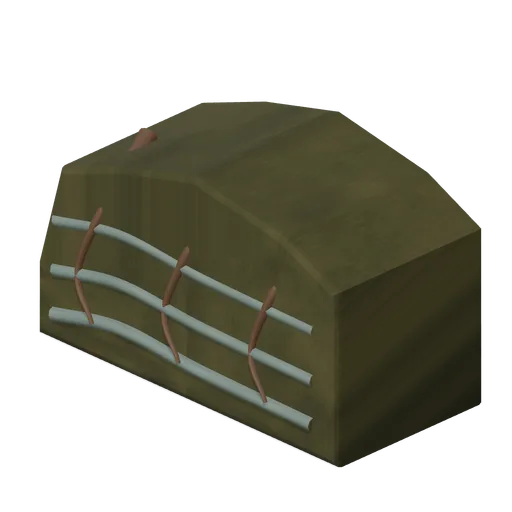
Seasonal Flood Scar Cliff (Bellroot Fen Floodward Marches)
Eroded peat cliff with three recessed flood strata, a stepped upper profile and anchored exposed roots following the scar face.
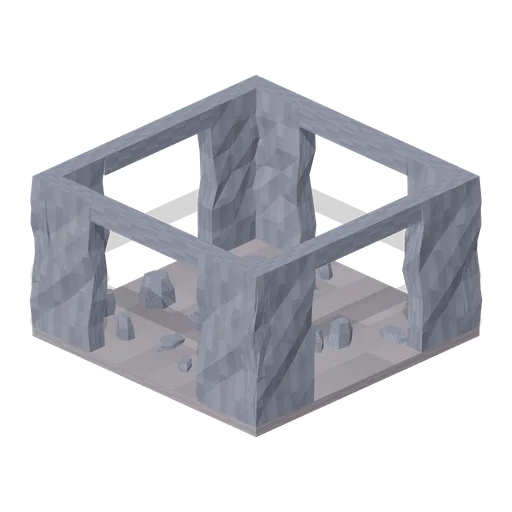
Collapsed cave chamber (Cave and Crystal Caverns)
Chamber with a missing roof and scattered floor breakdown.
Similar assets

Ninety-degree circuit corner (Formula Race Cars and Grand Prix Circuit)
Ninety-degree circuit corner in an original generic circuit family.
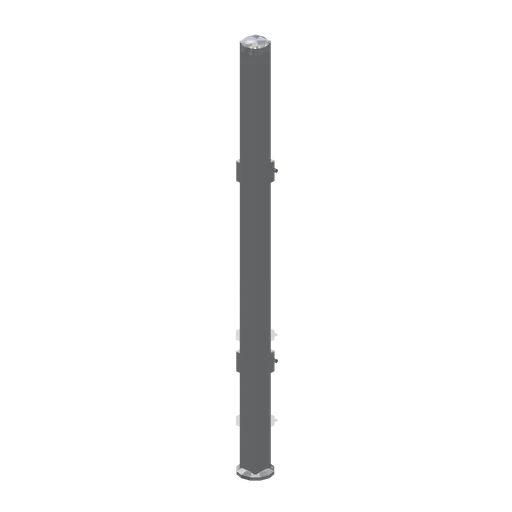
Dog run corner post (Clinic and Veterinary Practice)
A dog run corner post: a chamfered square section post on a levelling pad with a domed cap and two pairs of panel brackets with fixing pins, turning a run through 90 degrees.
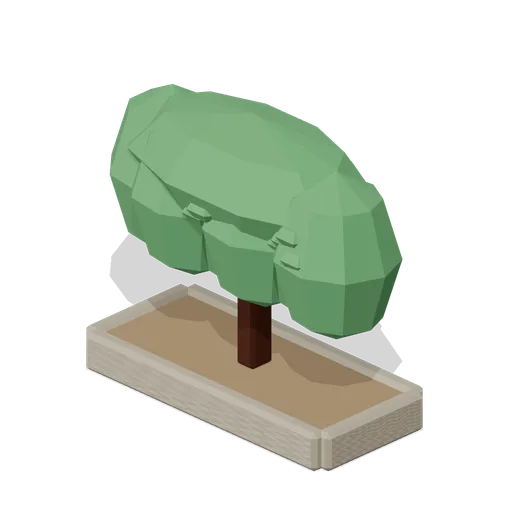
Clipped Hedge Block (Fantasy MMO City And Townsfolk)
Two and a half metre clipped hedge on a soil bed, for edging a plaza garden, a cathedral close or a guild forecourt. Hand painted fantasy MMO city and RPG game asset.
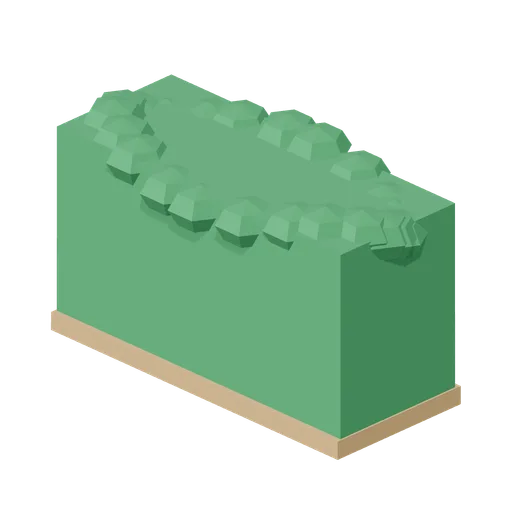
Hedge block, 2 m (Lawn Mowing Simulator Kit)
Low poly 2 m clipped hedge block on a soil kerb, with a bobbled top edge, for running a garden boundary.

Clipped Hedge Section (City Park and Playground)
A 2 m run of clipped park hedge at 1.2 m on a bare soil strip, faceted rather than smooth so it reads at a distance. Run ports on the two ends.

Lighting Truss, Corner Block (Nightclub and DJ Booth)
A 90 degree corner block for the truss grid: a 300 mm cube with a half metre arm on the -X side and another on the -Z side, spigot plates on both, so a rectangular grid closes at every corner.
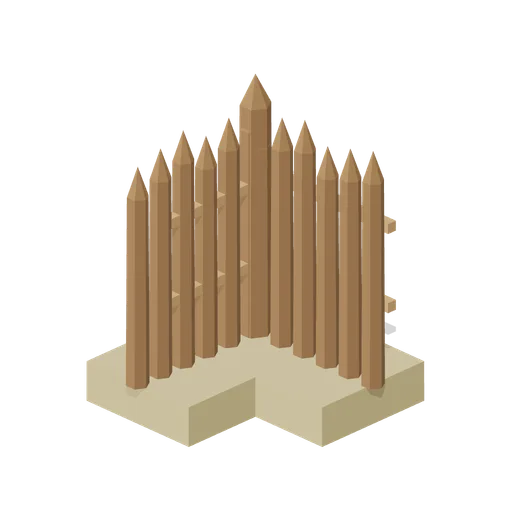
Camp Palisade Corner (Medieval Siege and Castle Defence)
Right angle corner for the camp palisade, with a taller corner stake, turning the run through ninety degrees.
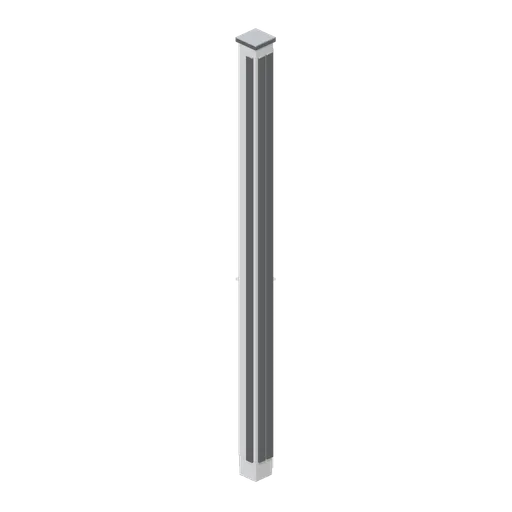
Partition corner post (Police Station and Detective Office)
A 140 mm partition corner post, 2.7 m tall, turning a wall run through ninety degrees, with aluminium corner guards on both exposed arrises.
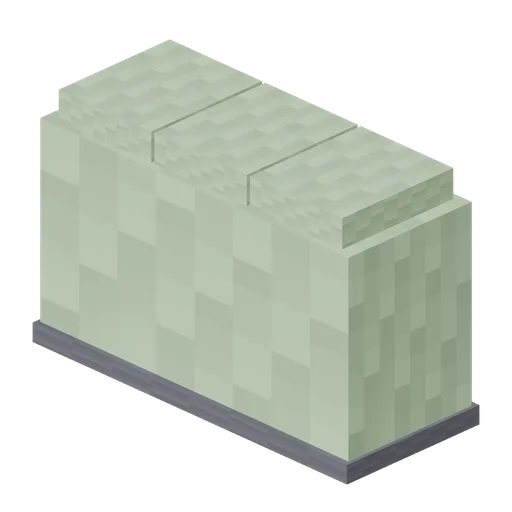
Hedge Block (Pixel Modern City Street)
Clipped hedge block 2 m long and 1.3 m tall with a stepped pixel top, to divide a park from a pavement.
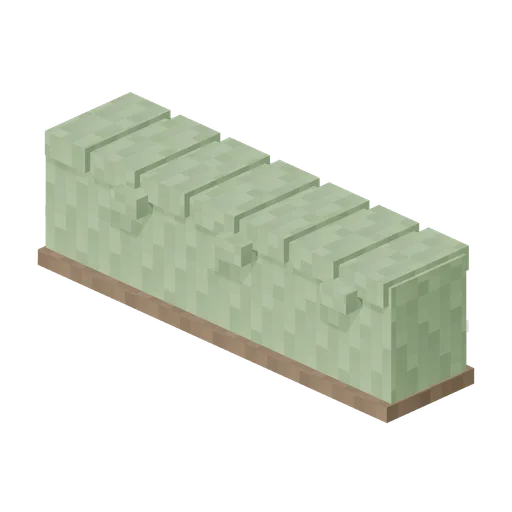
Hedge Run 4 m (Pixel Modern Farm)
Four metre clipped hedge run with a chunky lumpy top, for field boundaries and garden edges.
 Animated
Cube House Corner Block (Greek Island Village and Harbour)
Free 3D model of a whitewashed corner house block for a Greek island village game asset kit: two finished faces, blue shutters and a rounded corner buttress.
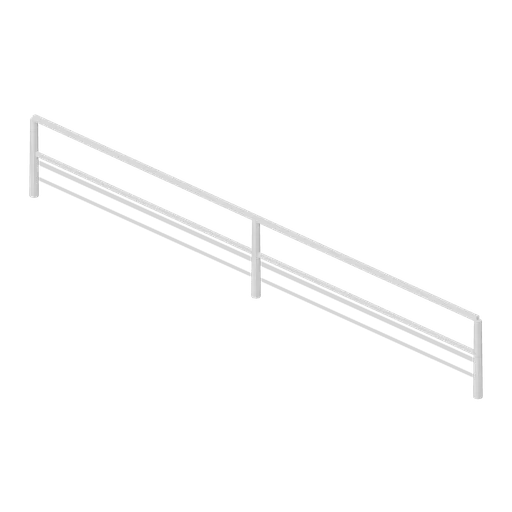
Running Rail Run (Racecourse and Parade Ring)
An 8 m run of white plastic running rail: a top rail at 1.12 m, a mid rail and posts on 4 m centres, ported at both ends so runs couple into a continuous rail of any length.