Loading model
About
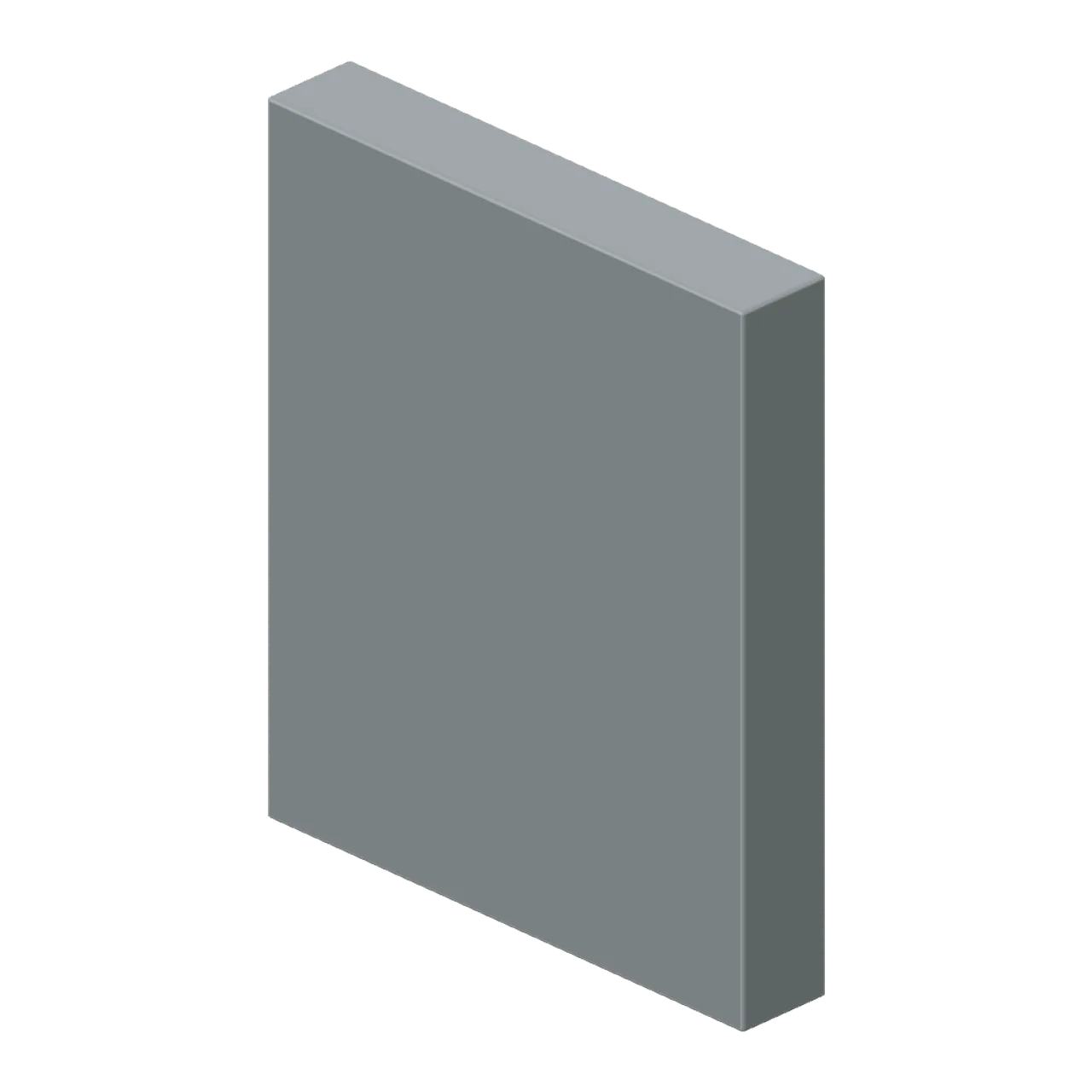
Original weathered survival rail. Nominal envelope 2m wide, 2.4m high, 0.35m deep; applied framing, handles or rails can extend beyond this. Construction: form rail; shape solid; mat metal. Metres, +Y up, +Z front; grounded at y=0. Centred footprint. Door/hatch and cabinetry leaves use named local pivots when present. Static geometry only: no rig, animation, collision, physics or gameplay. Empty storage shells are intentionally lootable. CC0; AI-generated geometry.
Use with an AI agent
Copy this prompt into your AI chat, then describe what you want to build with the asset.
Use the “Sheet Armour Perimeter (Fortified Compound Expansion)” asset in my project.

Model: https://cdn.3dassets.dev/assets/27084/v1/model.glb
Asset page: https://3dassets.dev/assets/fortified-compound-expansion-sheet-armour-perimeter-e2943f92
Description: Sheet Armour Perimeter: 2 × 2.4 × 0.35 m nominal survival rail assembly.

- Dimensions (X × Y × Z): 2 × 2.4 × 0.35 metres
- Triangles: 108
- Animations: none
- Licence: CC0 1.0 Universal (https://creativecommons.org/publicdomain/zero/1.0/)
- Loading: Three.js GLTFLoader; no additional decoders required.
Also available as JSON, Markdown, or via the MCP server.
Import manually
Choose your framework, then copy the code into your project to load the asset.
import { GLTFLoader } from 'three/addons/loaders/GLTFLoader.js'

const loader = new GLTFLoader()
loader.load('https://cdn.3dassets.dev/assets/27084/v1/model.glb', (gltf) => {
  scene.add(gltf.scene)
})
Common questions
How do I use this model with my AI development tools?
How do I get started?
Which game engines and tools can I use this model with?
How do I import this model into Unity, Godot, Unreal or Blender?
Can I use this model in a commercial game, and do I need to credit anyone?
Can I load it from the CDN instead of downloading it?
Do I need Draco, Meshopt or KTX2 to load it?
Sheet Armour Perimeter (Fortified Compound Expansion)
Sheet Armour Perimeter: 2 × 2.4 × 0.35 m nominal survival rail assembly.
More in Buildings & Architecture
Cedar Boathouse (Fishing Harbour and Boats)
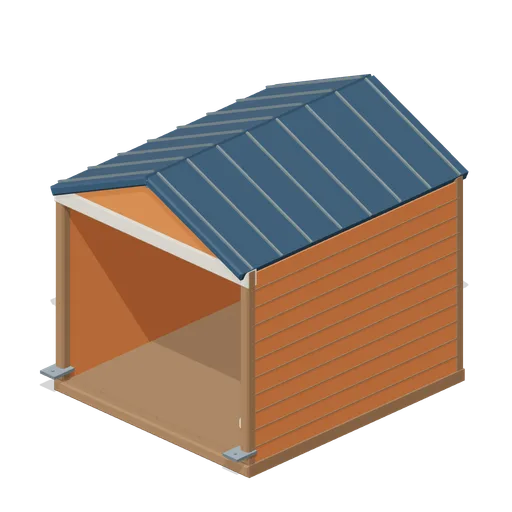
Open-front waterside boathouse with board siding, exposed rafters, corrugated roof and dock floor.
 Animated
Warehouse Door Pair (Distillery and Bonded Warehouse)
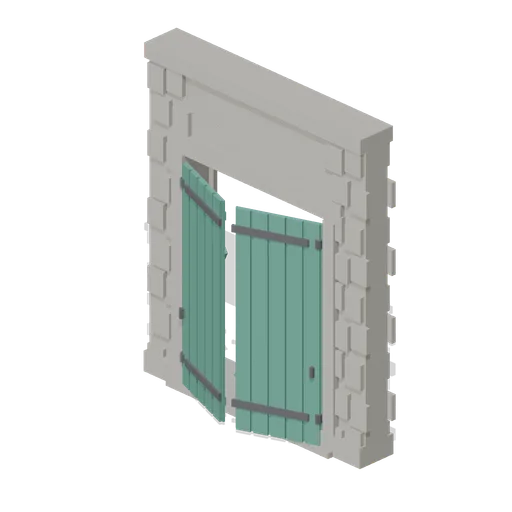
Four metre warehouse doorway with a 2.6 m opening under a 3.4 m lintel: dressed jambs, a threshold and two boarded and strapped leaves, painted, that swing out on their outer stiles. Sits in a wall run and carries a wall port at either end.
Wall Section (Distillery and Bonded Warehouse)
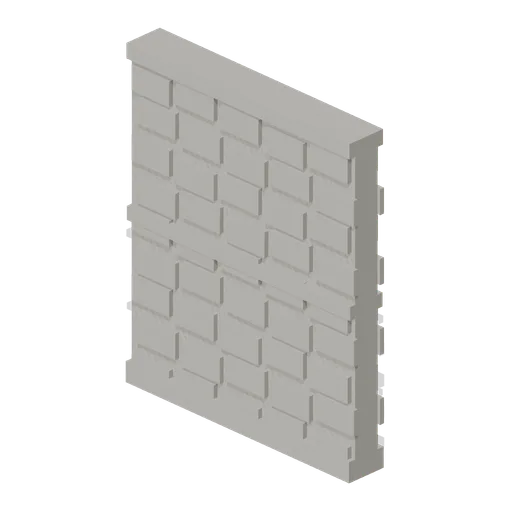
Plain four metre rubble wall bay 4.6 m to the head and 0.4 m thick, faced on both sides, with a plinth course, a string course at 2.3 m and a capping course. The base module of the stillhouse and the warehouse, laid end to end between corner pillars.
 Animated
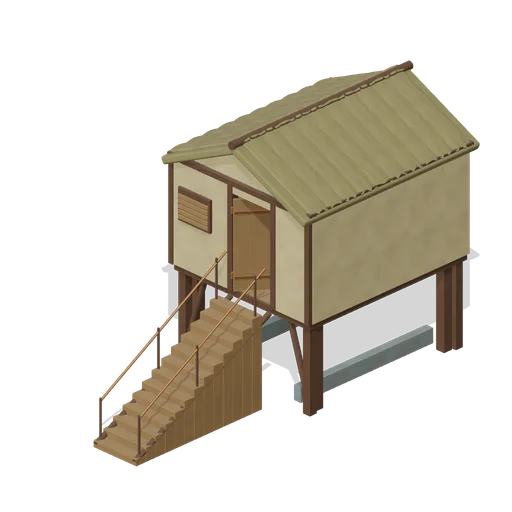
Pile Dwelling (Bellroot Fen Floodward Marches)
Two-level pile dwelling: enclosed furnished sleeping room over a clear full-length boat slip, braced corner piles, gabled reed roof and a solid supported entrance stair.
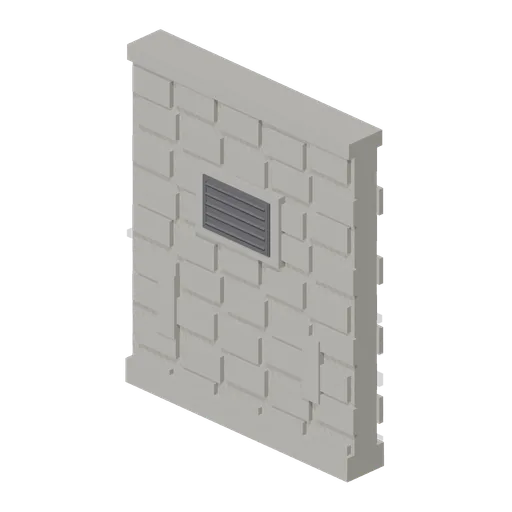
Bonded Warehouse Wall Run (Distillery and Bonded Warehouse)
Four metre rubble wall bay 4.6 m to the head and 0.4 m thick, faced both sides: a battered plinth course, a capping course, a louvred ventilation grille in a dressed surround and two barred slit vents low down. Lays end to end and meets a corner pillar at either end.
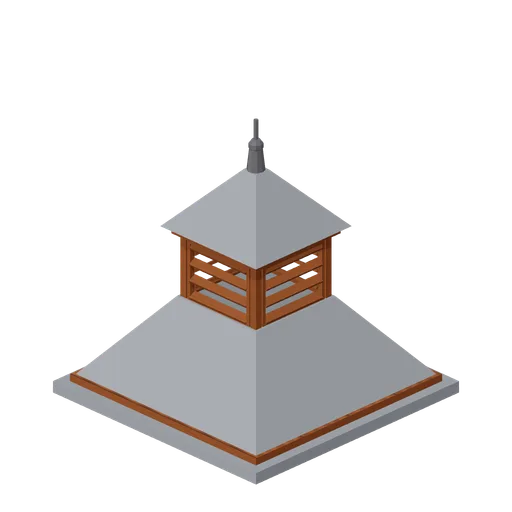
Pagoda Roof Kiln Vent (Distillery and Bonded Warehouse)
Pagoda kiln vent 3.6 m square at the eaves and 3.8 m tall: a slated tapering roof in two stages with a louvred lantern of four faces between them, boarded eaves on all four sides and a plain iron finial. Stands over a kiln, on a wall head or astride a roof ridge.

Shed wall bay, door slid open (Steampunk Airship Dock and Workshop)
The same door bay with its leaf already parked clear over the next bay.
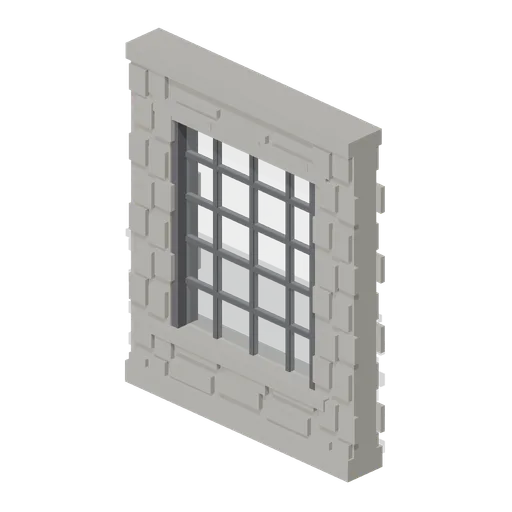
Stillhouse Window Bay (Distillery and Bonded Warehouse)
Four metre wall bay with a 2.6 x 3.0 m industrial window: a dressed sill and lintel, an iron frame of twenty lights with glazing bars, and rubble facing above and below. Lets the stillhouse be seen into, and lays end to end with the plain wall bay.
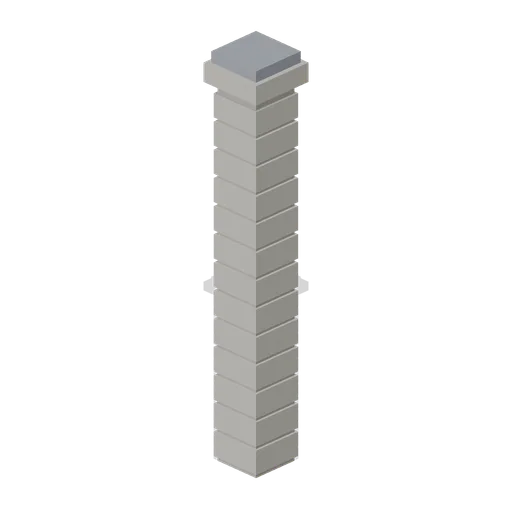
Corner Pillar (Distillery and Bonded Warehouse)
Dressed stone corner pillar 0.6 m square and 4.8 m tall with a capping stone: quoined courses on all four faces and a wall port on each side, so it turns a corner, ends a run or joins two runs in line.
 Animated
Shed wall bay with a sliding door (Steampunk Airship Dock and Workshop)
A 4 m bay with a 3.2 by 3.6 m opening and a corrugated leaf on an outside top track.

Shed wall bay with a window band (Steampunk Airship Dock and Workshop)
The same 4 m bay with a barred glazing band at 2.9 m, the way a machine shop is lit.

Shed wall bay, clad (Steampunk Airship Dock and Workshop)
A 4 m corrugated shed wall bay on riveted stanchions, 5.0 m to the head.
Similar assets
 Animated
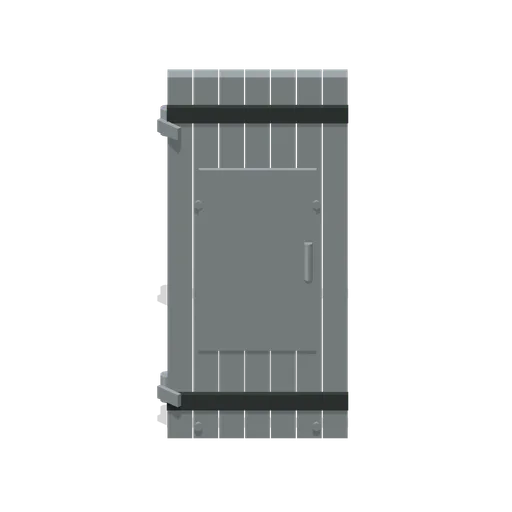
Door Sheet Metal Leaf (Modular Survival Base Builder)
Door Sheet Metal Leaf: 0.94 × 2.1 × 0.09 m nominal survival door assembly.
 Animated
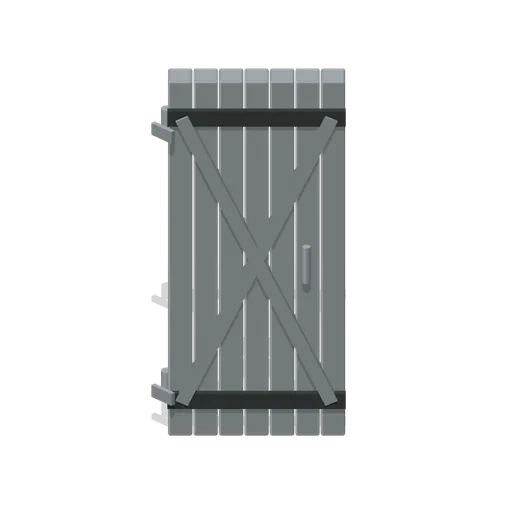
Door Armoured Leaf (Modular Survival Base Builder)
Door Armoured Leaf: 0.94 × 2.1 × 0.16 m nominal survival door assembly.
 Animated
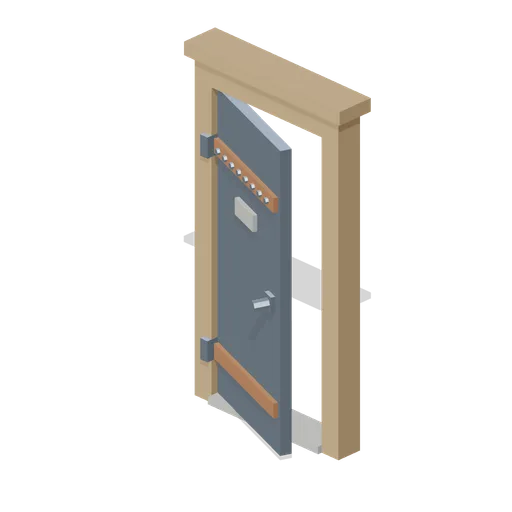
Sheet Metal Door With Frame (Wipe Day Survival Island)
Free 3D low poly sheet metal door with frame for survival base building: a 0.92 m steel leaf with a riveted rail and a spy slot, hung in a 1.2 m timber frame 2.34 m tall.
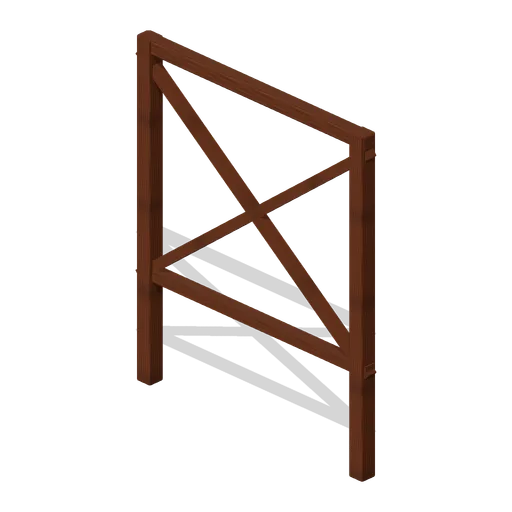
Braced Timber Perimeter (Fortified Compound Expansion)
Braced Timber Perimeter: 2 × 2.4 × 0.35 m nominal survival rail assembly.
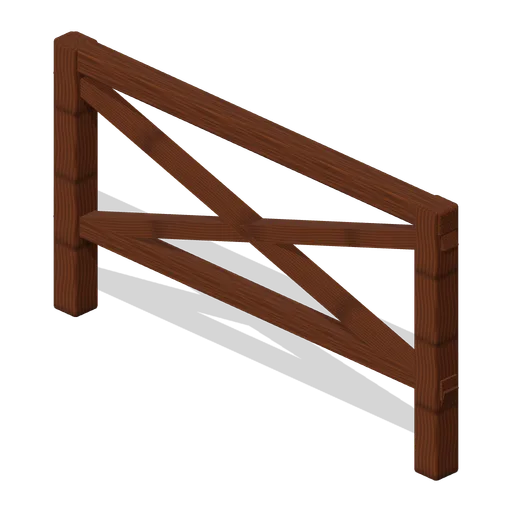
Vehicle Denial Rail (Fortified Compound Expansion)
Vehicle Denial Rail: 2 × 1.1 × 0.35 m nominal survival rail assembly.
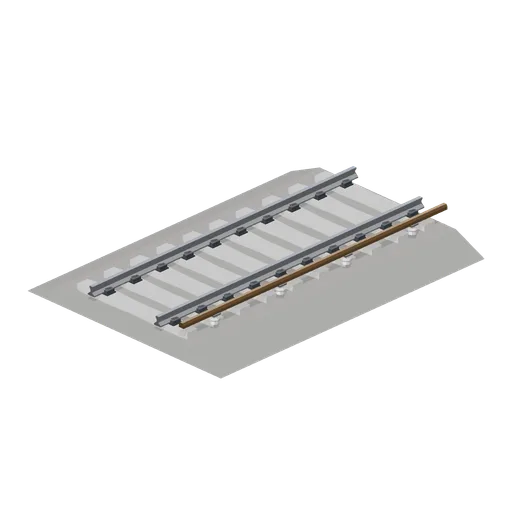
Third rail track 6 m (Modern Rail and Metro Network)
A 6 m ballasted module with a top contact conductor rail on porcelain pots outside the running rails.
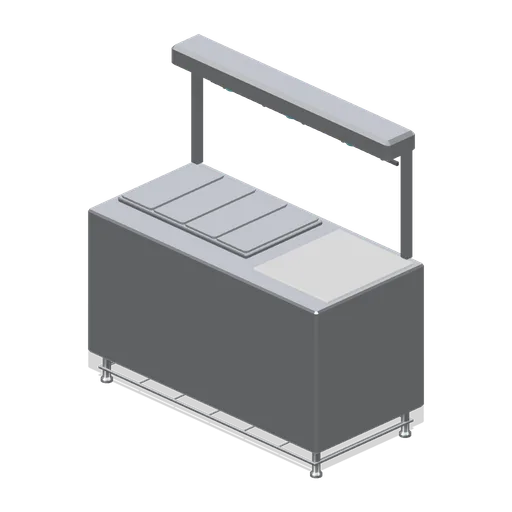
Assembly table with hot rail (Fast Food Counter and Drive-Thru)
A 1.6 m assembly table: four pan wells, a clear wrapping area, an overhead heated rail on posts with three lamps and a ticket clip strip.
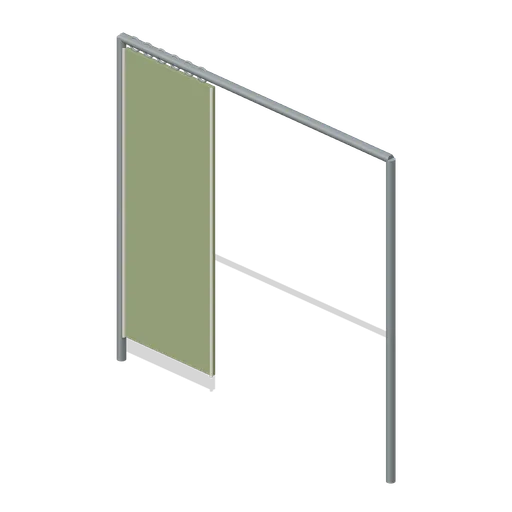
Thermal Curtain Rail (Survival Greenhouse and Irrigation)
Thermal Curtain Rail: original weathered survival equipment with explicit construction and metre-scale dimensions.
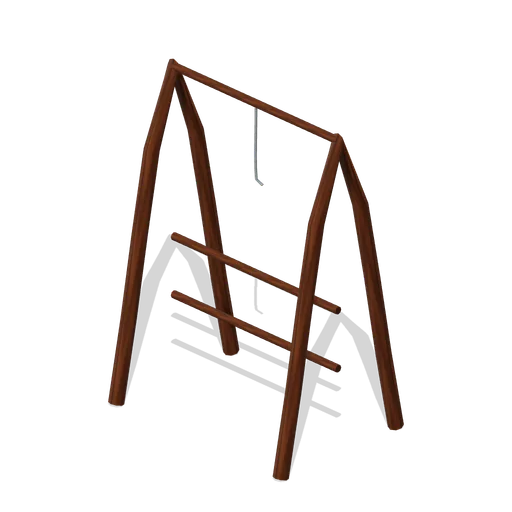
Herb Hanging Rail (Survival Food and Preservation)
Herb Hanging Rail, an original survival prop measuring 1.07 × 1.54 × 0.77 m.
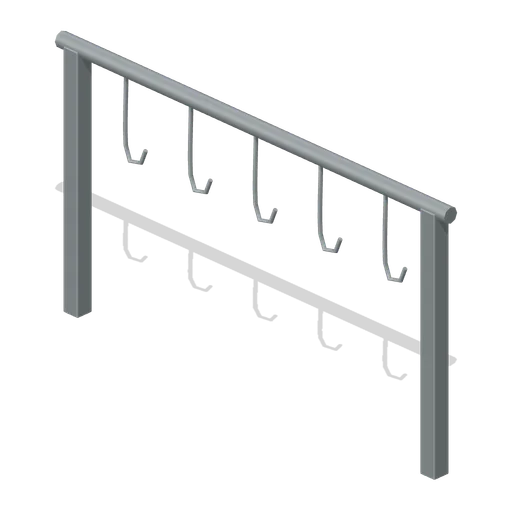
Meat Hook Rail (Survival Food and Preservation)
Meat Hook Rail, an original survival prop measuring 1.20 × 0.67 × 0.05 m.

Hanging Gear Rail (Wilderness Survival Camp)
Hanging Gear Rail: original weathered survival equipment with explicit construction and metre-scale dimensions.
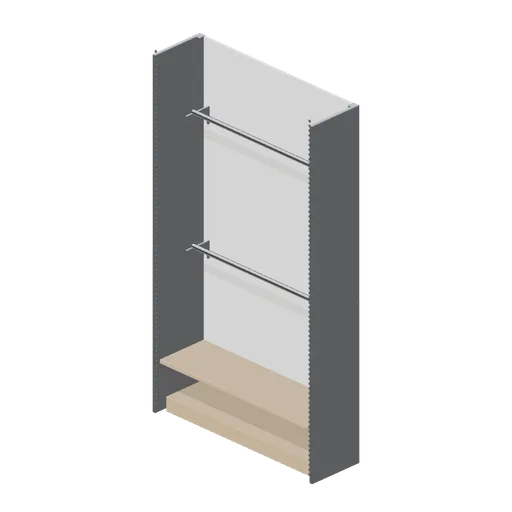
Perimeter wall bay with hanging rails (Retail Store Fixtures and Mall)
A 1.35 m perimeter bay fitted for hanging stock: two full-width chrome rails on cantilever brackets over a kick plinth, with a back panel and a top shelf.