Loading model
About
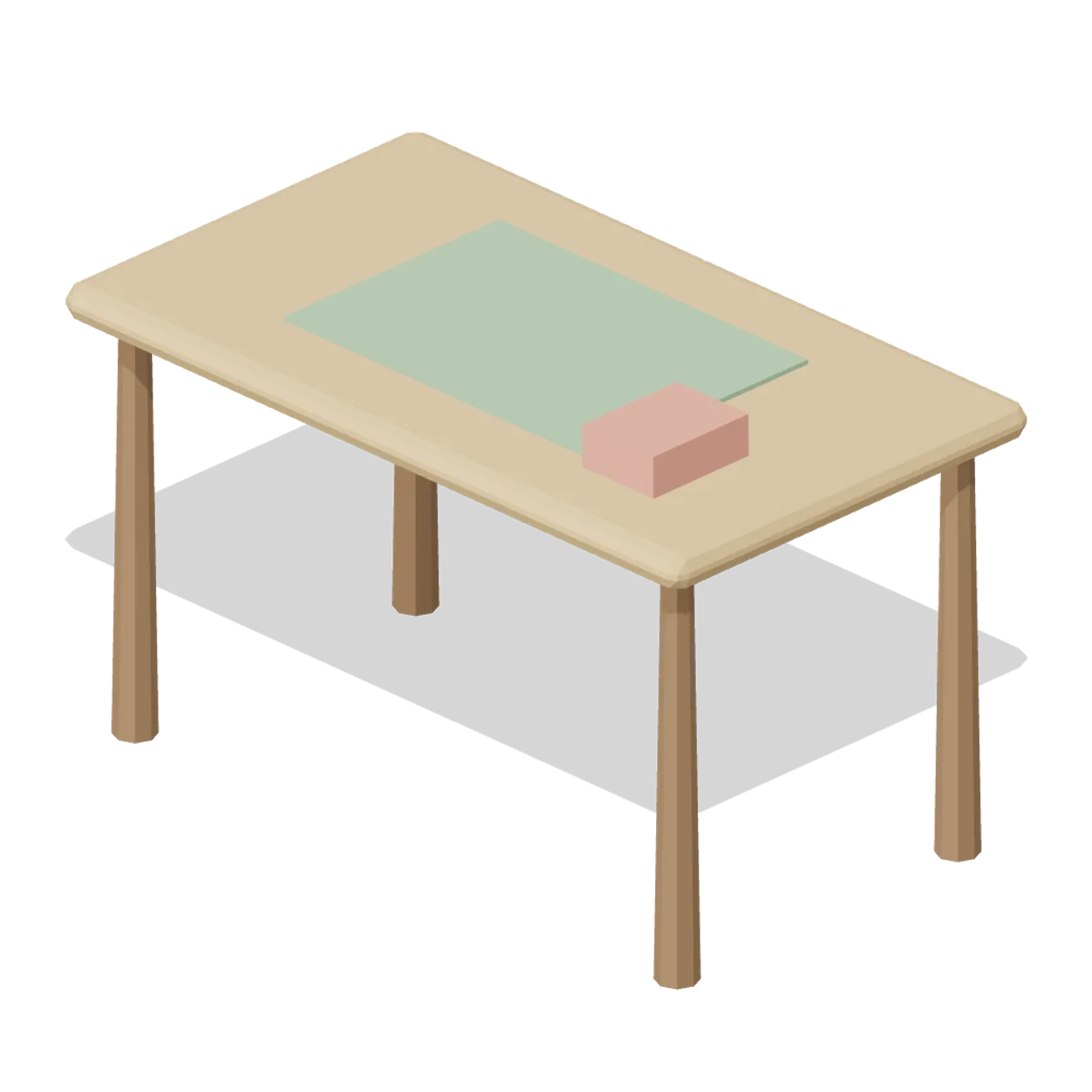
Craft worktable with cutting mat and a supply box. Dimensions 1.30 x 0.82 x 0.75 m (X x Y x Z). Origin at the footprint centre on the floor. Metres, +Y up, +Z front. Hearth stylized palette, flat colours, no textures. Static geometry; no rig, collision or navigation data.
Use with an AI agent
Copy this prompt into your AI chat, then describe what you want to build with the asset.
Use the “Craft Table (Cozy Home Interiors)” asset in my project.

Model: https://cdn.3dassets.dev/assets/17210/v1/model.glb
Asset page: https://3dassets.dev/assets/cozy-home-interiors-craft-table-eb316715
Description: Craft worktable with cutting mat and a supply box.

- Dimensions (X × Y × Z): 1.3 × 0.82 × 0.75 metres
- Triangles: 244
- Animations: none
- Licence: CC0 1.0 Universal (https://creativecommons.org/publicdomain/zero/1.0/)
- Loading: Three.js GLTFLoader; no additional decoders required.
Also available as JSON, Markdown, or via the MCP server.
Import manually
Choose your framework, then copy the code into your project to load the asset.
import { GLTFLoader } from 'three/addons/loaders/GLTFLoader.js'

const loader = new GLTFLoader()
loader.load('https://cdn.3dassets.dev/assets/17210/v1/model.glb', (gltf) => {
  scene.add(gltf.scene)
})
Common questions
How do I use Craft Table (Cozy Home Interiors) with my AI development tools?
How do I get started?
Which game engines and tools can I use Craft Table (Cozy Home Interiors) with?
How do I import this model into Unity, Godot, Unreal or Blender?
Can I use Craft Table (Cozy Home Interiors) in a commercial game, and do I need to credit anyone?
Can I load it from the CDN instead of downloading it?
Do I need Draco, Meshopt or KTX2 to load it?
Craft Table (Cozy Home Interiors)
Craft worktable with cutting mat and a supply box.
More in Props & Furniture
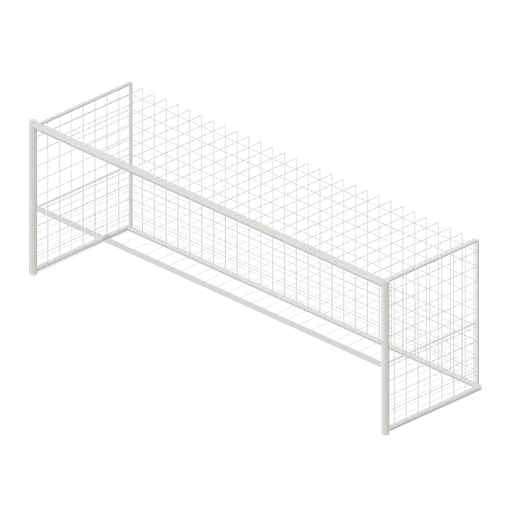
Full size open net soccer goal (Football Soccer Stadium and Club Grounds)
Goal with 7.32 m clear width, 2.44 m clear height, 2 m deep open cord net and tubular frame.
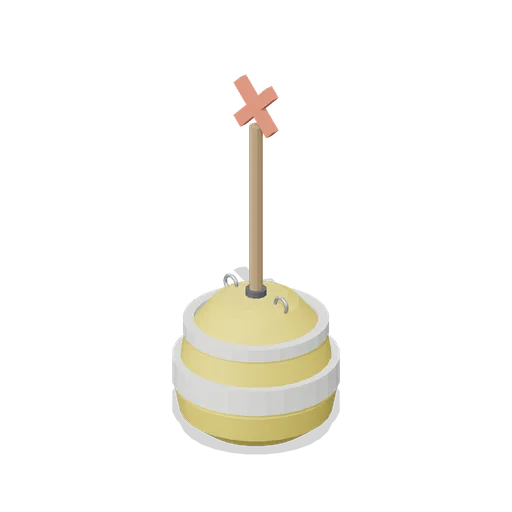
Swim Zone Buoy Orange (Beach Surf and Paddle Kit)
Sun yellow variant of the swim zone marker buoy with a coral cross topmark.
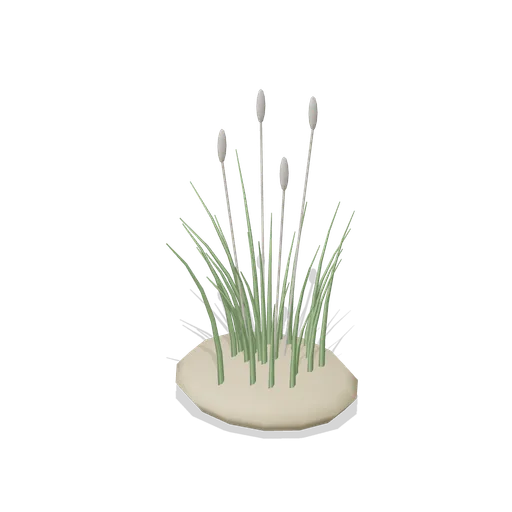
Dune Grass Tuft (Beach Surf and Paddle Kit)
Marram dune grass tuft: 26 tapered curling blades and four seed heads rising from a low sand mound.
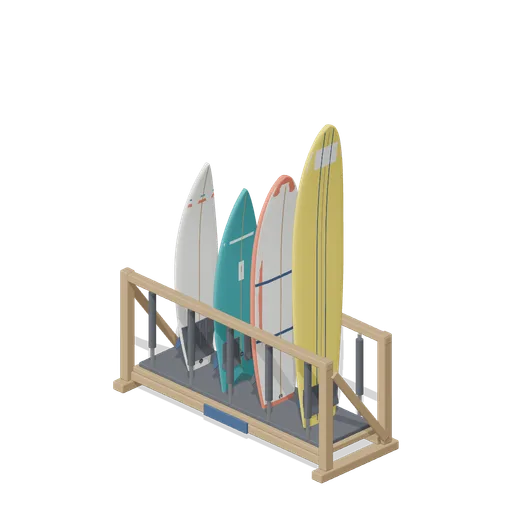
Stocked Surfboard Rack (Beach Surf and Paddle Kit)
The freestanding surfboard rack stocked for hire: shortboard, fish, soft top learner and longboard standing tail down in the four slots.
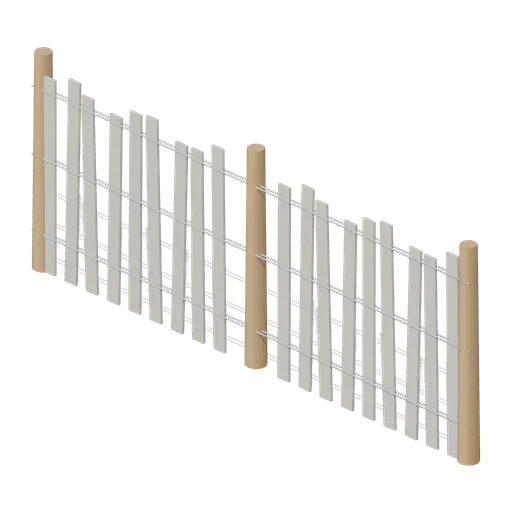
Dune Fence Run (Beach Surf and Paddle Kit)
2.6 m dune wind fence: three round timber posts, twin twisted wire lines at three heights and weathered grey slats set at slightly uneven heights.
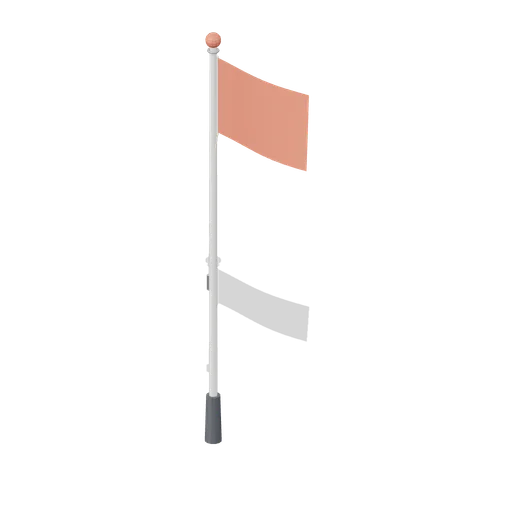
Warning Flag Pole (Beach Surf and Paddle Kit)
3.1 m warning flag pole: the patrol pole with a solid coral no swimming flag and coral finial.

Beach Umbrella (Beach Surf and Paddle Kit)
2.4 m beach umbrella: sand anchor with base plate, steel lower pole with tilt collar and knob, timber upper pole, runner and stretchers, eight steel ribs under alternating coral and foam panels with a scalloped valance, vent cap and finial.
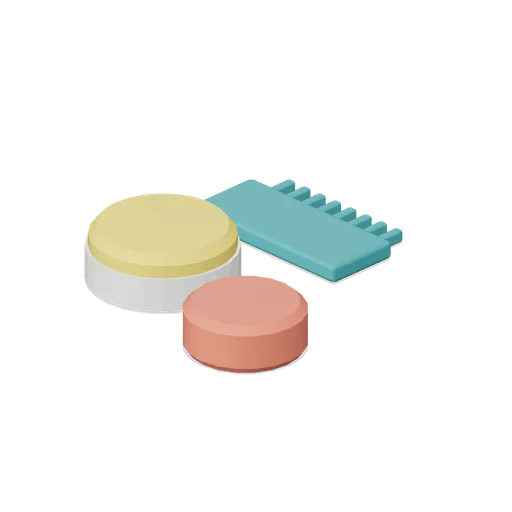
Surf Wax Kit (Beach Surf and Paddle Kit)
Surf wax kit lying on the sand: sun yellow wax puck in a paper wrapper, a coral base coat bar and a toothed teal wax comb.
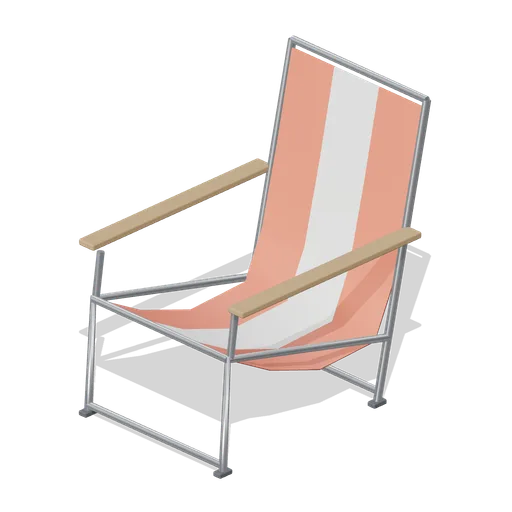
Folding Beach Chair (Beach Surf and Paddle Kit)
Low folding beach chair: steel tube frame with feet, timber armrests and a striped coral and foam sling seat that sags into the back.
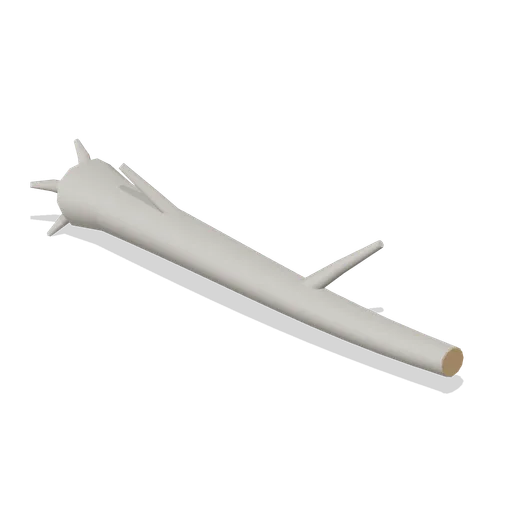
Driftwood Log (Beach Surf and Paddle Kit)
2.8 m weathered driftwood log: twisted tapering trunk, two branch stubs, a splayed root end and one sawn end showing the grain.

Lifeguard Megaphone (Beach Surf and Paddle Kit)
Handheld lifeguard megaphone resting on its grip: coral flared bell with grille, battery housing, pistol grip and trigger, siren switch and carry strap.
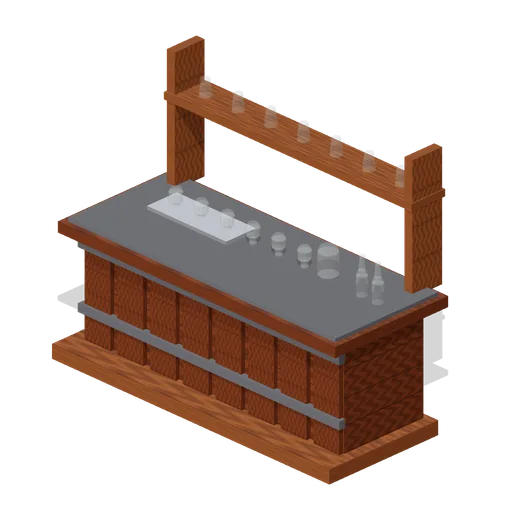
Visitor Tasting Counter (Distillery and Bonded Warehouse)
Visitor tasting counter 2.8 x 1.1 m and 1.8 m to the back shelf: a cask staved oak front with iron bands, a plank top, six nosing glasses on a tray, a water jug, two unlabelled bottles and seven more glasses upended on the shelf behind. Nothing carries a label.
Similar assets
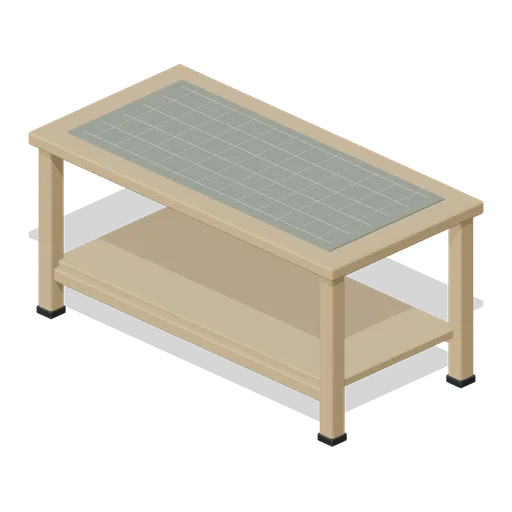
Sheet Cutting Table (Bookbinding and Paper Mill)
Sturdy cutting table with cross-braced timber legs, lower storage shelf and ruled felt cutting mat.
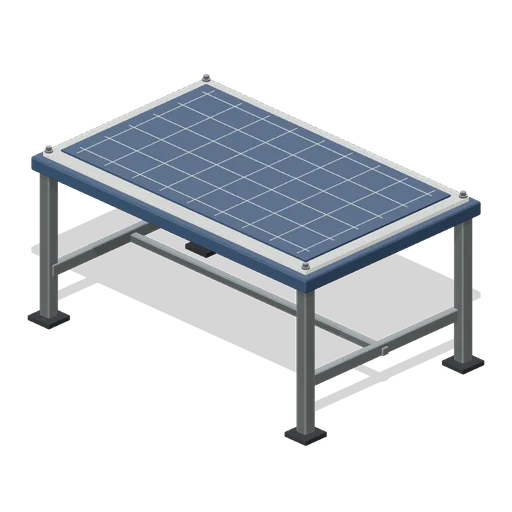
Fabric Cutting Table (Spacecraft Parachute Packing Hall)
Braced cutting table with inset gridded cutting mat and complete surface edging.

Cutting table with rule and shears (Dry Cleaners and Alterations Shop)
A 2.2 m by 1.1 m beech cutting table on a braced steel frame, with a steel rule and proud division ticks let into the near edge, shears with two ground blades and two bows lying open on it, a cut length under a chalked pattern and four bolts racked underneath.
 Animated
Profile cutting table (Shipyard and Dry Dock)
A 4 m by 2 m downdraught cutting table with a slatted bed, a bridge gantry on rails carrying the torch head and its height sensor, a drive cabinet and a swing arm control screen. The gantry traverses the table.
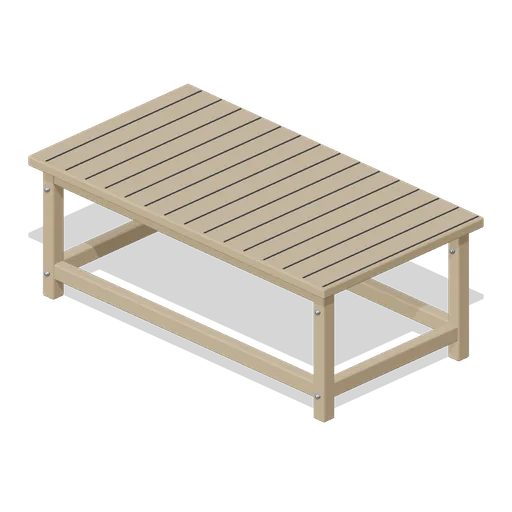
Cutting Table (Textile Weaving and Dye Workshop)
Large ash cutting table with thick plank top, lower stretchers, four pegged legs and subtly separated plank seams.
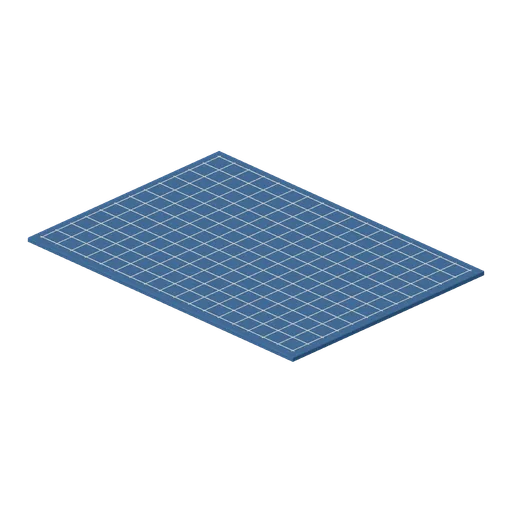
Cutting Mat (Textile Weaving and Dye Workshop)
Indigo cutting mat with low bevelled perimeter and modeled fine square measurement grid without printed numbers.
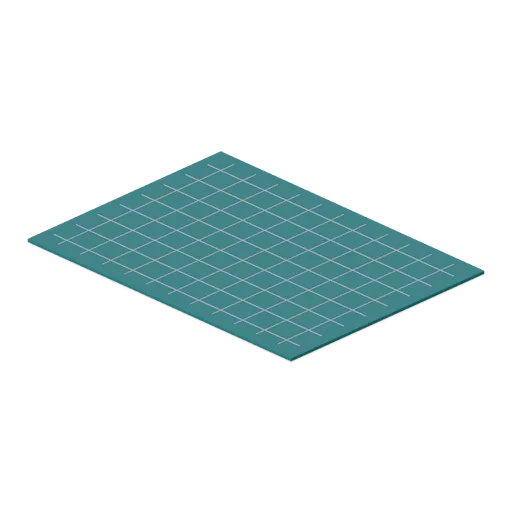
Cutting Mat (Tabletop Hobby Store and Club)
Three-millimetre teal cutting mat with modeled fine grid lines at true desktop scale.

Table Football Table (Laser Tag Arena and Activity Centre)
A 1.45 m table football table: a birch cabinet on square feet with a lime playfield and capping rail, eight chromed rods with turned handles, and twenty four moulded players in red and cyan down them.

Children's Craft Table (Village Hall and Community Events)
A 1.2 m children's craft table at 560 mm: a yellow top on a folding frame with five sheets of paper, three pots of coloured pens, a glue pot and a pair of scissors on it.
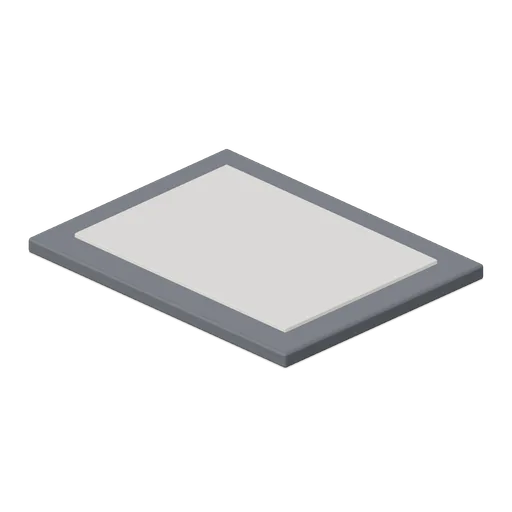
Window Cutting Mat With Replaceable Insert (Marquetry and Veneer Inlay Workshop)
Cutting mat with a replaceable centre insert seated flush; insert lifts clear.
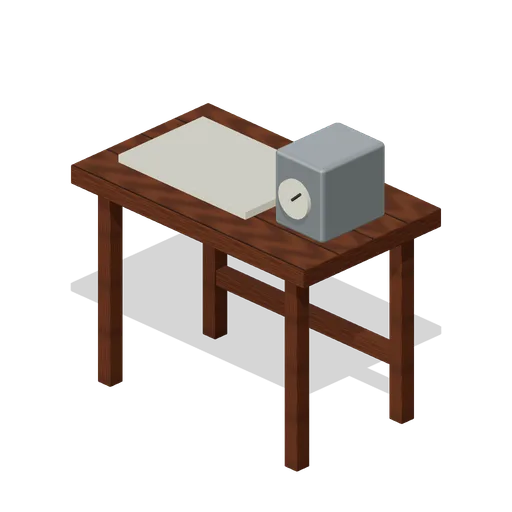
Component Analysis Table (Research and Crafting Progression)
Component Analysis Table, an original survival prop measuring 1.10 × 1.08 × 0.65 m.
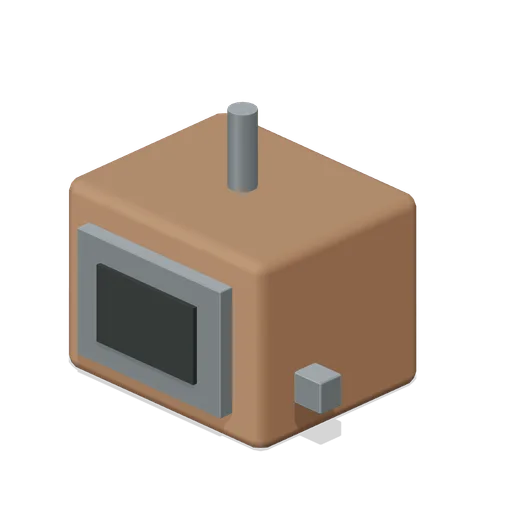
Heat Treatment Box (Research and Crafting Progression)
Heat Treatment Box, an original survival prop measuring 0.67 × 0.59 × 0.50 m.