
Loading model
About
The check-in counter module as a 0.76 m accessible bay with an open knee recess, a lowered worktop, levelling feet and a rear support rail. Metre units, +Y up, the user side toward +Z, resting on y=0. Connectors counter-left and counter-right of type counter-run. Static geometry; no rig, collision or navigation data.
Use with an AI agent
Copy this prompt into your AI chat, then describe what you want to build with the asset.
Use the “Check-in desk module, accessible bay (Hotel and Resort Operations)” asset in my project.

Model: https://cdn.3dassets.dev/assets/25853/v1/model.glb
Asset page: https://3dassets.dev/assets/hotel-and-resort-operations-check-in-desk-accessible-a0a2acbf
Description: The check-in counter module as a 0.76 m accessible bay with an open knee recess, a lowered worktop, levelling feet and a rear support rail.

- Dimensions (X × Y × Z): 0.606 × 0.76 × 0.71 metres
- Triangles: 696
- Animations: none
- Licence: CC0 1.0 Universal (https://creativecommons.org/publicdomain/zero/1.0/)
- Loading: Three.js GLTFLoader; no additional decoders required.
Also available as JSON, Markdown, or via the MCP server.
Import manually
Choose your framework, then copy the code into your project to load the asset.
import { GLTFLoader } from 'three/addons/loaders/GLTFLoader.js'

const loader = new GLTFLoader()
loader.load('https://cdn.3dassets.dev/assets/25853/v1/model.glb', (gltf) => {
  scene.add(gltf.scene)
})
Common questions
How do I use this model with my AI development tools?
How do I get started?
Which game engines and tools can I use this model with?
How do I import this model into Unity, Godot, Unreal or Blender?
Can I use this model in a commercial game, and do I need to credit anyone?
Can I load it from the CDN instead of downloading it?
Do I need Draco, Meshopt or KTX2 to load it?
Check-in desk module, accessible bay (Hotel and Resort Operations)
The check-in counter module as a 0.76 m accessible bay with an open knee recess, a lowered worktop, levelling feet and a rear support rail.
More in Props & Furniture
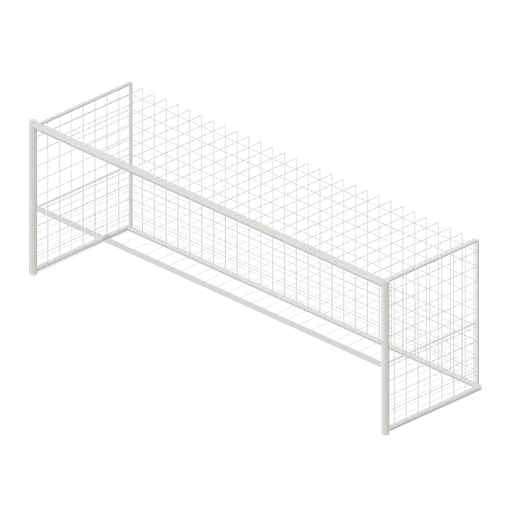
Full size open net soccer goal (Football Soccer Stadium and Club Grounds)
Goal with 7.32 m clear width, 2.44 m clear height, 2 m deep open cord net and tubular frame.
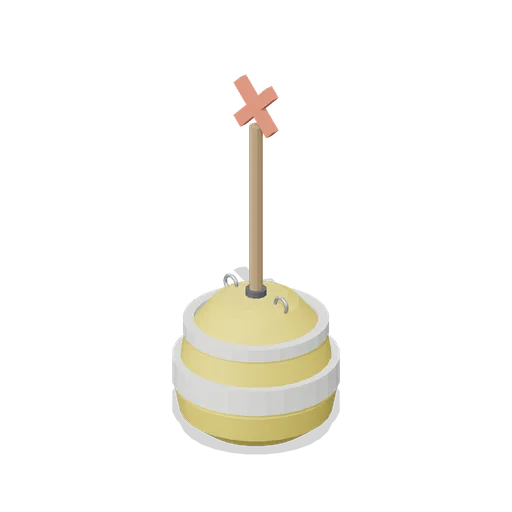
Swim Zone Buoy Orange (Beach Surf and Paddle Kit)
Sun yellow variant of the swim zone marker buoy with a coral cross topmark.
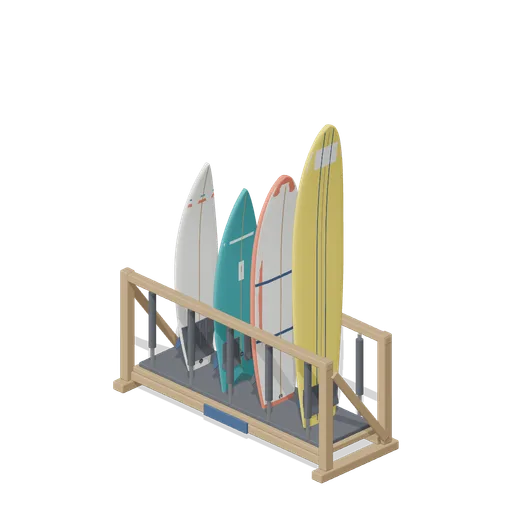
Stocked Surfboard Rack (Beach Surf and Paddle Kit)
The freestanding surfboard rack stocked for hire: shortboard, fish, soft top learner and longboard standing tail down in the four slots.
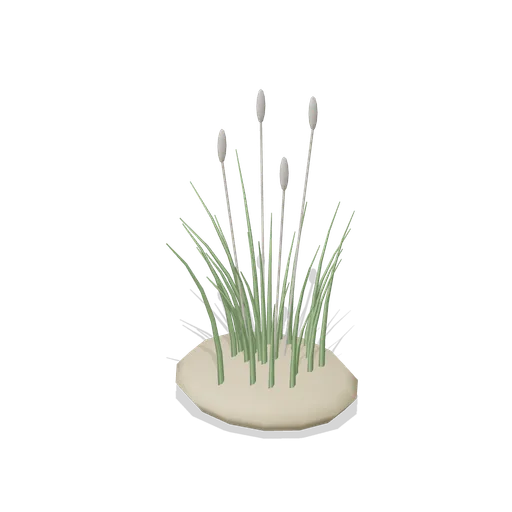
Dune Grass Tuft (Beach Surf and Paddle Kit)
Marram dune grass tuft: 26 tapered curling blades and four seed heads rising from a low sand mound.
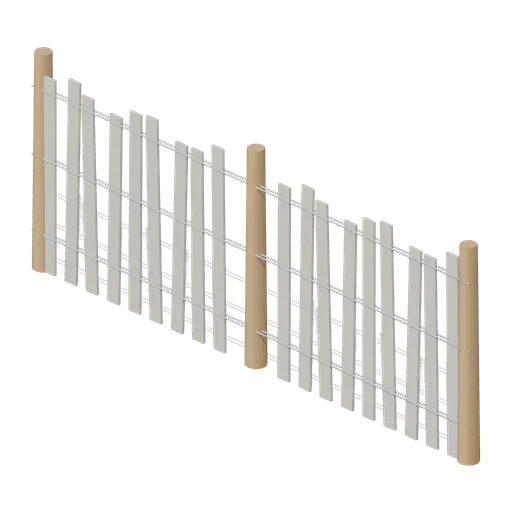
Dune Fence Run (Beach Surf and Paddle Kit)
2.6 m dune wind fence: three round timber posts, twin twisted wire lines at three heights and weathered grey slats set at slightly uneven heights.
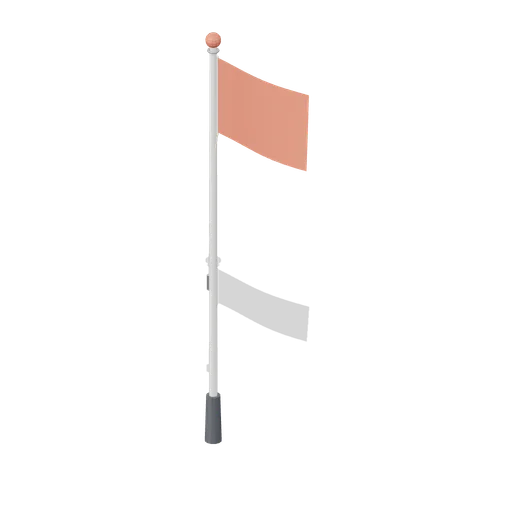
Warning Flag Pole (Beach Surf and Paddle Kit)
3.1 m warning flag pole: the patrol pole with a solid coral no swimming flag and coral finial.
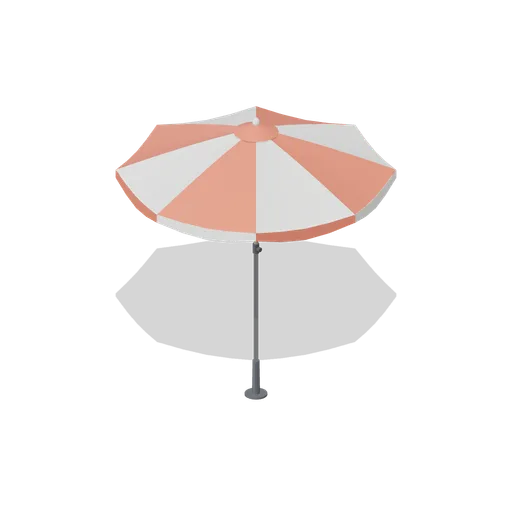
Beach Umbrella (Beach Surf and Paddle Kit)
2.4 m beach umbrella: sand anchor with base plate, steel lower pole with tilt collar and knob, timber upper pole, runner and stretchers, eight steel ribs under alternating coral and foam panels with a scalloped valance, vent cap and finial.
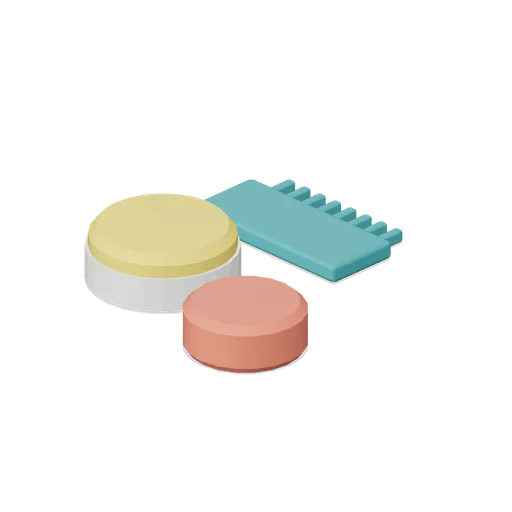
Surf Wax Kit (Beach Surf and Paddle Kit)
Surf wax kit lying on the sand: sun yellow wax puck in a paper wrapper, a coral base coat bar and a toothed teal wax comb.
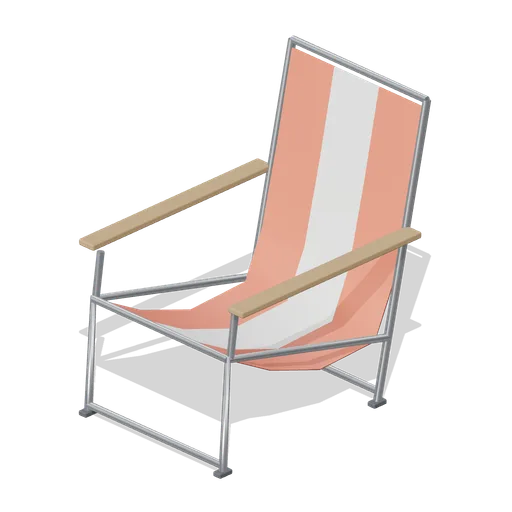
Folding Beach Chair (Beach Surf and Paddle Kit)
Low folding beach chair: steel tube frame with feet, timber armrests and a striped coral and foam sling seat that sags into the back.
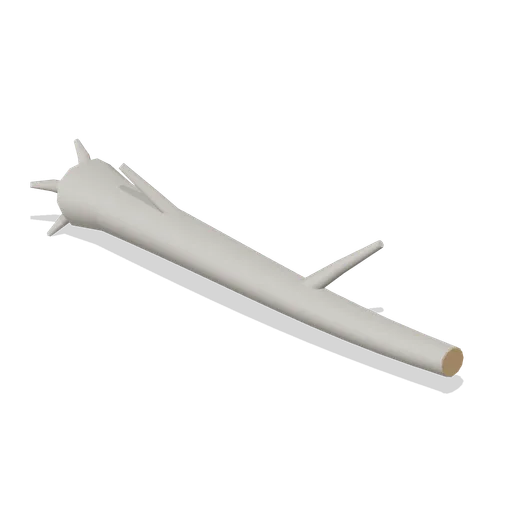
Driftwood Log (Beach Surf and Paddle Kit)
2.8 m weathered driftwood log: twisted tapering trunk, two branch stubs, a splayed root end and one sawn end showing the grain.
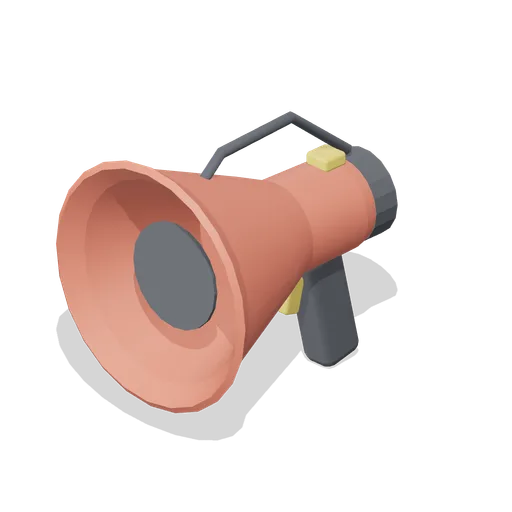
Lifeguard Megaphone (Beach Surf and Paddle Kit)
Handheld lifeguard megaphone resting on its grip: coral flared bell with grille, battery housing, pistol grip and trigger, siren switch and carry strap.
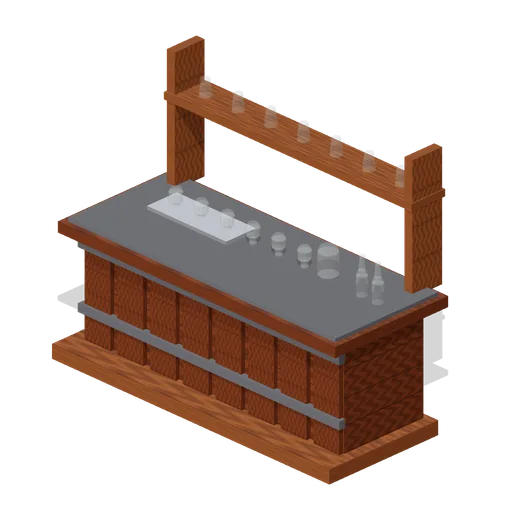
Visitor Tasting Counter (Distillery and Bonded Warehouse)
Visitor tasting counter 2.8 x 1.1 m and 1.8 m to the back shelf: a cask staved oak front with iron bands, a plank top, six nosing glasses on a tray, a water jug, two unlabelled bottles and seven more glasses upended on the shelf behind. Nothing carries a label.
Similar assets
 Animated
Check-in desk module (Hotel and Resort Operations)
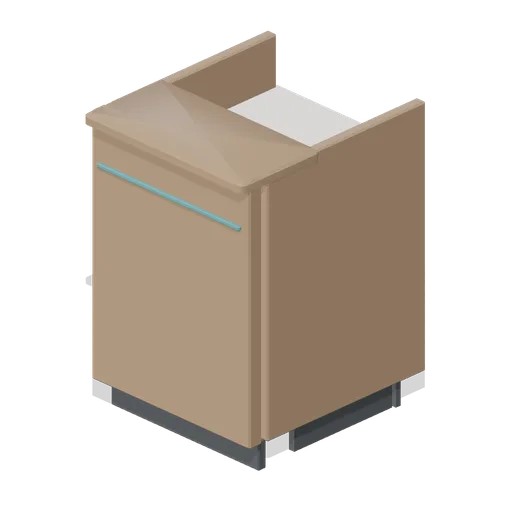
A 0.6 m check-in counter module on the 0.9 m guest-top grid, 0.7 m deep: a timber fascia on a recessed plinth with an accent shadow line, a bullnose guest ledge, a staff worktop at 0.74 m and a named pivoted till drawer behind.
Front counter module 600 (Fast Food Counter and Drive-Thru)
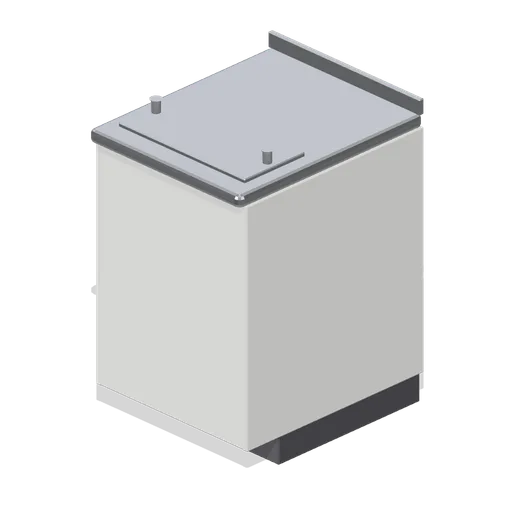
A 600 mm front counter module on the 900 mm counter grid: laminate customer fascia with an accent reveal, recessed kick, stainless bullnose top with a rear upstand, crew-side wire shelf and a bag rail on the top.
 Animated
Front counter flap module (Fast Food Counter and Drive-Thru)
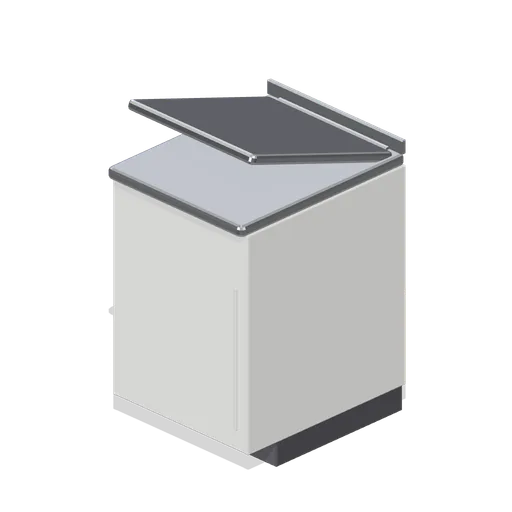
A 600 mm counter module with a lift-up worktop flap and a half-height swing gate below it, so crew can cross the counter line.
 Animated
Front counter flap module, flap raised (Fast Food Counter and Drive-Thru)
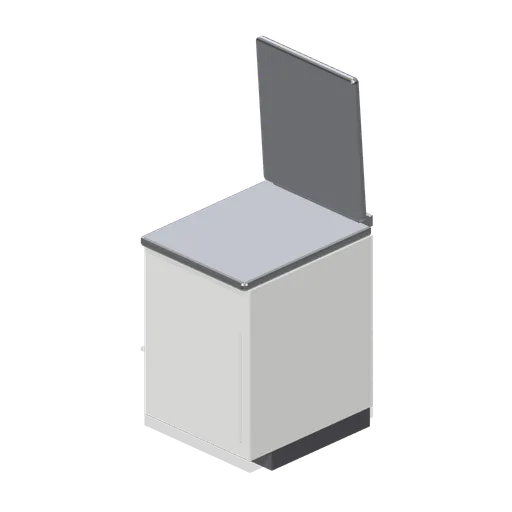
The counter flap module with the worktop flap swung up on its rear hinge, showing the crew crossing open.
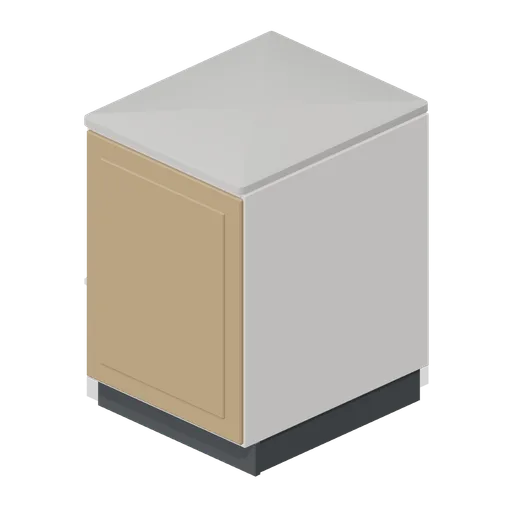
Counter module 600 (Cafe, Bakery and Coffee Bar)
A 600 mm cafe counter module on the stream counter-run grid: a recessed 100 mm plinth, a panelled timber customer face with a shaker inset, an open staff-side bay with a working shelf and a stone top with a bullnose front edge at 900 mm.
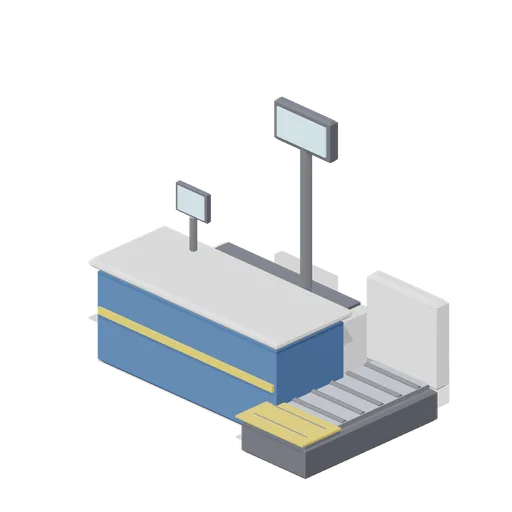
Check In Desk (Airport Terminal and Ground Operations)
Staffed check-in desk module: a counter with a raised worktop and rub rail, a back cabinet, an inline baggage belt with a roller bed and weigh plate, an agent screen and an overhead double-sided desk number panel.
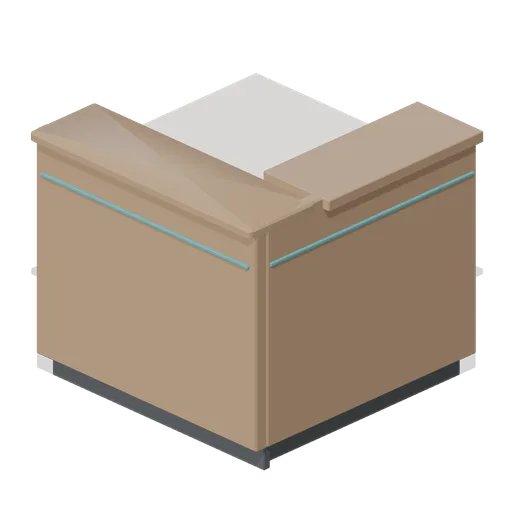
Check-in desk corner module (Hotel and Resort Operations)
A corner module for the check-in run: two fascia legs meeting on the run centrelines with a wrapped bullnose ledge, an accent shadow line on both faces, a staff worktop and three support posts.
 Animated
Refrigerated serving counter module (Butcher's Shop and Deli Counter)
A 1.2 m refrigerated serve over counter: a stainless carcass on a recessed plinth with a burgundy fascia and a brass reveal, a chilled display well, raked front glass under a flat canopy, a brass customer rail and a sliding glass access leaf on the server side.
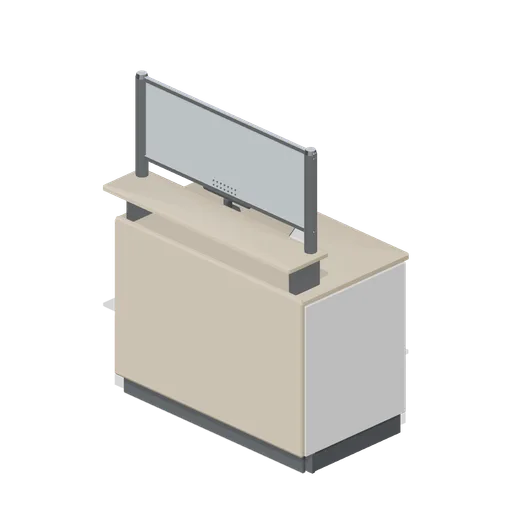
Reception desk module 1200 (Clinic and Veterinary Practice)
A 1.2 m reception counter module on the 600 mm counter-run grid: panelled carcass with a recessed plinth, postformed staff worktop, raised customer ledge on brackets and a framed glazed screen guard with a perforated speech grille.
 Animated
Dispensing counter module 600 (Clinic and Veterinary Practice)
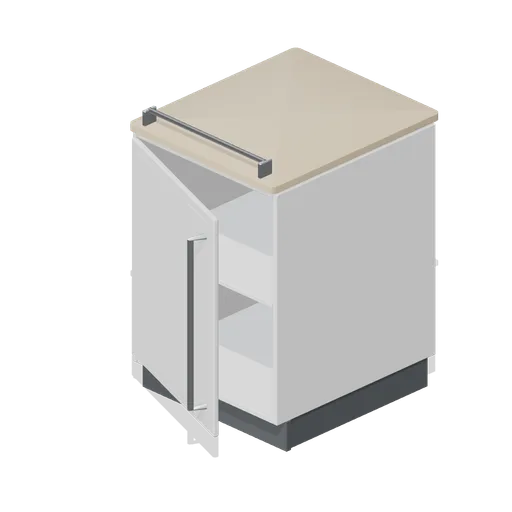
A 600 mm dispensing counter module on the counter-run grid: an 18 mm carcass on a recessed plinth with an internal shelf, a named cupboard door, a postformed 900 mm worktop and a bag rail on the front edge.
 Animated
Cash desk module 1.2 m (Retail Store Fixtures and Mall)
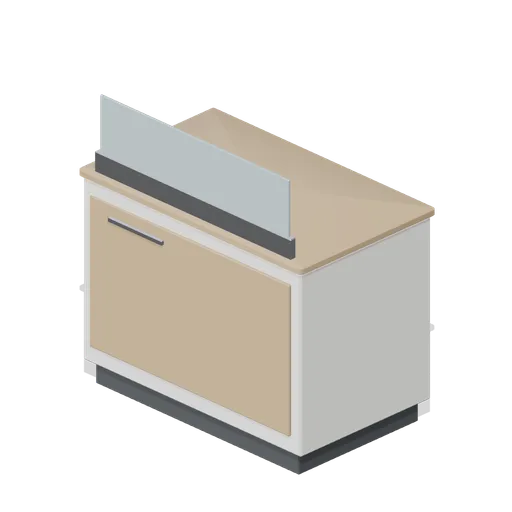
A 1.2 m cash desk module on the 600 mm counter grid: a chamfered carcass with a timber customer face, a bullnose worktop, a glazed counter guard and a named till drawer.
Reception desk module, 1.2 m (Office Lobby and Building Facilities)
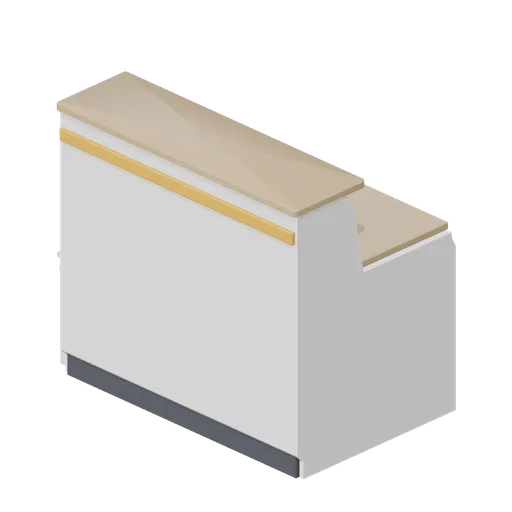
A 1.2 m straight reception desk module: a shaped counter body with a 1.1 m bullnose timber transaction top, a 750 mm working top with a cable grommet, an accent reveal, a recessed kick and a bracketed under-counter shelf.