Loading model
About
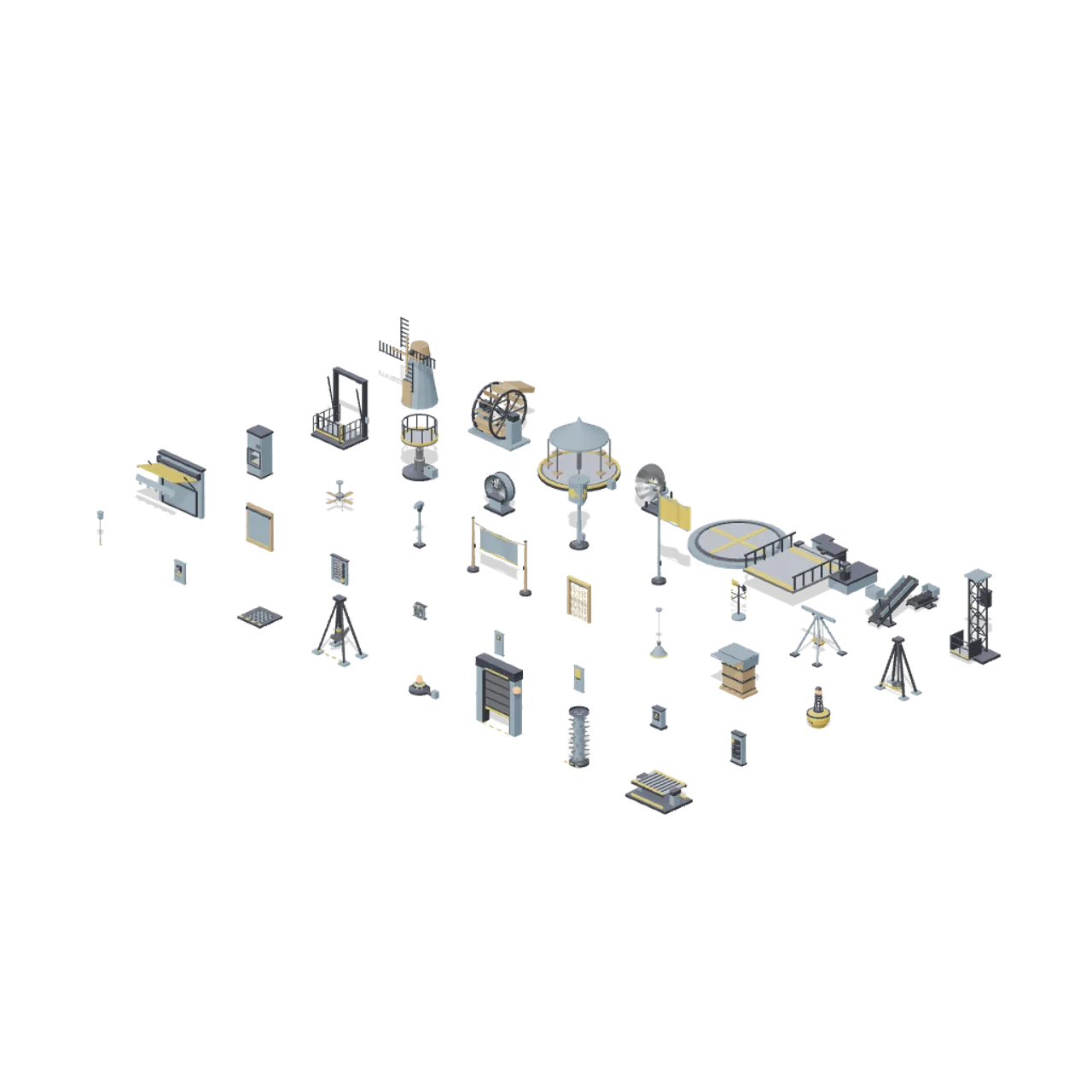
Every rotating fixture, switch, hanging fitting and hazard in the kit laid out on a 6.4 m grid at real scale, five rows deep, so relative size and rest pose can be compared side by side. Large turning fixtures sit along the back, controls and hazards along the front.
Use with an AI agent
Copy this prompt into your AI chat, then describe what you want to build with the asset.
Use the “Fixtures and motion yard (Animated Mechanisms Kit)” asset in my project.

Model: https://cdn.3dassets.dev/assets/24662/v1/model.glb
Asset page: https://3dassets.dev/assets/animated-mechanisms-kit-fixtures-and-motion-yard-0fb9c9a4
Description: Every rotating fixture, switch, hanging fitting and hazard in the kit laid out on a 6.4 m grid at real scale, five rows deep, so relative size and rest pose can be compared side by side. Large turning fixtures sit along the back, controls and hazards along the front.

- Dimensions (X × Y × Z): 48.63 × 5.98 × 29.585 metres
- Triangles: 31.0k
- Animations: none
- Licence: CC0 1.0 Universal (https://creativecommons.org/publicdomain/zero/1.0/)
- Loading: Three.js GLTFLoader; no additional decoders required.
Also available as JSON, Markdown, or via the MCP server.
Import manually
Choose your framework, then copy the code into your project to load the asset.
import { GLTFLoader } from 'three/addons/loaders/GLTFLoader.js'

const loader = new GLTFLoader()
loader.load('https://cdn.3dassets.dev/assets/24662/v1/model.glb', (gltf) => {
  scene.add(gltf.scene)
})
Common questions
How do I use this model with my AI development tools?
How do I get started?
Which game engines and tools can I use this model with?
How do I import this model into Unity, Godot, Unreal or Blender?
Can I use this model in a commercial game, and do I need to credit anyone?
Can I load it from the CDN instead of downloading it?
Do I need Draco, Meshopt or KTX2 to load it?
Fixtures and motion yard (Animated Mechanisms Kit)
Every rotating fixture, switch, hanging fitting and hazard in the kit laid out on a 6.4 m grid at real scale, five rows deep, so relative size and rest pose can be compared side by side. Large turning fixtures sit along the back, controls and hazards along the front.
More in Environments & Scenes
Departures Concourse (Airport Terminal and Ground Operations)
A 32 by 28 metre departures concourse floored on the 4 m tile grid: a row of staffed check-in desks with self-service kiosks and bag drop units behind a managed queue, three security lanes with tray return trolleys, a gate lounge of beam seating around a gate desk, retail and...
Working Fishing Harbor (Fishing Harbour and Boats)
A complete miniature harbor with tackle shop, open boathouse, joined quay and piers, moored cabin launch, market, and fishing activity.
Lunar Colony Overview (Moon Base Colony and Lunar Rovers)
A working surface base: two tunnel junctions link a crew habitat, an inflatable dome, an observation turret, a greenhouse, a medical module, a regolith shielded habitat, an airlock and a vehicle workshop, every mate made through the hab-port interface 2.4 m above the...
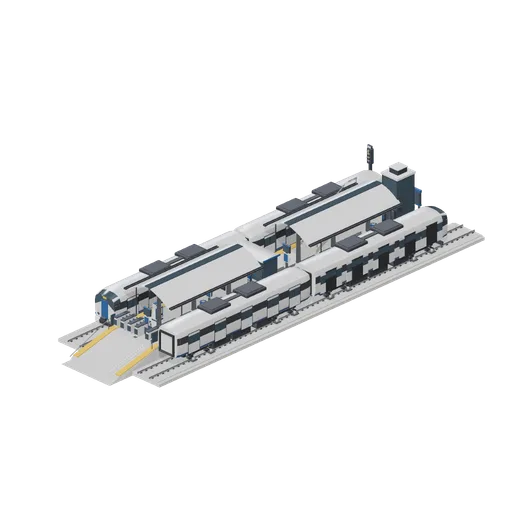
Metro station with an island platform and units at both faces (Modern Rail and Metro Network)
A two track metro station: an island platform with canopies, seating, displays, a shelter, a gate line and an end ramp, slab track each side and a two car metro unit standing at each face, one with its doors open. A glazed lift shaft and a stair flight on the deck give access...
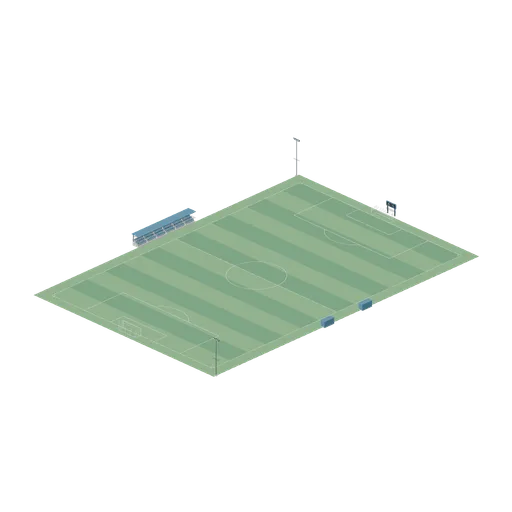
Assembled soccer club ground (Football Soccer Stadium and Club Grounds)
105 by 68 m field with correctly opposed goals, four corner flags, touchline dugouts and six seated stand bays.
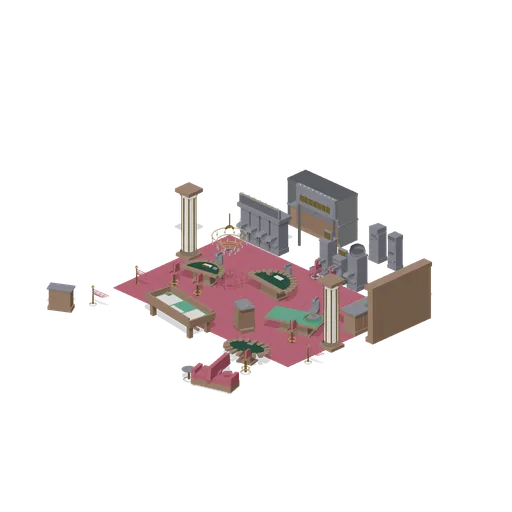
Gaming Floor (Casino Floor and Back Rooms)
Gaming floor demonstration: a pit of blackjack, roulette, craps and poker tables with dealer chairs and stools on patterned carpet, a slot bank and machine row beyond, a bar with back bar and lounge seating, rope stanchions marking the pit, and the cashier cage on the back...
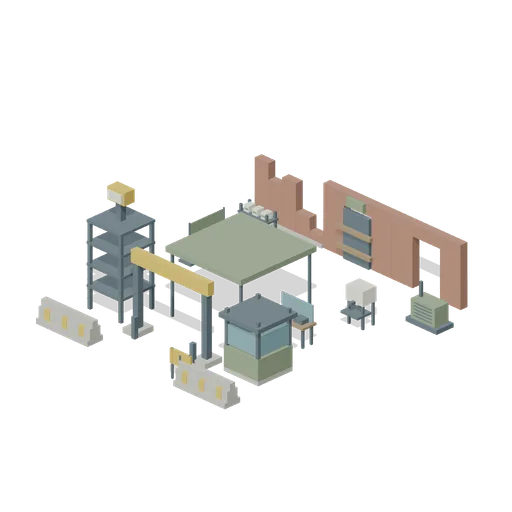
Checkpoint to Safehouse (Zombie Quarantine Streets)
A clear3m+ inspection route through a gate and canopy towards a braced safehouse, with separated triage and supplies.
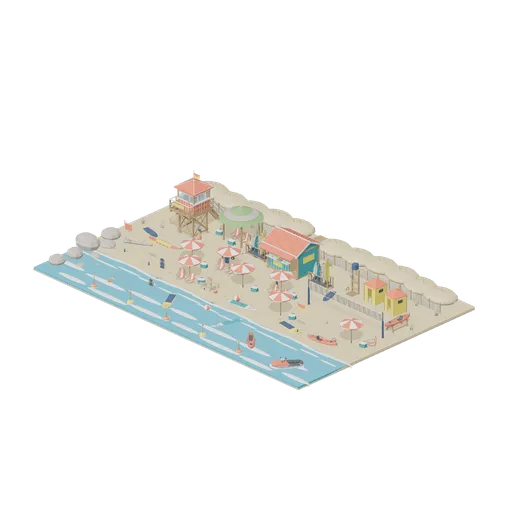
Surf Beach Cove (Beach Surf and Paddle Kit)
A busy surf beach cove: lifeguard tower and patrol flags, a hire hut with stocked board racks, shower and changing tents, sunbathers under umbrellas with towels, chairs and coolers, a volleyball court and sand castle, and paddleboards, a kayak and a jet ski inside the buoyed...
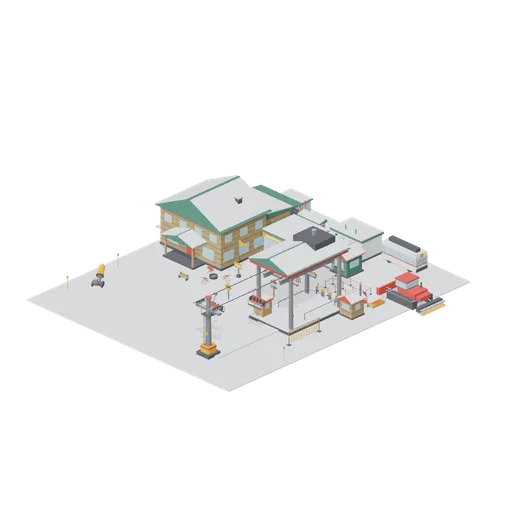
Resort Base Area (Ski Resort and Snow Park)
Base area on a 40 by 48 m tile grid: lift drive terminal with queue maze and pass gates, a 12 m cable span with two hanging chairs, lodge hall with wing, rental shop with racks, ticket office, bus stop with shuttle, groomer and slope-side furniture. Static layout; no...

Airship dock with the ship moored and the erecting shed at work (Steampunk Airship Dock and Workshop)
A working airship dock on one continuous riveted deck: a small rigid airship moored nose first to the lattice mast with its keel, gondola and two engine cars slung under the envelope, a boarding stair up to the gondola door, the boiler house and gas plant piped out along the...
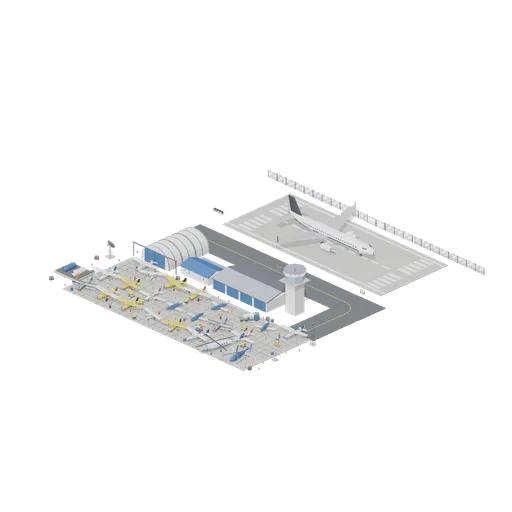
Working Airfield At Dusk (Aircraft Fleet and Airfield)
A whole general aviation airfield laid out tight as one place: a 70 metre lit runway with a threshold at each end, a parallel taxiway turning north into a twenty four bay apron, a hangar built from its arch modules and closed at both ends with a light single half out of the...
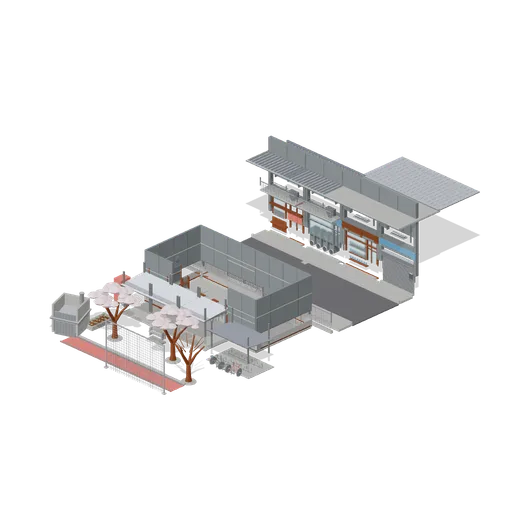
School Gate and Street (Japanese School and City Street)
A school and the street outside its gate: a four bay classroom block cut away at the front so its desks, blackboard, lockers and ceiling fan are in view, a covered walkway, bicycle shelter, cherry trees and a running track across the yard, the perimeter fence with its gate,...
Similar assets

Recycling yard ground tile, 4 m (Recycling Centre and Waste Transfer Yard)
Heavy duty concrete yard module 4 m square and 100 mm thick with saw cut joints running each way, laid so its top face is the running surface, with edge ports on all four sides so a whole transfer yard repeats from it.
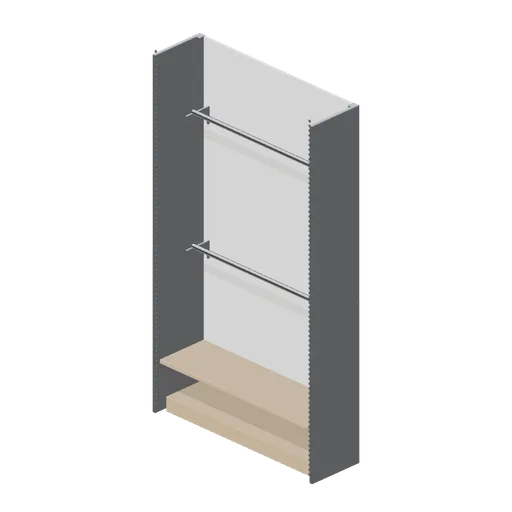
Perimeter wall bay with hanging rails (Retail Store Fixtures and Mall)
A 1.35 m perimeter bay fitted for hanging stock: two full-width chrome rails on cantilever brackets over a kick plinth, with a back panel and a top shelf.
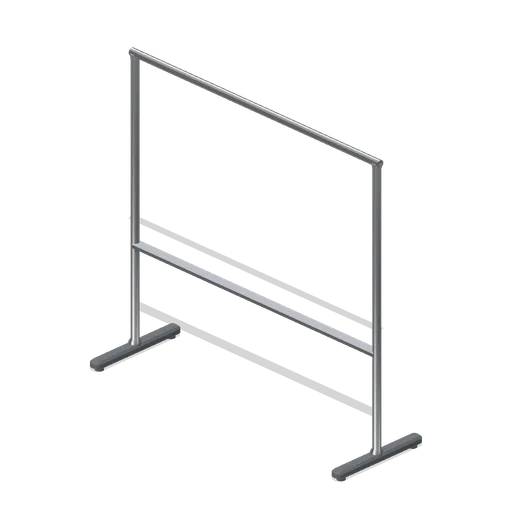
Straight hanging rail (Retail Store Fixtures and Mall)
A 1.5 m straight garment rail: a chrome hanging tube on two turned posts and cast T feet with levelling glides, at 1.4 m hanging height.
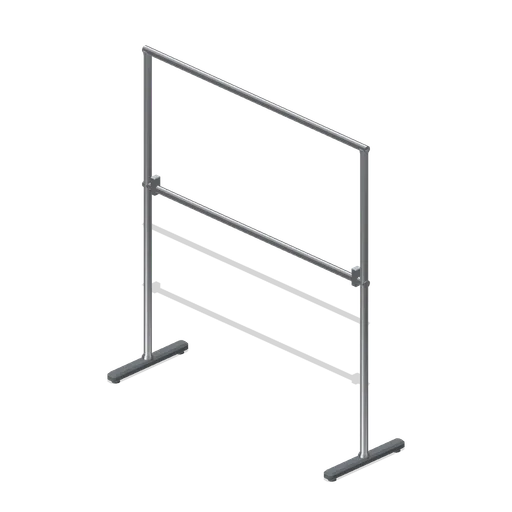
Two-tier hanging rail (Retail Store Fixtures and Mall)
A double-hang garment rail: two chrome tubes at 1.65 m and 0.95 m on a pair of posts with cast T feet, doubling the hanging capacity of a single-rail footprint.
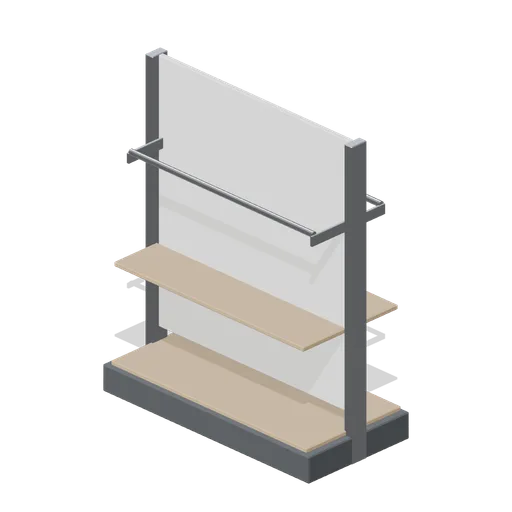
Mid-floor gondola with hanging rails (Retail Store Fixtures and Mall)
The mid-floor gondola fitted for apparel: a chrome hanging rail each side under a top folding shelf, over the same plinth base deck.
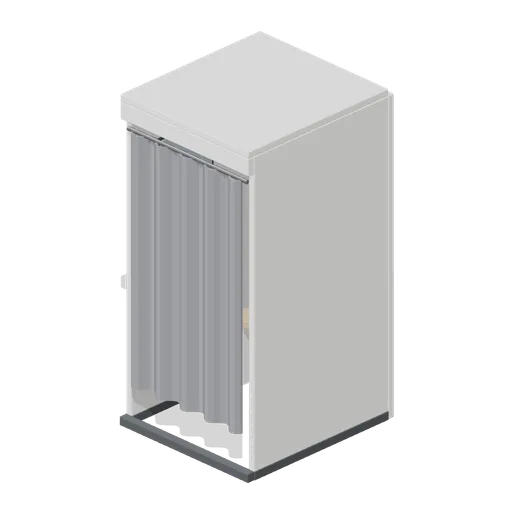
Curtain fitting room cubicle (Retail Store Fixtures and Mall)
A curtained fitting room cubicle: the same three-wall shell with a curved chrome track and a gathered curtain hanging in folds, instead of a hinged door.
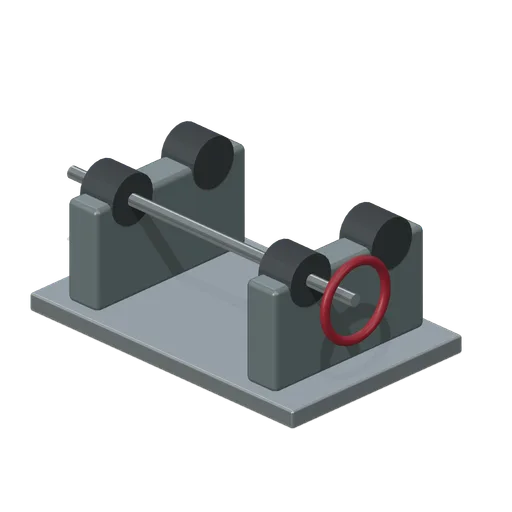
Bench Mounted Carrier Rotation Fixture (Pneumatic Tube Mail Exchange)
Twin roller rotation fixture with four seated rollers, common shaft and handwheel for a horizontal carrier.
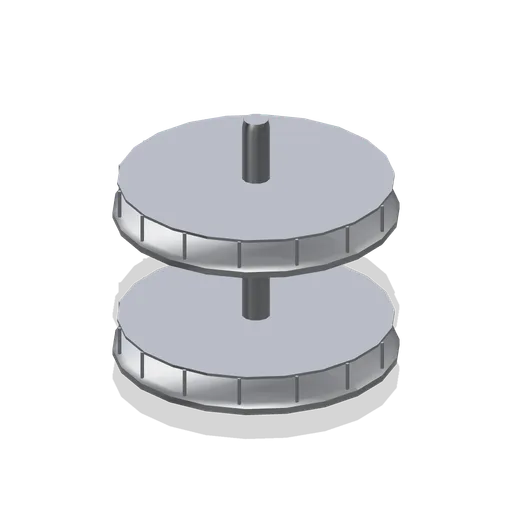
Kitchen corner carousel fitting (Fitted Kitchen and Bathroom Builder)
Two tier three quarter carousel on a centre post with wire guard rails, fitted into a 900 mm corner base.
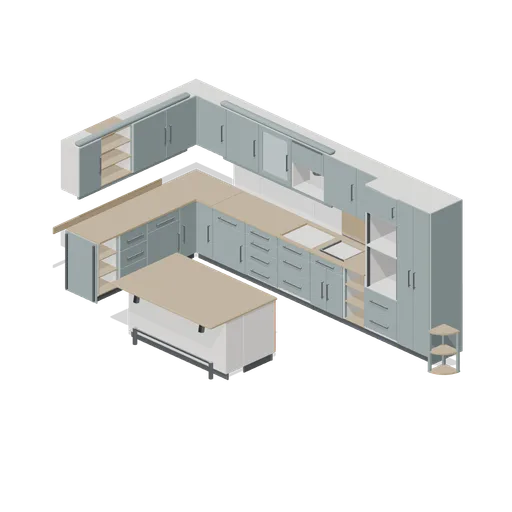
L shaped fitted kitchen with island (Fitted Kitchen and Bathroom Builder)
An L shaped fitted kitchen assembled from the pack grid: a corner base starting two base runs, a sink base, a hob cut out, a double oven housing, a wall run with a corner unit, cornice and pelmet, a splashback, and an island with a breakfast bar. All doors and drawers are...
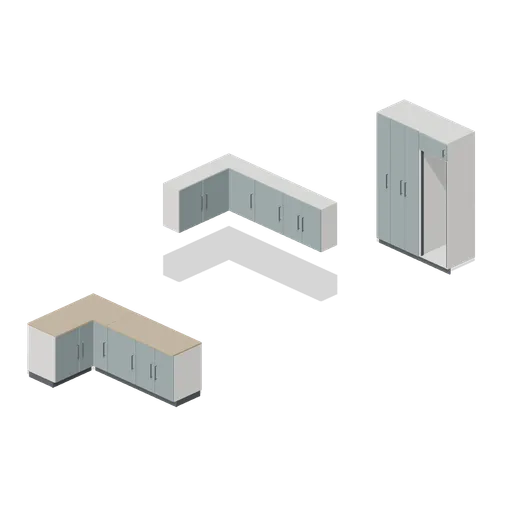
Fitted casework connector cases (Fitted Kitchen and Bathroom Builder)
Independent test assemblies proving every connector type in the pack: a straight base run, a base corner starting a returning run, a straight wall run at 1500 mm, a wall corner starting a returning run, and a straight tall run. Each pairing is asserted in the pack connections...
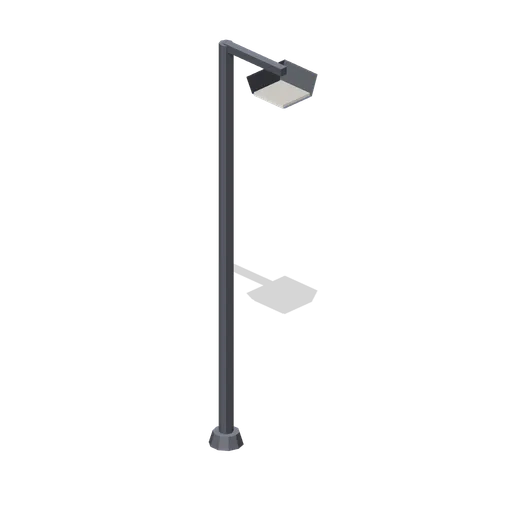
Yard Lamp (Horse Stables and Equestrian Yard)
Tall yard flood lamp on a galvanised column with a shaded head.
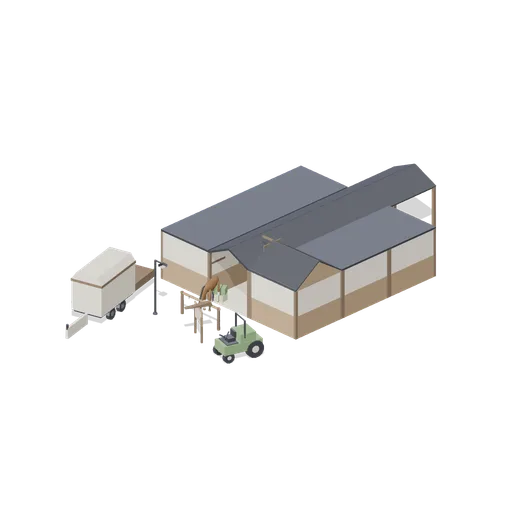
Stable Yard (Horse Stables and Equestrian Yard)
Stable yard demonstration: a four-bay aisle with stall bays either side, a tack room and wash bay, horses at the tie rail and in a stall, a muck barrow, hay bales and a trailer parked in the lane. Static layout of pack instances; no rig, collision or navigation data.